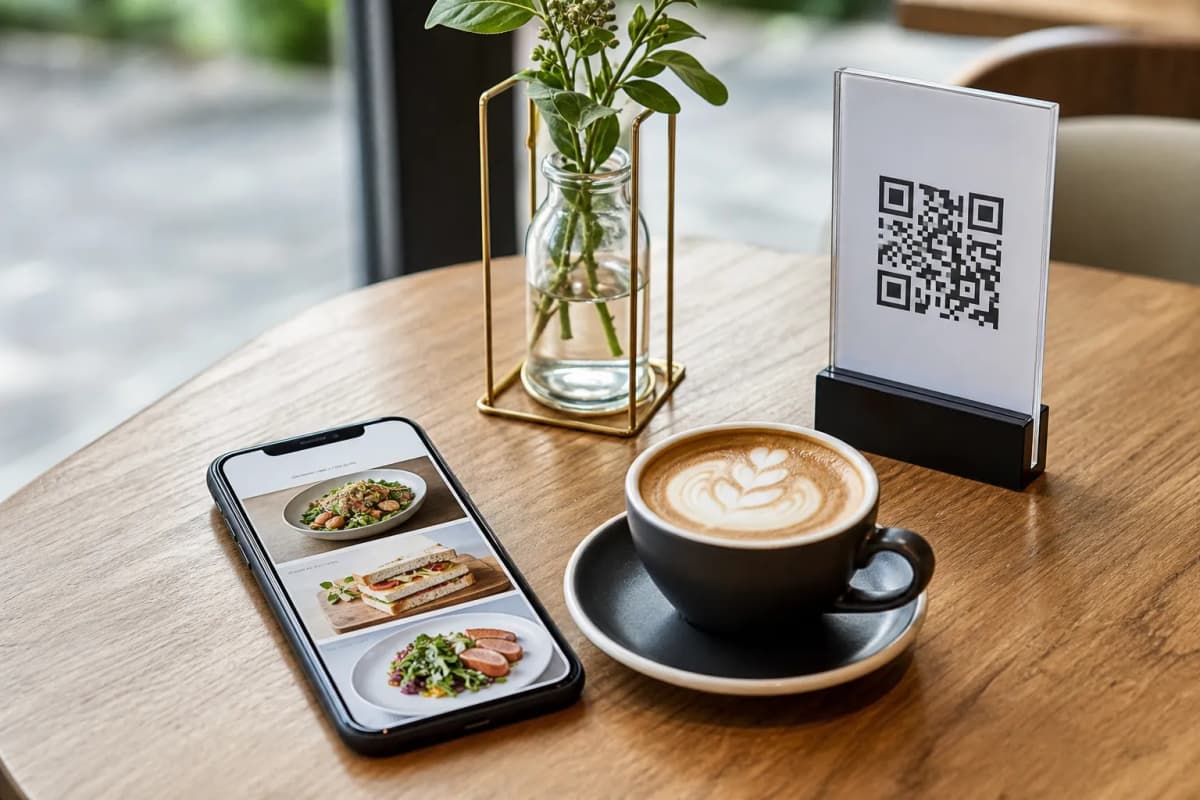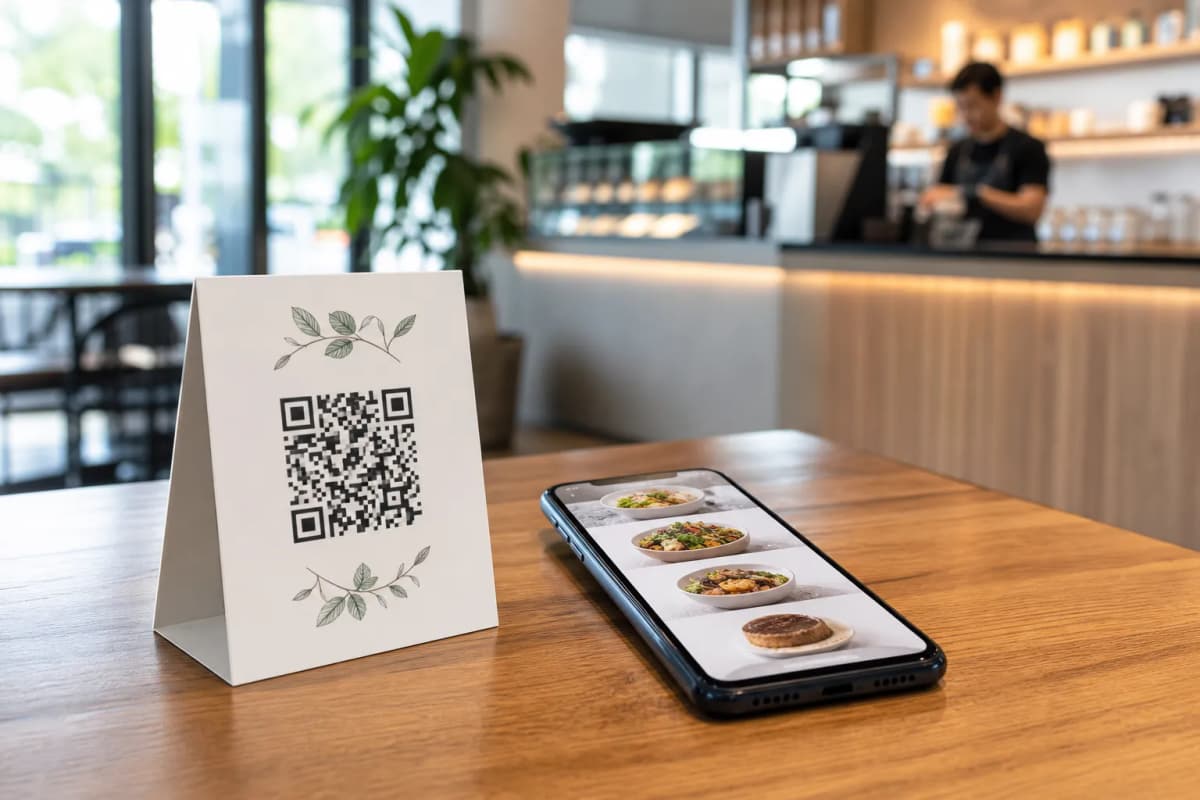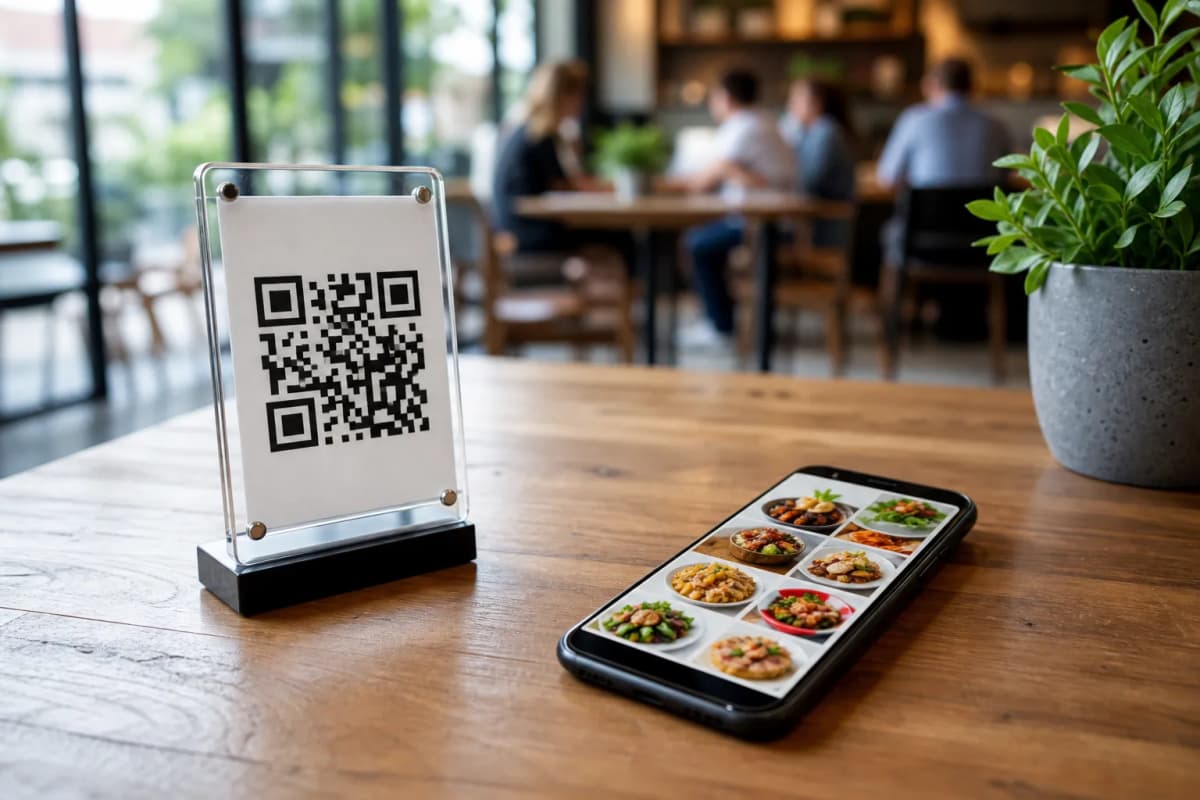
Creating a modern menu qr setup is one of the most practical steps you can take for your restaurant or cafe. Instead of printing costly paper menus that get damaged or outdated, a digital approach lets you update prices instantly and take orders directly from the table. With eMenu AI, you have a complete platform to digitize your operations without needing any technical skills.
How a Menu QR System Improves Operations
Before diving into the setup process, it helps to understand what a smart digital menu can actually do for your business. It goes far beyond simply displaying a static file on a customer's phone.
Practical Steps to Build Your Digital Menu
Setting up your new system is straightforward. You control everything from the web dashboard or directly from your smartphone. Here is how you can launch your menu today.
- Access the Platform: Start by getting your account ready. You can open eMenu AI here to access the smart link that works perfectly on iPhone, iPad, Android devices, or your computer browser.
- Add Your Dishes and Categories: Organize your items into clear sections like Starters, Mains, and Desserts. You do not need professional photography right away, because eMenu AI includes an AI food image generation tool to create beautiful, realistic images for your menu items.
- Select a Professional Design: Your menu should match your brand identity. You can browse multiple ready designs in the templates gallery. Every template is fully customizable, and custom templates can be made free on request to perfectly match your restaurant colors.
- Configure Ordering Options: Decide how you want customers to interact with your business. You can enable Table Ordering so guests send requests straight to the kitchen. You can also turn on WhatsApp Orders for live order tracking, or allow Pickup Orders for takeaway customers who want to order without making a phone call or downloading an app.
- Print Your Codes: Generate a professional, custom QR code featuring your restaurant colors and logo. Print these codes for your tables, entrance, or drive-thru windows.
Enhancing the Guest Experience
Once your basic setup is complete, you can activate built-in features that make dining at your restaurant even better. The Call Waiter function lets guests request assistance or ask for the bill with one tap from the menu. Your staff will receive an instant notification detailing the table number and the specific request.
You can also turn on the Table Reservation System, allowing customers to book a table directly through the digital menu for their next visit. Finally, activating the In-Menu Rating System helps you collect comprehensive, private feedback before the customer leaves the building. This provides you with the exact insights needed to improve your daily service.
Start Building Your Menu Today
Modernizing your restaurant does not have to be expensive or complicated. With affordable plans and a free tier available, eMenu AI gives you all the tools required to succeed. Take control of your customer experience, speed up your table turnover, and streamline your kitchen operations. Launch your digital menu now and see the immediate difference it makes for your daily business operations.