Mastering How to Reserve a Table at a Restaurant
When diners search for how to reserve a table at a restaurant, they want a fast and frictionless process. Gone are the days when calling during busy hours was the only reliable option. Today, giving your customers the ability to book a table directly from their smartphone is essential for growing your business, minimizing no-shows, and managing your dining floor efficiently.
With eMenu AI, you can easily transform your standard digital menu into a complete hospitality hub. Instead of forcing guests to download a third-party app or navigate clunky external websites, you can let them browse your delicious offerings and secure a table in seconds.
Steps to Launch Your Booking System
Setting up a reservation flow is incredibly straightforward. Here is how you can implement a smooth booking experience for your future guests.
- Step 1: Create your digital space. To begin, open eMenu AI and set up your restaurant profile. The smart link will direct you to the App Store, Google Play, or the web dashboard depending on your device. You have full control from any computer browser or mobile device.
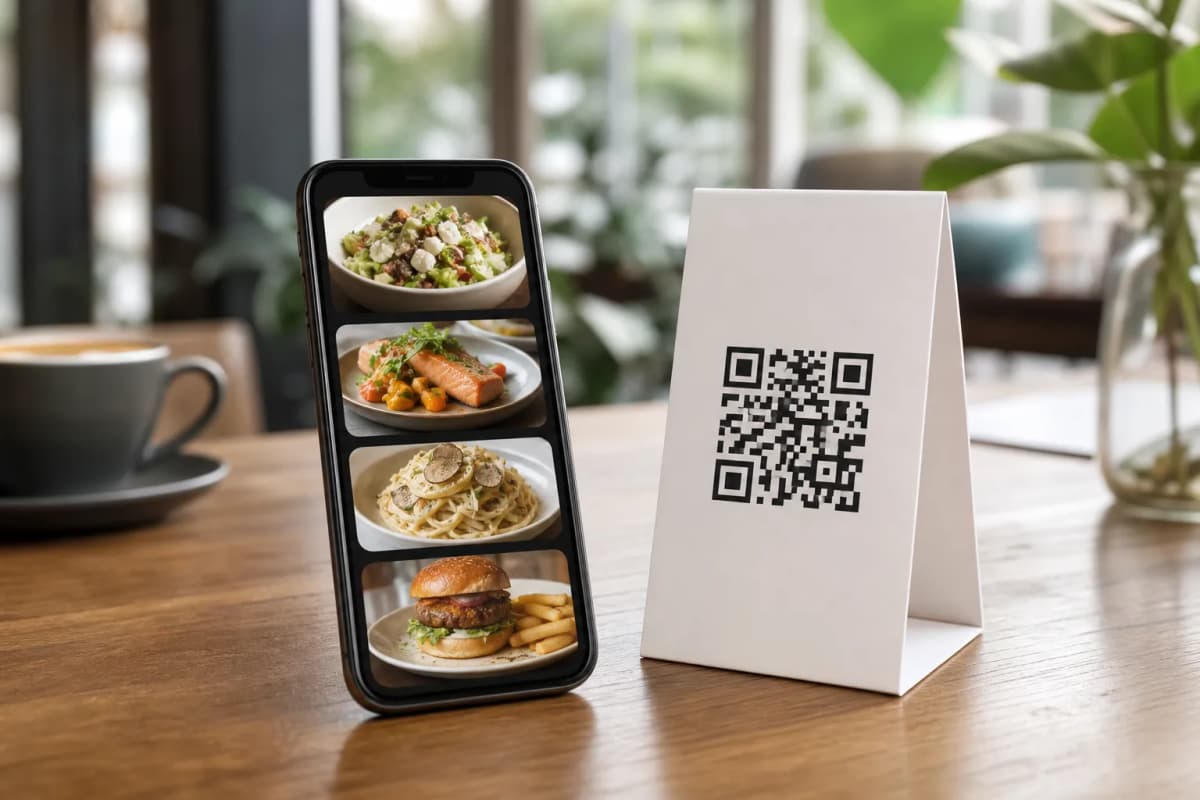
- Step 2: Design your visual menu. Choose from our multiple ready templates to perfectly match your brand. You can customize the colors, organize your menu sections, and even use our built-in AI food image generation to make your menu items look absolutely irresistible to potential diners.
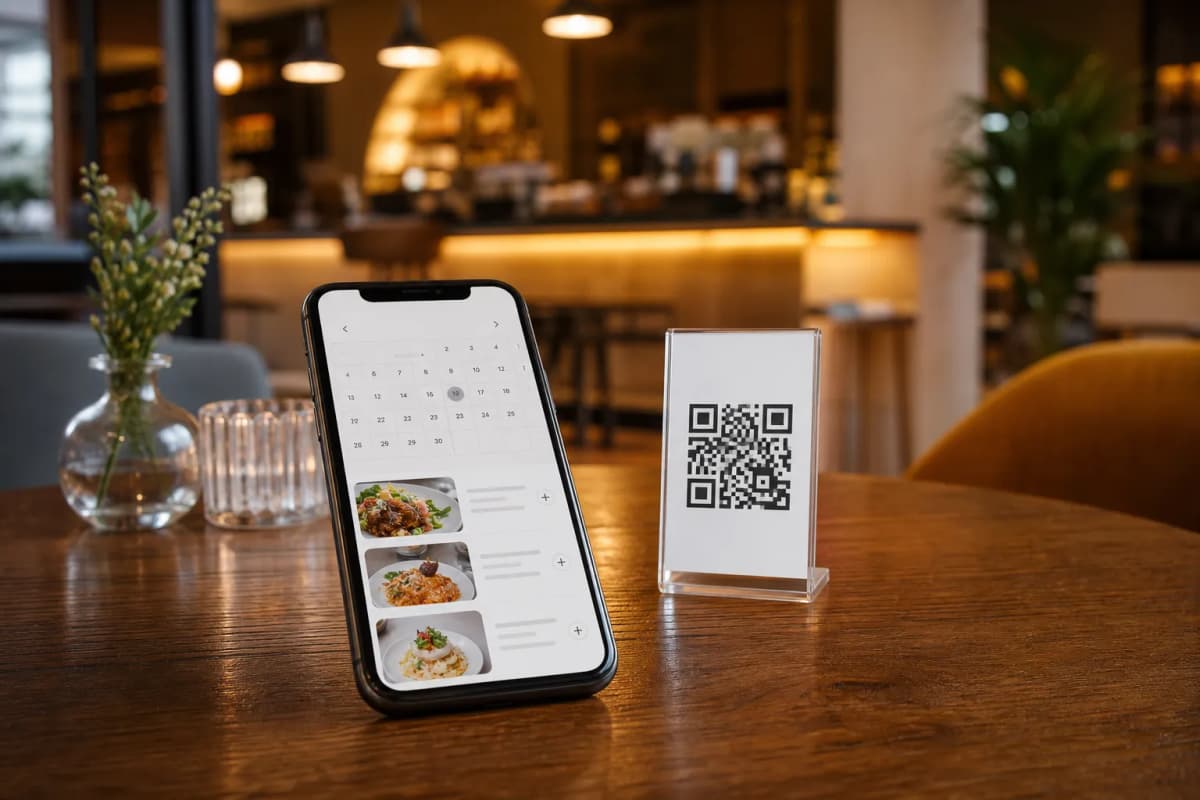
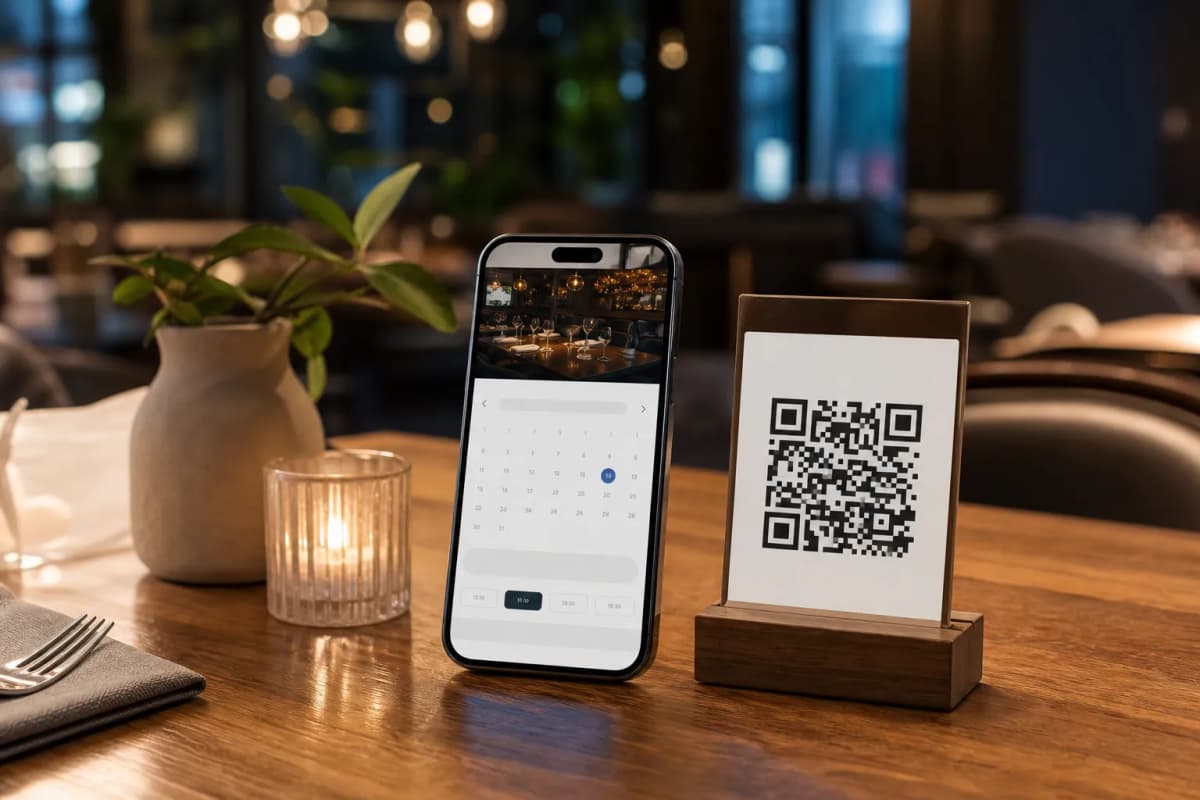
- Step 3: Enable the Table Reservation System. Activate this feature directly within your setup. This allows customers to select their preferred date, time, and party size. The system captures the details and organizes them neatly for your staff to manage.
- Step 4: Share your Professional QR Code. Generate a custom QR code tailored with your restaurant colors and logo. You can post this code on your social media profiles, print it on flyers, or place it at your entrance so guests can scan and book instantly without any hassle.
Enhancing the Complete Dining Journey
Understanding the best way to handle reservations is just the first step of the customer journey. Once your guests arrive, eMenu AI continues to elevate their dining experience. Because the platform natively supports over 100 world languages with automatic translation, international tourists can comfortably read your menu and switch to their preferred language with just one click.
More Ways to Serve Your Customers
Not every customer wants to dine in. For those who prefer eating at home, eMenu AI offers seamless WhatsApp Orders complete with live order tracking. Customers can also place quick Pickup orders straight through the digital menu without making a phone call or installing any extra software. Furthermore, you can continuously improve your operations by collecting valuable feedback using the In-Menu Rating System, which helps you refine your service based on real guest insights.
Get Started Today
Upgrading your reservation and ordering system does not have to be complicated or expensive. We offer highly competitive and very affordable plans, including a free tier to help you get started immediately. Take full control of your guest experience, streamline your kitchen operations, and build a smarter restaurant today.
Ready to modernize your booking process? Download the app or start on the web dashboard to launch your customized digital menu right now.