Handling bookings by phone can be chaotic during peak hours. If your staff is busy serving food, missed calls mean missed revenue. The smartest fix is implementing a restaurant table reservation system directly where your customers are already looking: your digital menu.
Why Use a Built-In Restaurant Table Reservation System?
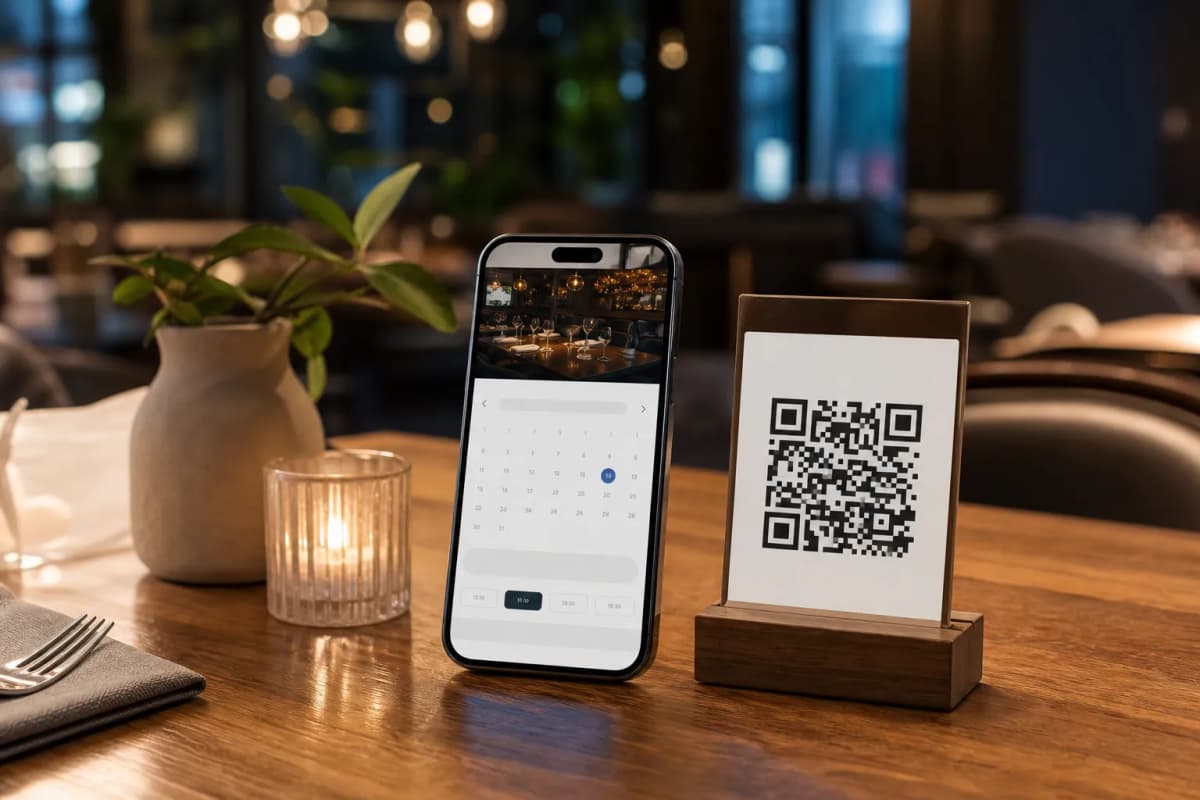
When diners view your online menu, their buying intent is at its highest. Forcing them to close the menu and dial a phone number creates friction. By keeping the restaurant table reservation system inside the menu itself, you capture those bookings instantly.
- Zero App Installation: Everything works directly in the mobile browser.
- Global Reach: eMenu AI supports over 100 languages with automatic translation, so tourists can book tables without facing language barriers.
Steps to Launch Your Booking System
You do not need technical skills to get this running. Follow these practical steps to automate your reservations and operations today.
Step 1: Access the Platform
Start by setting up your restaurant profile. You can manage everything from your iPhone, Android tablet, or a web dashboard. Simply open eMenu AI to create your account. This smart link will automatically direct you to the correct app store or the web version based on the device you are currently using.
Step 2: Design Your Digital Space
Your menu should reflect your unique brand. Choose from multiple professional designs available in our templates gallery. You can customize the colors, upload your logo, and even use our built-in AI food image generator to make your dishes look incredibly appetizing. A great looking menu encourages more passing guests to book a table for later.
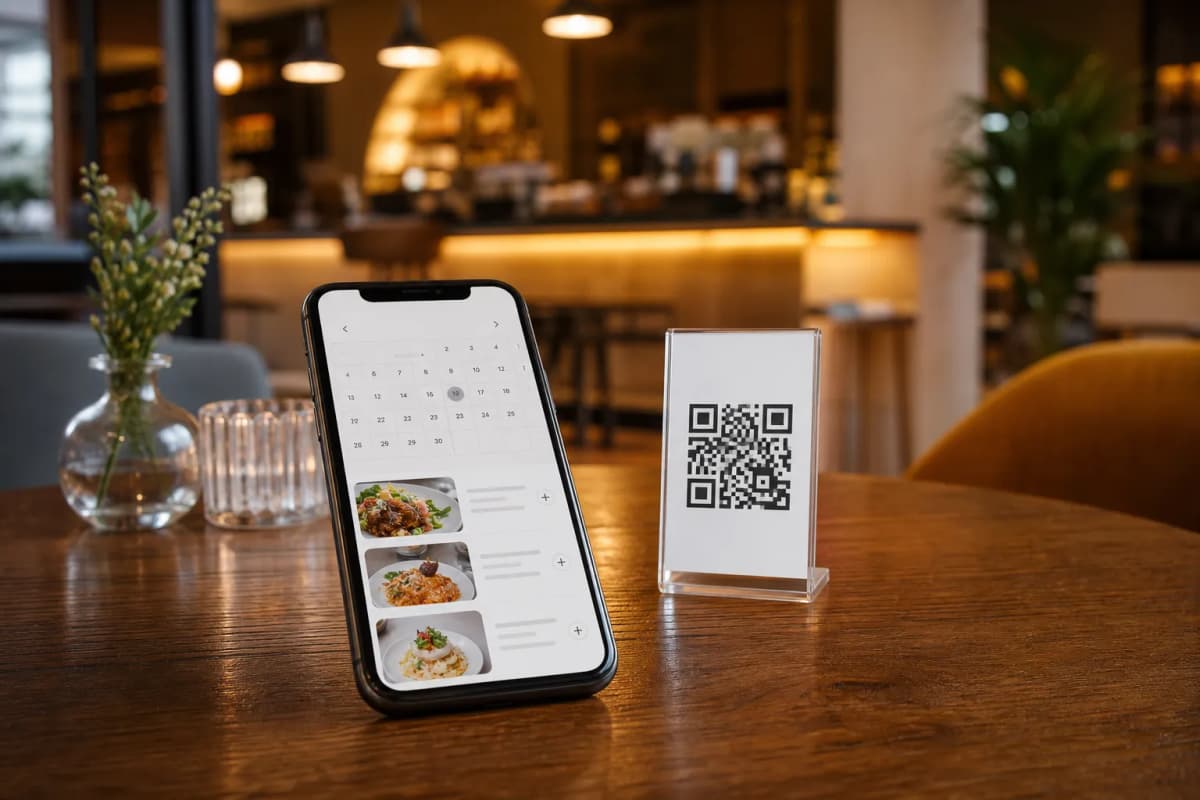
Step 3: Enable Reservations and Ordering
Step 4: Print and Share Your Custom QR Code
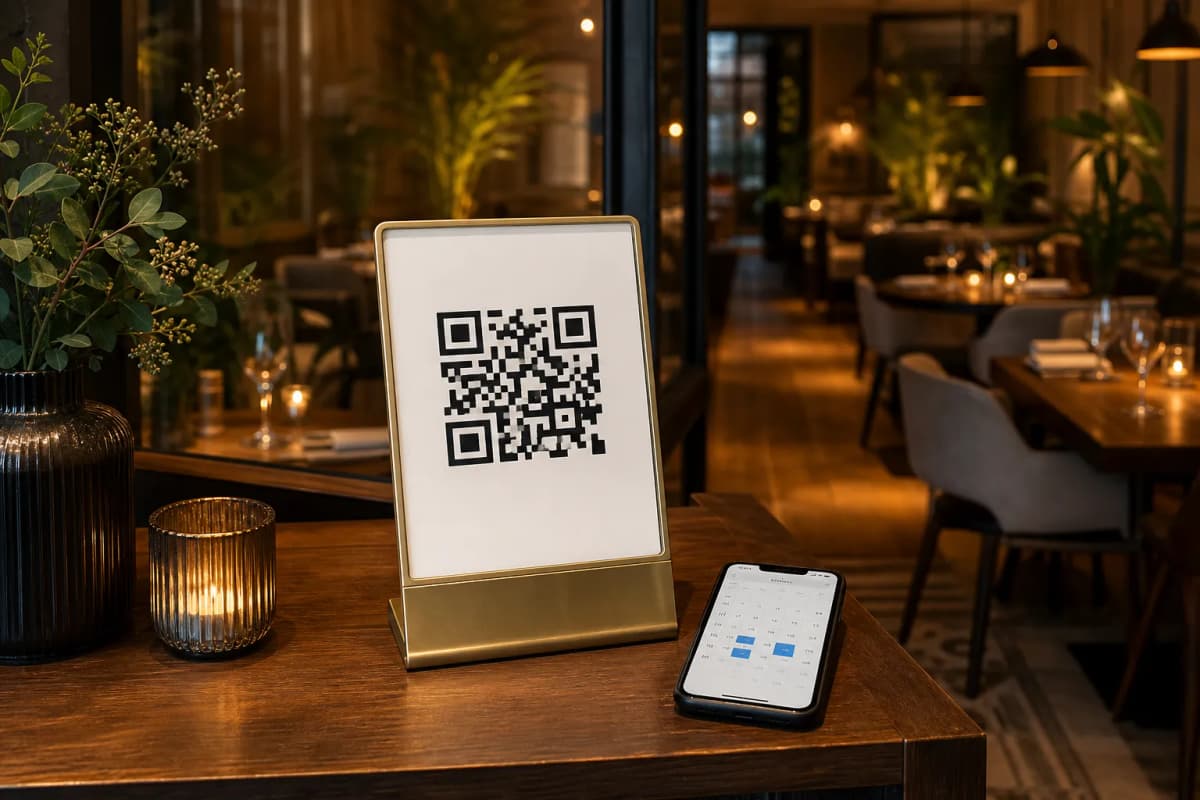
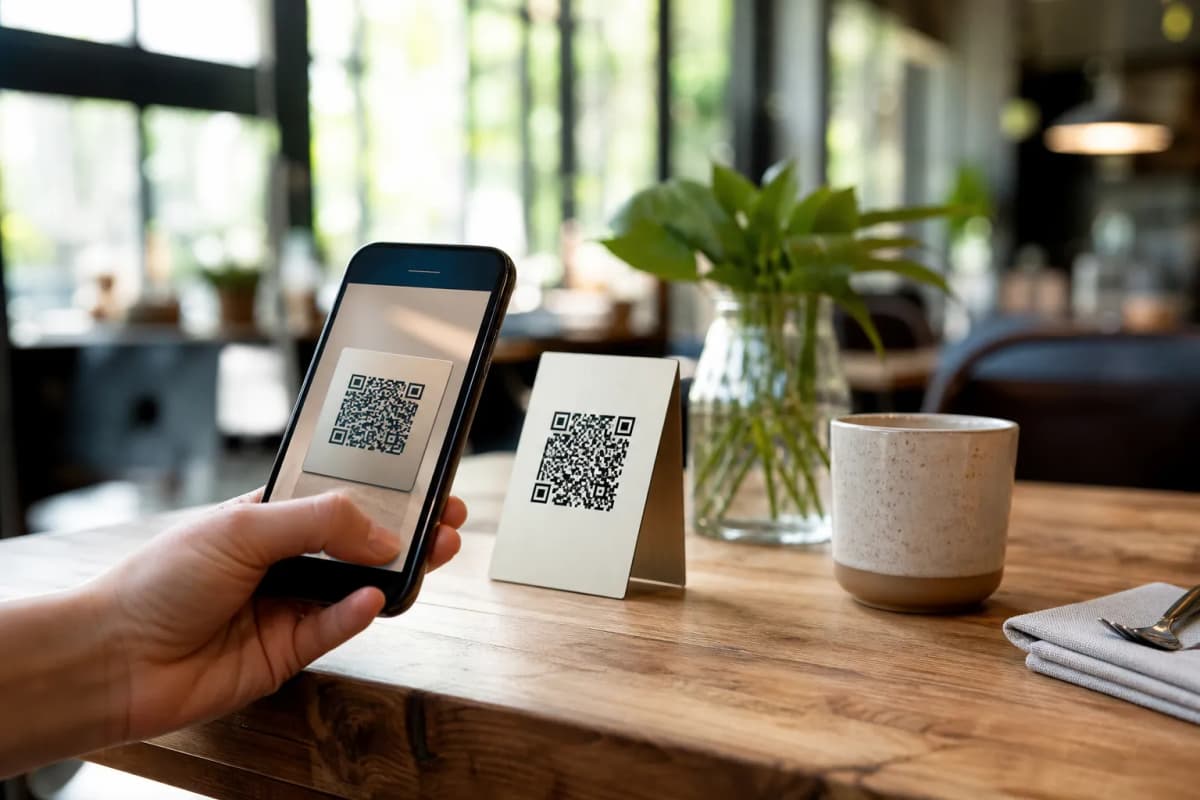
Generate your customized professional QR code through eMenu AI. Print it on your tables for seamless dine-in ordering, place it on your storefront window for after-hours reservations, or share the smart link on your social media profiles. Whether guests want to book a table for Friday night or request a pickup order right now, they can do it all from one simple link.
Enhance the Guest Experience Beyond Booking
A smart restaurant table reservation system is just the beginning of your digital transformation. Once your guests arrive, the eMenu AI platform keeps working for you. Customers can use the Call Waiter feature to request assistance or ask for the bill without waving their hands. After their meal, an in-menu rating system collects comprehensive feedback before they even leave the building, helping you maintain high service standards.
Ready to modernize your daily operations and secure more advance bookings? Getting started is fast and affordable. Explore our pricing plans and transform how you manage your dining room today.