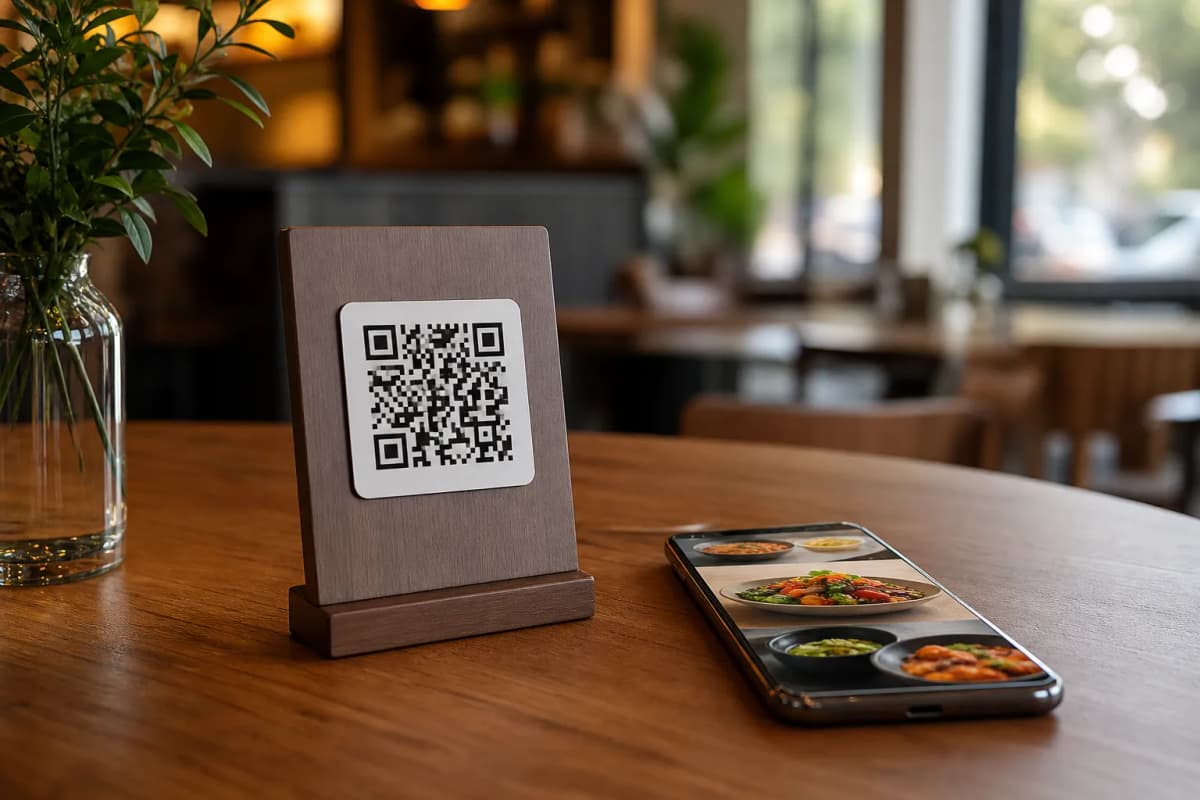
If you run a hospitality business, your guests will inevitably ask how to scan a menu at a restaurant with your phone. The good news is that the process is incredibly simple for the customer, and setting up the system behind it is just as easy for you. With eMenu AI, you can transform your traditional paper menus into an interactive, digital ordering experience that requires zero app installations from your diners.
The Customer Experience: How to Scan a Menu at a Restaurant With Your Phone
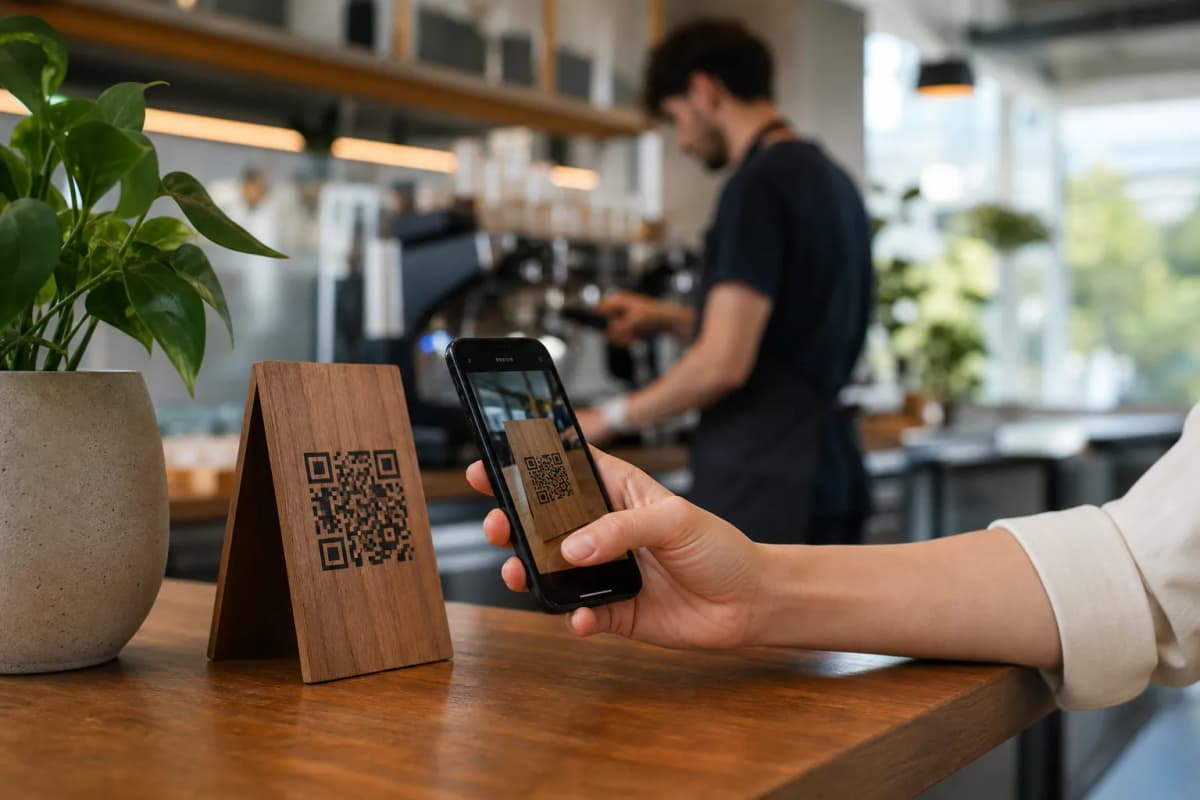
When diners sit down at your tables, they expect convenience. Here is the exact process they will follow to view your digital offerings:
- Open the camera app: The customer takes out their iPhone, iPad, or Android device and opens the default camera.
- Point at the Professional QR Code: They aim the camera at the custom QR code printed on your table tents or entrance sign.
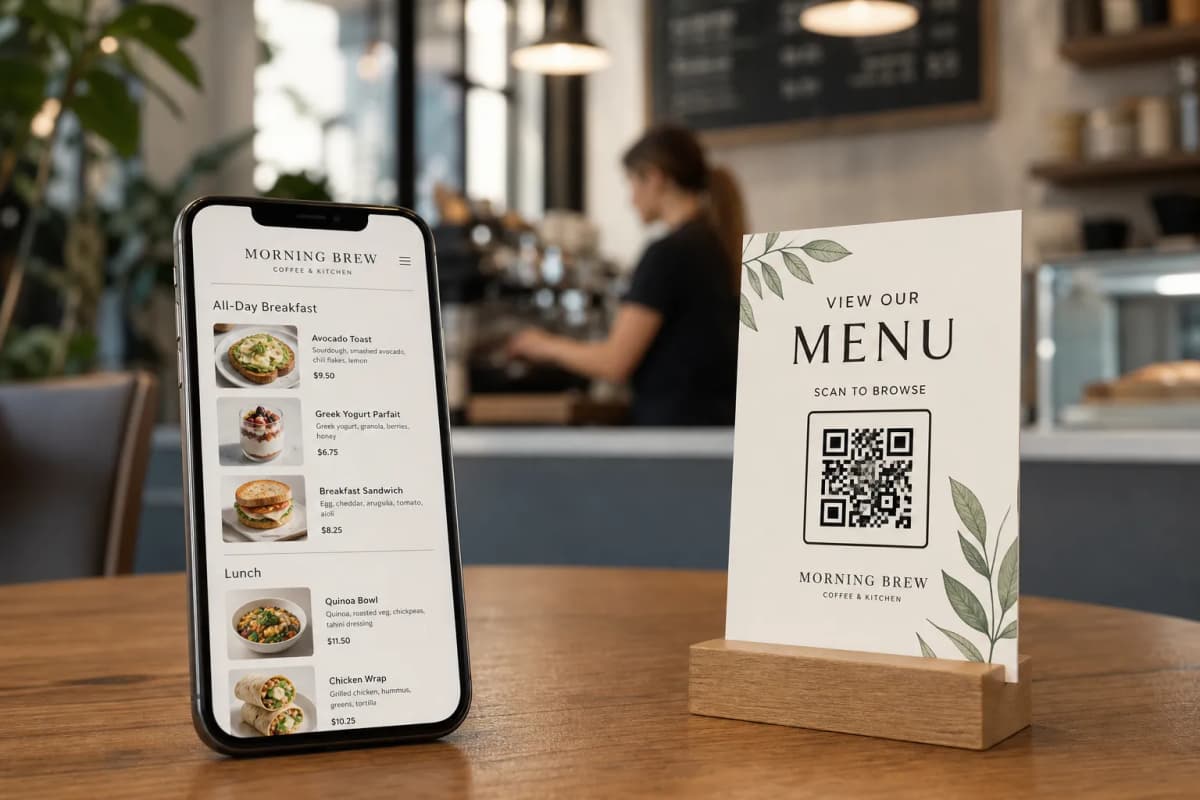
- Tap the popup link: A smart link appears on their screen. Tapping it instantly opens your restaurant's digital menu in their mobile browser.
- Browse and order: Customers can now view your dishes, complete with AI food image generation, and send orders directly from their table to the kitchen.
Because eMenu AI supports all languages, the menu is available in over 100 world languages with automatic translation. Customers can switch to their native language with a single click. If you cater to tourists, they will also appreciate seeing prices in over 95 world currencies, with new currencies added within seconds on request.
How to Set Up Your Digital QR Menu
As the owner, you have full control from a computer browser or mobile device. Here is how you can launch your system today:
- Create your menu workspace: Start by visiting our smart setup link. This link detects your device and sends you to the App Store, Google Play, or the web dashboard automatically.
- Choose your layout: Browse multiple ready templates at our templates gallery. Every template is fully customizable, and custom templates are made free on request to match your brand perfectly.
- Add your items: Use the web dashboard to add dishes, organize sections, and change prices. If you are missing photos, use our AI food image generator to make your menu look professional instantly.
- Generate your code: Create a customized, professional QR code featuring your restaurant's colors and logo, ready for printing and placing on your tables.
Want to see what your customers will see? Check out this live demo menu to experience the seamless interface firsthand.
Scanning the menu is just the beginning. Once the customer is browsing, eMenu AI offers powerful tools to streamline your operations and boost sales.
- Flexible Ordering Options: Whether you prefer direct table ordering, WhatsApp orders with live order tracking, or pickup orders for takeaway, everything is built right in. No calls and no apps to install.
- Enhanced Customer Service: Guests can use the Call Waiter feature with one tap to request assistance or the bill, sending instant notifications to your staff with the table number. They can also book tables through the Table Reservation System or leave feedback via the In-Menu Rating System.
Launch Your Smart Menu Today
Transitioning to a digital setup does not have to be expensive or complicated. We offer very affordable plans, including a free tier, to help you get started immediately. You can view all our options on our pricing page. If you have specific needs or questions about integration, feel free to reach out through our contact page.
Ready to upgrade your dining experience? Open eMenu AI right now to build your menu, print your unique QR codes, and give your guests the modern, frictionless service they deserve.