Setting Up Your Restaurant Digital Menu
Building your new menu does not require any technical skills. You can manage everything directly from your smartphone, tablet, or computer browser. Here are the exact practical steps to get your venue up and running.
Step 1: Create Your Account and Add Details
First, you need to access the eMenu AI platform. Open your web browser or grab your phone and start creating your menu. This smart link automatically detects your device and instantly loads the web dashboard or directs you to the official app for iOS or Android. Once inside, enter your restaurant name, contact details, and location. This ensures customers know exactly who they are ordering from.
Step 2: Add Dishes with AI Generated Images
A visually appealing menu sells more food. Start organizing your items by creating categories like Starters, Mains, and Desserts. When adding individual items, you can upload your own photos or use the built-in AI food image generator to create professional, mouth-watering pictures instantly. Furthermore, eMenu AI supports over 100 world languages with automatic translation. You only need to type your item descriptions once, and international guests can switch to their native language with a single click. This means no more printing separate translated menus.
Step 3: Select a Custom Design Template
Your digital presentation should match your physical brand identity. You do not have to settle for a boring list of text. Browse the multiple ready templates to find a layout that fits your restaurant style. Every template is completely customizable, allowing you to change colors and add your logo. If you need something specific, custom templates can be made for free on request to perfectly match your brand.
This is where your setup turns into a powerful operational tool. You can activate several ordering methods depending on your business model:
- WhatsApp Orders: Perfect for delivery or casual takeout. Customers build their cart and send it to your business WhatsApp with live order tracking.
- Pickup Orders: Let guests order takeaway directly through the menu link without making phone calls or installing extra apps.
Step 5: Enhance the Guest Experience
Beyond ordering, the system handles essential customer service tasks. Activate the Table Reservation System so future guests can book a spot directly from the menu interface. Turn on the Call Waiter feature so seated diners can request assistance or ask for the bill with one tap. Staff get instant notifications with the table number and request type. You can also enable the In-Menu Rating System to collect comprehensive feedback before the customer leaves the building.
Step 6: Generate and Print Your QR Codes
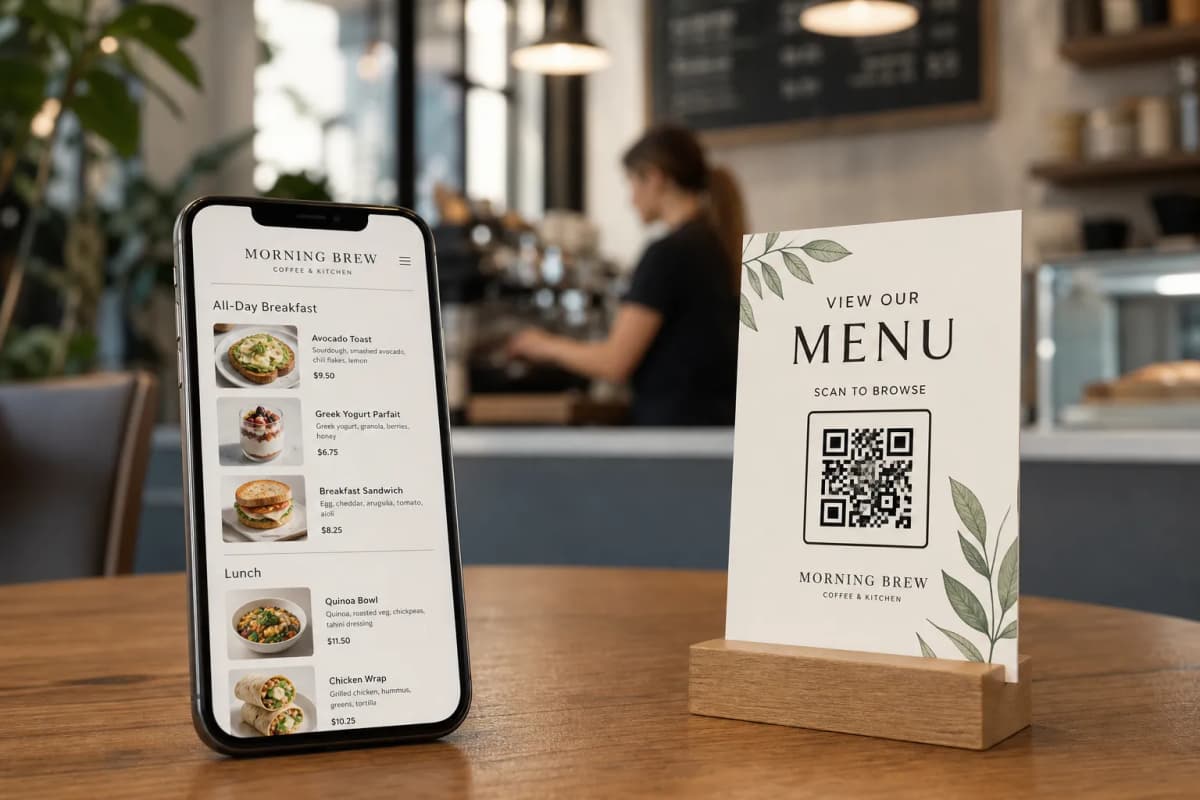
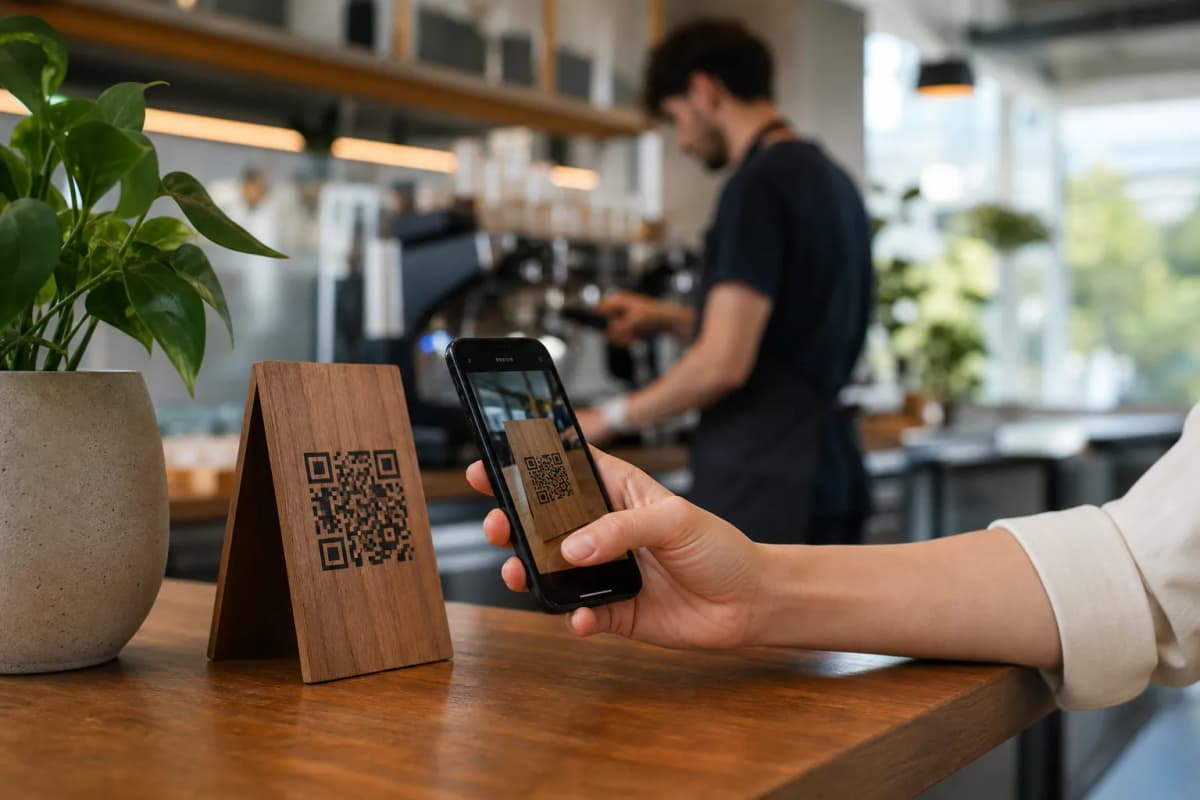
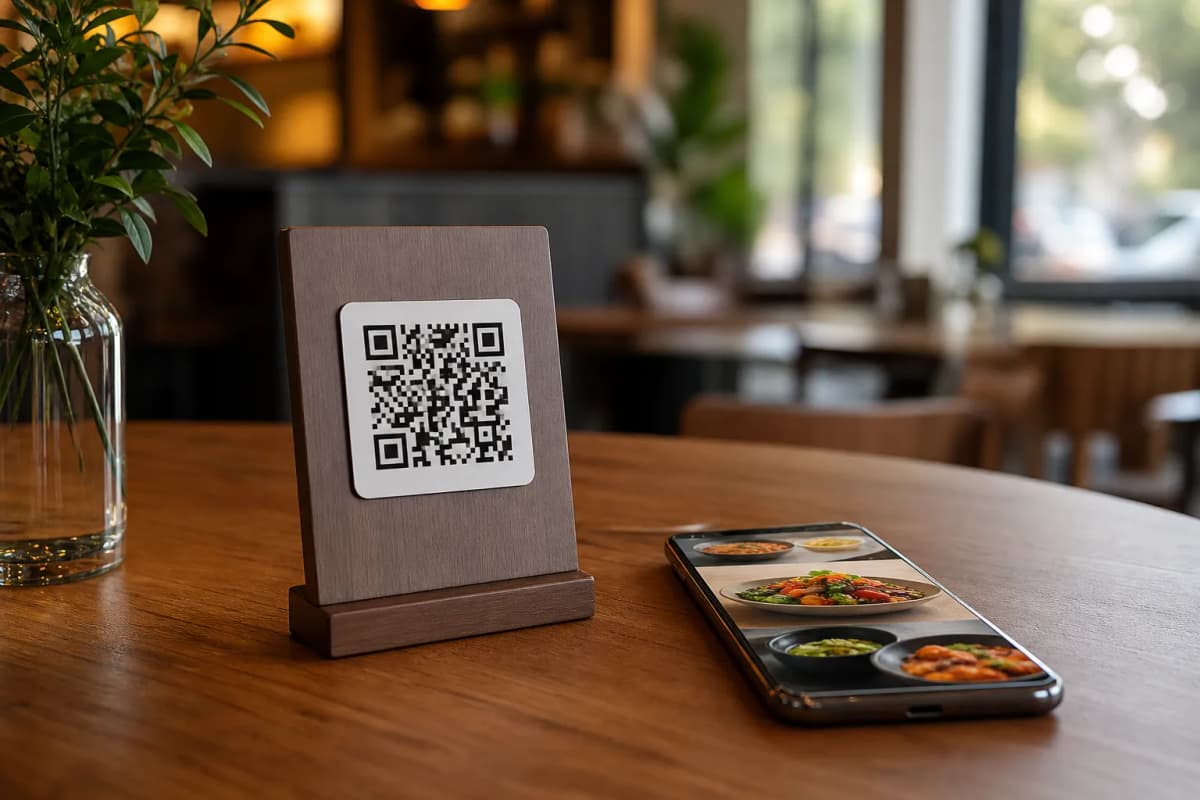
Once your setup is complete, use the platform to generate a professional QR code. You can customize the look of the code with your brand colors before saving it. Print these codes and place them on your tables, at the entrance, or on your takeaway packaging.
Launch Your Digital Menu Today
Transitioning to a modern ordering system is easy and highly cost-effective. Whether you run a cozy local cafe or a busy multi-branch restaurant, eMenu AI gives you full control. Ready to transform your guest experience? Check out the very affordable pricing plans, which include a generous free tier, and launch your smart menu right now.