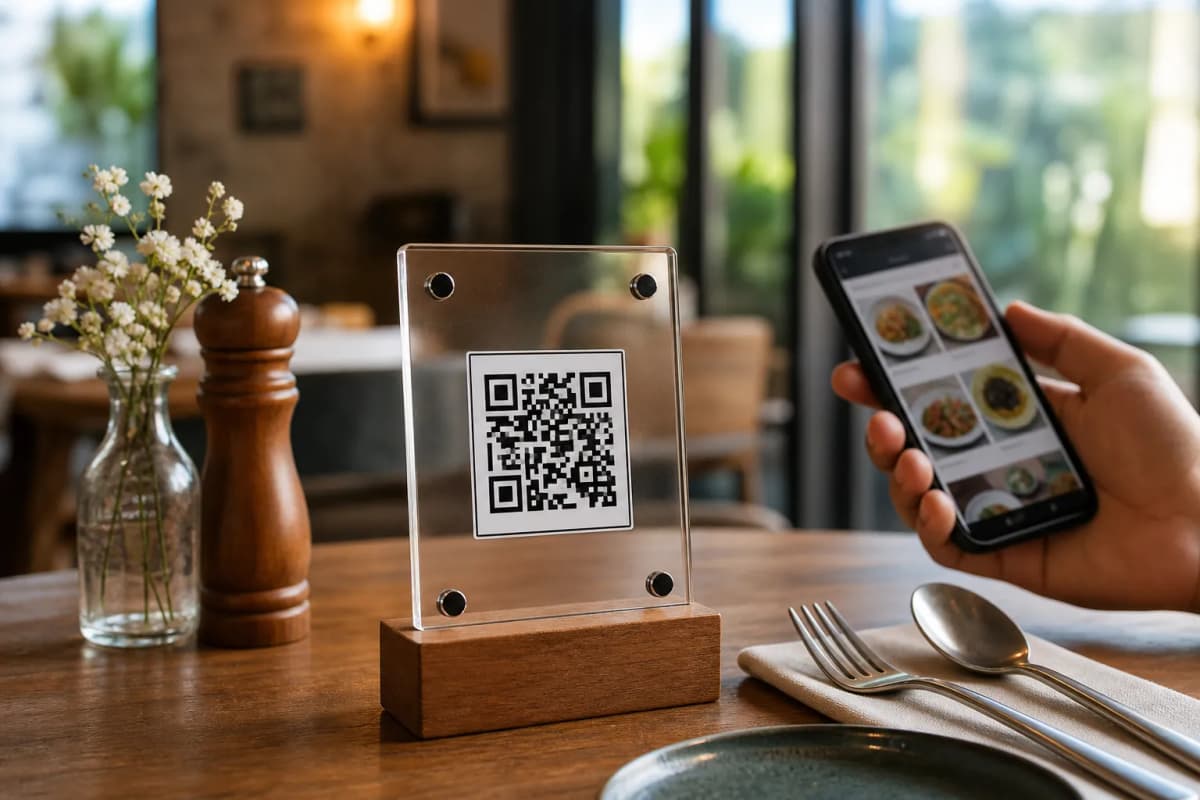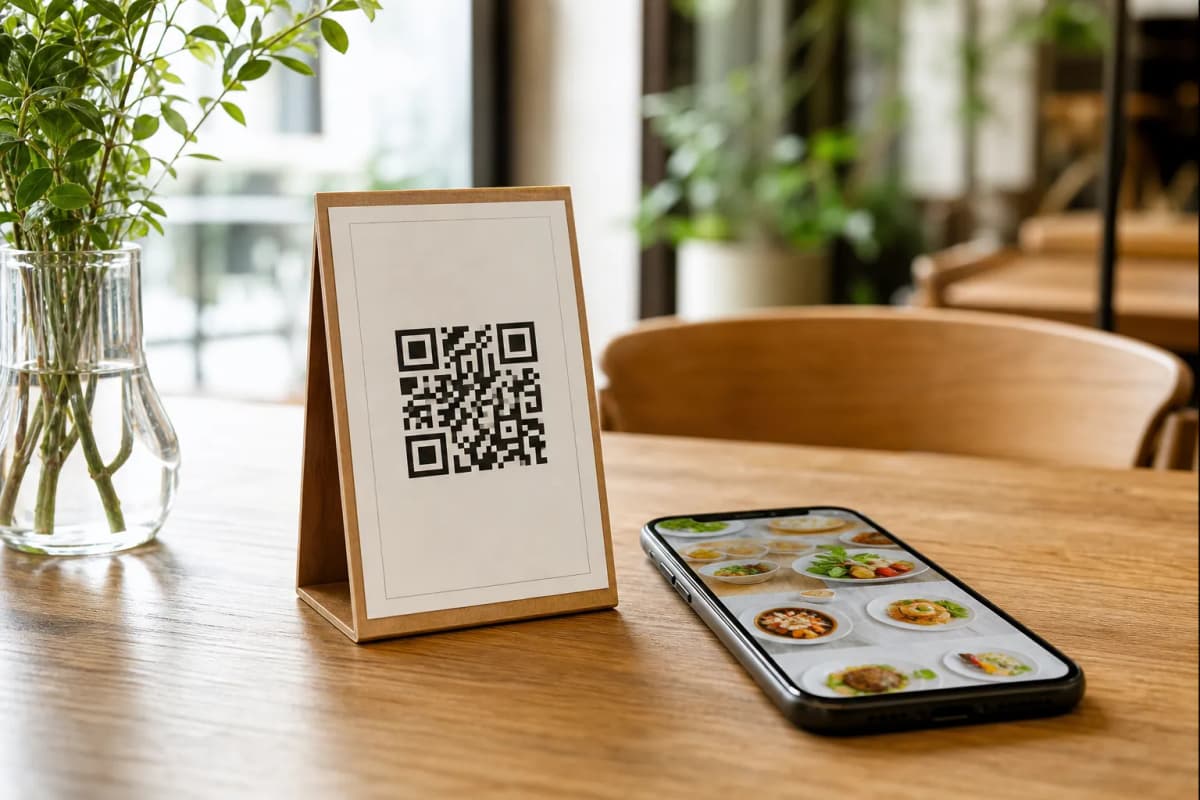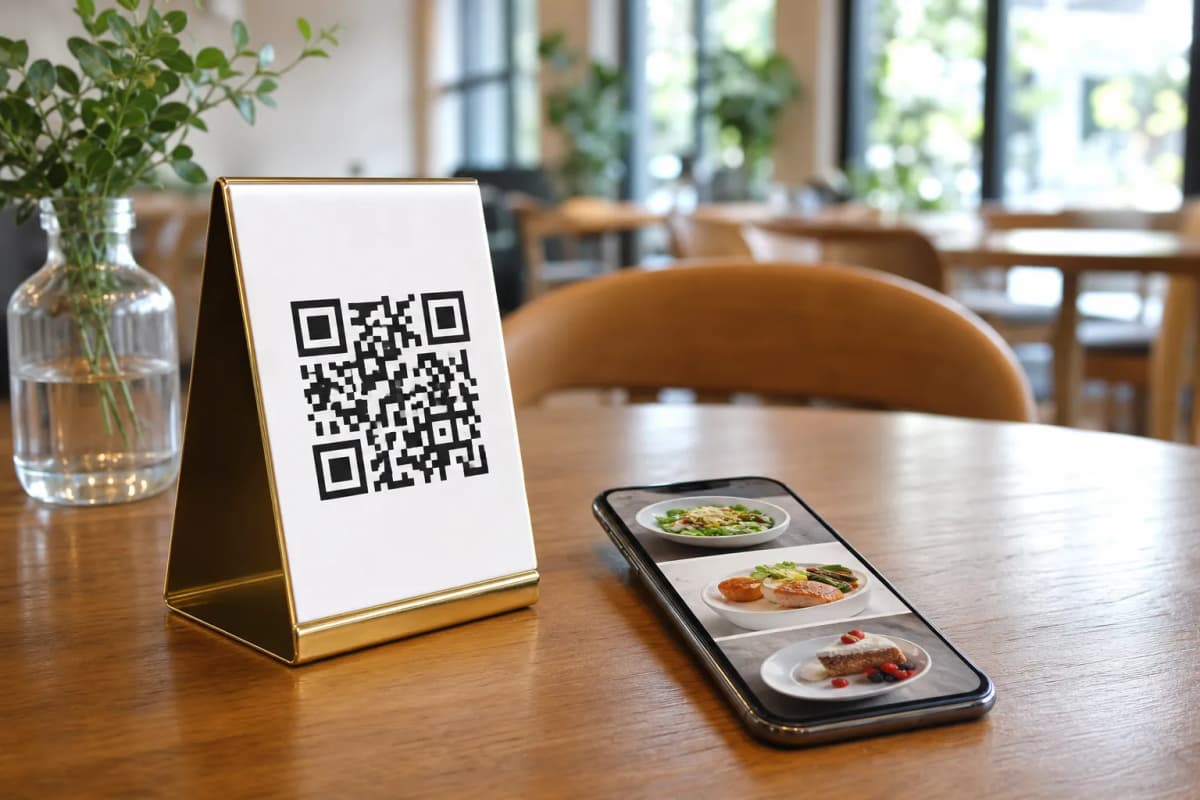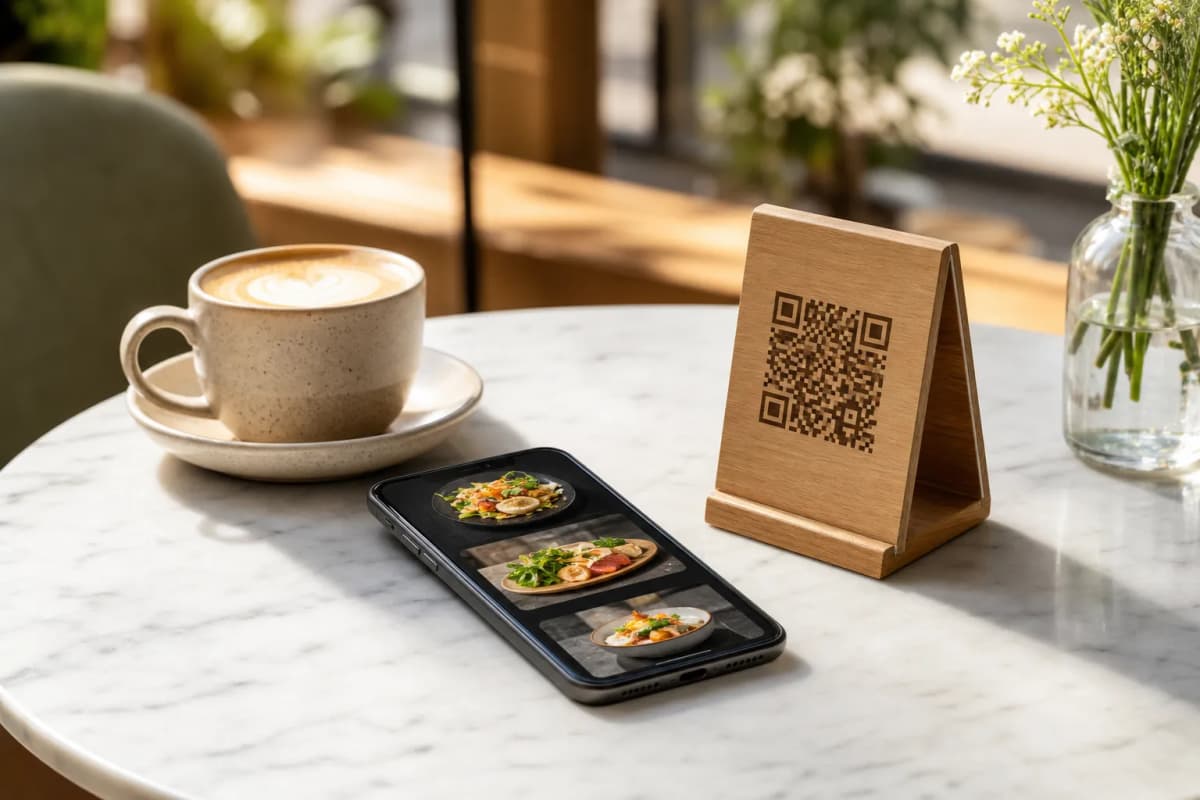
Launching a restaurants qr code menu is the fastest way to modernize your dining experience. Instead of handing out expensive, easily damaged paper menus, you can let guests scan a custom code, browse dishes on their phones without downloading any apps, and place orders directly to your kitchen. With eMenu AI, building this powerful system takes just a few simple steps.
Step 1: Access the eMenu AI Platform
You do not need expensive hardware to get started. You can manage everything from your smartphone, tablets, or computer. Simply open eMenu AI to begin. This smart link automatically detects your current device and takes you straight to the App Store, Google Play, or the web dashboard. Create your restaurant profile, and you are ready to build your digital presence.
Step 2: Design Your Restaurants QR Code Menu
A great digital menu needs to look appetizing and match your brand. Inside the dashboard, easily add your categories, descriptions, and items.
- AI Food Images: If you are missing professional photos, eMenu AI can generate stunning, realistic food images for your menu items instantly.
- Ready Templates: Browse the multiple ready templates to find a layout that fits your cafe or restaurant style. Every template is fully customizable, and custom designs are made free on request.
- Global Reach: Your menu automatically supports over 100 world languages with instant translation. Customers can switch languages with one click. It also supports 95+ international currencies, and new currencies can be added in seconds upon request.
Your digital menu is more than just a beautiful list of food. It is a complete ordering system designed to speed up service and reduce manual errors.
- Table and Pickup Orders: Customers can send orders straight from their table or place takeaway orders right through the menu. No extra apps are needed.
- WhatsApp Orders: Allow customers to order via WhatsApp with a smooth experience and live order tracking.
Step 4: Generate Your Custom QR Code
Once your items and settings are ready, it is time to create the physical code your customers will scan. eMenu AI provides a professional QR code generator built right into the platform. You can customize the look of the code with your specific restaurant colors and place your logo in the center. Print these codes and place them on tables, at the entrance, or on your takeaway packaging.
Step 5: Turn On Guest Experience Features
Make your dining room more efficient by enabling extra features that guests genuinely love to use.
- Call Waiter: Guests can request assistance or ask for the bill with one simple tap from the menu. Your staff get instant notifications showing the table number and request type.
- Table Reservations: Let customers book tables directly from within the menu link, keeping your dining room full and organized.
- In-Menu Ratings: Collect valuable, comprehensive feedback securely inside the menu before the customer even leaves the restaurant.
Start Building Your Menu Today
Setting up a smart digital system is easy and affordable. Check out the very affordable pricing plans (including a free tier) to see what works best for your growing business. Download the app or start on the web right now to transform how your restaurant operates and serves guests.