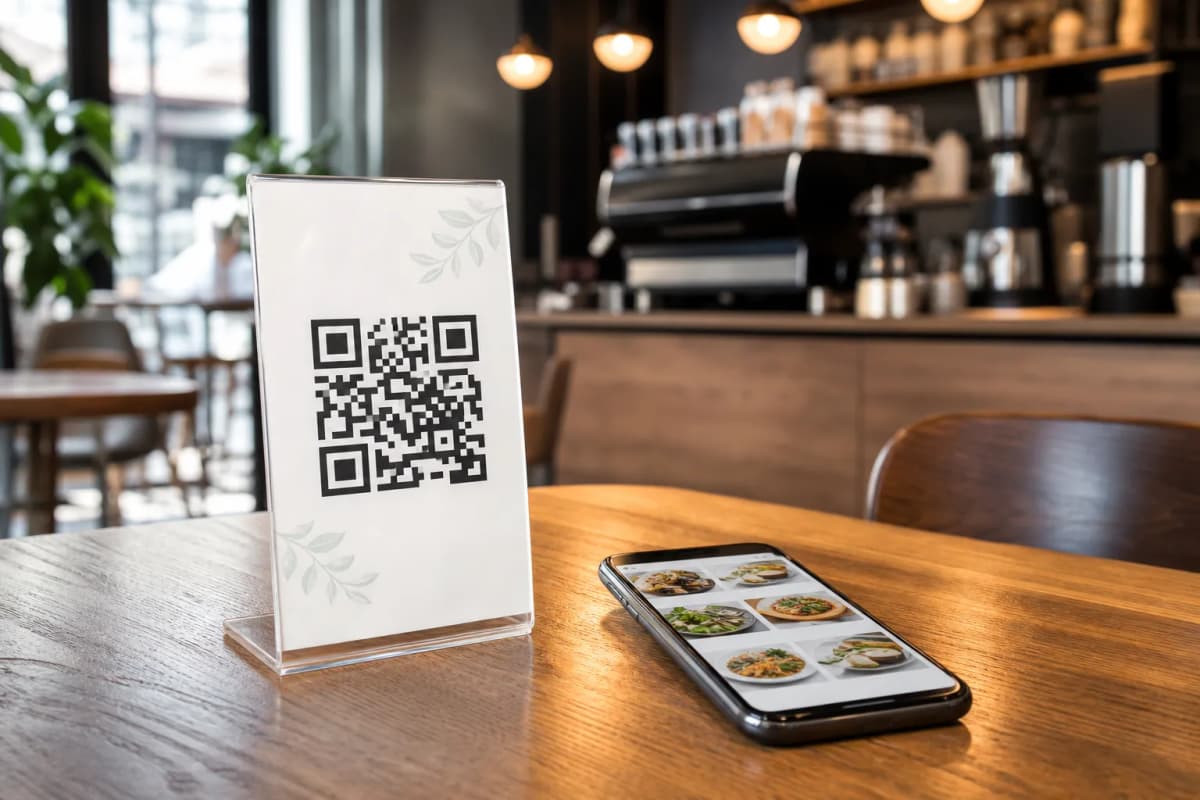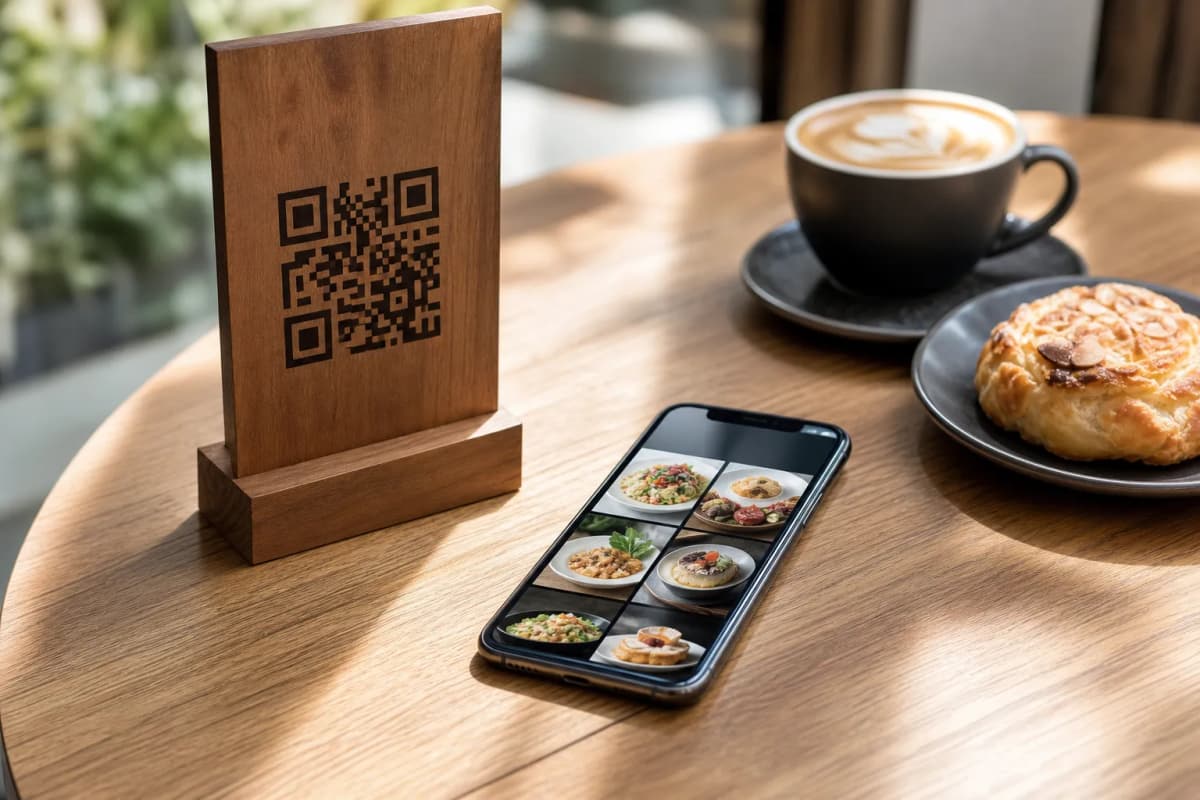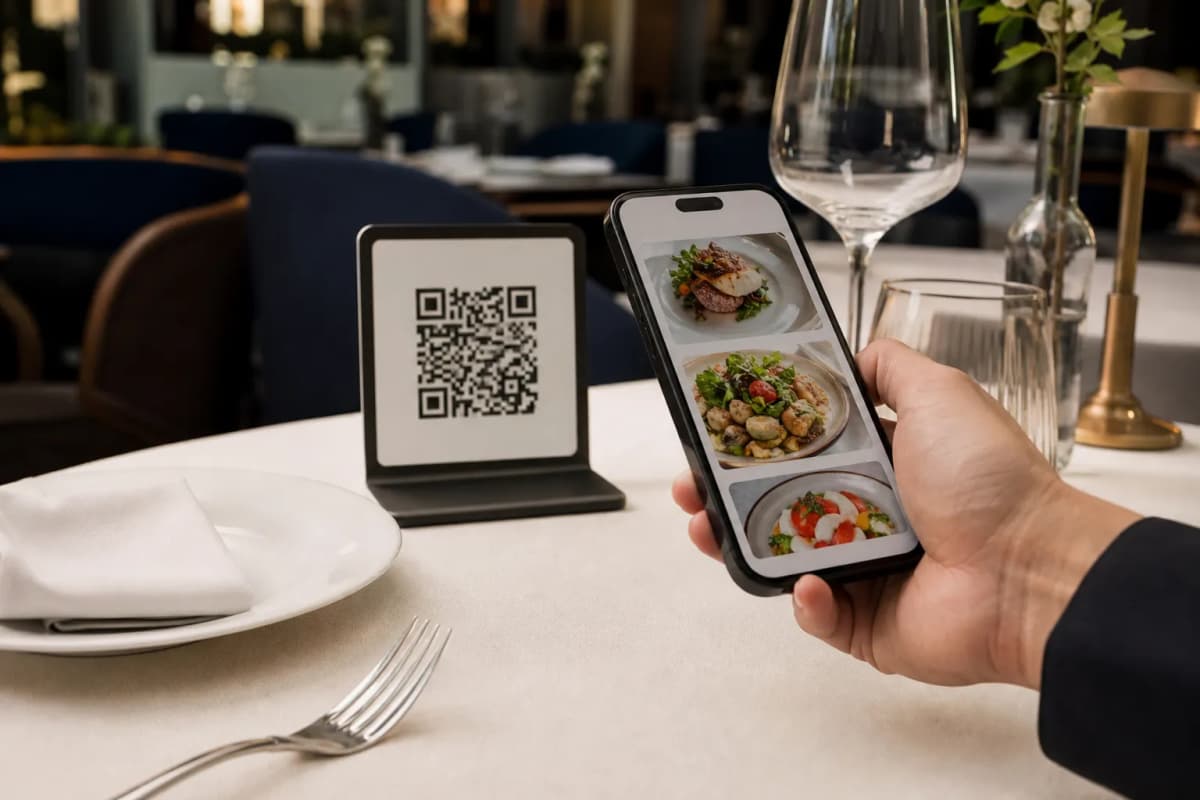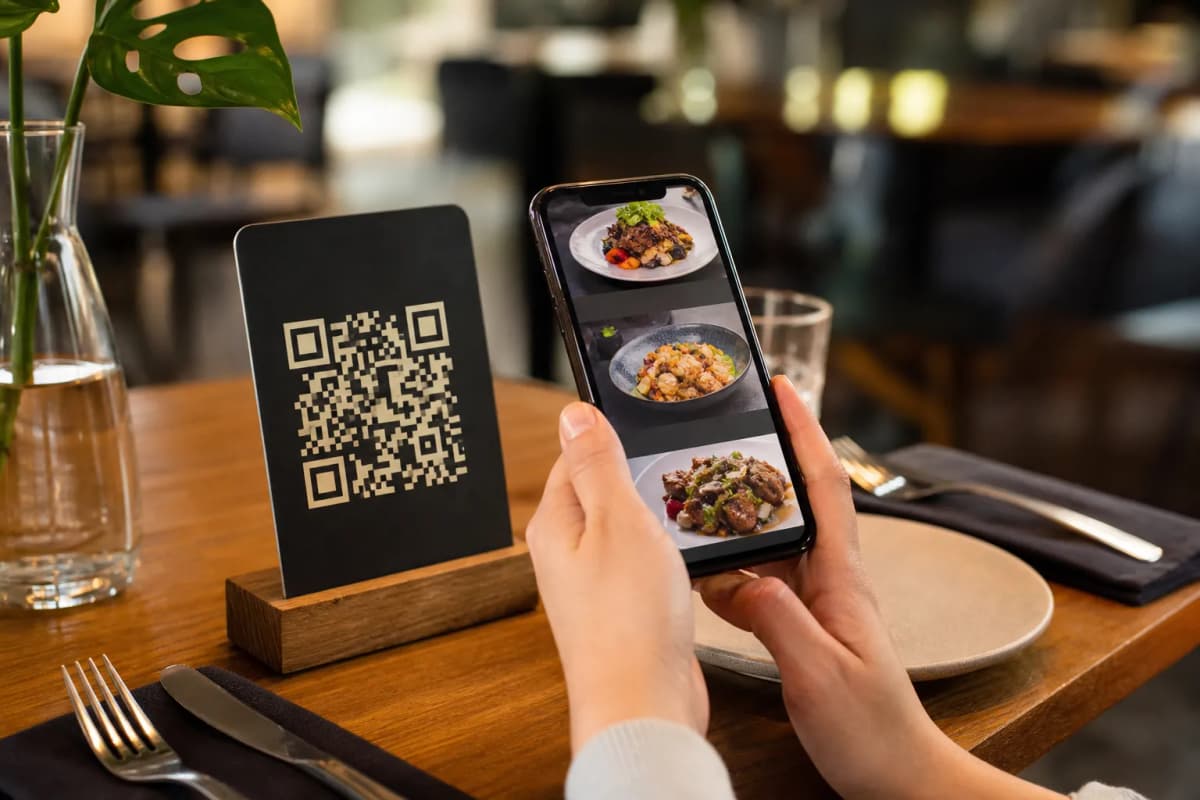
If you serve guests from all over the world, setting up a digital restaurant menu emenu international system is the most practical way to streamline your operations. Tourists and local diners alike expect a smooth ordering experience without downloading clunky apps. With eMenu AI, you can build an interactive, multilingual menu that works seamlessly across smartphones, tablets, and web browsers.
How to Launch a Digital Restaurant Menu eMenu International Platform
Getting started is straightforward. As a restaurant owner, you do not need technical skills to build a professional menu. By following a few high-level steps, you can launch a system that handles global currencies, translates your dishes, and routes orders straight to your kitchen.
Step 1: Access the Platform and Add Your Dishes
The first step is to create your account and start building your menu layout. You can open eMenu AI on any device, whether you prefer working from an iPad, an Android phone, or a computer browser via the web dashboard. Add your categories, item names, and descriptions. If you lack professional photography for your food, the platform includes an AI food image generation tool that creates stunning visuals for your menu items instantly. High-quality images help diners make quick decisions and can significantly increase your overall order volume.
Step 2: Enable International Languages and Currencies
Step 3: Connect Your Kitchen and Staff
Step 4: Design and Print Your QR Code
Once your items and settings are ready, you need to place the menu on your tables. The platform offers a variety of professional designs. You can browse the templates gallery to find a style that fits your brand. Every template is fully customizable, and custom templates are made free on request. From there, generate your professional QR code, customize it with your restaurant's colors and logo, and print it for your tables, entrance, or takeaway counters. A branded QR code builds trust and looks highly professional in your dining room.
More Ways to Improve the Guest Experience
Beyond basic ordering, the platform provides built-in tools to manage the entire dining experience efficiently:
- Call Waiter: Customers can request assistance or ask for the bill with one tap. Your staff receives instant notifications indicating the table number and request type.
- In-Menu Rating System: Collect comprehensive customer feedback inside the menu before the guest leaves the restaurant, helping you improve service quality.
- Table Reservation System: Let customers book tables directly from the menu interface, keeping your schedule organized in one central dashboard.
- Pickup Orders: Allow guests to place takeaway orders straight through the menu without making phone calls or installing third-party applications.
Are you ready to modernize your restaurant and serve a global audience? You can explore our highly affordable pricing plans, which include a generous free tier to get you started. Download the app or start on the web today to transform how your customers dine and how your business operates.