Why You Need a Smart Digital Ordering System
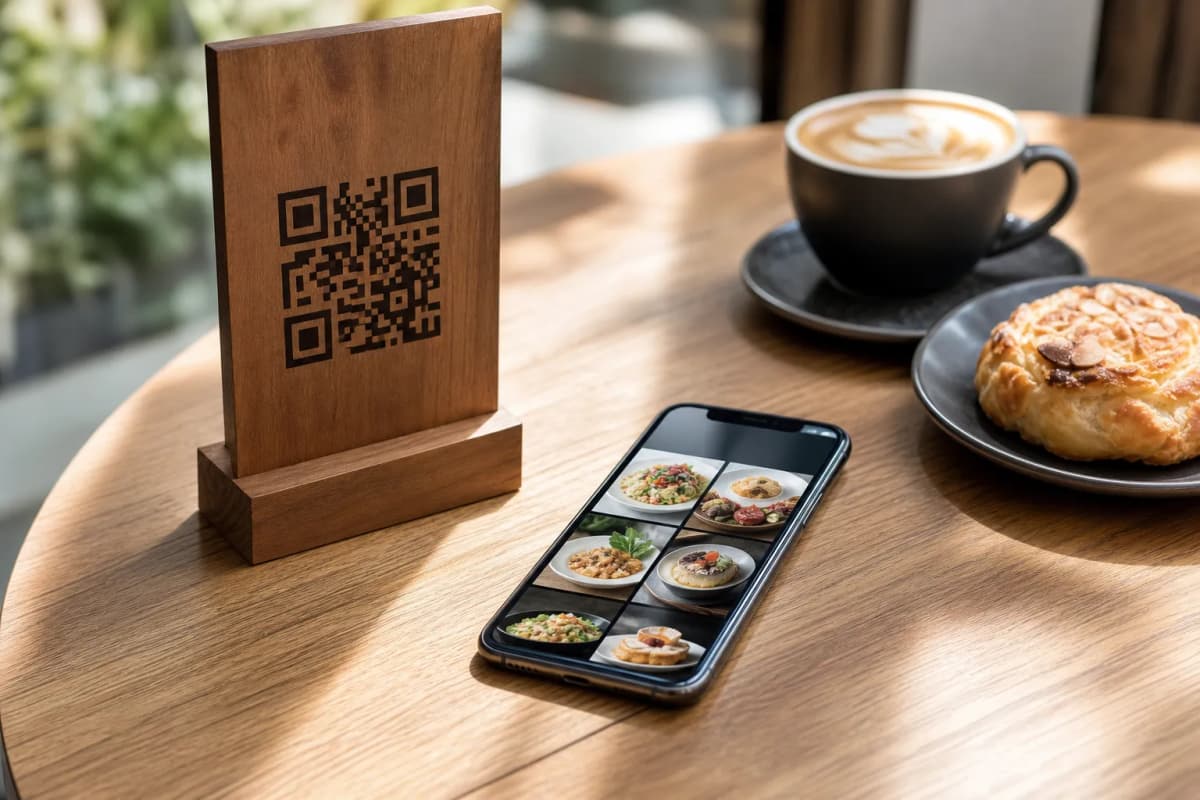
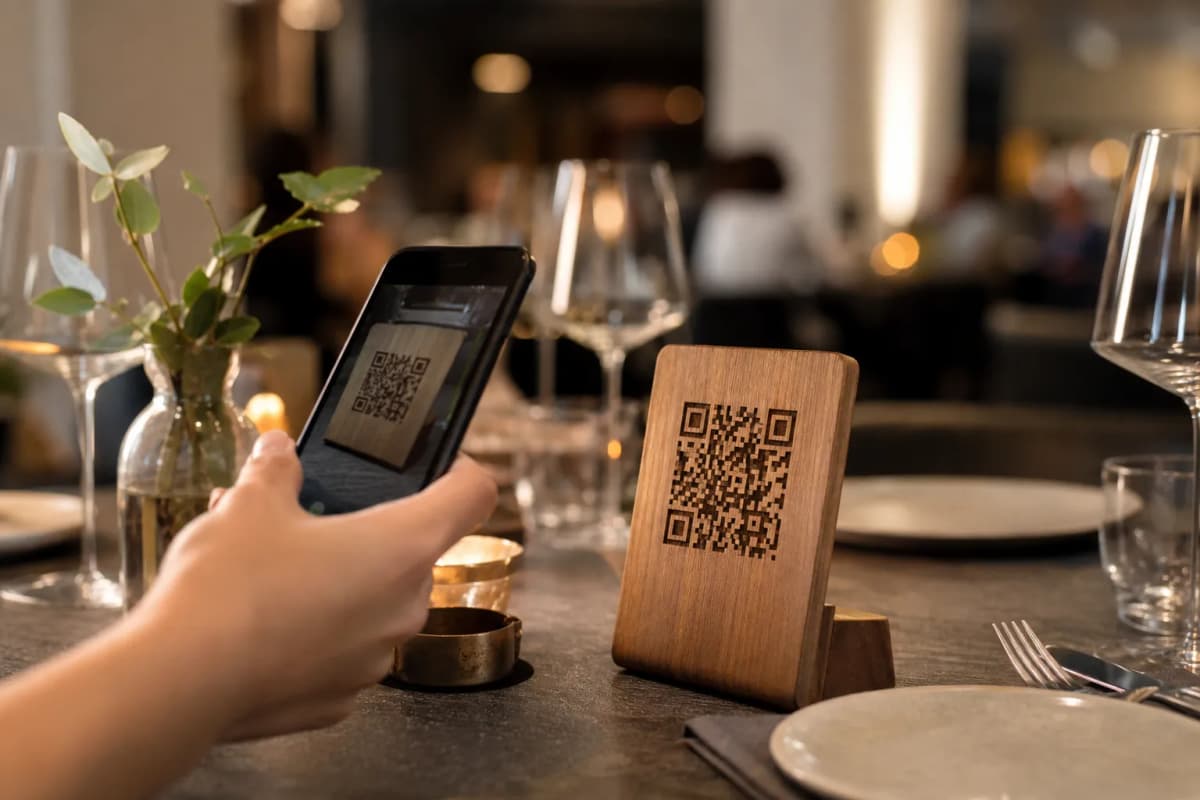
If you want to speed up service and reduce wait times, deploying a restaurant menu app is the most effective move you can make today. With eMenu AI, your customers do not need to download anything from the app store. They simply scan a QR code at their table and browse your offerings instantly on their own phones. You, as the owner, control everything from your own device. Here is exactly how to launch your digital ordering system, step by step, focusing on features that actually improve your daily operations.
Step 1: Access the System and Add Your Dishes
Start by getting the platform on your preferred device. You can manage your entire business from an iPhone, iPad, Android tablet, or a computer web browser. Simply open the eMenu AI application to create your account. Once inside, you can start building your categories like starters, main courses, and drinks. Next, add your individual items with descriptions and prices. If you do not have professional photography for your food yet, you can use the built-in AI food image generation to create stunning, mouth-watering pictures for your items in seconds.
Step 2: Select a Design and Translate Your Content
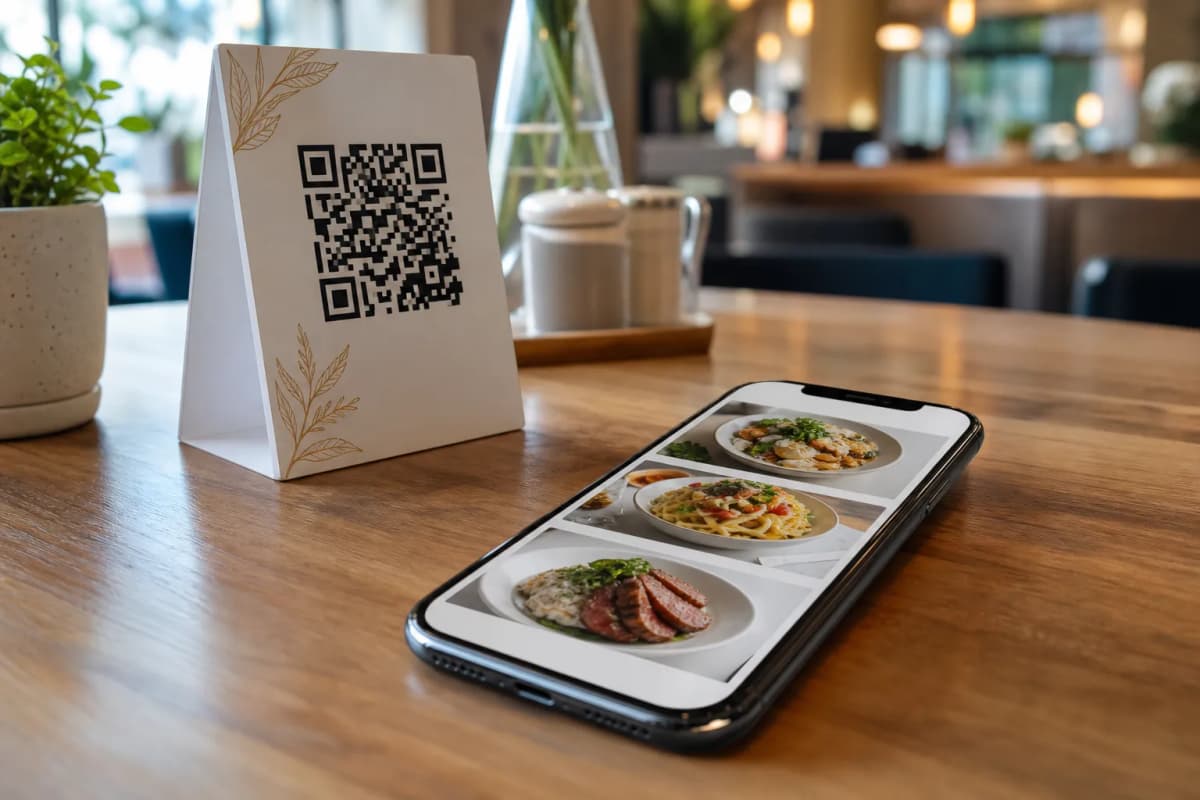
Your digital presence needs to match your physical brand perfectly. Instead of hiring a designer or settling for a boring list, you can choose from multiple ready templates built specifically for the hospitality industry. You can preview some of these professional designs in our templates gallery. Every template is fully customizable to fit your exact colors and style. Furthermore, you can instantly make your menu available in over 100 world languages. The system provides automatic translation, allowing international tourists to switch to their native language with just one click.
Step 4: Expand to WhatsApp and Takeaway Orders
Beyond dine-in customers, you want to easily capture local delivery and pickup traffic. You can effortlessly set up WhatsApp orders with live order tracking. When customers browse your digital menu from home, they can send their requests directly to your business WhatsApp number. You can also enable pickup orders so local office workers can request their takeaway lunch straight through the menu without making a phone call or installing a separate application.
Step 5: Print Your Custom QR Codes
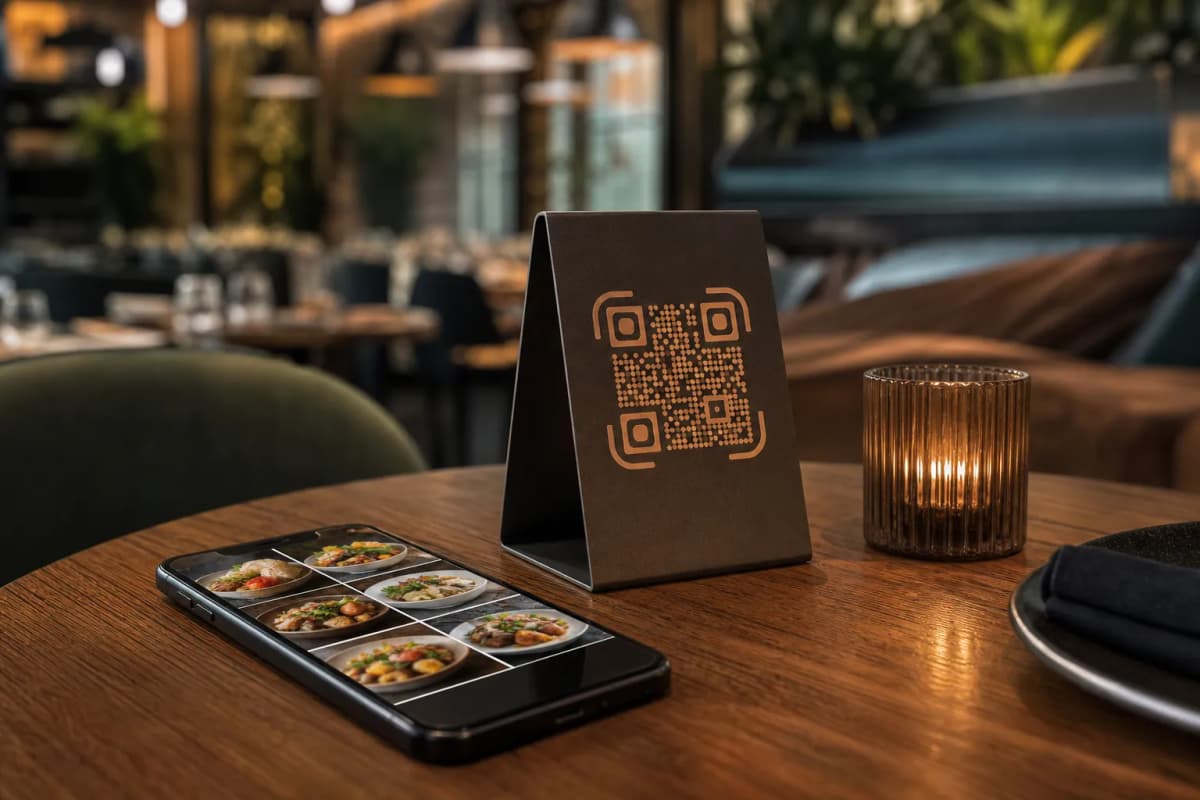
The final step is getting your menu in front of your diners. You can generate a professional QR code directly from the system. Customize this code with your brand colors and restaurant logo, then print it on table tents, stickers, or your front entrance. While setting this up, you can also activate the Call Waiter feature. This gives customers a one-tap button to request assistance or ask for the bill. Your staff will get instant notifications with the exact table number and request type.
Ready to Upgrade Your Restaurant Operations?
Transitioning to a smart ordering system reduces stress on your staff and increases your table turnover rate. You maintain full control from your web dashboard to update prices instantly, organize sections, and gather valuable feedback through the in-menu rating system. You can even allow guests to book tables directly from within the menu. Start today by opening eMenu AI and building your fully customized, highly profitable digital menu.