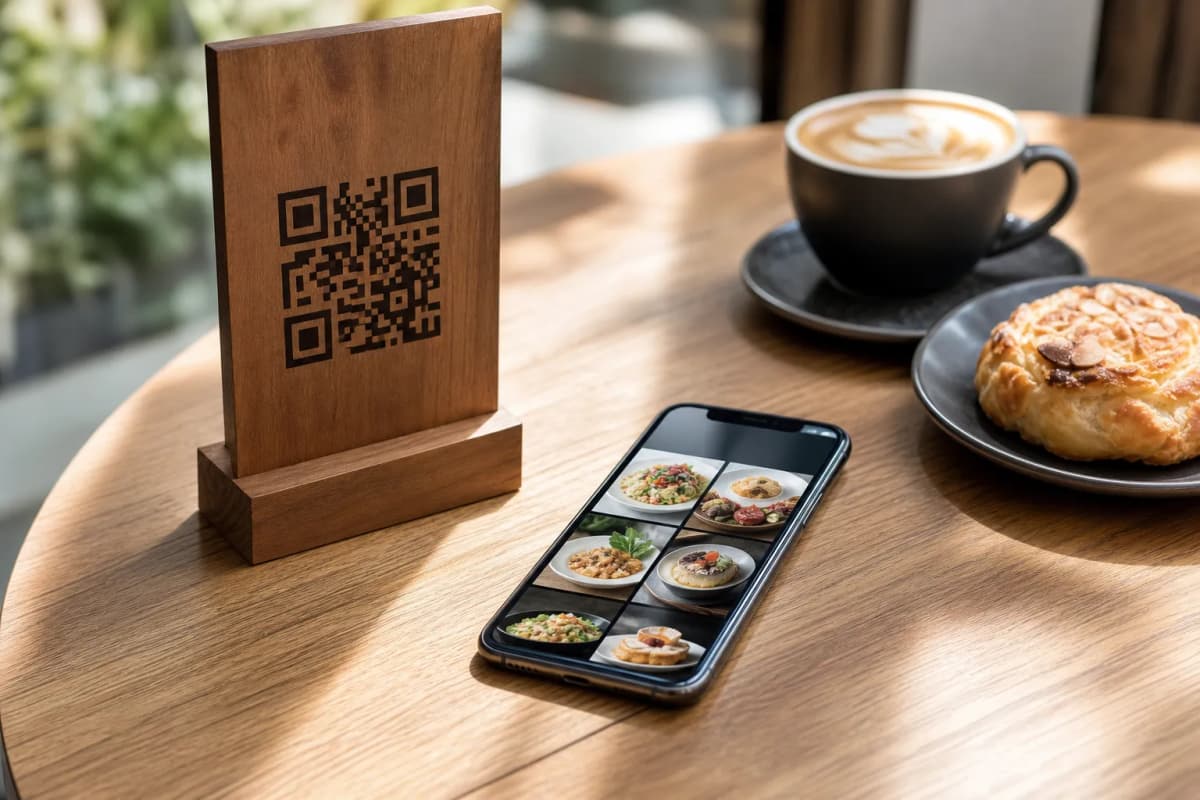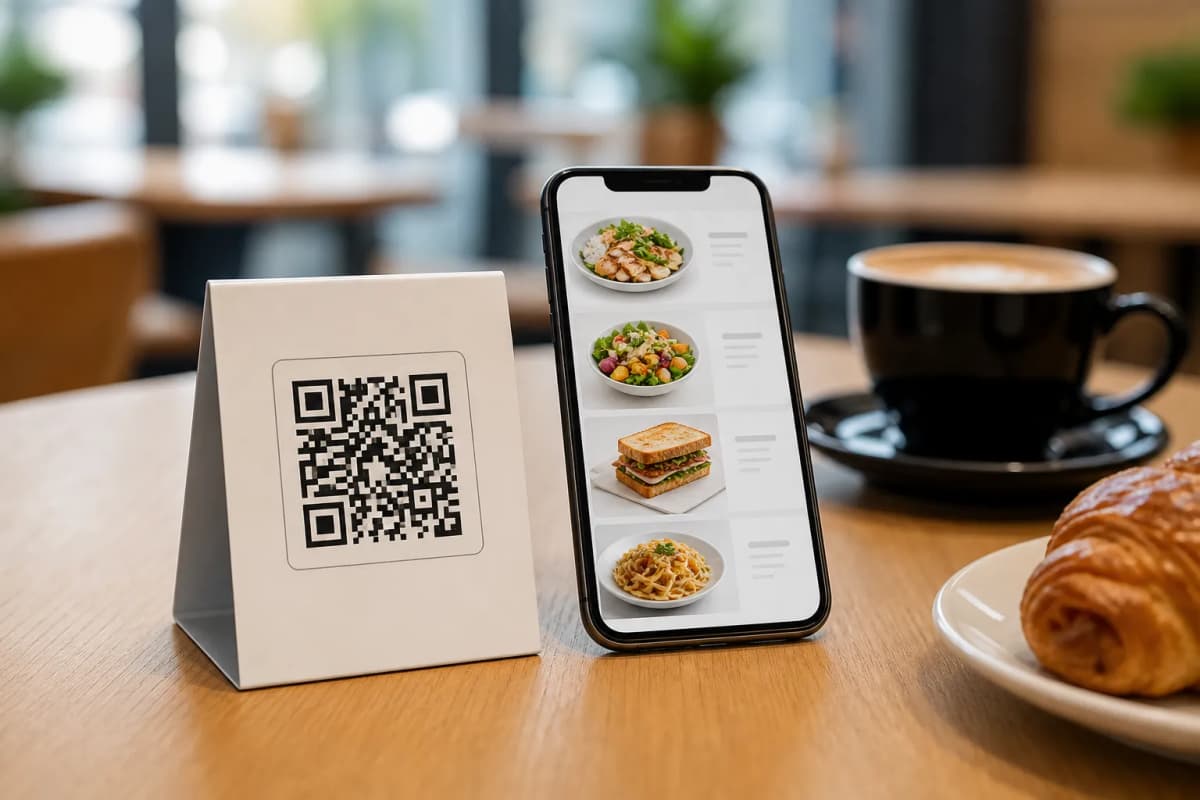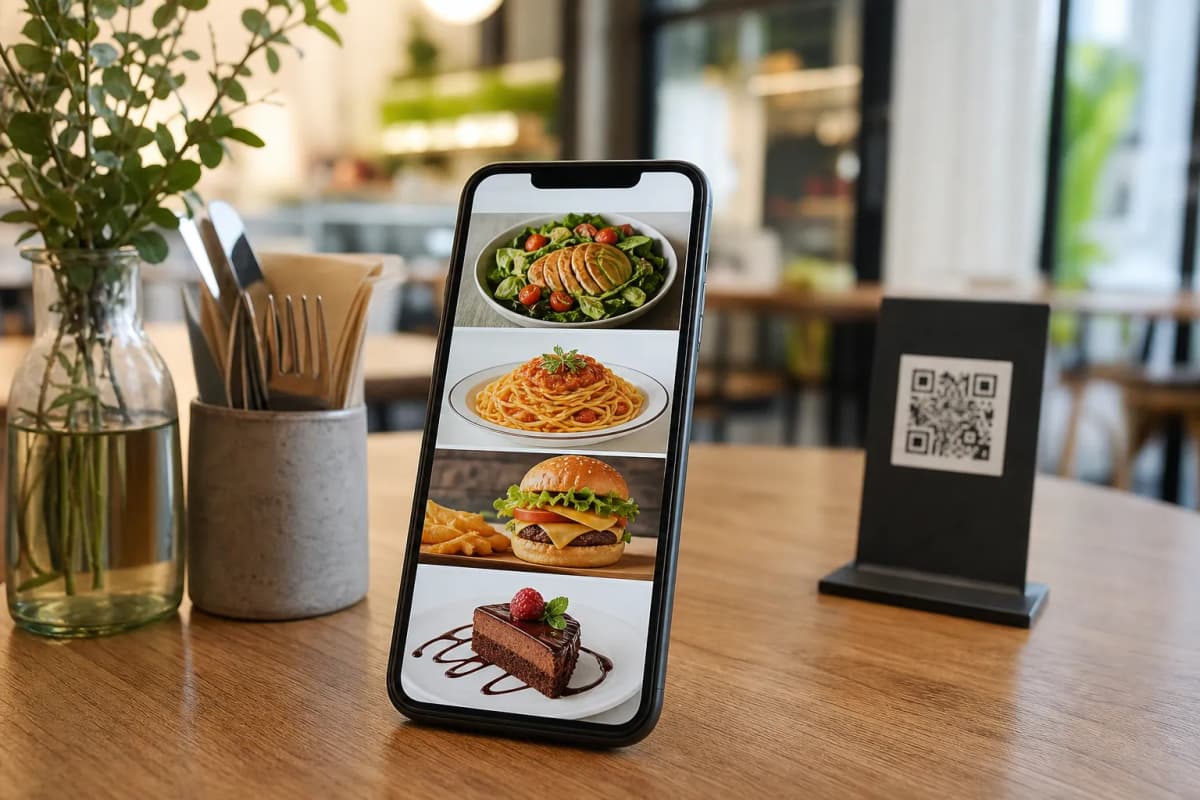
Getting high quality pictures for every dish on your menu can be expensive and time consuming. However, visually appealing menus drastically increase sales. Today, restaurant owners are using ai menu photos to solve this problem instantly. With eMenu AI, you do not need to hire a professional photographer to make your digital menu look incredible. You can generate stunning, realistic food images directly from your dashboard and give your customers a premium browsing experience.
Why AI Menu Photos Matter for Your Restaurant
A text only menu does not excite hungry customers. When you add high quality ai menu photos to your digital offerings, you instantly boost your visual appeal. Whether your guests are placing Table Orders directly from their seats or sending WhatsApp Orders from home, seeing a mouth watering image helps them decide faster. Better photos lead to bigger orders and a premium dining experience.
Furthermore, eMenu AI supports over 100 world languages with automatic translation. A beautiful picture paired with a menu in the customer's native language guarantees a flawless experience for tourists and locals alike. They simply switch the language with one click, look at the generated images, and order.
Step by Step: Creating Your Digital Menu with AI Images
Getting started is very simple. You control everything from the web dashboard or your smartphone. Follow these practical steps to launch your visual menu today:
- Start Your Setup: Open eMenu AI on your phone, tablet, or computer. This smart link works across iPhone, iPad, Android, and web browsers. Create your account and begin adding your restaurant details.
- Add Your Menu Items: Create your categories and add your dishes. Input the names, descriptions, and prices using the intuitive interface.
- Generate the Images: Use the built in AI food image generation tool to create perfect photos for your menu items. Just describe your dish, and the system provides professional grade images instantly. No expensive photoshoots are needed.
- Choose a Professional Template: Make your photos shine by selecting a layout from the multiple ready templates. Every template is fully customizable to match your brand colors. Custom templates can even be made free on request.
- Print Your Professional QR Code: Generate and customize your QR code for printing on tables or at the entrance. Customers simply scan the code with their phone cameras to browse your new visual menu. No app install is needed.
Enhance the Customer Experience Even Further
- Call Waiter and Reservations: With one tap, guests can call a waiter, request the bill, or use the Table Reservation System to book a table for their next visit. Staff get instant notifications with the table number.
Ready to Transform Your Menu?
Upgrading your restaurant does not require a massive budget or technical skills. With very affordable plans, including a free plan, you can modernize your ordering system today. Whether you prefer managing your business from an iPad or a computer browser, you have full control. Start creating your visual menu right now and give your customers the modern dining experience they expect.