How to Create and Launch Your AI Menu
This guide will walk you through the practical steps to set up a fully functional AI menu for your restaurant or cafe.
Setting Up Your AI Menu: A Step-by-Step Guide
Building your smart menu is a straightforward process. Here are the core steps to get you from zero to a fully operational digital experience for your customers.
- Create Your eMenu AI Account
The first step is to get access to the platform. eMenu AI is designed to work seamlessly on any device your team uses, including iPhones, iPads, Android phones, tablets, and any computer with a web browser. There's one smart link for all platforms. Get started by creating your account at https://app.e-menu.ai/appp.
- Build and Organize Your Digital Menu
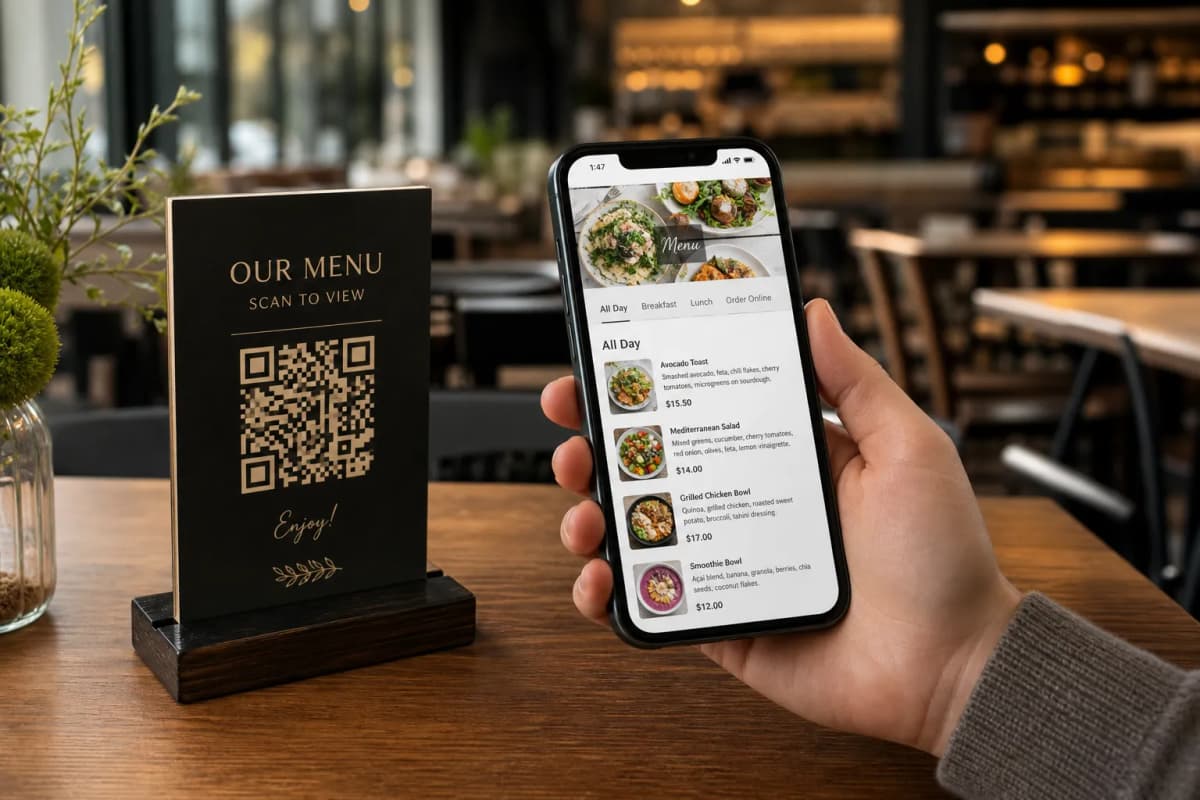
Once you're in, it's time to build your menu. Using the web dashboard or the app, you can easily create categories (like Appetizers, Main Courses, Desserts) and add your dishes. For each item, you can add a name, description, and price. If you don't have high-quality photos for every dish, eMenu AI has you covered with its built-in AI food image generation tool, which creates stunning, appetizing visuals in seconds.
- Customize the Design and Layout
Your menu should reflect your brand's unique identity. You can browse through a gallery of multiple ready templates and select one that fits your style. Every template is fully customizable: you can change colors, fonts, and layouts to perfectly match your restaurant's branding. You can even request a custom template for free to ensure a perfect fit.
- Generate and Display Your Custom QR Code
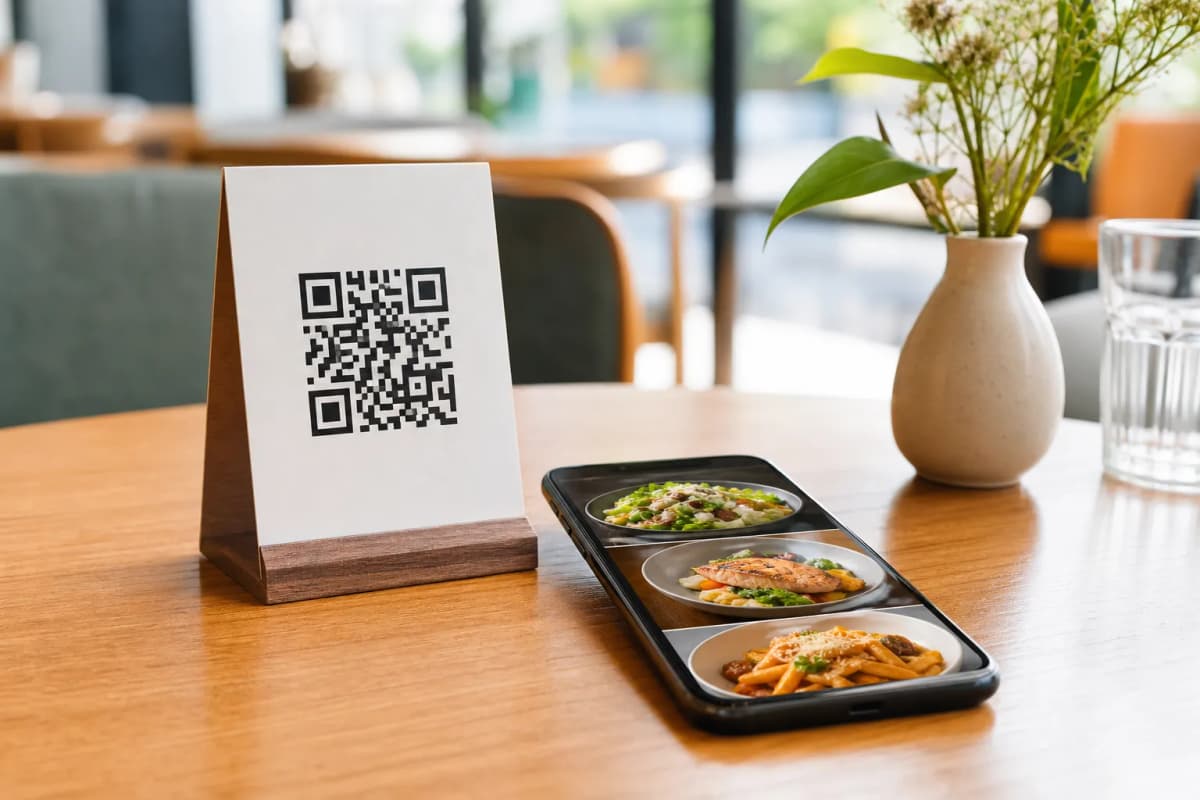
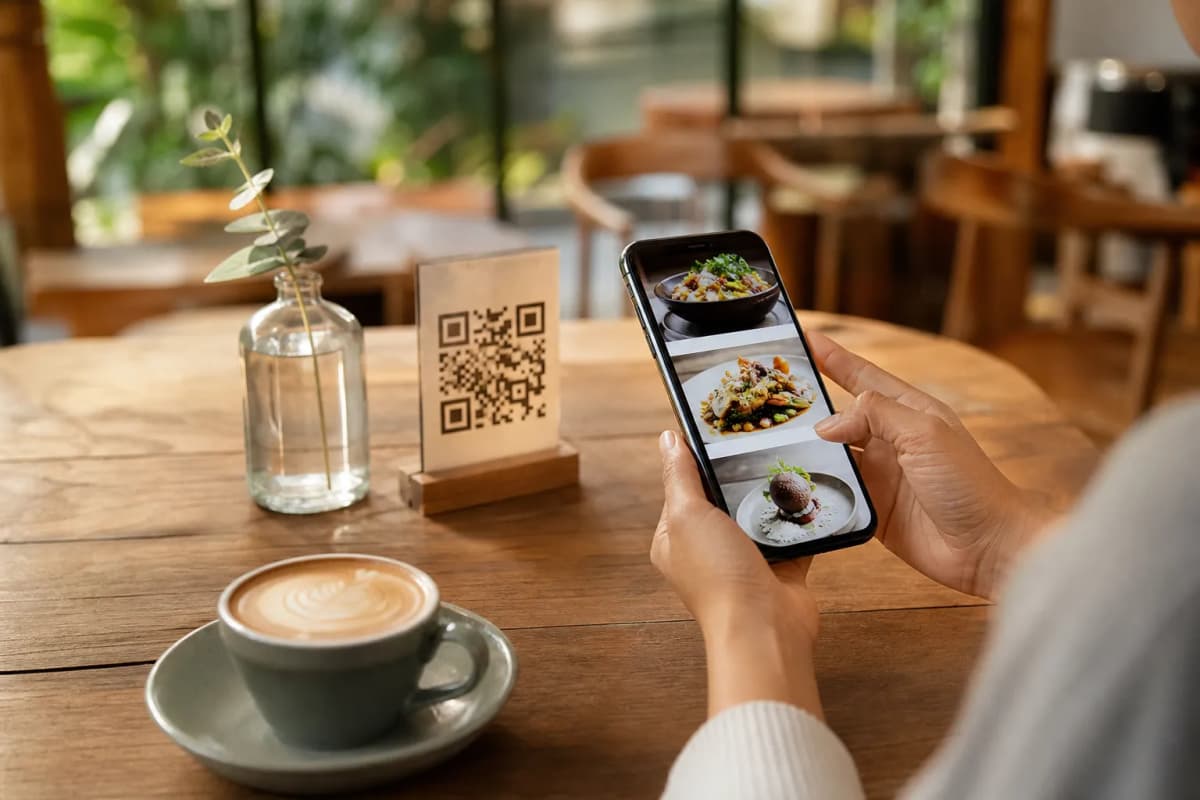
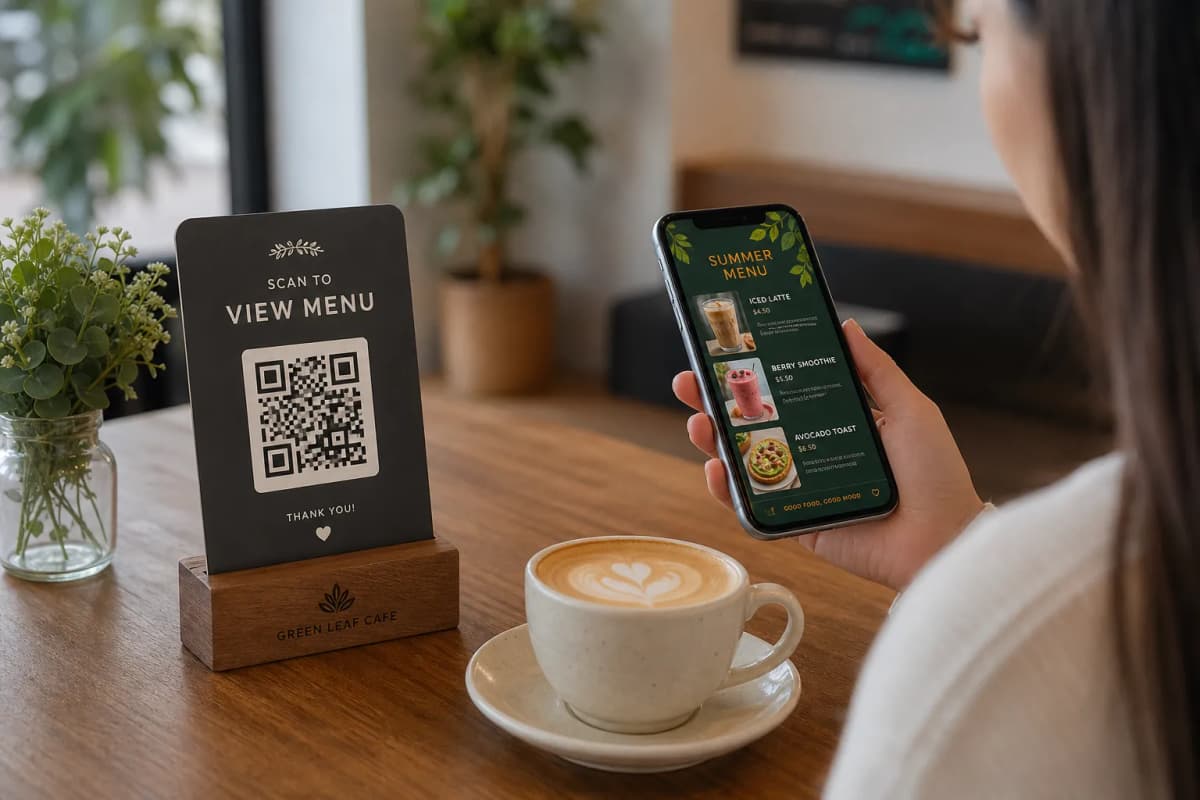
With everything set up, the final step is to generate your professional QR code. You can customize it with your restaurant's logo and colors to make it an integral part of your branding. Print the QR code on table tents, stickers, or menus for customers to scan and access your new digital experience.
Activating Advanced Menu Features
An AI menu does more than just take orders. eMenu AI includes several features to improve operations and the customer experience.
Enhance In-Store Communication
Activate the Call Waiter feature. With a single tap from the menu, customers can request assistance or the bill. Your staff receives an instant notification with the table number and the specific request, allowing for faster, more efficient service.
Gather Valuable Customer Feedback
Use the In-Menu Rating System to collect comprehensive feedback on dishes and service directly after a meal. This gives you direct insight into customer satisfaction, helping you identify what’s working and where you can improve.
Serve a Global Audience
Your menu can be available in over 100 languages. With automatic translation, international tourists and local expatriates can browse your offerings in their native tongue, making them feel welcome and understood.
Manage Bookings Effortlessly
The built-in Table Reservation System allows customers to book a table directly from your digital menu, streamlining your reservation process and reducing phone calls.
Creating a sophisticated AI menu is no longer a complex or expensive task. With eMenu AI, you have a complete toolkit to digitize your restaurant, improve efficiency, and provide a modern dining experience. Get started today and see how a smarter menu can transform your business.