If you want to launch your digital menu quickly, you need a practical system that handles everything from dish displays to kitchen operations. Here is a straightforward guide to getting your interactive system live today.
Step 1: Build Your Digital Menu Catalog
The first step is to set up your restaurant profile and add your dishes. You can start building your menu on eMenu AI using your phone, your tablet, or a computer browser. The web dashboard gives you full control to organize your sections, update prices instantly, and add detailed item descriptions. If you do not have professional photos of your food, you can use the built-in AI food image generation to create appetizing pictures for your menu items in seconds. Because the system supports over 100 world languages with automatic translation, you only need to input your items once, and international guests can switch to their preferred language with a single click.
Step 2: Choose Your Design Template
Your digital menu should reflect your unique brand identity. Instead of settling for a generic list, you can browse the multiple ready templates available on the platform. Every template is fully customizable, allowing you to tweak the layout to suit your cafe or fine dining establishment. New designs are added regularly, and if you need something highly specific, custom templates are made completely free on request to perfectly match your brand aesthetics.
Step 3: Print Your Restaurant Menu QR Code
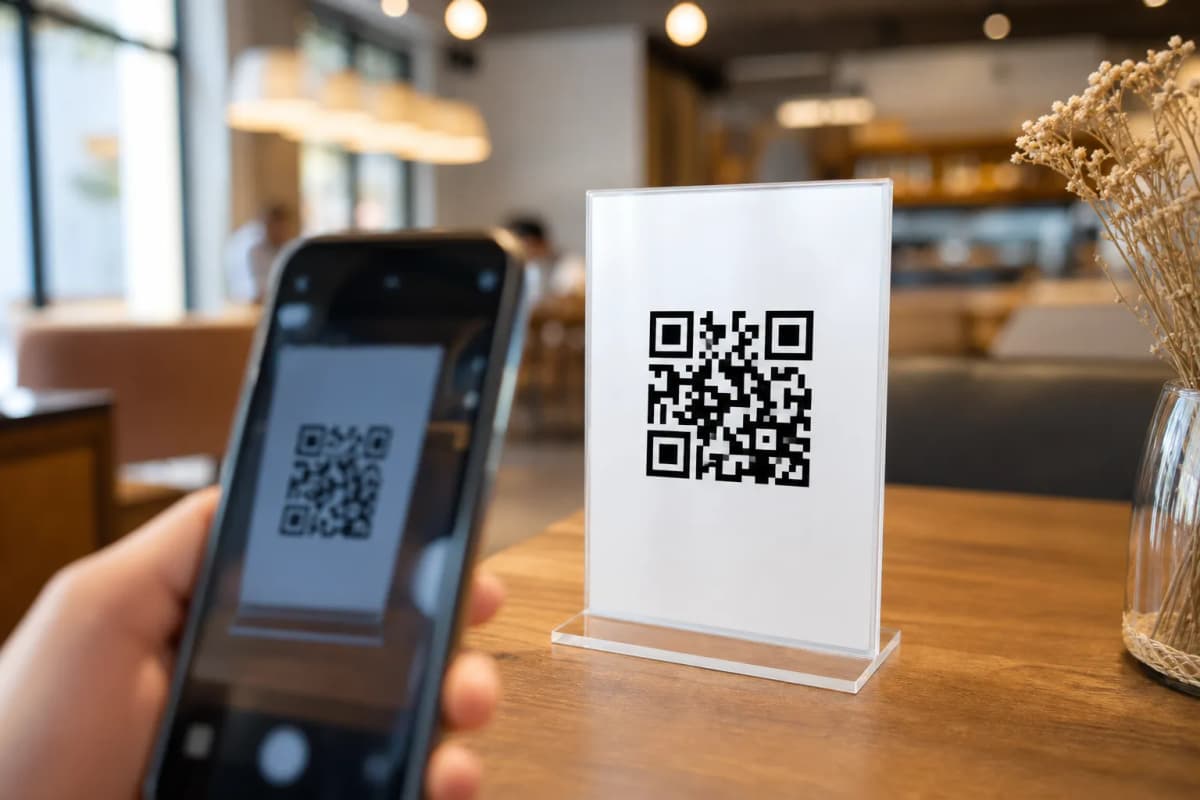
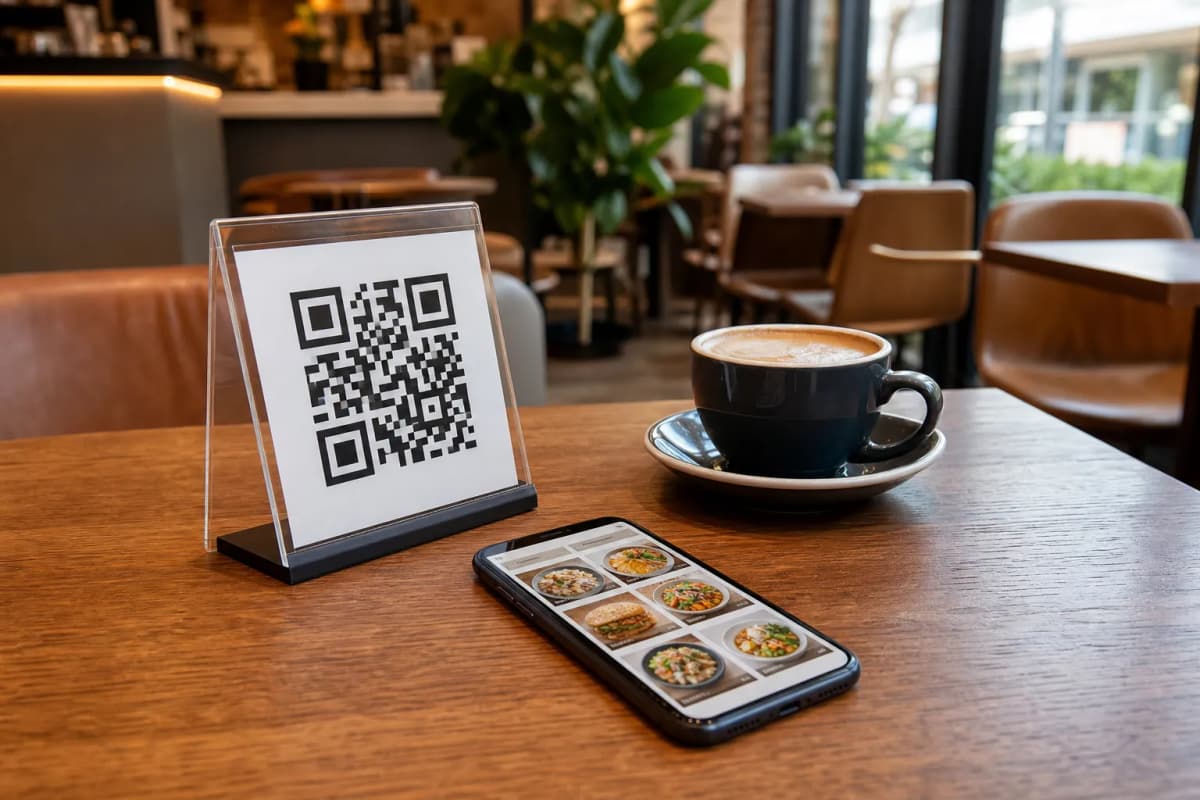
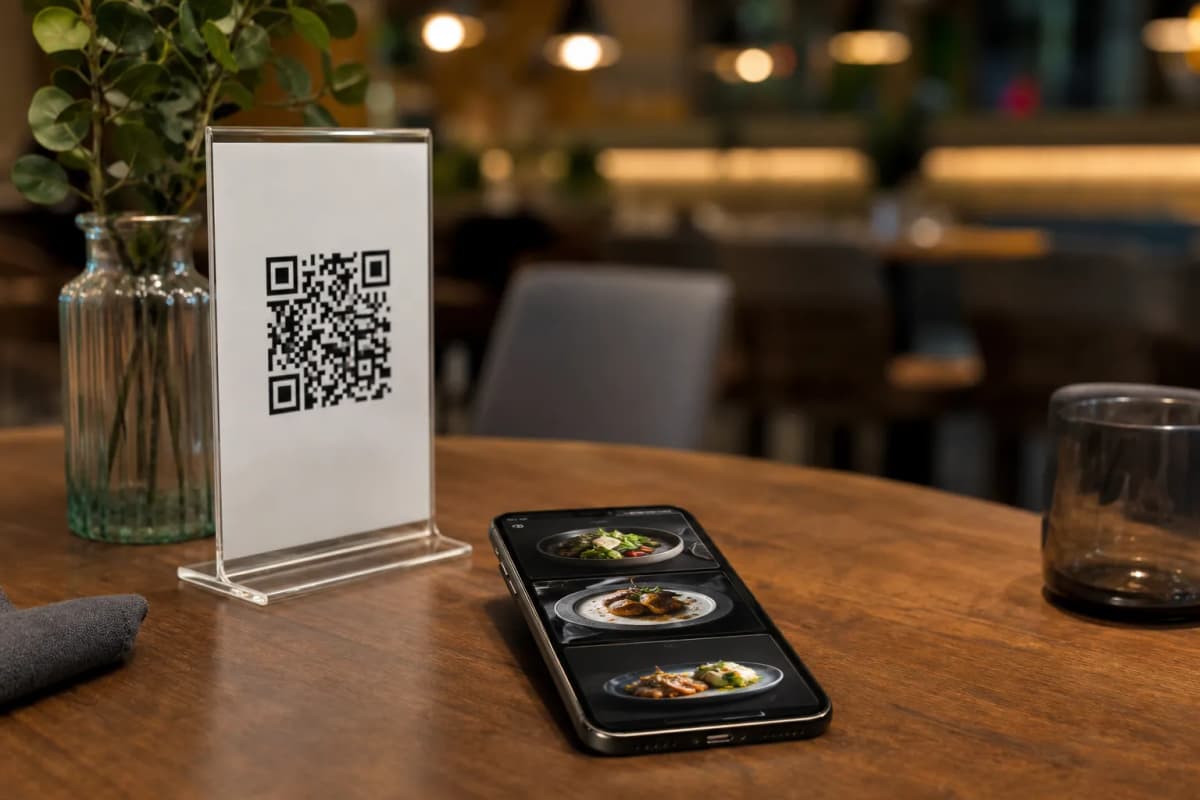
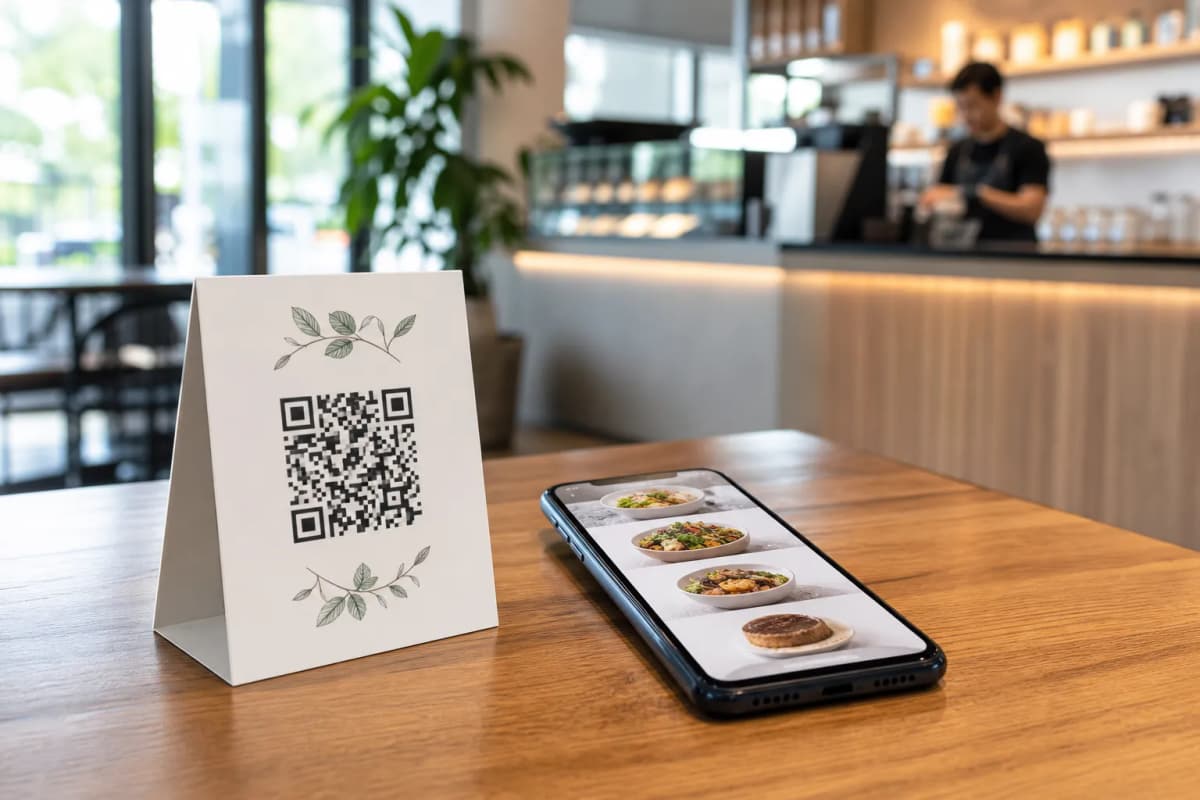
Once your items are ready and your design looks great, it is time to generate the actual restaurant menu qr code. Inside the platform, you can design a professional QR code that incorporates your specific brand colors and your restaurant logo. Download this custom code and print it for your dining tables, display stands, or entrance window. When guests scan this code, they are instantly taken to your live, beautifully designed digital menu without typing any links.
A digital menu can do much more than just display your food. You can enable powerful features to automate your daily operations:
- WhatsApp and Pickup Orders: For your takeaway customers, enable ordering via WhatsApp with live order tracking, or let them place pickup orders directly through the menu link without needing to make phone calls.
Step 5: Enhance the Customer Experience
To keep your guests returning, you can activate several smart hospitality tools directly within the menu interface. The Call Waiter feature lets guests request assistance or ask for the bill with one tap from their phone; your staff will get instant notifications showing the exact table number and request type. You can also turn on the Table Reservation System to accept upcoming bookings right from the menu link. Finally, use the In-Menu Rating System to collect comprehensive, private customer feedback before the guest even leaves the building.