Transform Your Restaurant Operations
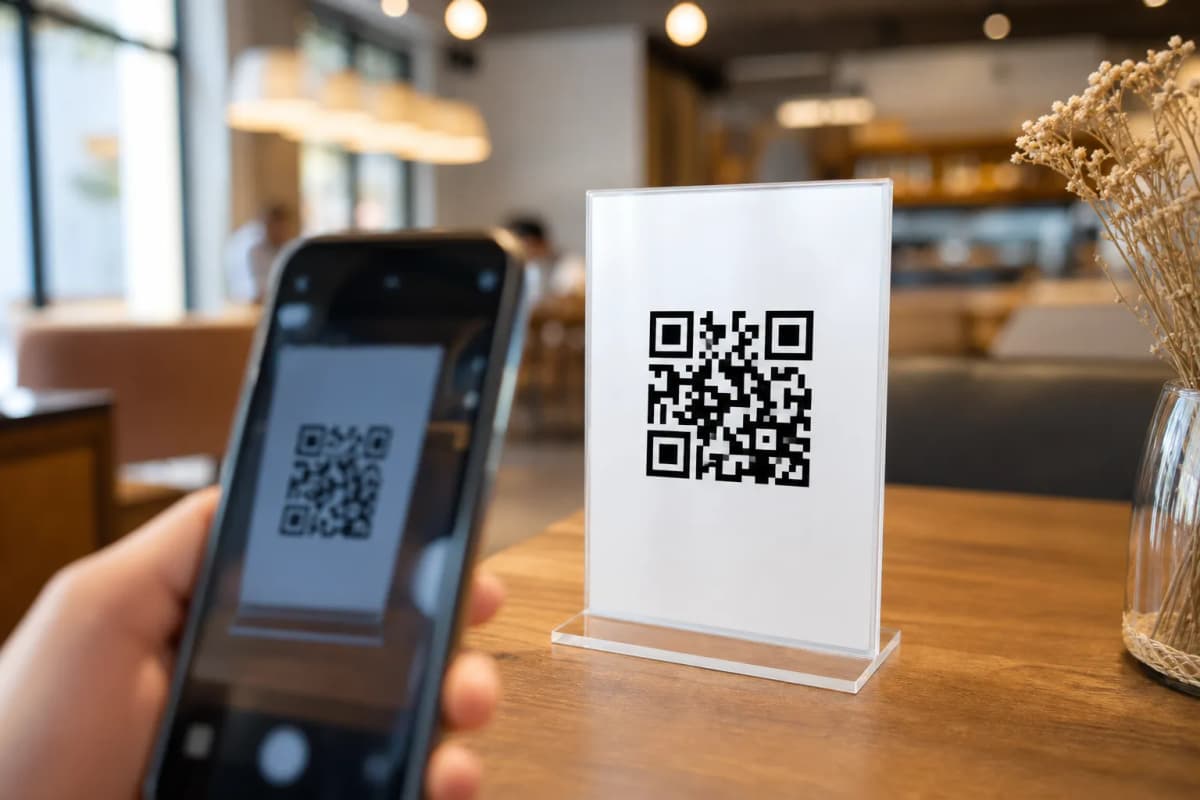
Creating a qr menu code for your restaurant or cafe is no longer a complex task that requires hiring a developer. Today, hospitality owners need a fast, reliable way to digitize their offerings. When guests sit down, a simple scan should instantly load a beautiful, interactive digital catalog on their phones without requiring any app downloads. With eMenu AI, launching this modern dining experience takes just a few minutes and gives you complete control over your business operations.
Step 1: Set Up Your Account and Dashboard
To begin, you need a central place to manage your operations. Simply open eMenu AI on your preferred device. The platform provides a unified smart link that automatically detects if you are using an iPhone, an iPad, an Android tablet, or a computer browser. You have full control from the web dashboard to organize sections, update prices, and manage every detail of your business without any technical skills.
Step 2: Add Your Items and Choose a Design
A digital catalog must look appetizing and reflect your brand identity. Follow these guidelines to build an attractive interface:
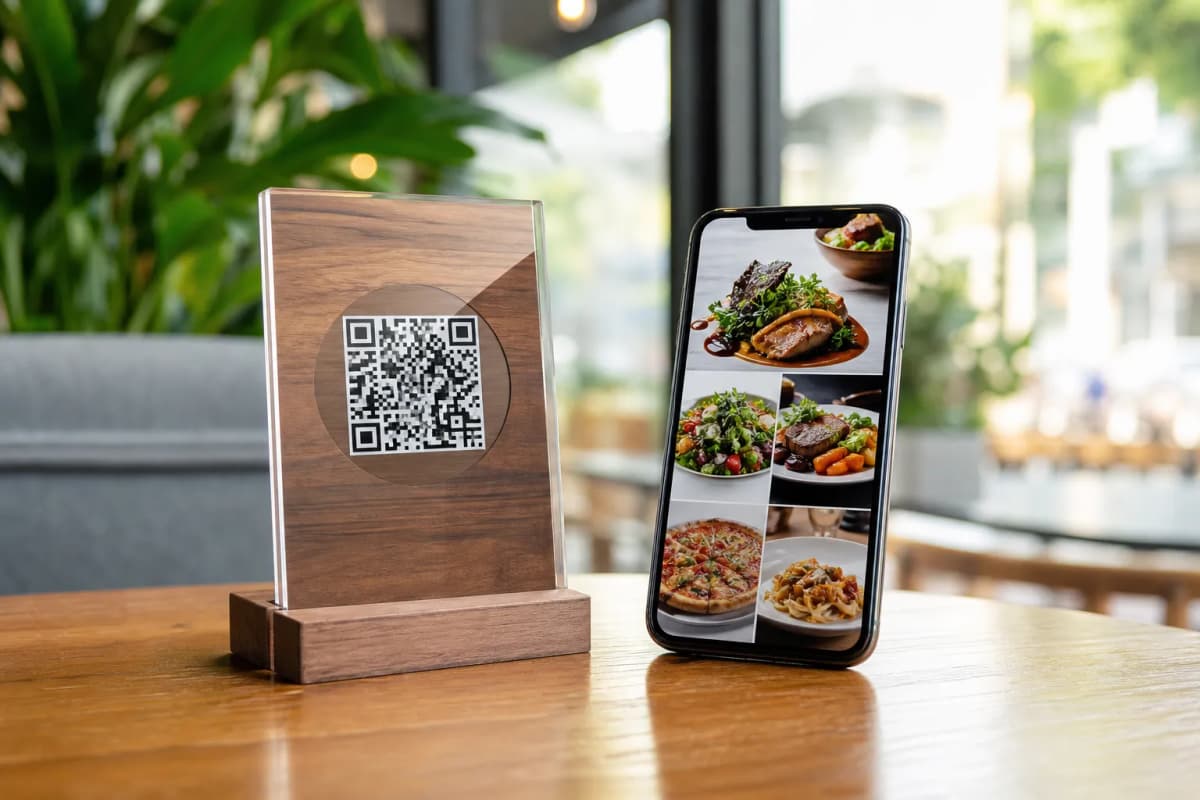
- Generate Images: As you add your dishes, use the built-in AI food image generation to instantly create mouth-watering visuals for items that lack professional photography.
- Select a Layout: Browse multiple professional designs in the templates gallery. Every template is fully customizable, and custom designs can be requested for free to perfectly match your brand.
- Break Language Barriers: The platform automatically translates your offerings into over 100 world languages, allowing customers to switch to their native language with one single click.
Step 4: Add Features to Improve Customer Experience
Beyond ordering, you can activate built-in tools to elevate your daily service and keep guests happy:
- Table Reservation System: Allow customers to book a spot directly from their mobile screens before they even arrive at the venue.
- Call Waiter: Guests can request assistance or ask for the bill with a single tap, sending instant notifications with the table number and request type directly to your staff.
- In-Menu Rating System: Gather valuable feedback by collecting comprehensive reviews while the guest is still at the table.
Step 5: Customize and Print Your QR Menu Code
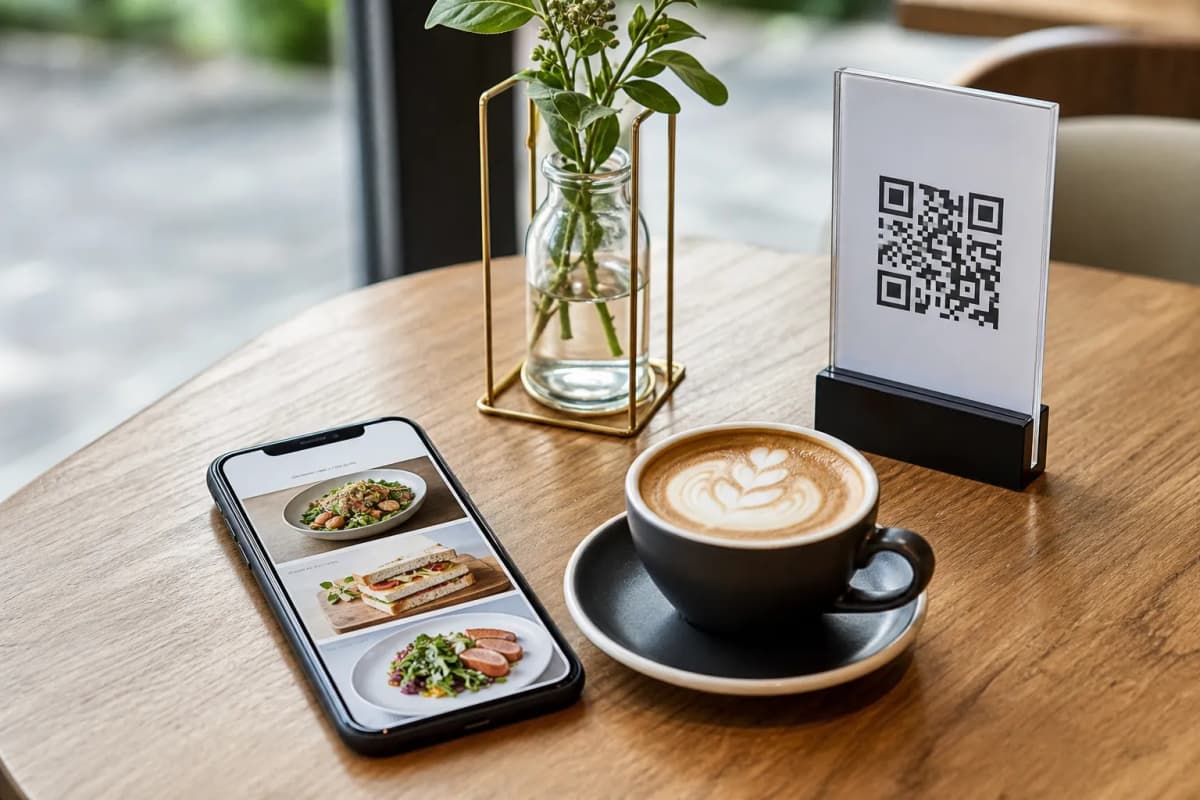
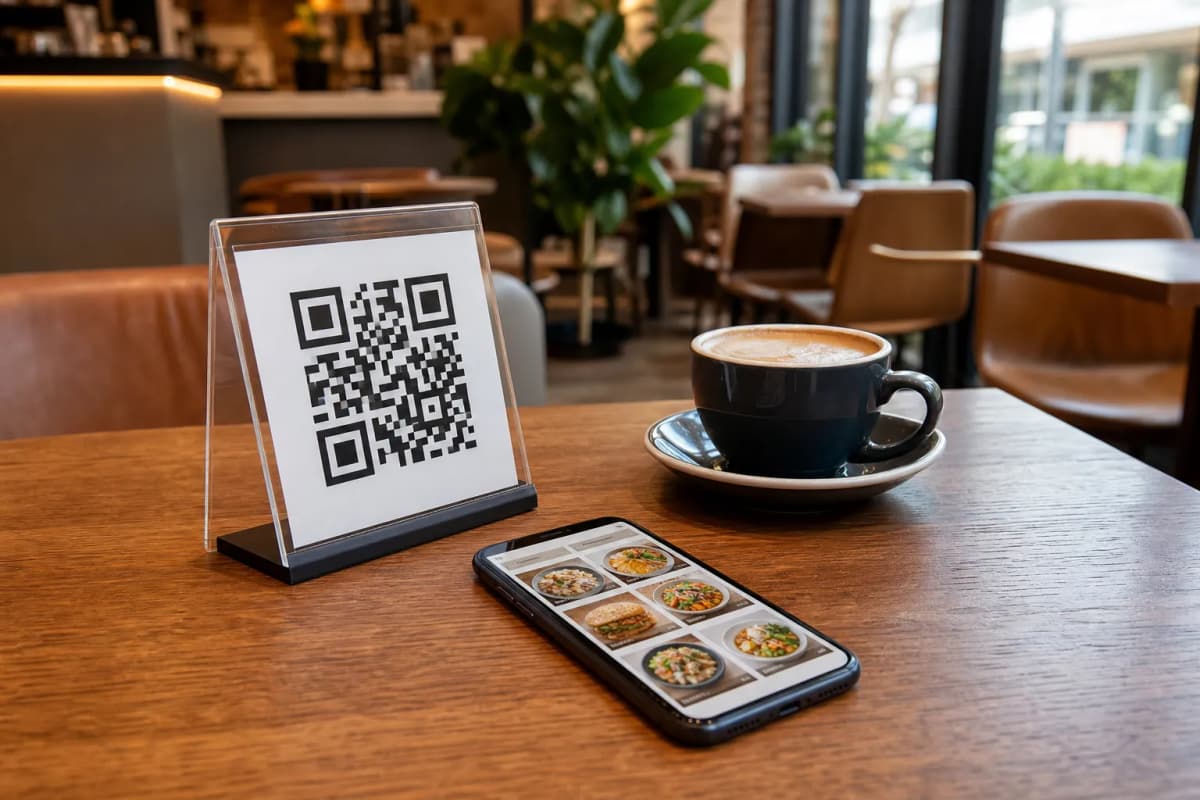
Once your setup is complete, it is time to generate the physical code. The platform provides a professional QR code generator where you can customize the colors and add your restaurant logo to match your physical branding. Download this customized image and print it on table tents, stickers, or entrance posters. Because the underlying link updates dynamically, you will never need to reprint the physical codes when you change a price or add a new seasonal dish.
Start Serving Smarter Today
Launching your digital storefront is the fastest way to modernize your operations and boost sales. It reduces wait times, empowers your staff, and gives your customers the smooth, modern dining experience they expect. If you are ready to modernize your venue, check out the very affordable plans, including a free tier, and start building your interactive digital experience today.