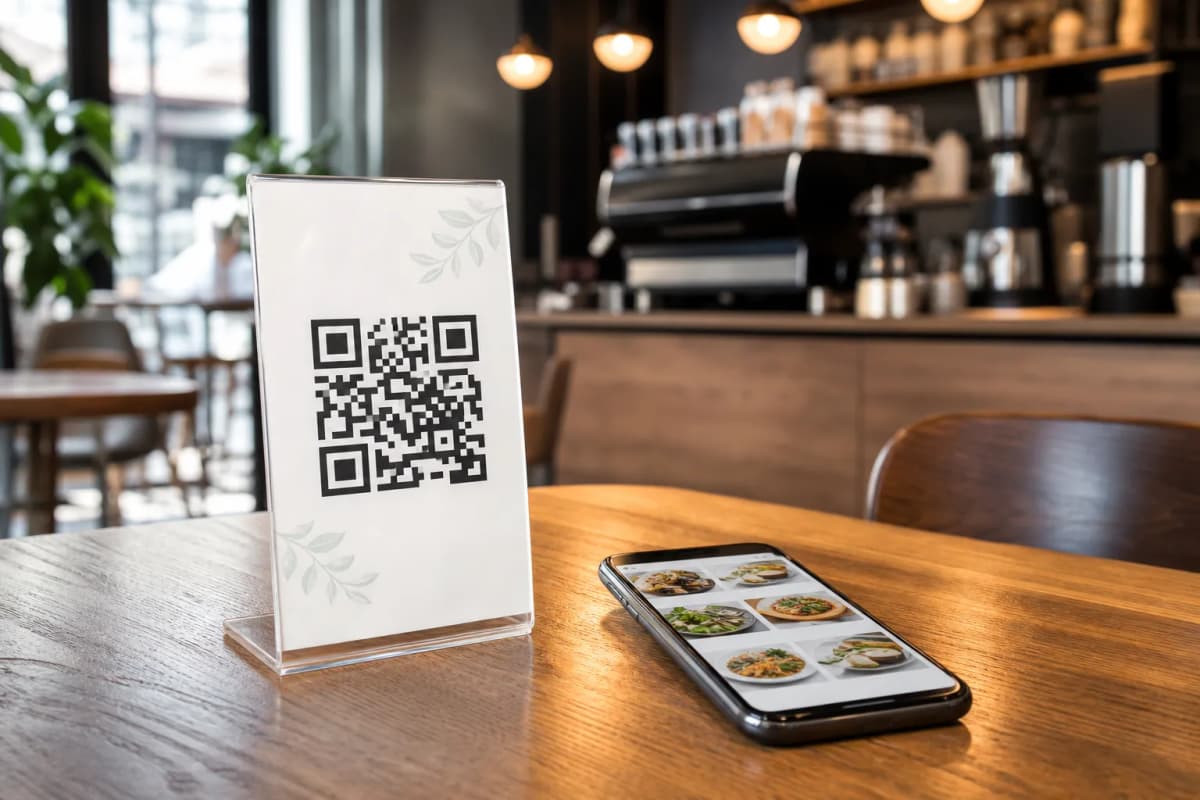
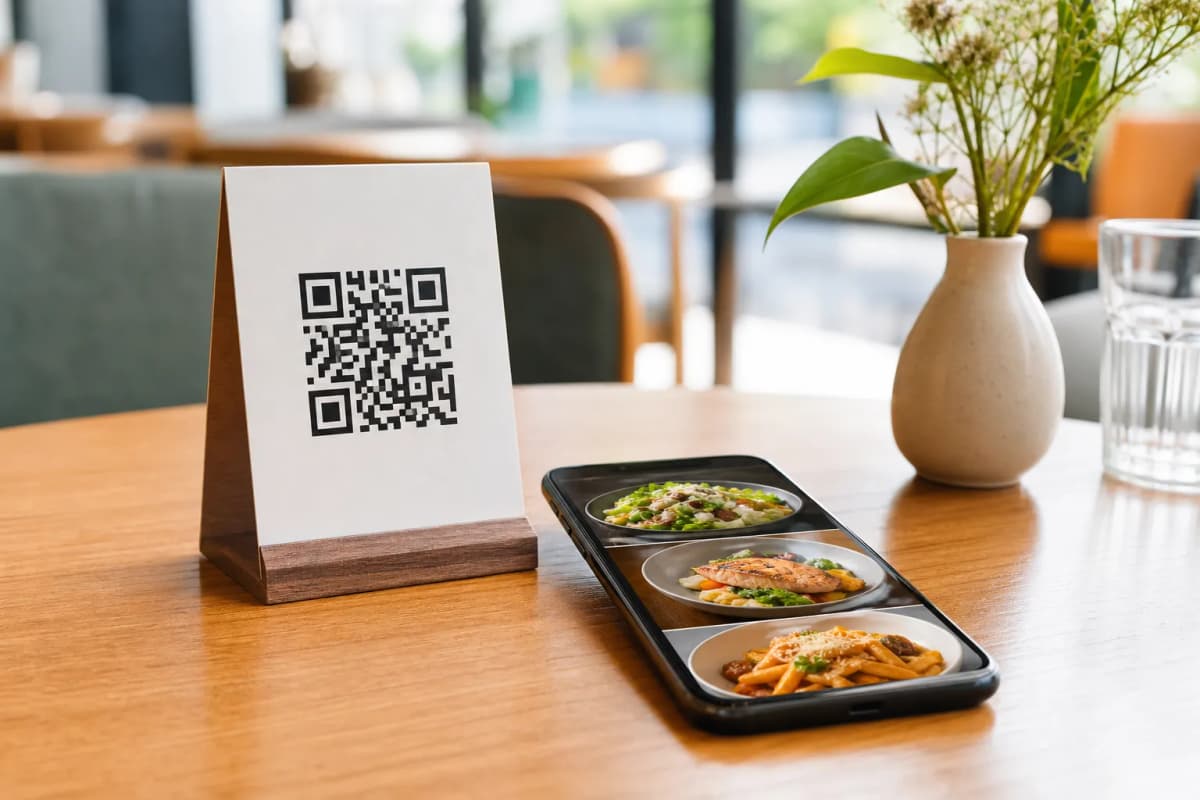
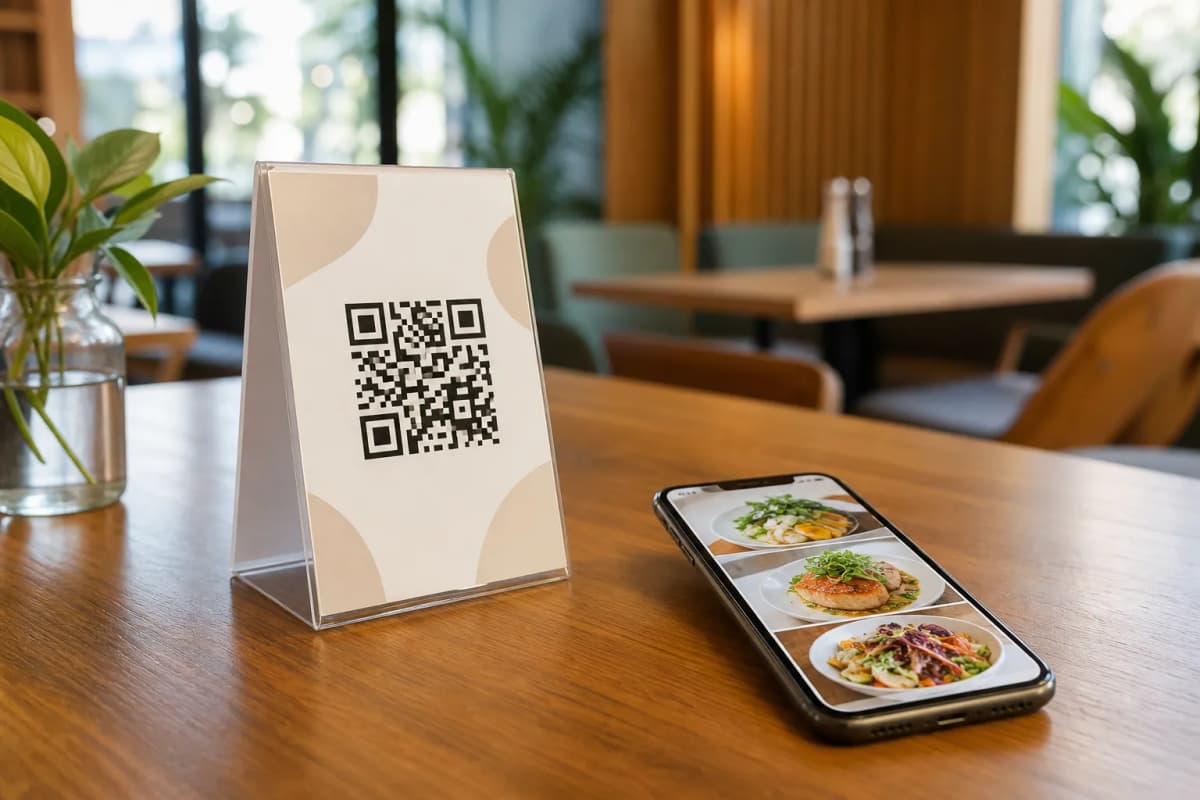
If you are searching for how to create a code for menu access in your restaurant, you are in the right place. Replacing physical paper menus with a scannable digital version is the easiest way to speed up table service, reduce printing costs, and give your customers a better dining experience. Best of all, your guests do not need to download any extra applications to view your offerings. They simply point their phone camera, tap the link, and start browsing immediately.
Using eMenu AI, you can generate a professional QR code that links directly to your customized digital storefront. Whether you run a busy local cafe, a food truck, or a large fine-dining establishment, managing your operations becomes much simpler when customers can simply scan, browse, and order directly from their personal smartphones. The platform puts you in full control through a convenient web dashboard where you can add dishes, change prices, and organize sections in real time.
Why Implement a Code for Menu Access?
Practical Steps to Set Up Your Digital Catalog
Getting started takes only a few minutes, and you do not need any technical skills to build a professional ordering system. Follow these practical steps to launch your digital setup today.
- Access the Platform: You can manage everything from your iPhone, Android device, or computer browser. Just open eMenu AI to create your account. This smart link will automatically direct you to the web dashboard, the App Store, or Google Play depending on the device you are currently using.
- Build Your Categories and Items: Start adding your dishes, descriptions, and prices. If you do not have professional photographs of your food, do not worry. eMenu AI includes a powerful AI food image generation tool that creates stunning, realistic visuals for your menu items instantly.
- Select a Custom Design: Your brand is unique, and your digital storefront should reflect that. Browse the multiple ready templates to find a layout that fits your restaurant style. New designs are added regularly, every template is fully customizable, and custom templates can even be made free on request to perfectly match your brand identity.
- Generate Your Professional QR Code: Once your items are uploaded, the system generates your unique code. You can customize this code with your specific restaurant colors and logo before printing it for your tables, counters, or front entrance.
Enhancing the Guest Experience After Setup
Once your basic setup is active, eMenu AI offers several built-in features to upgrade your daily operations and boost customer satisfaction.
- Automatic Translations: Break language barriers instantly. Your digital catalog can be made available in over 100 world languages with automatic translation, allowing international guests to switch to their native language with a single click.
- WhatsApp Ordering and Reservations: Give your customers the option to place orders via WhatsApp with live order tracking. You can also enable the table reservation system so guests can book tables directly from within the menu interface.
- Call Waiter and Feedback: With one tap, guests can request assistance or ask for the bill. Your staff receives instant notifications with the table number and specific request type. You can also collect comprehensive customer feedback using the built-in rating system.
Ready to Modernize Your Restaurant?
Setting up a smart digital ordering system has never been easier or more affordable. You can start completely free and upgrade your features as your business grows. To review all the available options, check out our affordable pricing plans.
Stop relying on outdated paper menus that get damaged, spread germs, or require constant costly reprinting. Start building your digital menu today, print your custom QR code, and transform the way you serve and interact with your customers.