Setting Up Your Contactless Menu QR Code Fast
Here is a practical guide on how to launch your new menu system quickly.
Step 1: Start Building Your Digital Catalog
The first thing you need to do is set up your digital catalog. You can create your menu on eMenu AI using any device you prefer. The smart link detects your device and works seamlessly on your iPhone, iPad, Android tablet, or from your computer browser via the web dashboard. Once you log in, start adding dishes, organizing categories, and setting prices. If you are missing high quality photos, you can use the built in AI food image generation tool to create professional, realistic pictures in seconds.
Step 2: Apply a Design That Fits Your Brand
Your menu should reflect your restaurant brand perfectly. eMenu AI provides multiple ready templates that you can apply instantly. You can browse the options at our templates gallery to find a style that matches your venue. Every template is fully customizable, allowing you to adjust the look to suit your aesthetic. If you need something highly specific, custom templates are made free on request to ensure your digital presence is exactly what you envision.
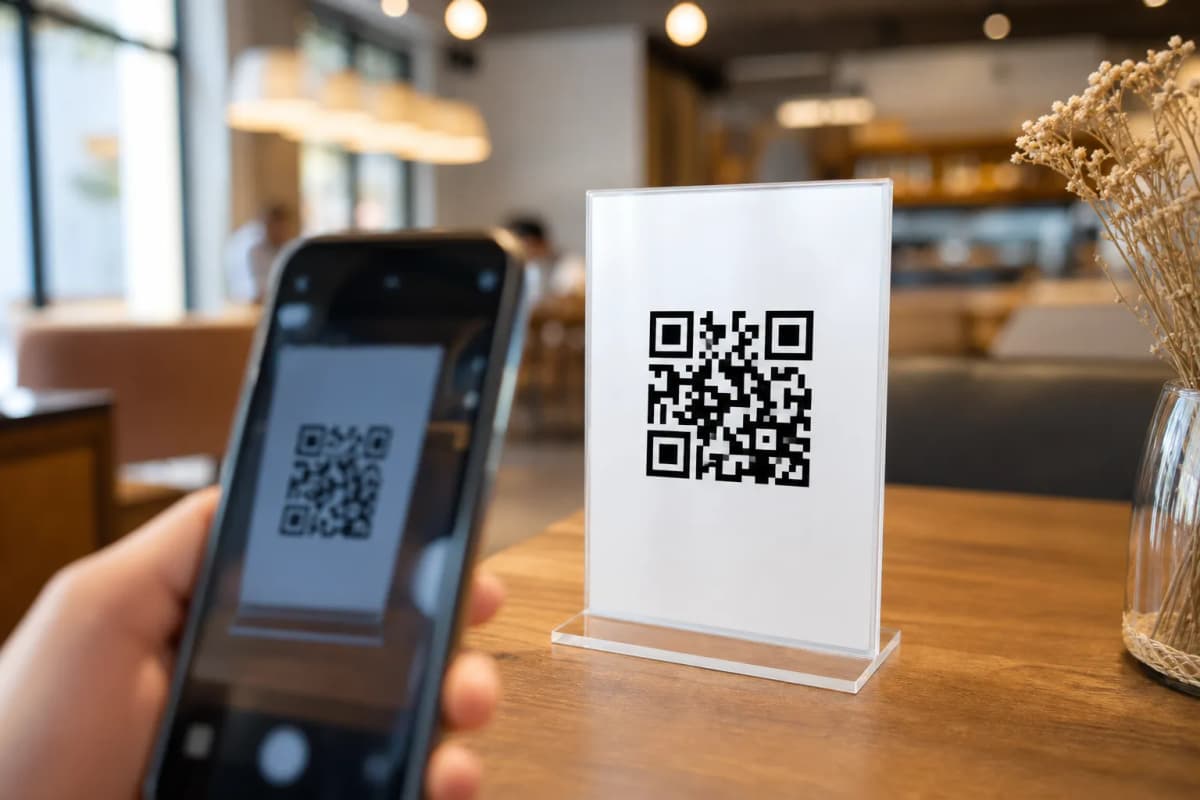
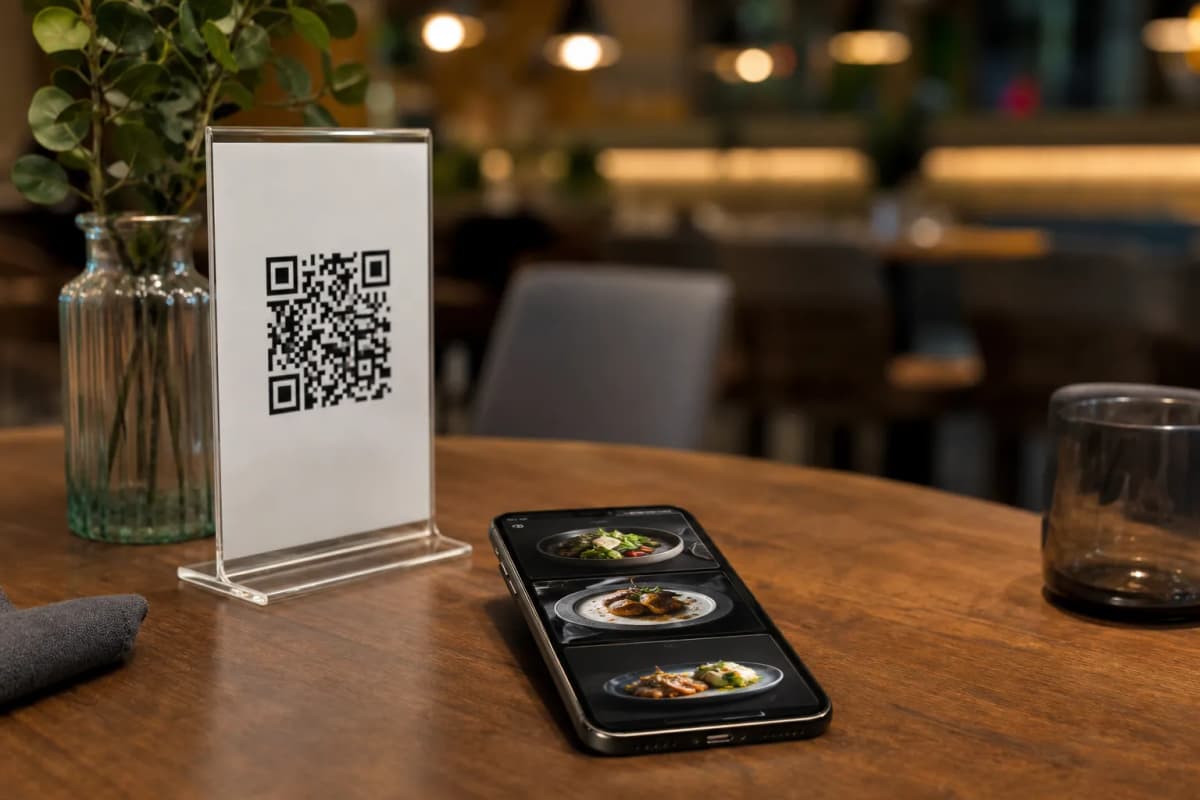
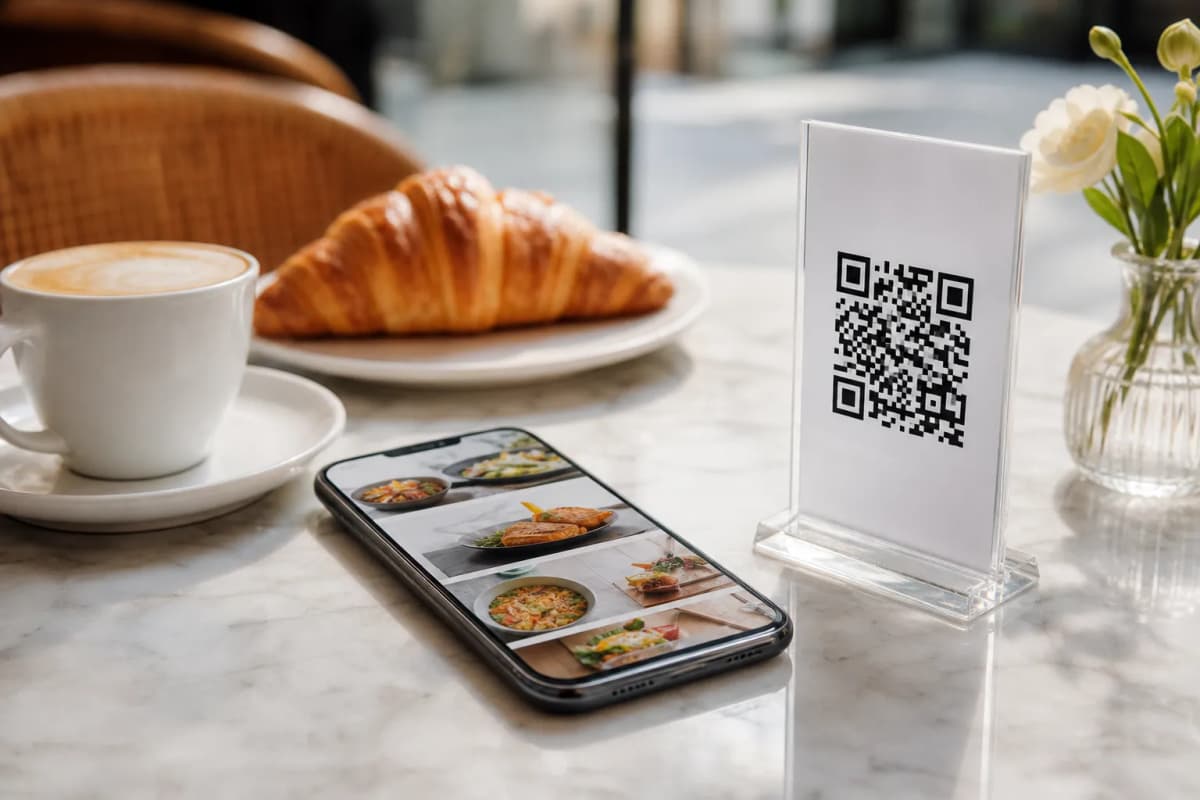
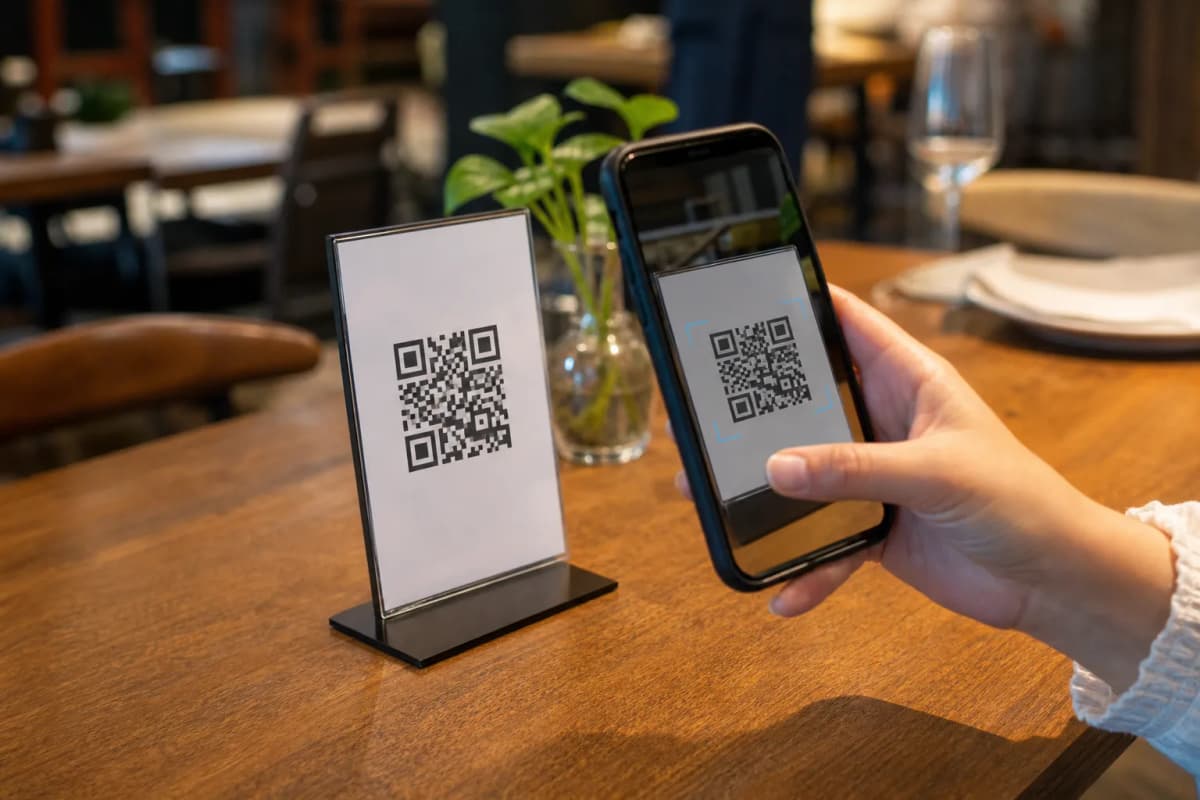
Step 4: Generate Your Custom QR Code
Step 5: Turn On Guest Experience Features
eMenu AI offers tools to elevate customer satisfaction beyond taking food orders. First, the platform supports automatic translation into over 100 world languages. International tourists can switch the menu to their native language with one click. Second, activate the Call Waiter feature. With one tap on their phone, a guest can request staff assistance or ask for the bill. Your team gets an instant notification showing the exact table number and request type.
Finally, turn on the In-Menu Rating System to collect comprehensive customer feedback before guests leave the building. You can also activate the Table Reservation System, allowing happy customers to book a table for their next visit directly from within the menu interface.
Launch Your Smart Menu Today
Getting your digital ordering system off the ground takes only a few minutes. Check out our affordable plans on the pricing page, where a free plan is also available. When you are ready to begin, simply open eMenu AI to build your digital catalog and modernize your restaurant service today.