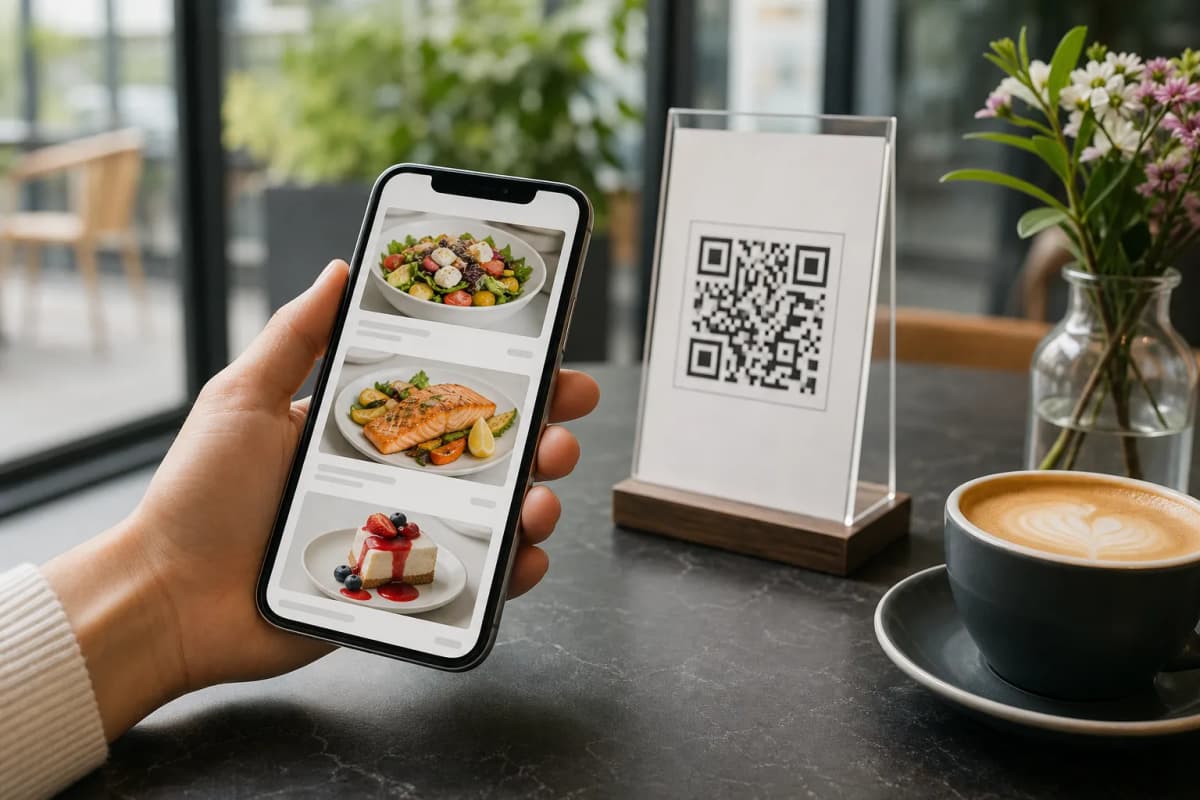
Replacing traditional paper flyers with digital alternatives is a top priority for modern restaurant and cafe owners. If you want to launch qr code menus without technical headaches, you need a system that works instantly for your customers without requiring them to download any apps. With eMenu AI, you get one simple interface to create, update, and share your digital menu.
How to Set Up QR Code Menus Fast
Creating your smart digital catalog is straightforward. Whether you run a small coffee shop or a large dining establishment, follow these exact steps to get your restaurant online today.
- Step 1: Access the Platform. You have full control from a computer browser or your mobile device. Start by going to create your menu. This smart link detects your device and automatically sends you to the App Store, Google Play, or the web dashboard so you can begin immediately.
- Step 2: Add Your Items and Prices. Input your categories, dishes, and prices. If you lack professional photography for your food, do not worry. eMenu AI features a built-in AI food image generator that creates stunning, realistic visuals for your menu items in seconds.
- Step 3: Choose Your Design and Languages. Your brand presentation matters. Choose from multiple professional designs available in the ready templates gallery. Every template is fully customizable, and custom templates can be made free on request to perfectly match your brand. Furthermore, the platform supports over 100 world languages with automatic translation. Your customers can switch to their native language with a single click.
- Step 4: Enable Ordering Options. Turn your simple list of items into a powerful ordering machine. You can activate table ordering so seated customers can send requests straight to the kitchen. You can also accept WhatsApp orders with live order tracking, or allow customers to place pickup takeaway orders straight through the interface with zero phone calls.
- Step 7: Customize and Print Your Code. Finally, generate a professional QR code customized with your restaurant colors and logo. Print these codes on table tents, table stickers, or entrance signs for customers to scan when they arrive.
Enhancing the Customer Experience
Once your qr code menus are live, you can activate powerful extra features to serve your guests better and streamline your staff operations.
- Call Waiter Feature: With just one tap from their phone, guests can request staff assistance or ask for the bill. Your team gets instant notifications indicating the exact table number and the specific request type.
- Table Reservation System: Allow your customers to book their tables directly from within the digital menu interface, saving your staff time on the phone.
- In-Menu Rating System: Collect comprehensive customer feedback privately while the guest is still at the table. This helps you catch issues early and improve your service quality immediately.
Setting up your digital infrastructure is faster and more accessible than ever. From instant automatic translations to powerful kitchen integrations, eMenu AI gives you total control over your business. Ready to upgrade your dining experience? Explore our affordable pricing plans, including a completely free tier, and launch your smart menu today.