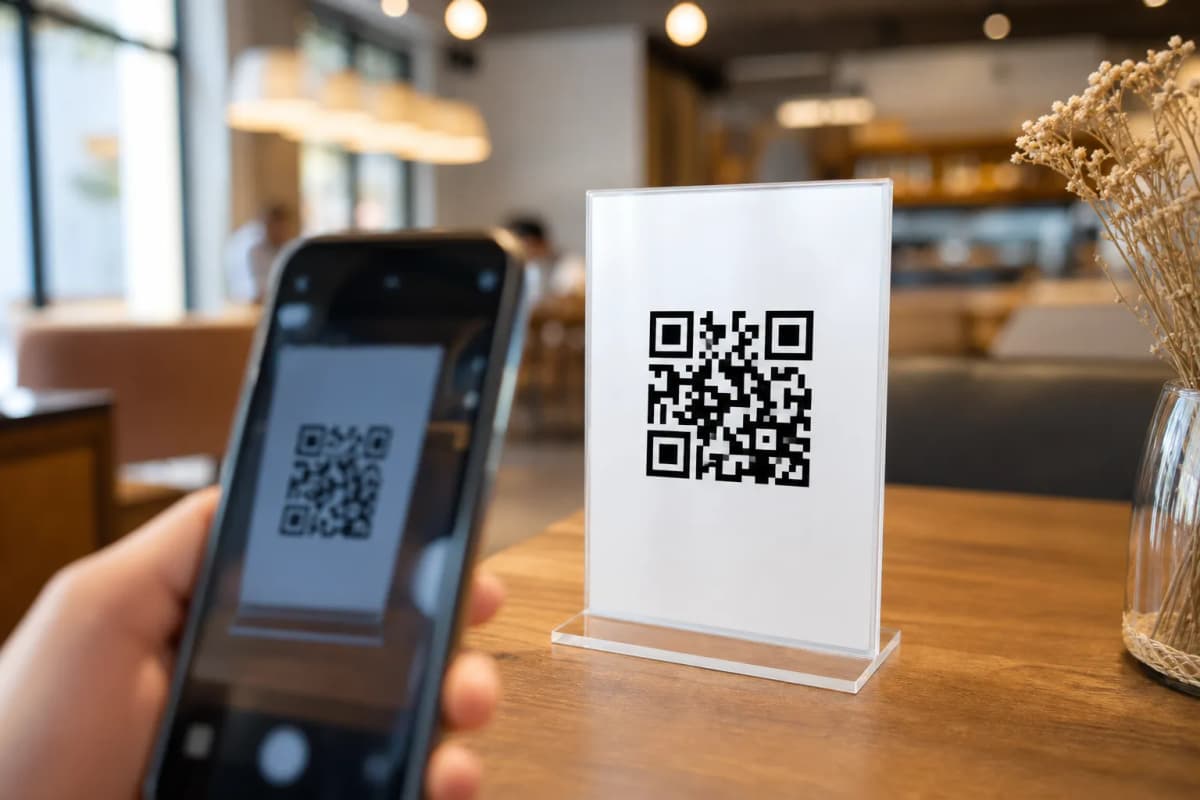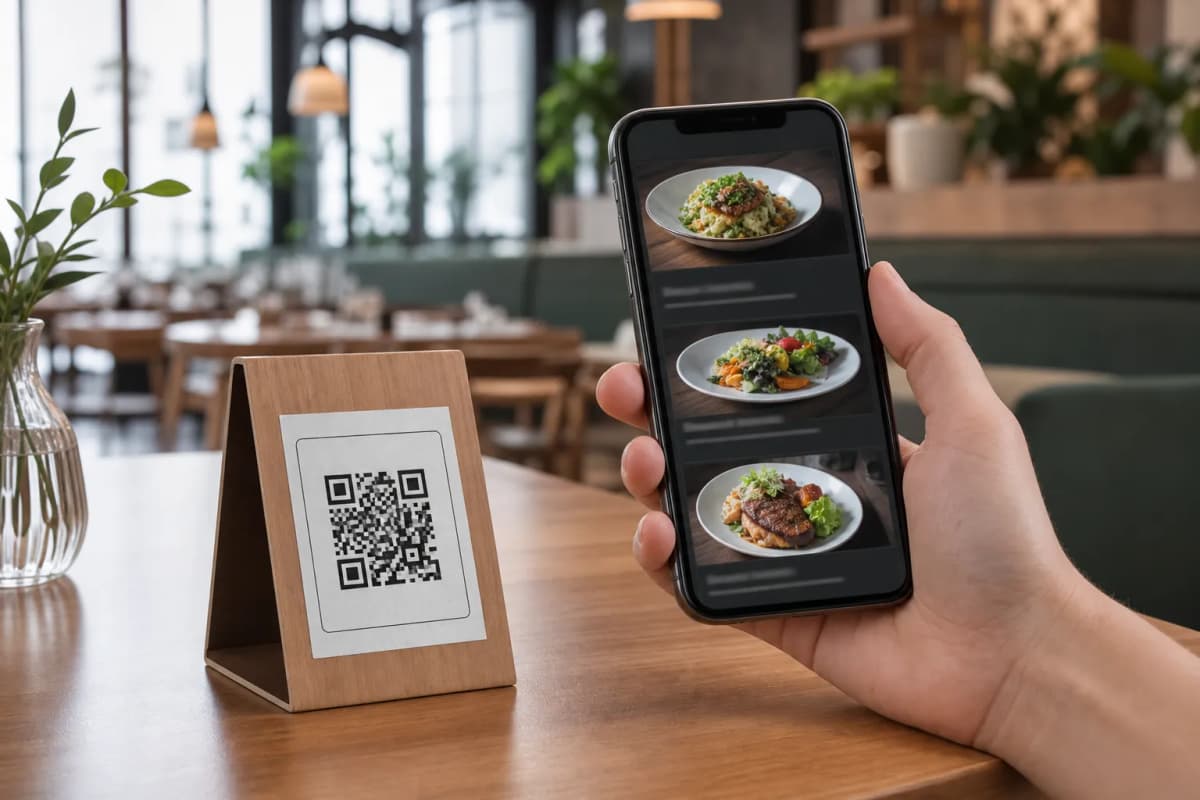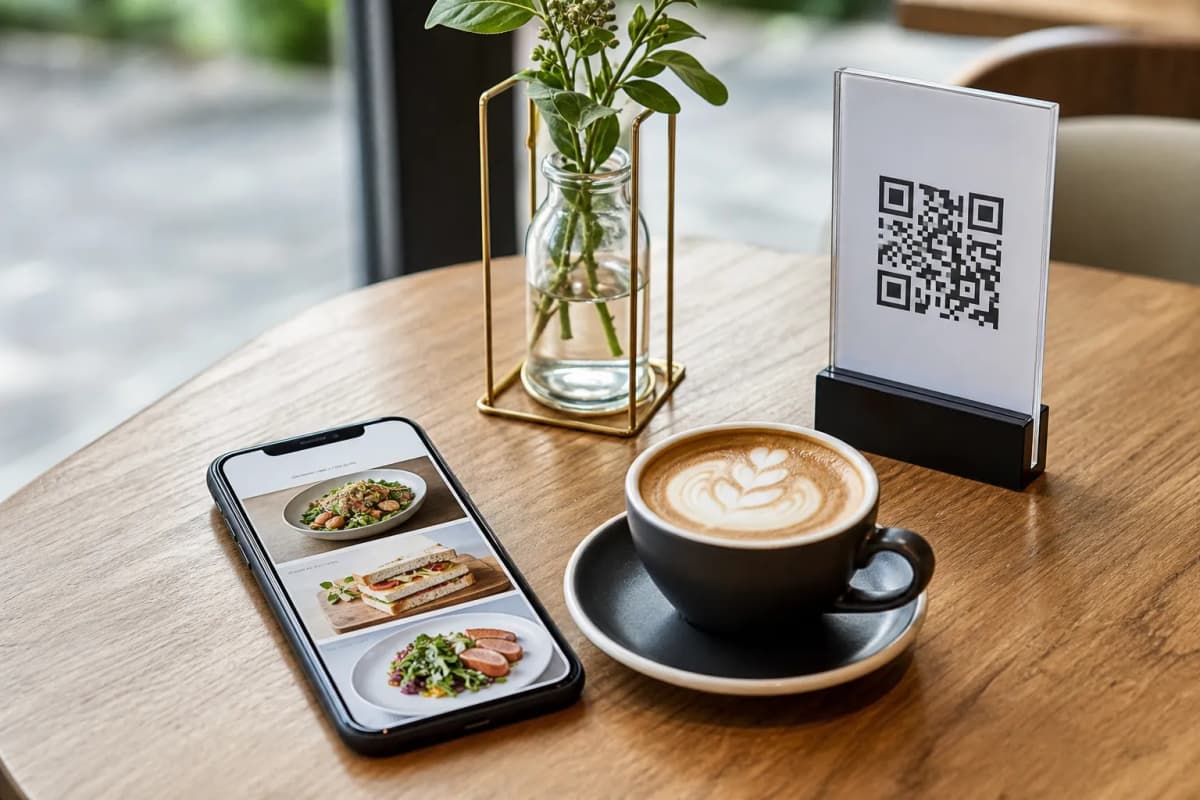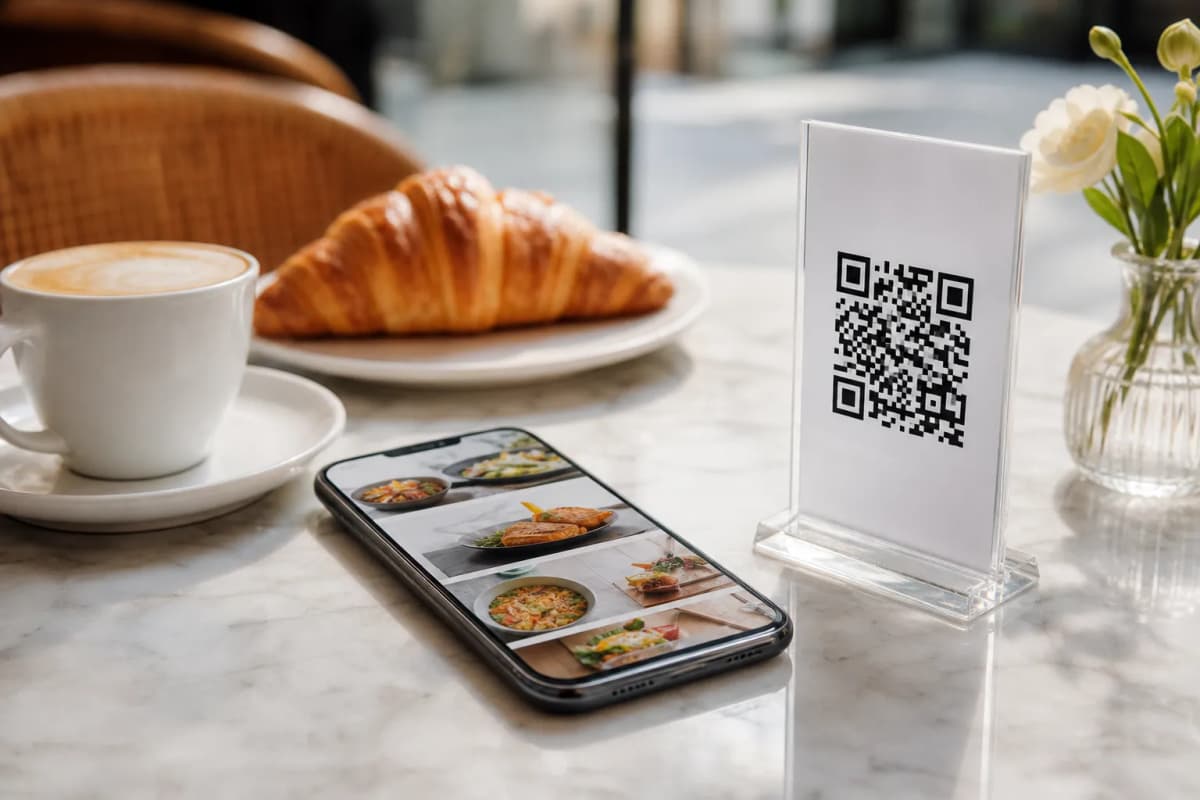
Launching a modern qr code food menu is one of the smartest decisions a restaurant or cafe owner can make today. Instead of reprinting paper menus every time a price changes or a dish runs out, you can give your customers a seamless digital experience right on their smartphones. With eMenu AI, building this system is incredibly straightforward, requiring no technical skills and no app installations for your guests.
Why Your Restaurant Needs a QR Code Food Menu
Step 1: Set Up Your Menu and Add Dishes
The first step is to create your digital catalog. You can open eMenu AI on any device (iPhone, Android, or web browser) to start adding your items. Simply type in your categories, dish names, and prices. If you do not have professional photos of your food, eMenu AI features built-in AI food image generation to help you create mouth-watering visuals instantly. You have full control from the web dashboard to update items or change prices whenever needed.
Step 2: Choose a Template and Enable Languages
Your menu should match your brand perfectly. eMenu AI offers a wide variety of professional designs. You can browse the multiple ready templates and select the one that fits your cafe or restaurant style. Better yet, the platform supports over 100 world languages with automatic translation. When international guests scan your code, they can switch to their native language with a single click, completely removing any language barriers for tourists.
Step 4: Expand with WhatsApp and Pickup Orders
A great digital platform serves customers inside and outside your venue. You can easily enable WhatsApp orders to let customers send delivery requests directly to your business number with live order tracking. Additionally, setting up pickup orders allows local customers to order takeaway straight through the menu link without calling or downloading any apps. You can also activate the built-in table reservation system, so future guests can book a spot in advance directly from your menu.
Step 5: Generate and Print Your Custom QR Code
With everything set up, the final step is generating your professional QR code. eMenu AI allows you to customize the code with your restaurant colors and logo. Print these custom codes and place them on your tables, counters, or at the entrance. You can even enable the in-menu rating system to collect valuable feedback from diners before they leave.