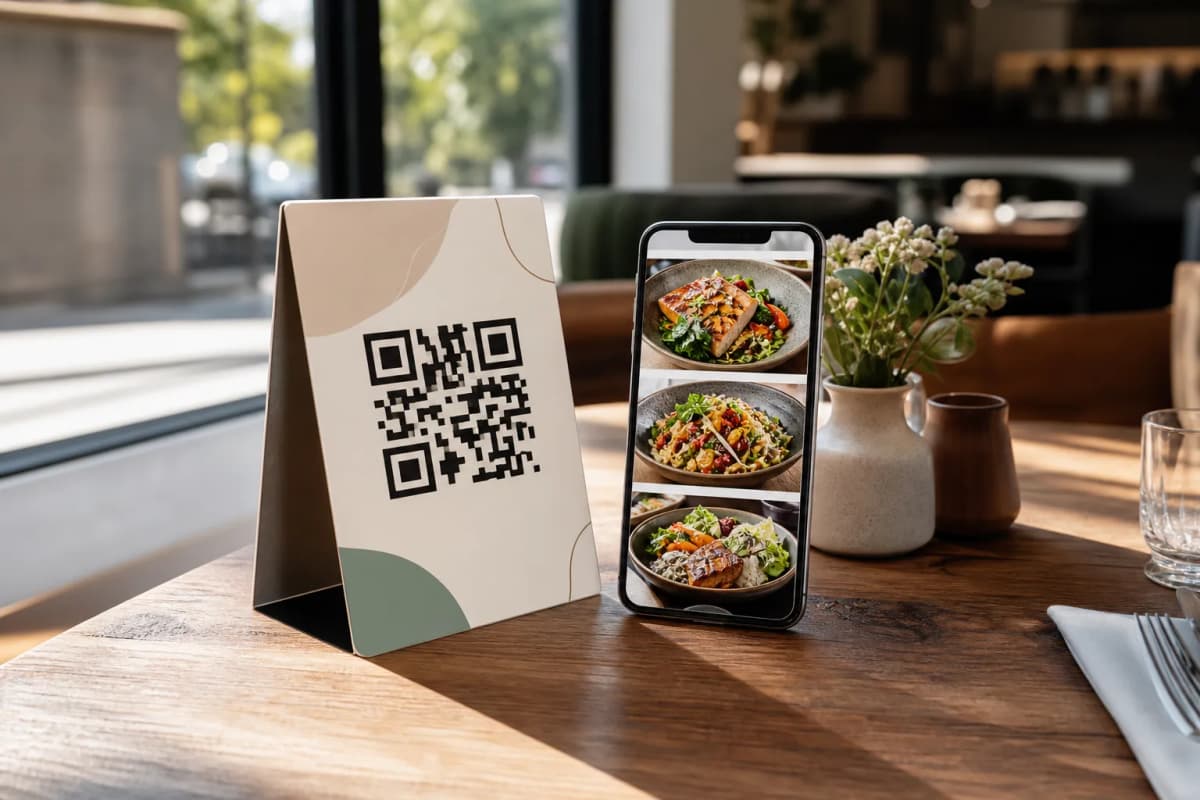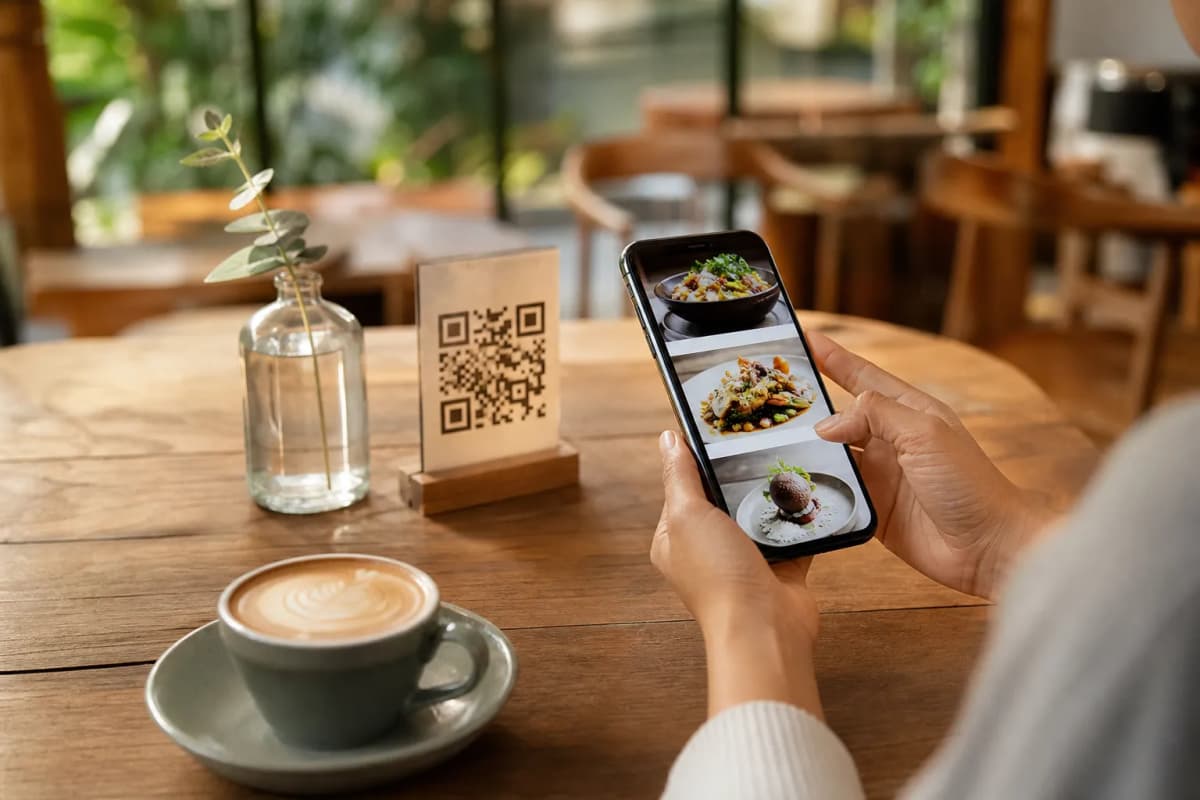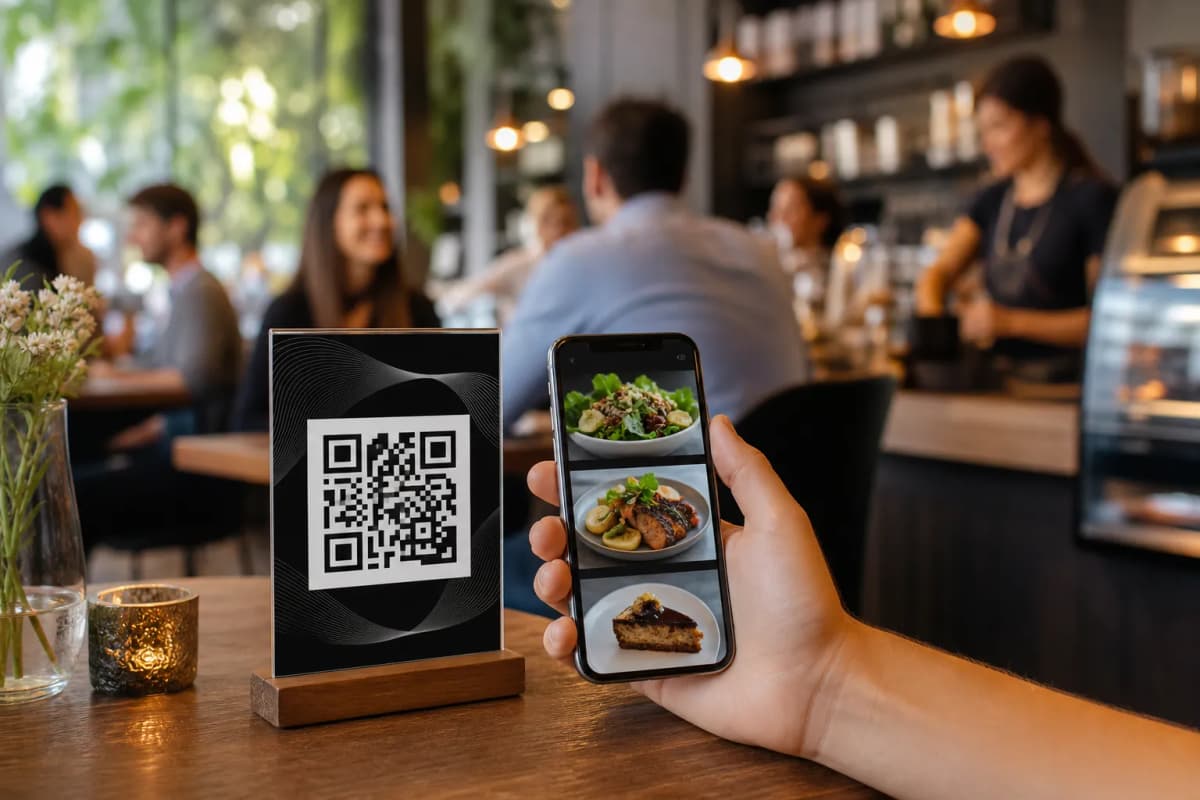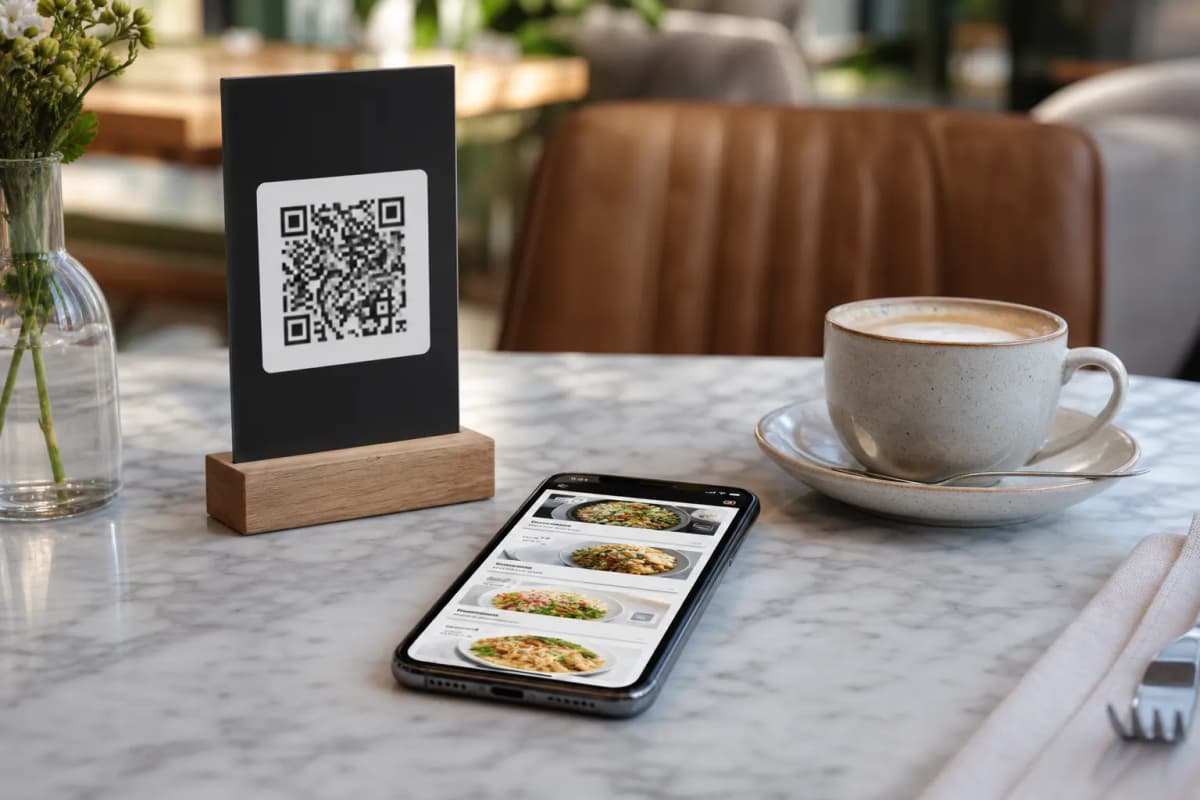
If you run a modern restaurant or cafe, creating an efficient emenu is one of the most effective ways to streamline your daily operations. Today, customers expect rapid service and total convenience, while your staff needs practical tools to manage an influx of orders. With eMenu AI, you can digitize your entire ordering process without requiring your guests to download any bulky apps. They simply scan a code, browse your delicious offerings, and order directly from their personal smartphones. The restaurant manager retains full control over every detail directly from the app or the web dashboard.
Essential Steps to Build Your First emenu
Creating a smart digital ordering system does not have to be a complicated technical chore. By following these practical steps, you can launch a fully functional system tailored to your specific brand.
- Access the Smart Platform: The first step is to get your account ready. You can manage your entire setup from a standard computer browser or on the go using a mobile device. Just open the smart link to start using eMenu AI. This link automatically detects your device and directs you straight to the web dashboard, the App Store, or Google Play.
- Select a Design and Add Dishes: Visual presentation is critical for food sales. Choose from a wide variety of professional designs by visiting the templates gallery. Every template is fully customizable to match your exact brand colors. Once your basic design is set, start adding your dishes, organizing menu sections, and updating your prices. If you lack professional photography, eMenu AI provides an amazing AI food image generation tool to make your items look irresistible.
- Translate for Global Guests: The platform natively supports over 100 world languages with automatic translation. Your customers can switch to their native language with a single click, ensuring everyone fully understands your culinary offerings.
- Print Your Professional QR Code: Finally, generate your custom QR code directly from the dashboard. Personalize this code to match your restaurant visual identity, then print it for your tables and entrance signs.
Maximizing the Customer Experience
Once your basic setup is complete, activate a few additional tools to elevate the overall dining experience. The integrated In-Menu Rating System allows you to collect comprehensive customer feedback quietly and efficiently. You can also activate the Table Reservation System, giving customers the power to book their perfect spot directly from the digital menu before they even arrive.
During active service hours, the Call Waiter feature is incredibly useful. With just one tap from their phone, guests can request urgent assistance or ask for the final bill. Your floor staff will receive instant notifications specifying the exact table number and the specific type of request, saving valuable time.
If you are ready to modernize operations and give your guests a flawless digital experience, it is time to take action. eMenu AI offers very affordable pricing plans, including a generous free plan. Check out our pricing options and create your smart menu today.