Why QR Menus Are Essential for Your Restaurant
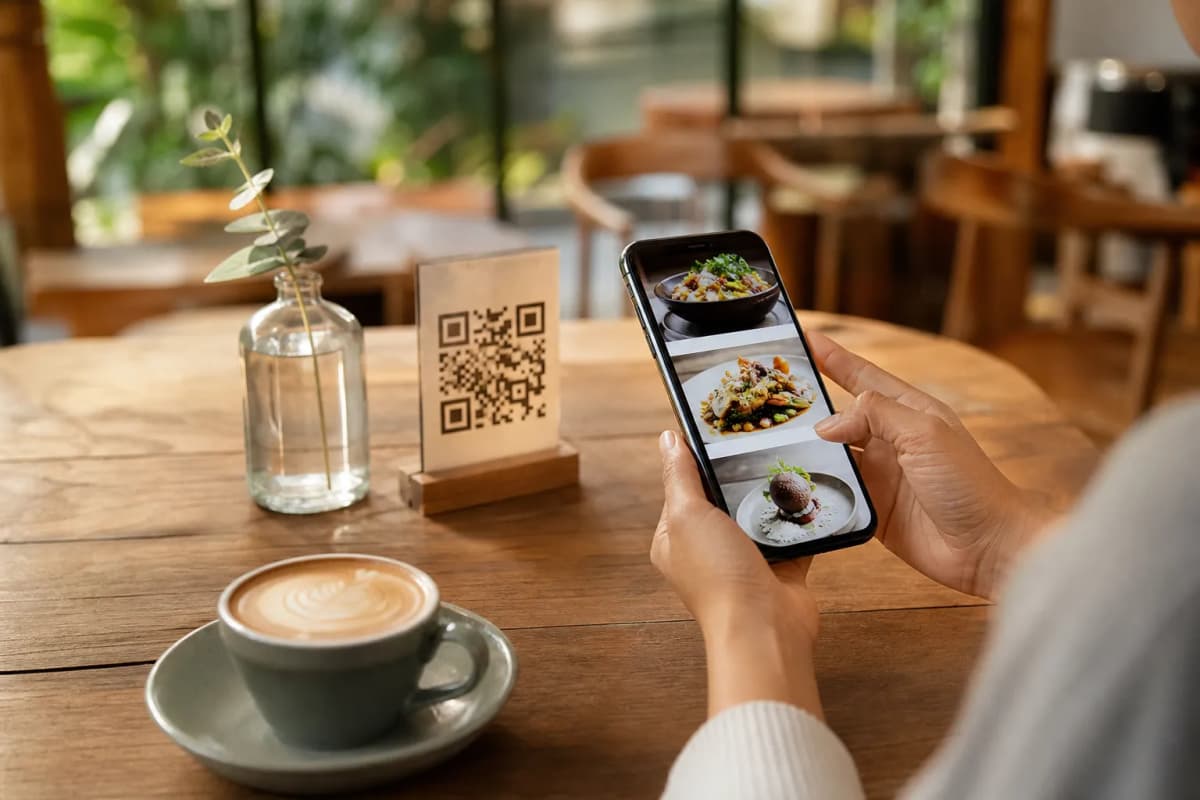
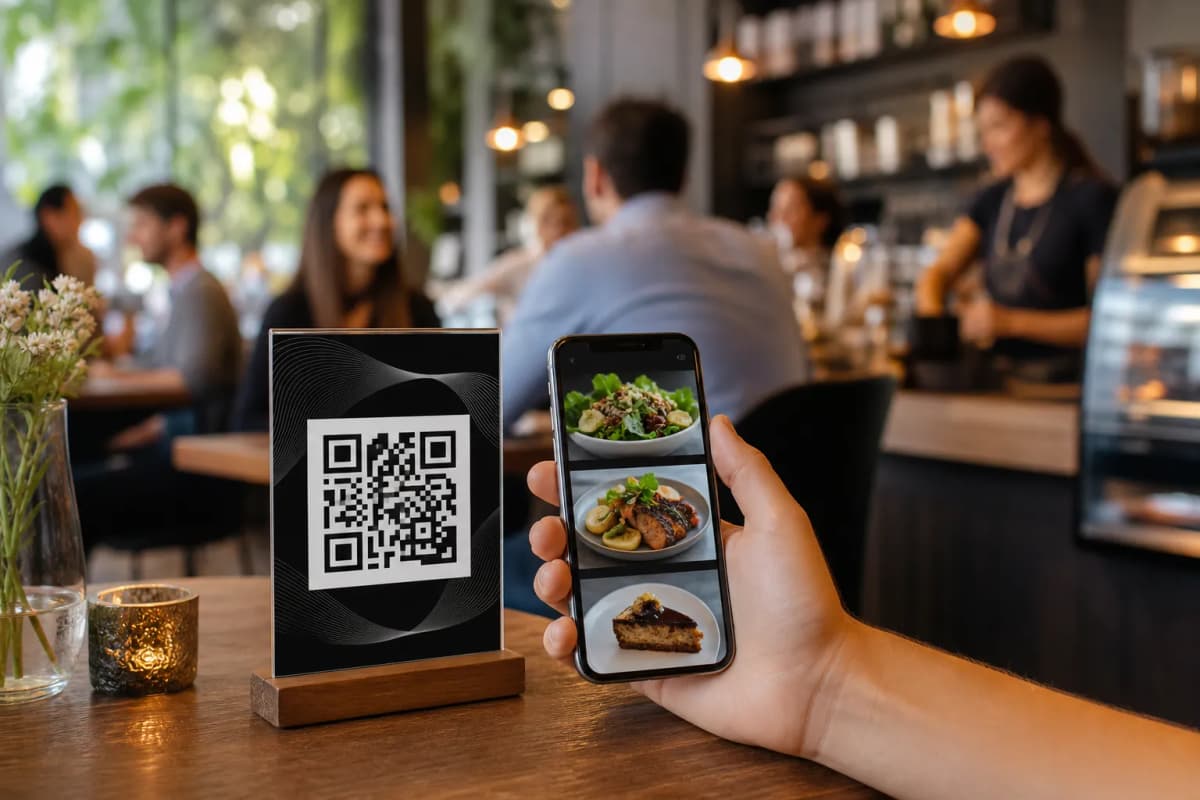
Setting up qr menus is a practical necessity for running a smooth restaurant or cafe. Customers love scanning a code to view options without waiting for a server, and owners love updating prices without reprinting physical booklets. If you want to launch a professional digital menu without complicated software, eMenu AI offers a straightforward system that works directly from your phone or computer.
Step 1: Access the Dashboard
The first step is getting your account ready. You do not need to hire a developer or buy expensive hardware. Simply open the smart platform by visiting the eMenu AI app. This link automatically directs you to the web dashboard, App Store, or Google Play based on your device. Once inside, you gain full control over your restaurant profile.
Step 2: Build Your Digital Catalog
Now it is time to add your dishes. Organizing your offerings is critical for high conversion rates. Start creating categories like appetizers, mains, and desserts.
- AI Food Images: If you do not have professional photos of your dishes, eMenu AI includes an AI food image generation tool to create appetizing visuals for your menu items instantly.
- Global Reach: Your menu is automatically available in over 100 world languages, allowing customers to switch to their preferred language with one click.
- Flexible Pricing: Serve international guests? The platform supports over 95 international currencies, and any new currency can be added in seconds upon request.
Step 3: Choose a Professional Layout
Your qr menus should reflect your unique brand identity. You do not have to settle for a generic look. Browse through the multiple ready templates available in the system. Every template is fully customizable to match your restaurant colors and logo. If you need a specific design, custom templates can be made completely free on request.
Turn your menu from a simple price list into a complete ordering machine. eMenu AI lets customers browse and order without installing external apps.
- Table Ordering: Let customers send orders directly from their table to the kitchen.
- WhatsApp and Pickup Orders: Enable ordering via WhatsApp with live order tracking, or let customers place takeaway pickup orders directly through the menu.
Step 5: Enhance the Guest Experience
A smart menu does more than take orders. You can activate the Table Reservation System so guests can book a table directly from your link. Once seated, they can use the Call Waiter feature with one tap to request assistance or the bill, sending instant notifications to your staff with the table number. After their meal, the In-Menu Rating System collects comprehensive customer feedback before they leave.