Launching a modern ordering system does not have to be complicated. A structured digital menu ordering project plan ensures your restaurant transitions smoothly to a smart, contactless setup. By following a clear roadmap, you can improve order accuracy, speed up service, and delight your guests. Using eMenu AI, this entire process takes hours instead of weeks, requiring absolutely no app installations for your customers.
Executing Your Digital Menu Ordering Project Plan
Every successful rollout requires a timeline and specific phases. Here is a practical, step-by-step approach to get your smart restaurant system running smoothly.
Phase 1: Initial Setup and Menu Building
The first step is digitizing your offerings. You can manage everything from a computer browser using the web dashboard or directly from your phone. Start by creating your account and adding your categories, dishes, and prices. If you are missing professional photos, eMenu AI features built-in AI food image generation to create stunning visuals for your items instantly. To begin this phase, simply open the eMenu AI platform, which automatically detects your device and provides the right app or web interface.
Phase 2: Design and Localization
Your menu should reflect your brand and welcome every guest. During this phase, select a design from the multiple ready templates available. Every template is fully customizable, and custom templates are made free on request to match your exact brand guidelines. You can view examples in the templates gallery. Next, enable the automatic translation feature. The system supports over 100 world languages, allowing tourists and locals alike to switch languages with a single click.
Phase 4: Launching Customer Ordering Channels
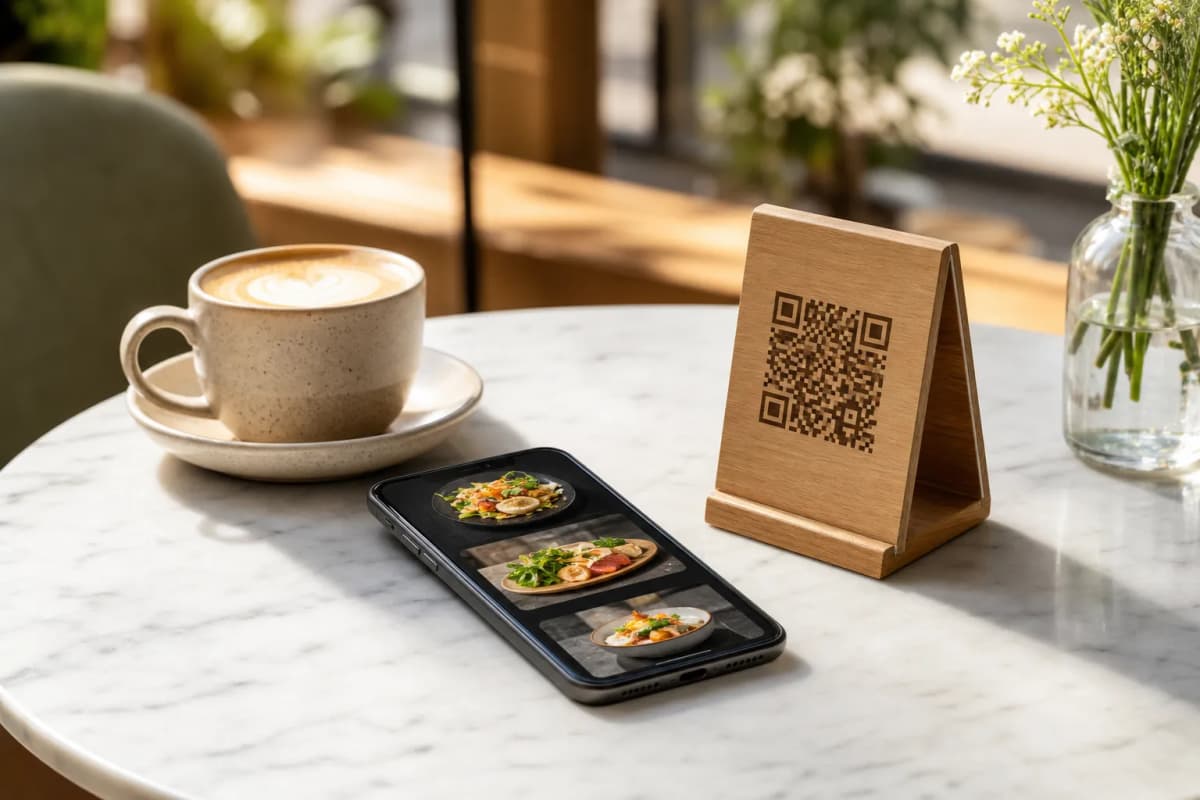
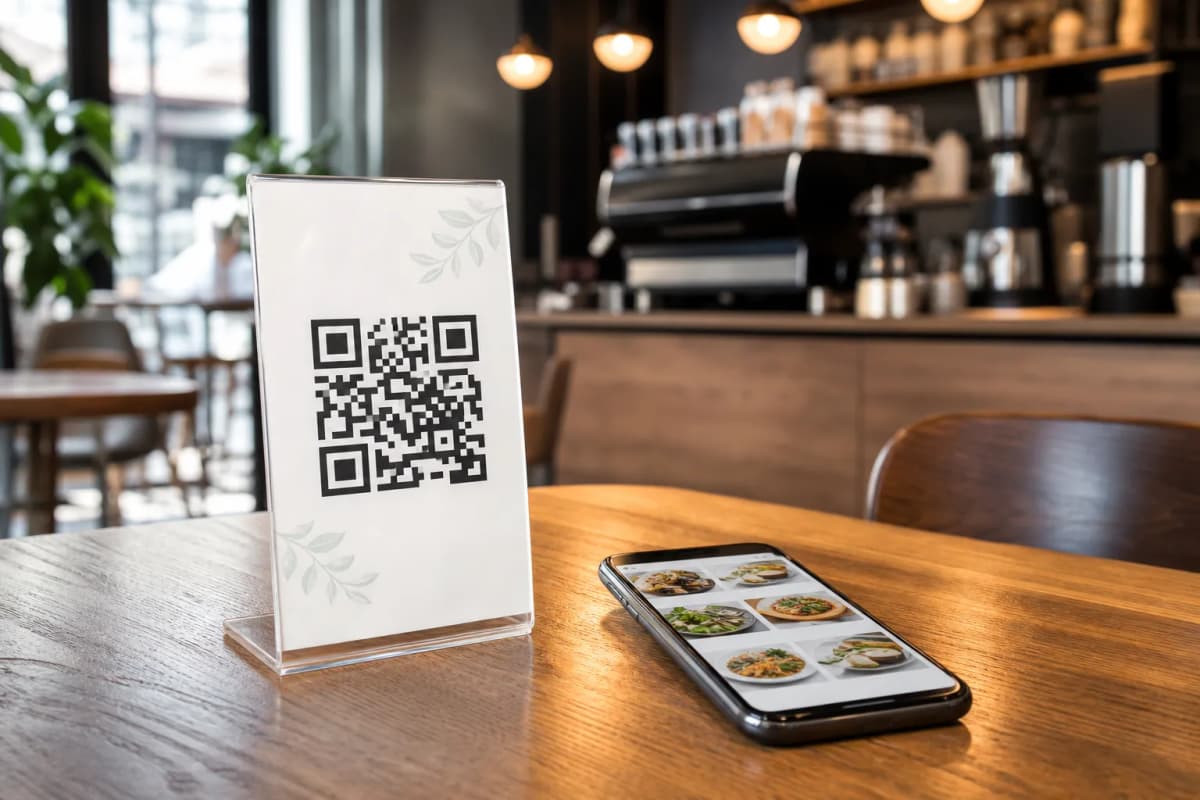
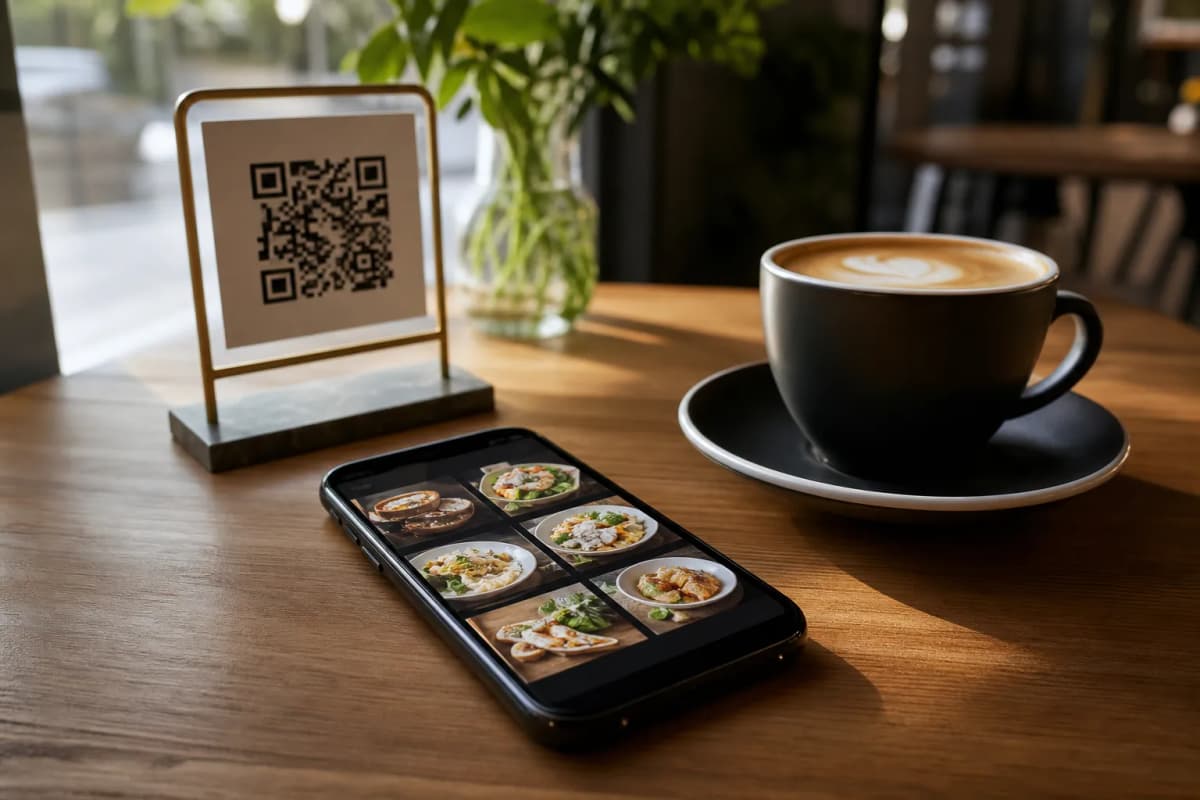
Now it is time to deploy the system to your customers. Generate a professional QR code customized with your restaurant colors and logo, then print it for your tables or entrance. Customers scan this code to browse and send table orders directly to the kitchen. You should also enable WhatsApp orders for guests who prefer chatting, complete with live order tracking. Finally, turn on pickup orders so customers can place takeaway requests straight through the menu without calling or downloading anything.
Phase 5: Enhancing the Dining Experience
The final step is utilizing smart features to improve daily operations. Activate the Call Waiter function. With one tap from the digital menu, customers can request assistance or ask for the bill, sending instant notifications to your staff with the table number and request type. Additionally, set up the table reservation system so guests can book tables directly. Do not forget to activate the in-menu rating system to collect comprehensive customer feedback quietly and efficiently.
Ready to put this plan into action? eMenu AI offers very affordable plans, including a free tier to help you get started without risk. You can check the details on the pricing page. Execute your strategy today and start building your smart menu right now.