Upgrading to a digital menu restaurant system is one of the most effective ways to speed up service and reduce overhead. If you want real results without complicated technical hurdles, this practical guide will show you exactly how to launch your smart ordering platform using eMenu AI.
Step 1: Access Your Digital Menu Restaurant Dashboard
You do not need specialized hardware to get started. You can build your new menu directly from your smartphone, tablet, or computer. Simply open the eMenu AI platform. This single smart link will automatically direct you to the App Store, Google Play, or the web dashboard based on the device you are currently using. Create your account to instantly access your control center.
Step 2: Build Your Menu and Add Items
Once inside the dashboard, start adding your categories and dishes. eMenu AI makes this process effortless:
- AI Food Images: Generate mouth-watering pictures for your menu items instantly using built-in AI tools.
- Instant Updates: Change prices, hide out-of-stock items, and organize sections with a few clicks from any browser.
- Global Currencies: Serve international guests by supporting over 95 world currencies. If you need a specific new currency, it can be added within seconds upon request.
Step 3: Choose a Professional Template
Your menu should reflect your unique brand identity. eMenu AI offers a wide variety of fully customizable designs. You can browse the templates gallery to find the perfect layout. New designs are added regularly, and if you need something highly specific, custom templates can be created for free upon request. Best of all, the system automatically translates your menu into over 100 world languages, allowing customers to switch languages with a single tap.
A true digital menu does more than just display food; it handles the entire transaction. Configure your ordering preferences based on your business model:
- Table Ordering: Let customers browse and send orders straight from their table to the kitchen.
- WhatsApp and Pickup Orders: Enable WhatsApp ordering with live tracking, or let customers place takeaway orders directly through the menu without installing any apps.
Step 5: Generate Your Professional QR Code
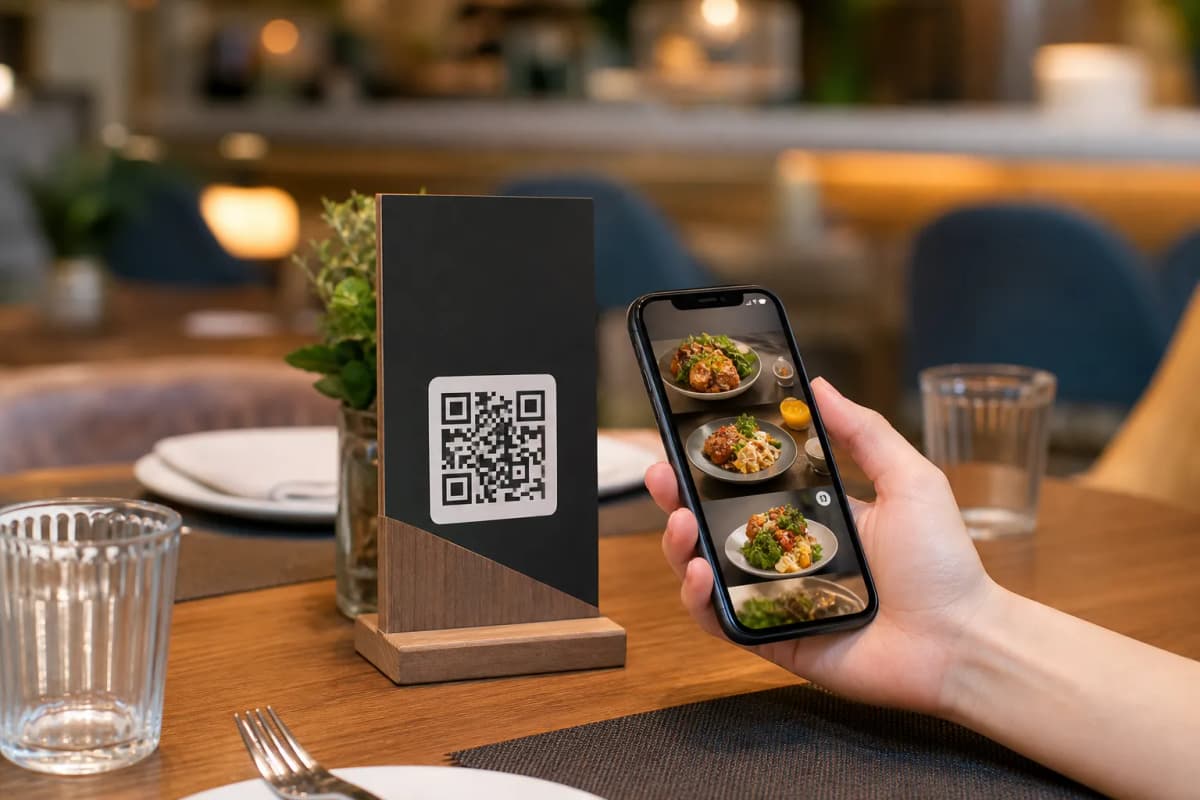
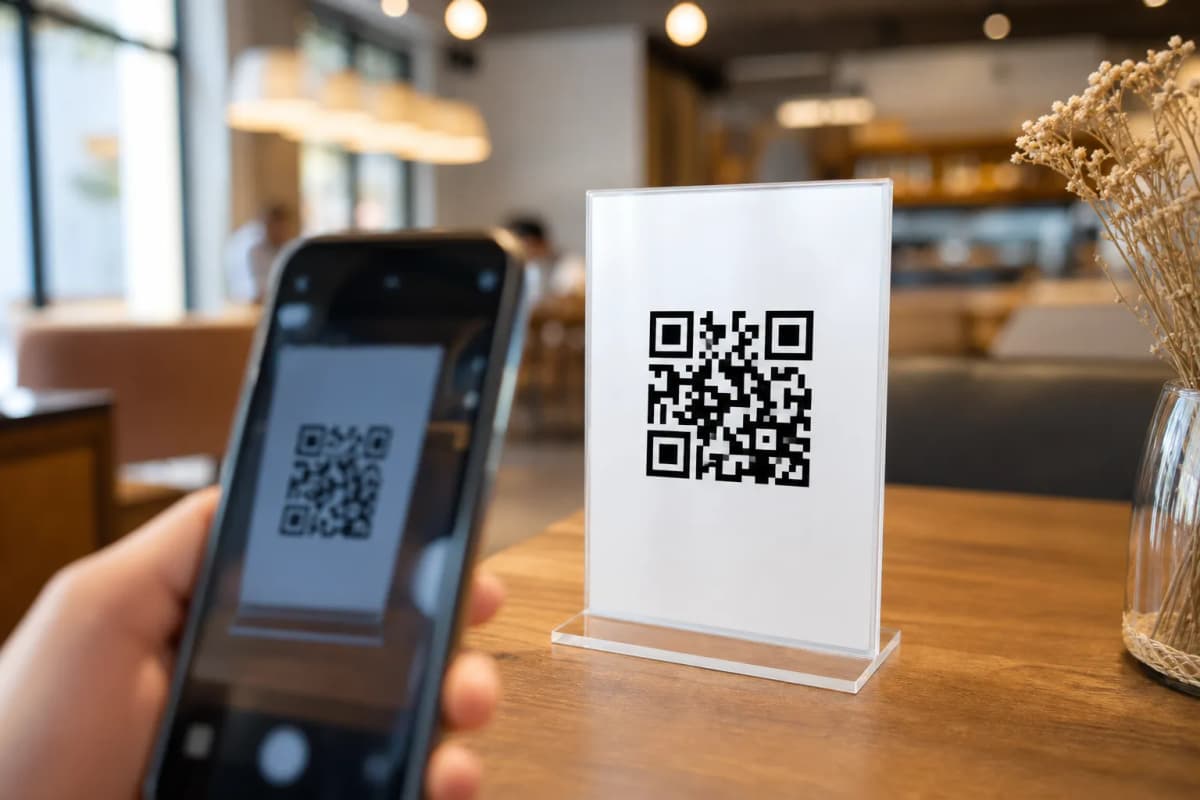
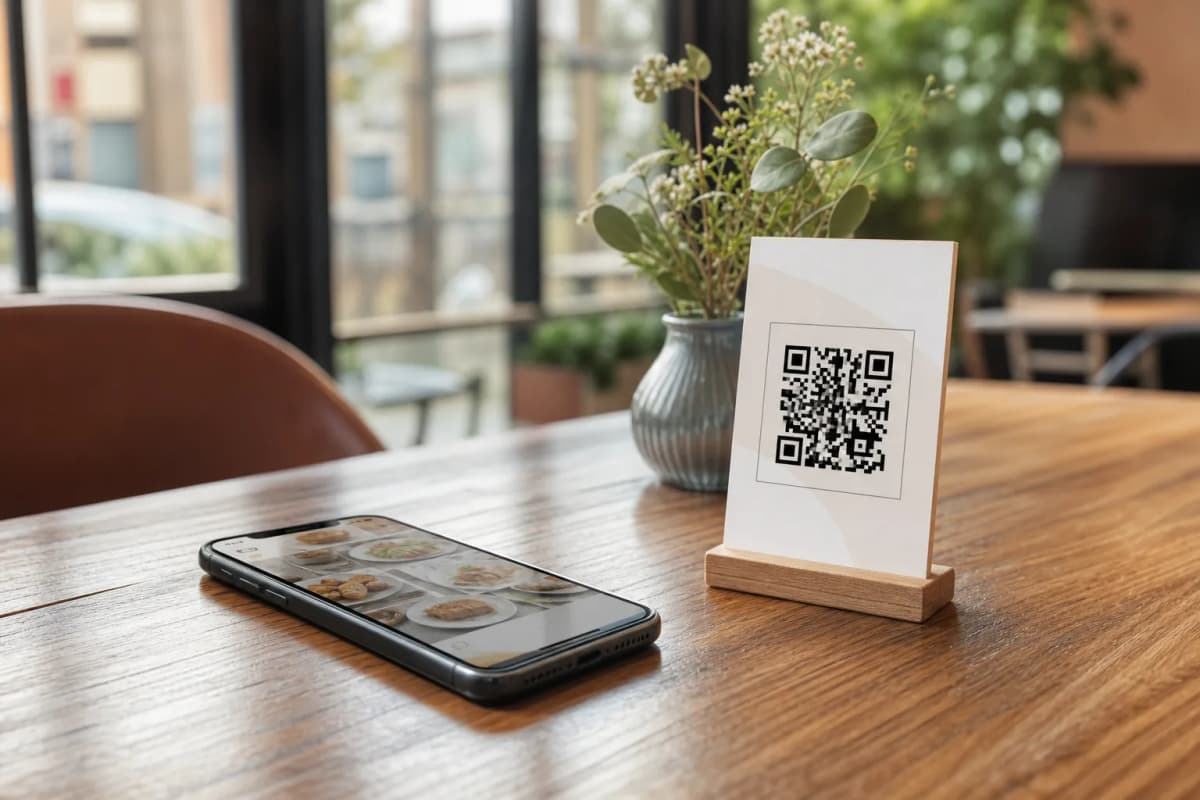
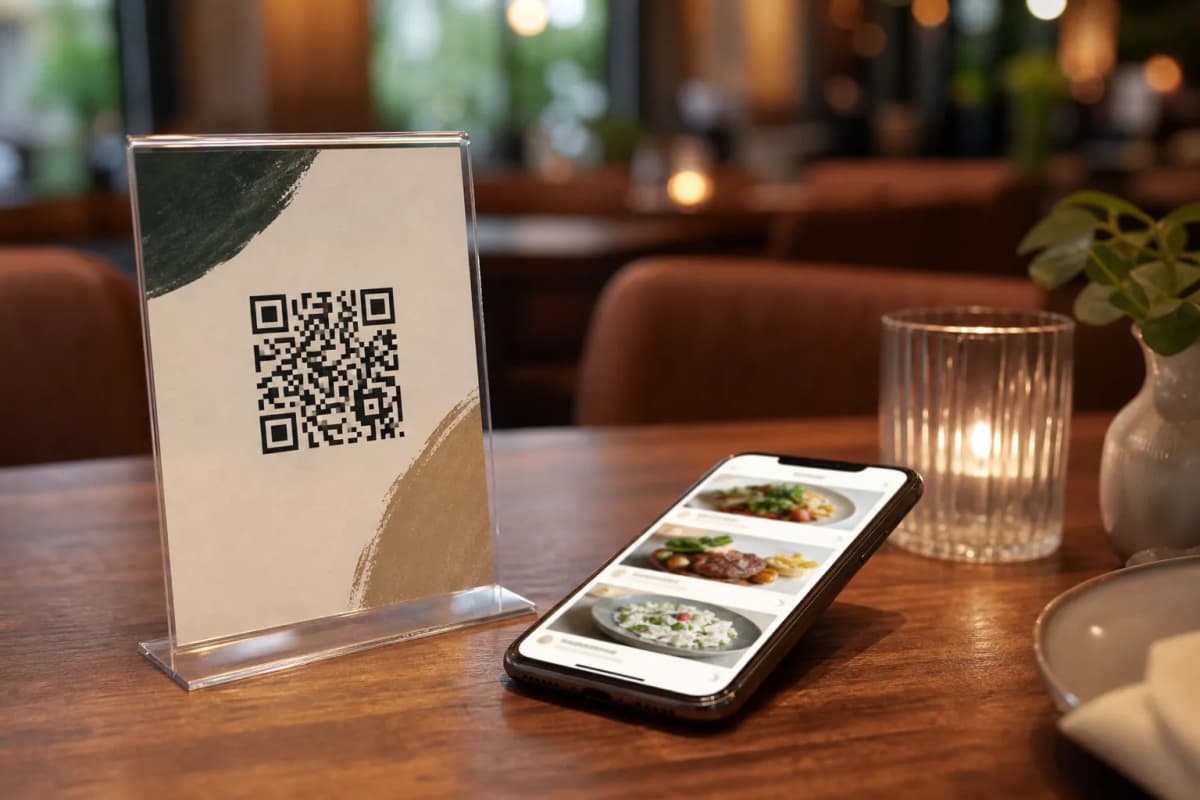
After your menu is ready, generate your custom QR code directly within eMenu AI. You can customize the code with your restaurant colors and logo. Print this code on table tents, stickers, or entrance signs. Customers simply scan it with their camera to instantly view the menu without downloading anything.
Step 6: Activate Guest Experience Features
Take your service to the next level by enabling extra features built into the platform. Turn on the Table Reservation System so guests can book tables directly from the menu. Activate the Call Waiter feature, allowing guests to request assistance or ask for the bill with one tap while staff receive instant notifications. Finally, enable the In-Menu Rating System to collect comprehensive, private feedback before the customer leaves.
Ready to Launch Your Digital Menu?
Transforming your operations does not take weeks or thousands of dollars. You can explore our very affordable pricing plans (including a free tier) and start building immediately. Head over to eMenu AI right now, upload your dishes, print your QR codes, and start serving your customers faster today.