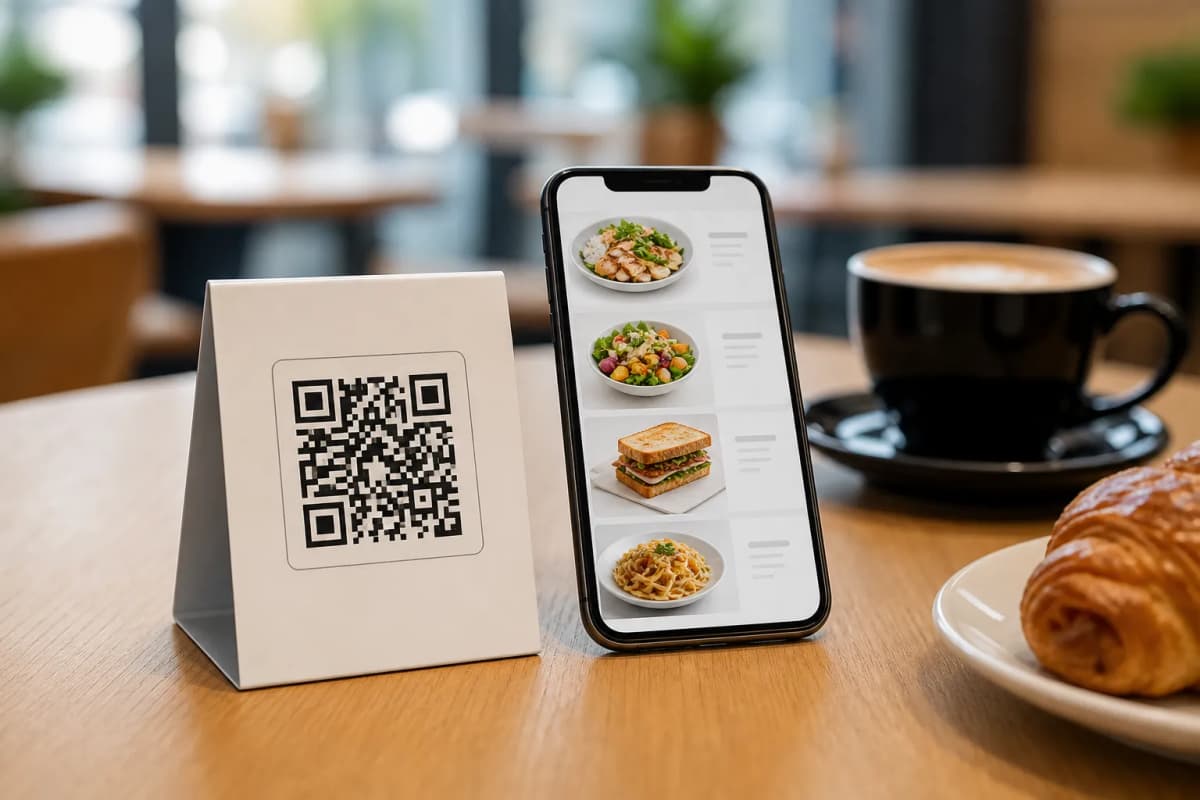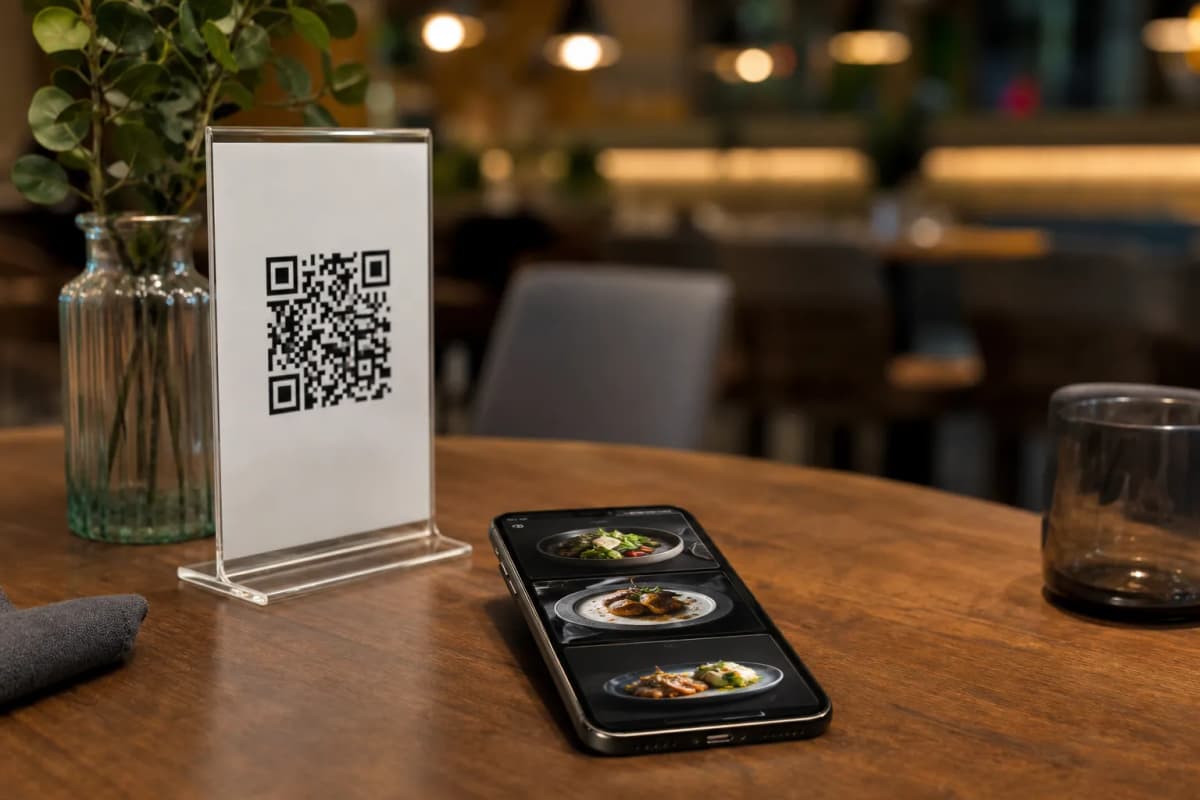
If you run a modern restaurant or cafe, you know that speed and convenience are everything. Creating digital menus with qr code is one of the most effective steps you can take to streamline daily operations and boost sales. Instead of printing paper menus every time you change a price or add a seasonal dish, you manage your entire offering digitally. With eMenu AI, your customers simply scan and browse on their personal phones without installing extra apps.
Why Upgrade to Digital Menus with QR Code?
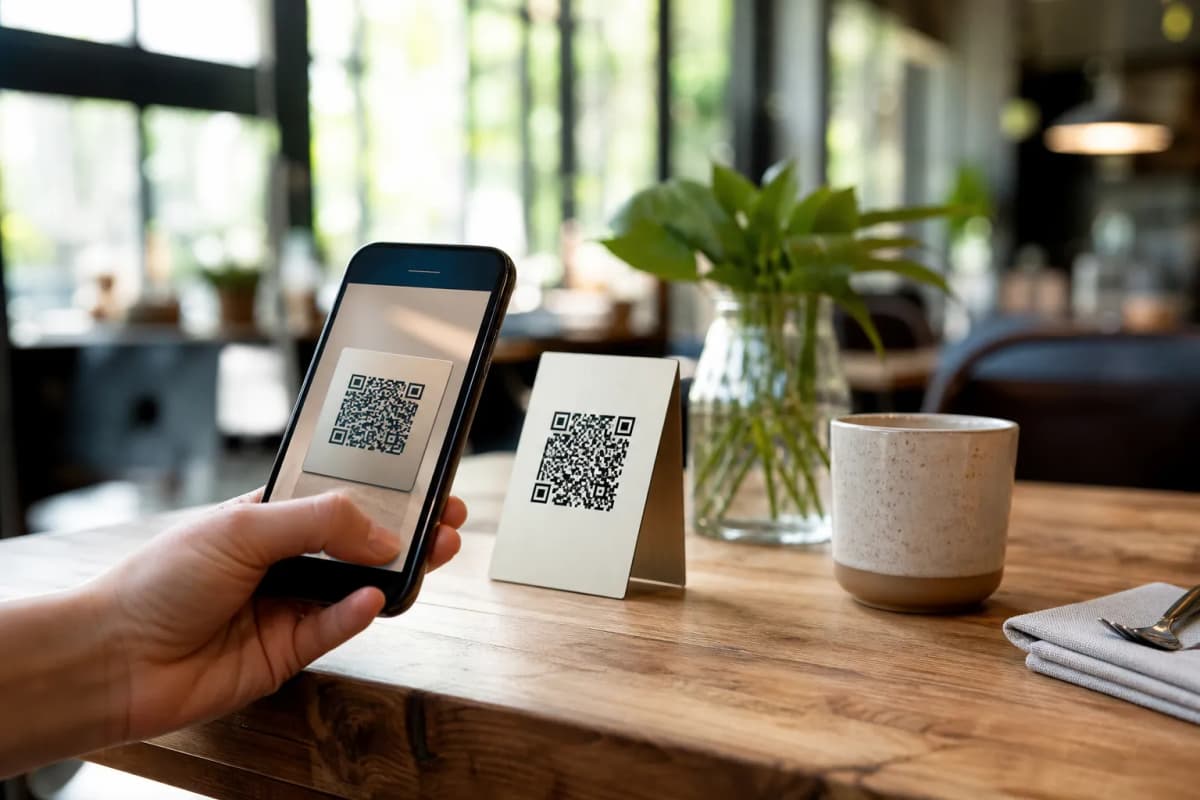
Switching to a smart digital system gives you total control over the dining experience. When you use eMenu AI, your menu becomes an interactive tool rather than just a static list. You can instantly update dishes, adjust pricing, and organize categories right from your web dashboard. Plus, your guests enjoy a frictionless experience. They can scan a professional QR code at their table, which you can fully customize with your unique restaurant colors and logo.
Beyond basic browsing, eMenu AI breaks down communication barriers. The platform supports over 100 world languages with automatic translation. A guest can switch to their native language with a single click, ensuring they know exactly what they are ordering without confusion.
Practical Steps to Set Up Your Menu
Getting started is incredibly simple and requires no technical skills. Here is a fast guide to launching your digital setup today.
- Create Your Account: To begin, open eMenu AI on your iPhone, iPad, Android device, or computer browser. This smart link will automatically detect your device and take you to the right version.
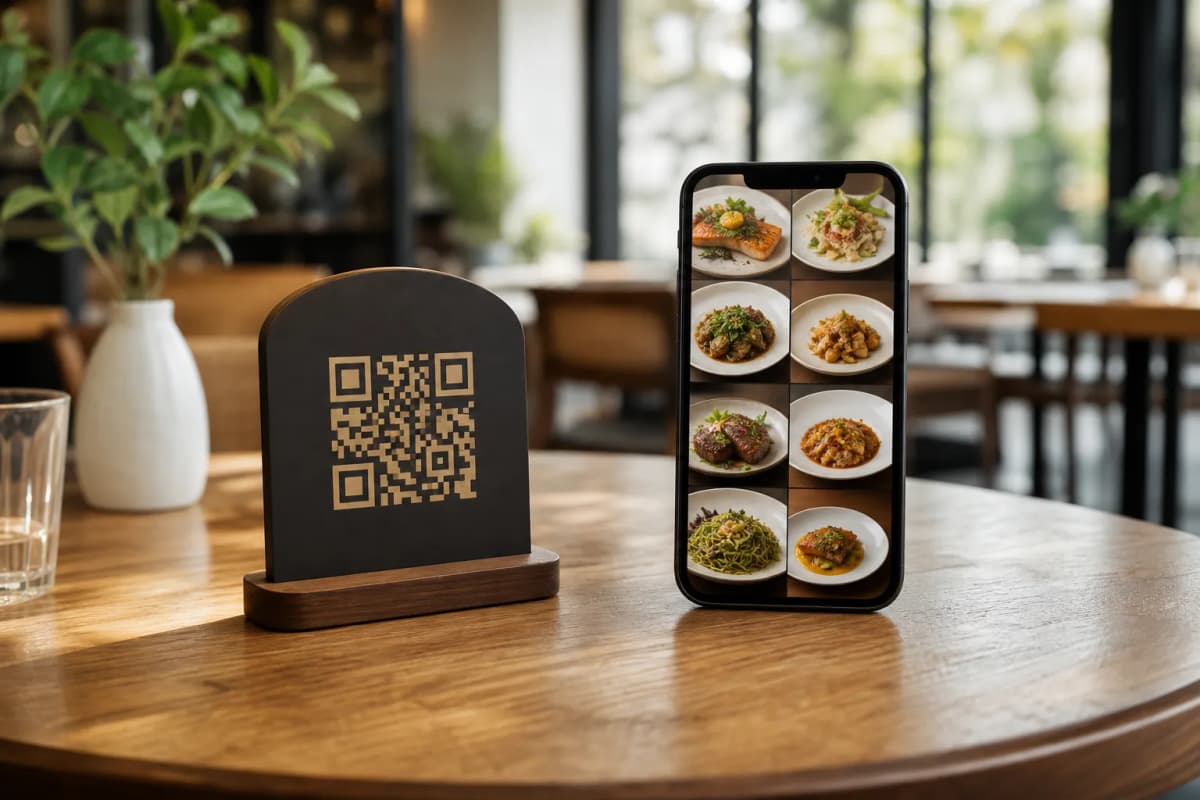
- Add Your Dishes: Enter your menu items, descriptions, and prices. If you do not have professional food photos, you can use the built-in AI food image generation tool to create stunning, photorealistic images instantly.
- Select a Template: Make your menu look professional by choosing from multiple ready designs. Browse the templates gallery to find a style that matches your brand. Every template is fully customizable, and custom designs are available for free upon request.
- Print Your QR Code: Generate your custom professional QR code directly from the system. Print it for your dining tables, entrance, or takeaway counters.
Once your menu is live, activate these powerful features to help your staff work faster and increase revenue.
- Table and WhatsApp Ordering: Allow guests to send orders directly from their table to the kitchen. You can also enable WhatsApp orders for live tracking, or let customers place quick pickup orders straight through the menu.
Enhance the Customer Experience
Your digital menu is also a powerful customer service tool. Activate the Call Waiter feature, allowing seated guests to request assistance or ask for the check with one tap. Your staff receives instant notifications showing the table number and request type. Additionally, the built-in Table Reservation system lets customers book a table ahead of time, while the In-Menu Rating system helps you collect valuable feedback directly from diners.
Ready to modernize your operations? Explore our affordable plans on the pricing page, including a free tier to get started. Launch your smart menu today and give your guests a flawless dining experience.