Launching Your Restaurant Digital QR Menu
Step 1: Access the Dashboard
To start, you need access to the platform where you will build your offerings. You can manage everything seamlessly from your smartphone, tablet, or a computer browser. Open the smart setup link at https://app.e-menu.ai/appp. This intelligent link automatically detects your device and directs you to the App Store, Google Play, or the web dashboard. Once you create your account and log in, you will have a powerful central hub to add dishes, change prices, and organize your menu sections without needing any technical skills.
Step 2: Add Dishes and Languages
Your next crucial task is adding your food and drink items. A visual menu sells more food, so upload high-quality photos. If you do not have professional photography yet, you can use the built-in AI food image generation to instantly create stunning, appetizing pictures for your dishes. Furthermore, eMenu AI supports over 100 world languages with automatic translation capabilities. Customers can switch between their preferred languages with one click, ensuring everyone understands exactly what they are ordering.
Step 3: Design and Print Your QR Code
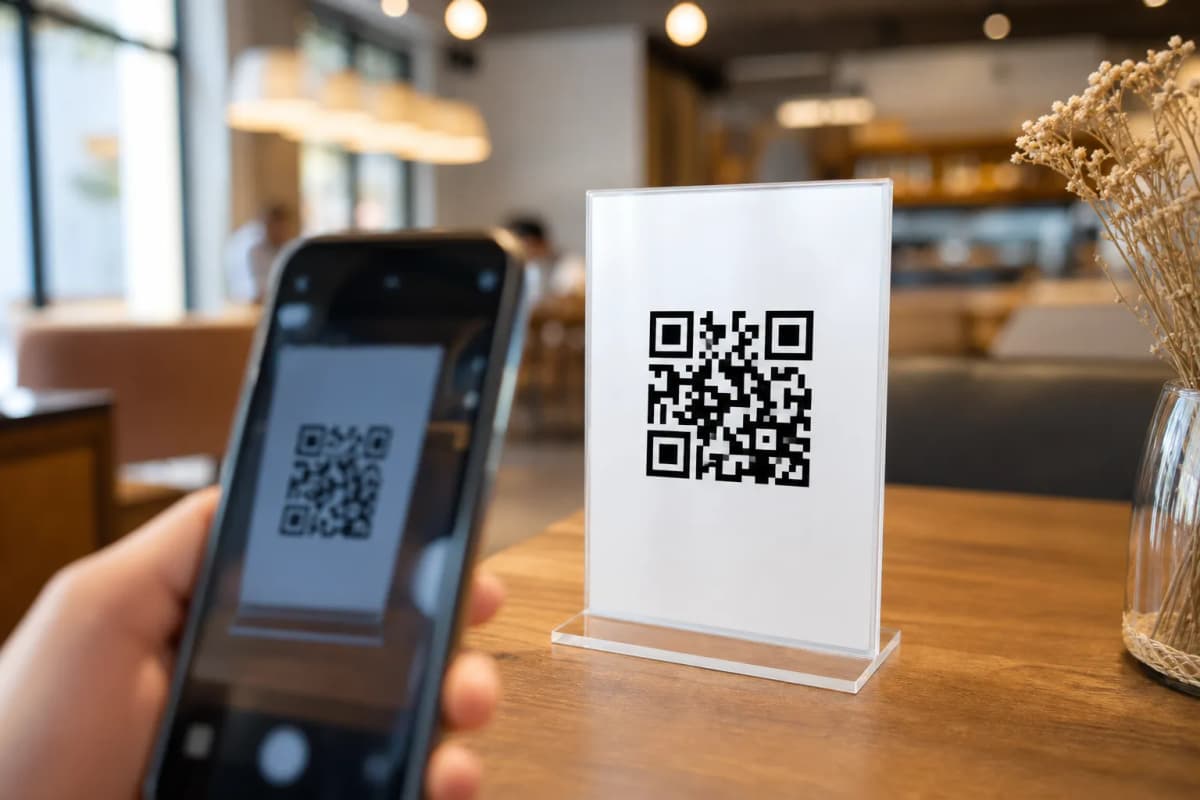
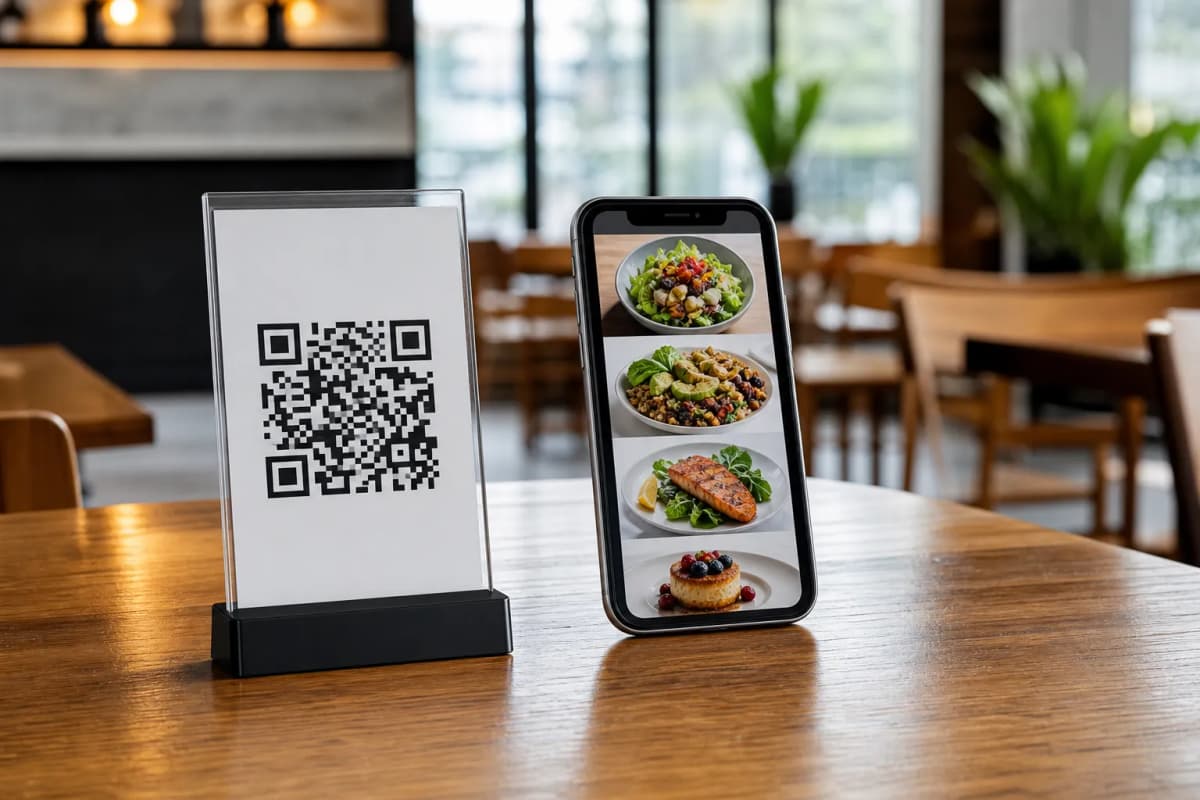
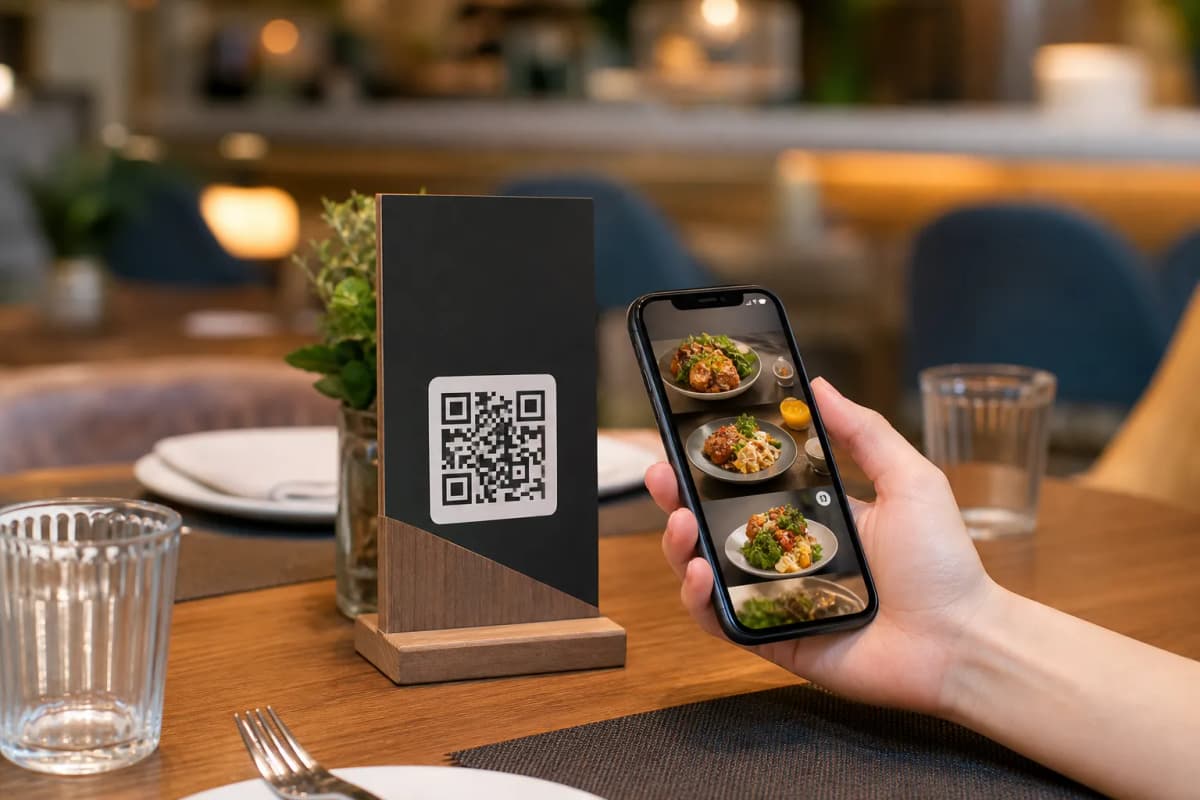
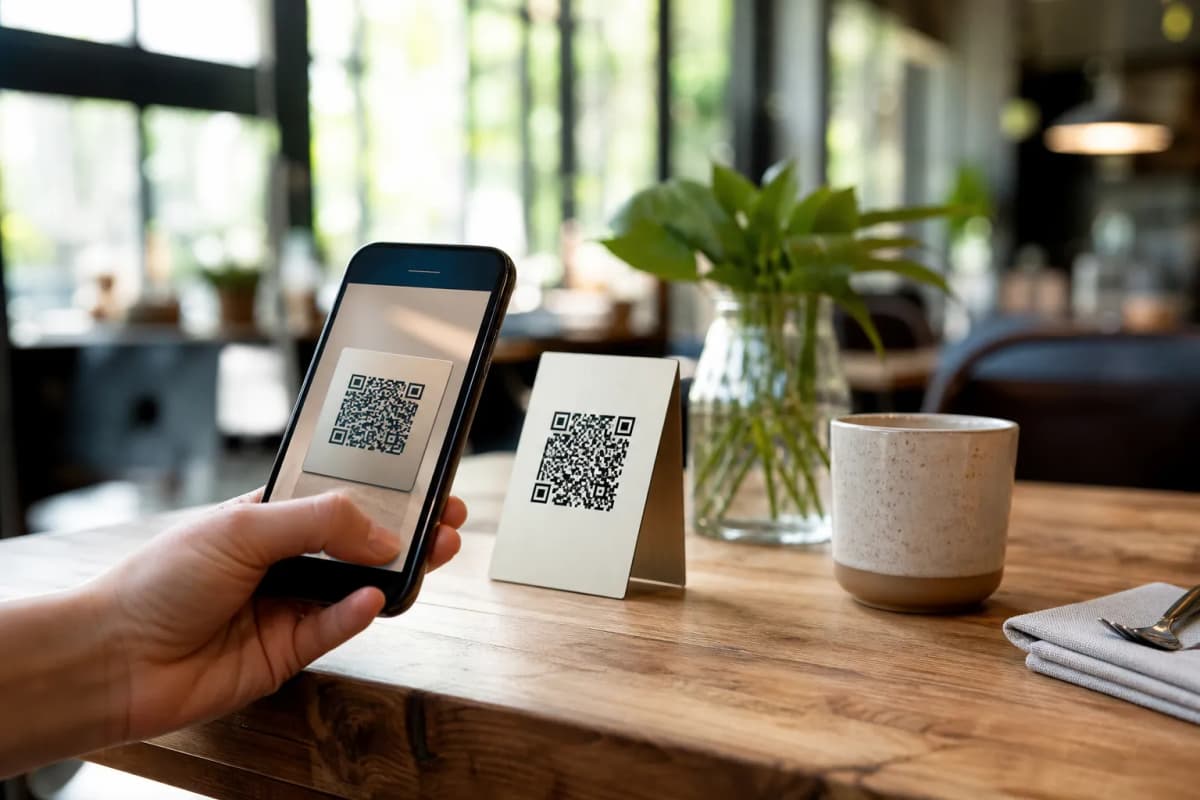
Visual presentation matters in the hospitality business. You can browse multiple professional designs in the templates gallery. Every template is fully customizable to match your brand colors. If you need something specific, custom templates can be made free on request to perfectly match your brand identity. Once your digital design is ready, generate your professional QR code. You can customize this code with your logo and brand colors, then print it for display on your tables or at the entrance.
A modern menu does much more than simply display food. You can enable several powerful ordering features directly from your dashboard:
- Table Ordering: Allow customers to browse and send orders directly from their table to the kitchen.
- WhatsApp Orders: Enable ordering via WhatsApp with live order tracking for a highly personalized touch.
- Pickup Orders: Let customers place takeaway orders straight through the menu with no phone calls required.
Step 5: Enhance the Customer Experience
Enable the Call Waiter function, which lets guests request assistance or the bill with one tap. Your staff will receive instant notifications showing the exact table number and request type. You can also activate the table reservation system, allowing customers to book future tables directly from the menu. Lastly, do not forget to turn on the in-menu rating system to collect comprehensive feedback before they leave.
Ready to Modernize Your Service?
Building a smart ordering system is no longer a complicated project. By following these straightforward setup steps, you can improve table turnover, increase average order sizes, and give your guests a smoother dining experience. Start building your digital setup today by opening the eMenu AI platform and take full control of your restaurant operations immediately.