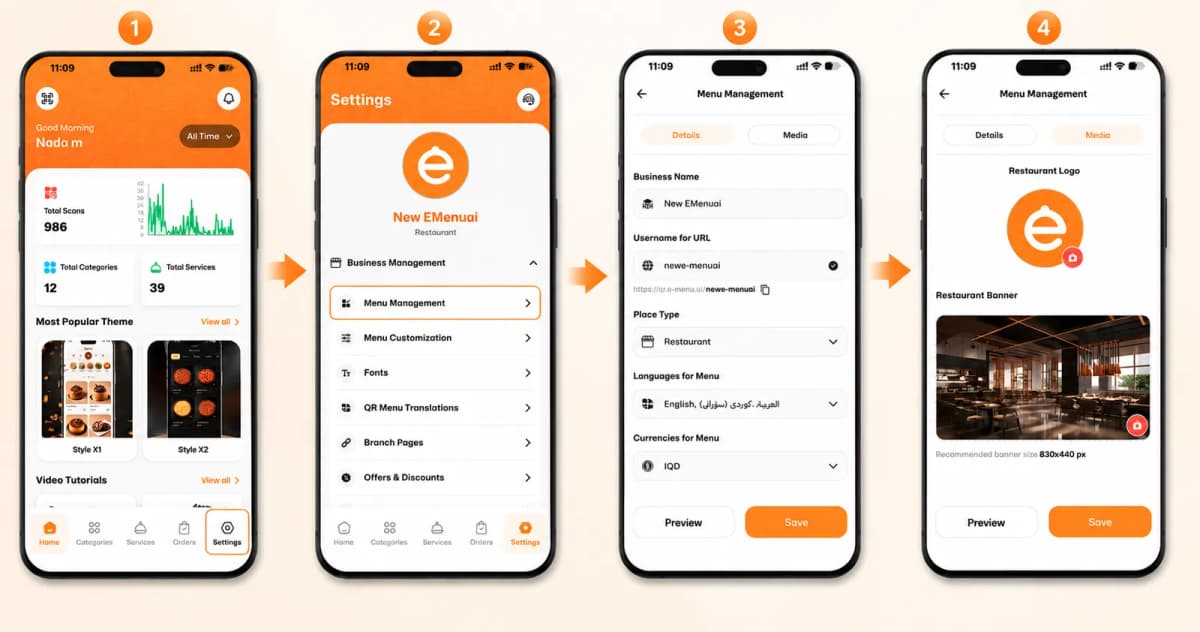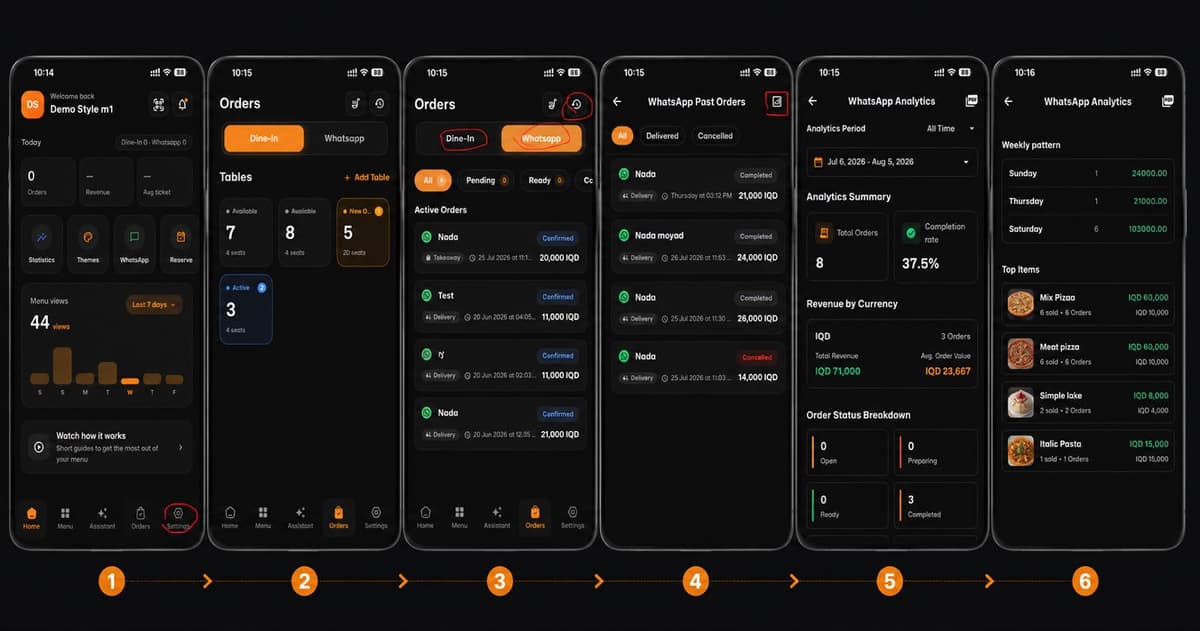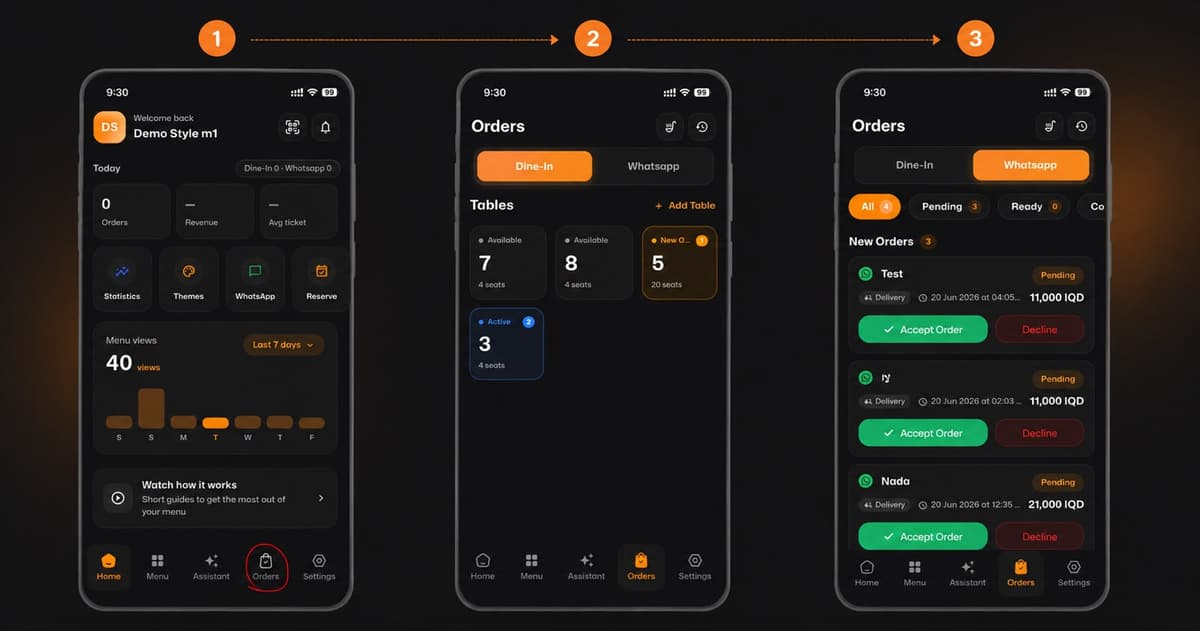
Welcome back! Now that you have successfully created your account, it's time to set up your menu. Adding items is quick and easy, and it's powered by smart Artificial Intelligence (AI) tools. Follow these 3 simple steps to create your digital menu:
*This smart link automatically redirects you to the Apple App Store, Google Play, or Web App based on your device.
1️⃣ Step 1: Visit Your Dashboard
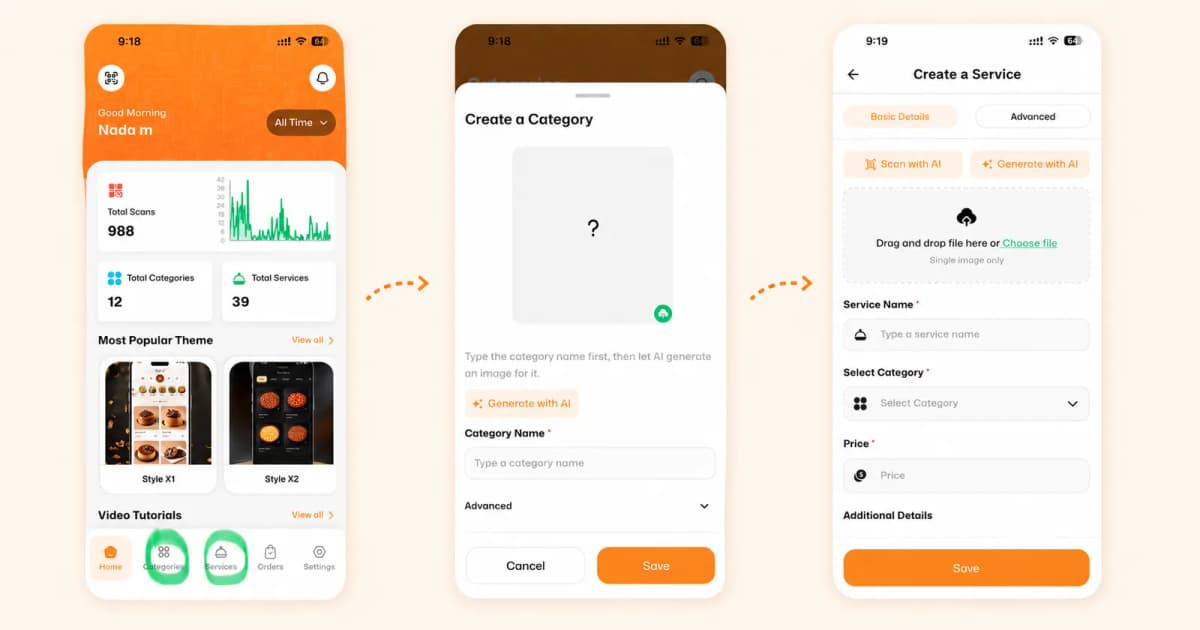
First, open the eMenu AI app to access your main dashboard. From here, look at the menu bar at the bottom of the screen. You will use two main tabs to build your menu:
Categories: To organize your menu sections (e.g., Drinks, Main Courses, Desserts).
Services: To add the specific items you are selling.
2️⃣ Step 2: Create a Category
Before adding any items, you need to set up your menu sections. Tap the Categories icon at the bottom of the screen to get started:
Type your desired name into the Category Name field.
Let AI do the work: Instead of searching for an image, simply tap the ✨ Generate with AI button! Our system will automatically create a beautiful, fitting image for your category.
Once you are happy with it, tap Save.
3️⃣ Step 3: Add Your Services (Menu Items)
Now it's time to add the items your customers will order. Tap the Services icon at the bottom of the screen and create a new service:
Upload or Generate an Image: You can upload an image from your phone/computer, or use our powerful tools like 📸 Scan with AI and ✨ Generate with AI to get the perfect picture in seconds.
Key Details: Enter the item's name (e.g., "Pepperoni Pizza") in the Service Name field and specify its cost in the Price field.
Link it: Use the Select Category dropdown to assign this item to the category you just created.
Tap Save to add it to your live menu!
🎥 Watch the Registration Tutorial
Need a visual guide? Watch this quick video to see How to Add Categories and Items to Your Menu in the eMenu AI App
🎉 Congratulations!
You have just added your first items. Keep adding categories and services to complete your digital menu. Your customers are going to love this modern, visual ordering experience!