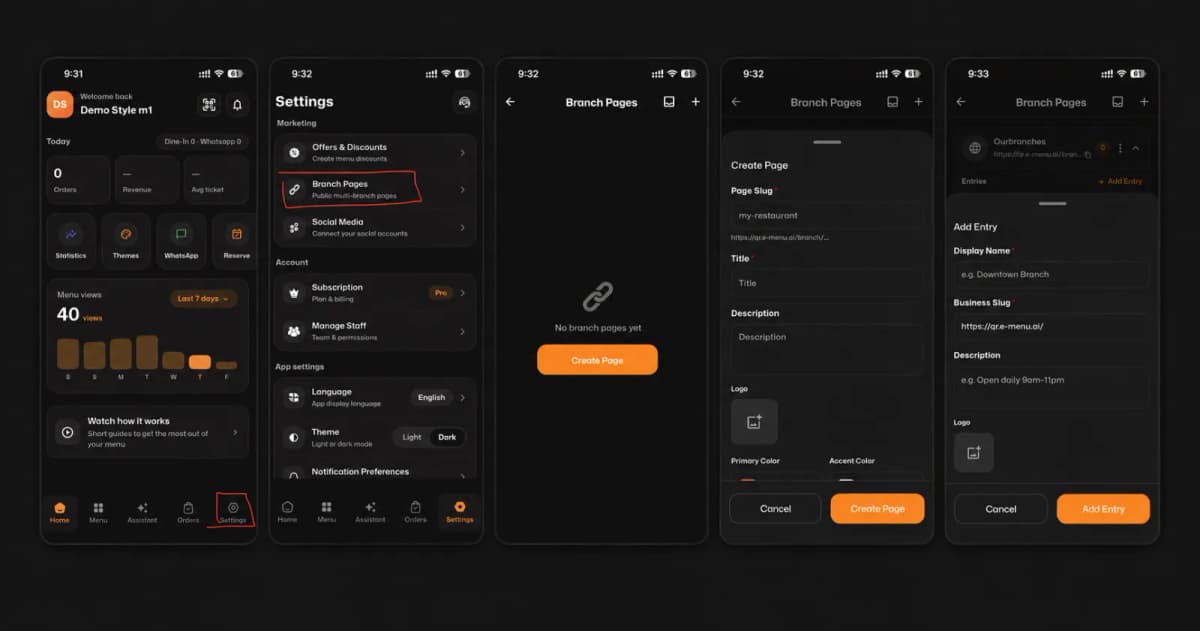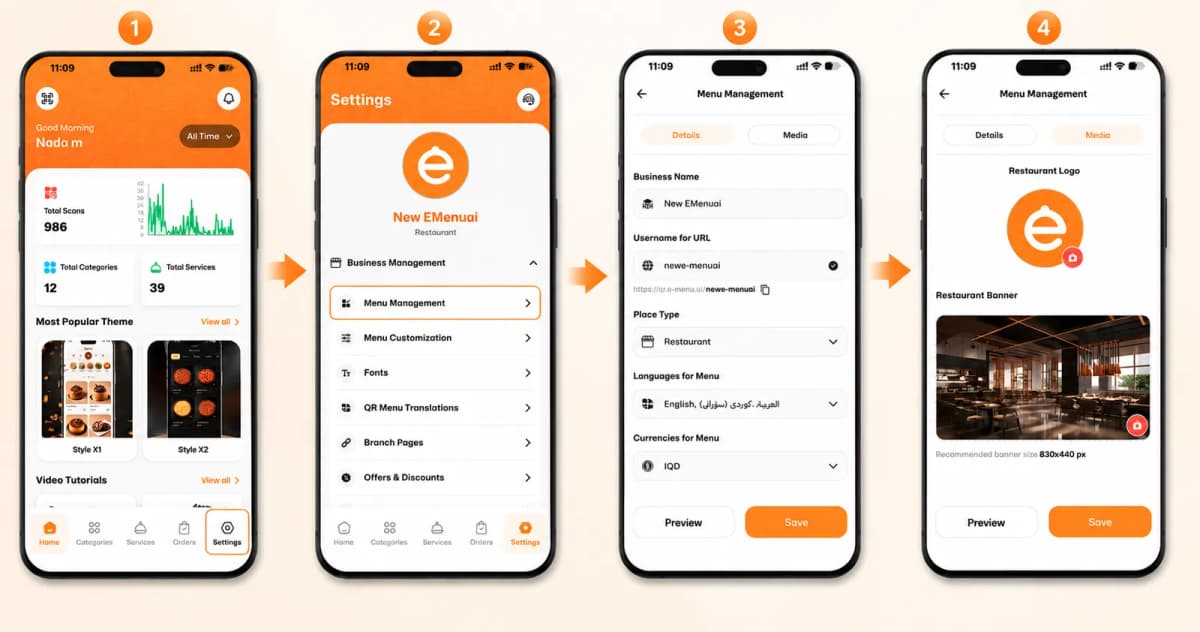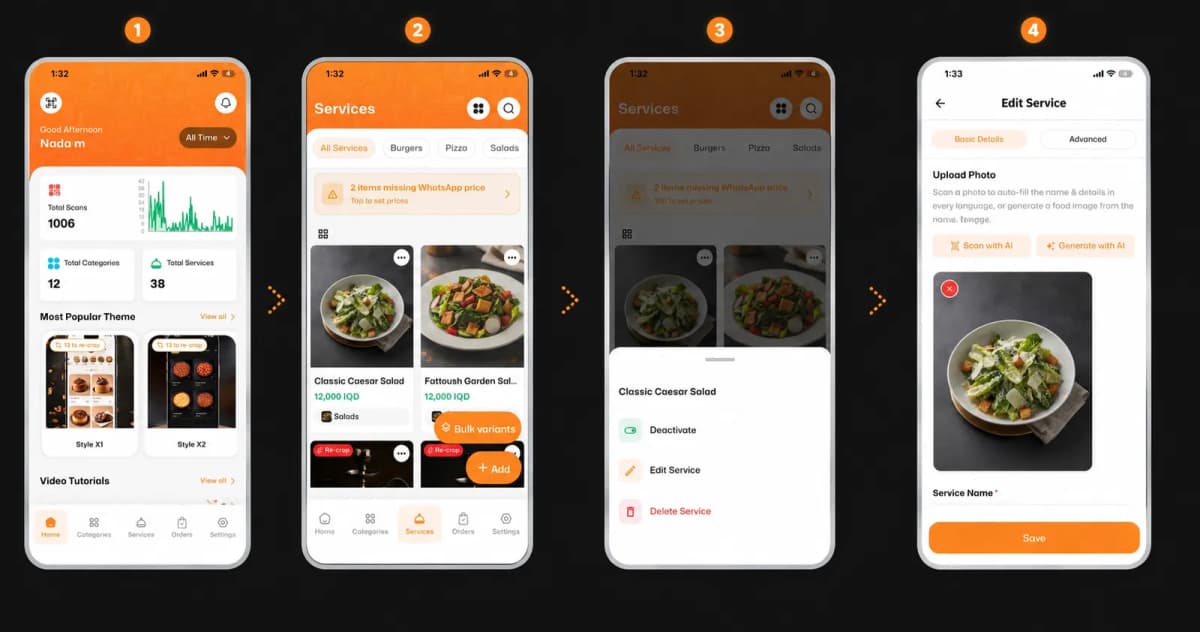
Welcome to the future of dining and business management! Setting up your account on eMenu AI is quick, simple, and takes just a few minutes. Follow these 4 easy steps to get started:
*This smart link automatically redirects you to the Apple App Store, Google Play, or Web App based on your device.
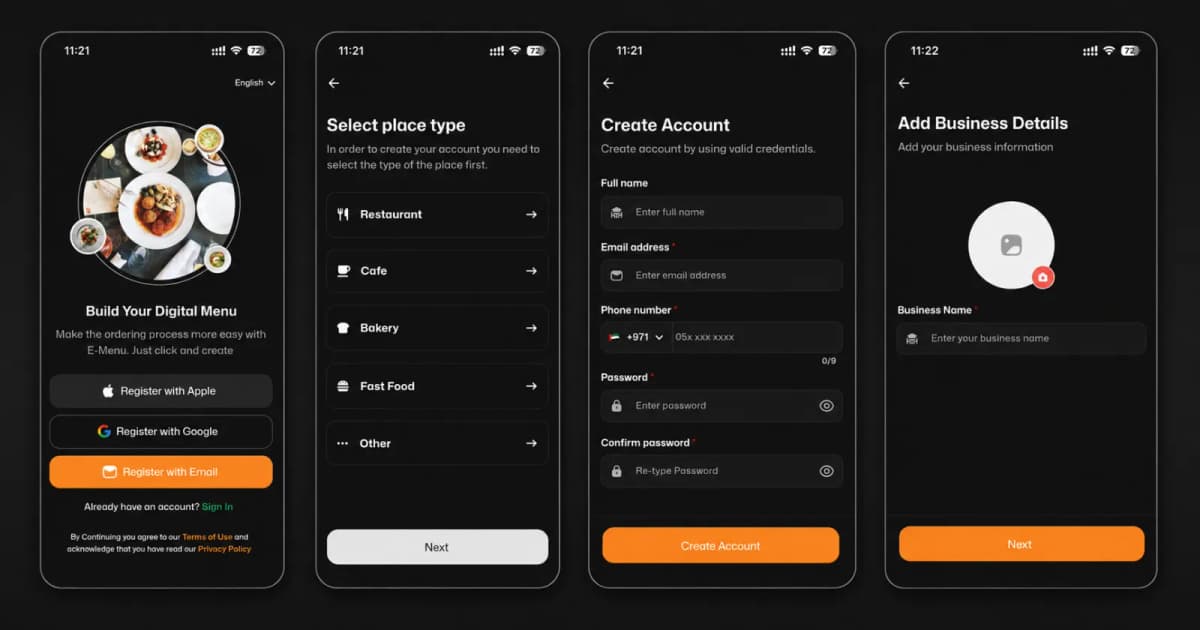
Step 1: Choose Your Sign-Up Method
First, open the app and choose how you want to create your account. You can sign up instantly using:
Apple ID
Google Account
Email Address
Step 2: Select Your Place Type
In order to tailor the experience to your needs, select the type of business you run:
Restaurant
Cafe
Bakery
Fast Food
Other
Step 3: Fill in Your Details
Next, you will need to enter your basic profile information. Please make sure to provide:
Your Full Name and Email Address.
A valid Phone Number (Crucial for account verification).
A strong, secure Password (and confirm it).
Step 4: Add Business Details
Now it’s time to make it yours! Customize your digital menu by:
Uploading your Business Logo/Profile Picture.
Typing in your Business Name.
🎥 Watch the Registration Tutorial
Need a visual guide? Watch this quick video to see How to Create Your Account on the eMenu AI App: A Step-by-Step Guide
🎉 Congratulations!
Your registration is complete, and your account is successfully created. You are now ready to revolutionize your customer experience with eMenu AI!