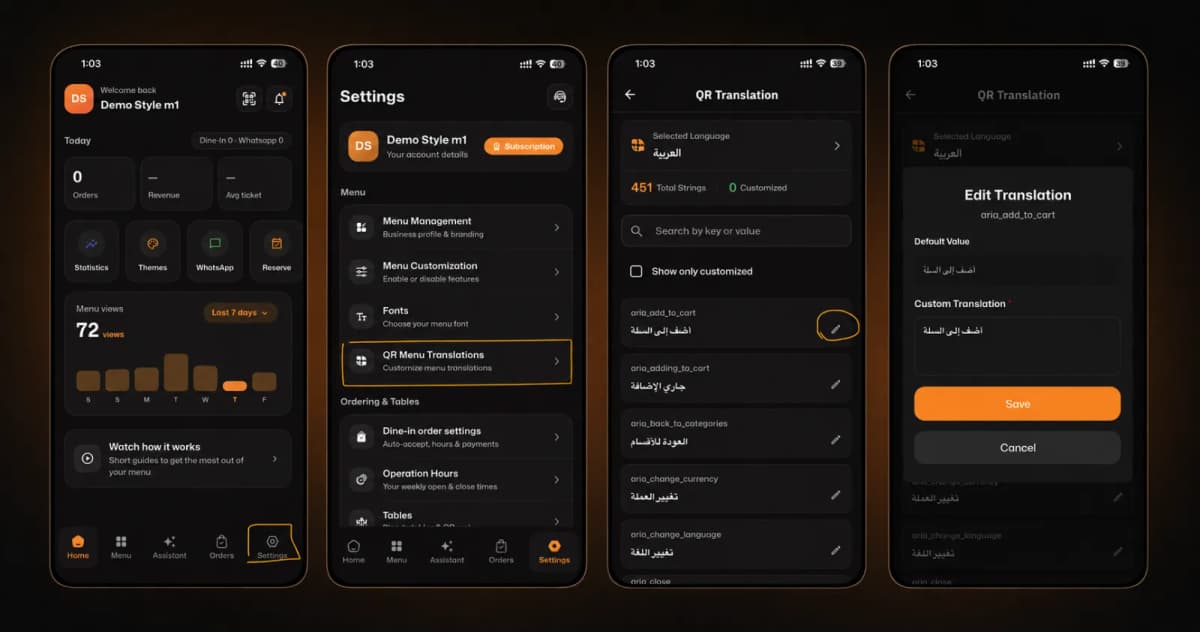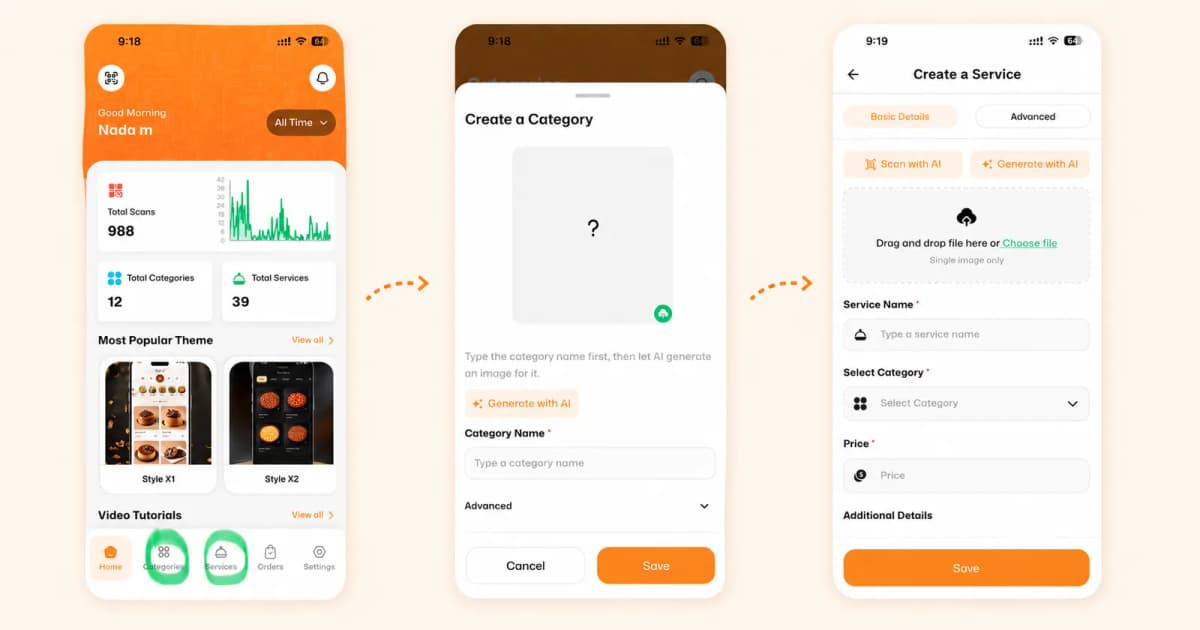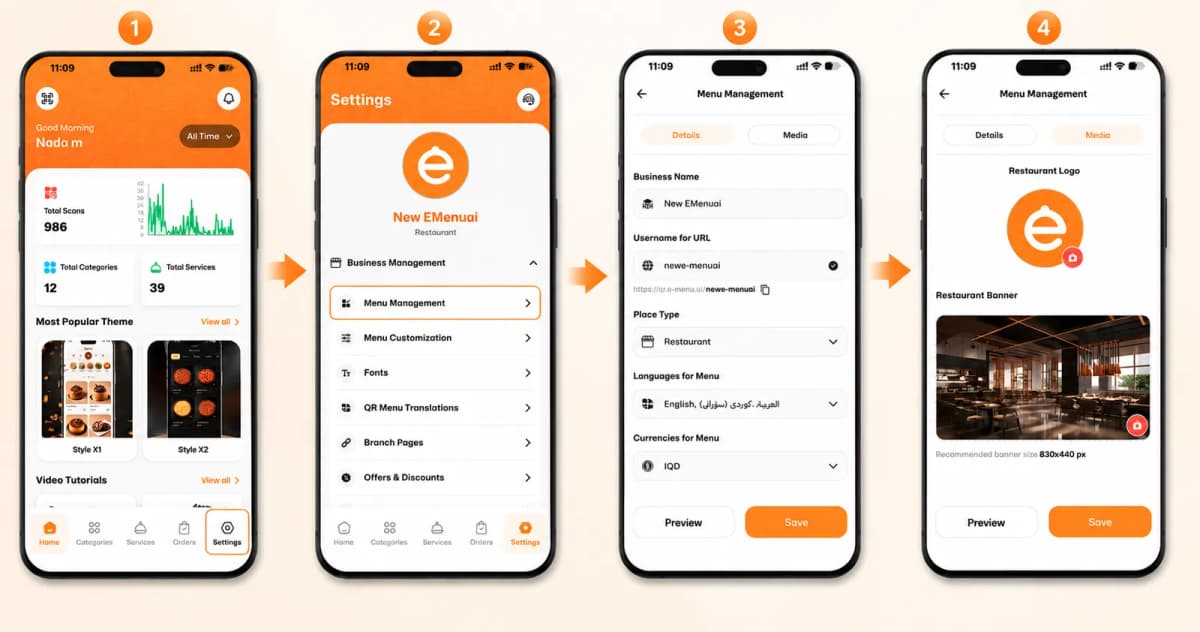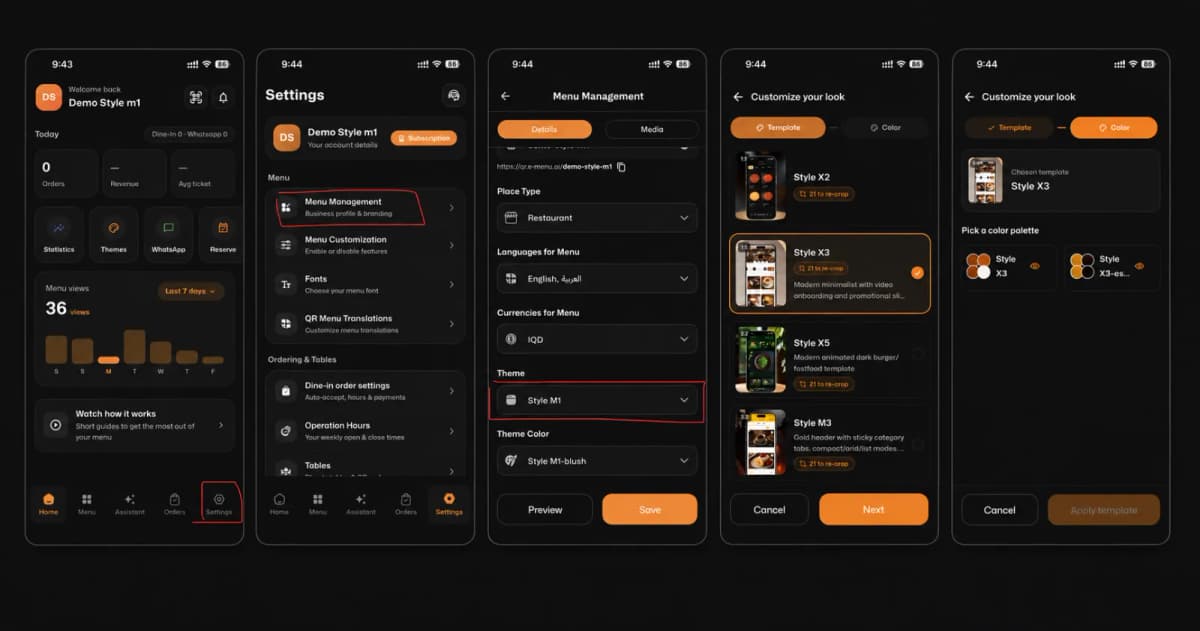
Welcome to eMenu AI! Personalizing the look and feel of your digital menu to match your brand is quick and easy. Follow these 5 simple steps to change your menu theme:
*This smart link automatically redirects you to the Apple App Store, Google Play, or Web App based on your device.
Step 1: Open Settings
Navigate to the bottom right corner of your home screen and tap on the Settings icon.
Step 2: Go to Menu Management
Under the Menu section, tap on Menu Management (Business profile & branding) to access your customization options.
Step 3: Select Your Theme
Scroll down to the Theme section and tap on your current style (e.g., Style M1) to open the template gallery.
Step 4: Choose Your Template
Browse through our stunning collection of layouts. Select your favorite template (like Style X3) and tap the Next button.
Step 5: Pick a Color & Apply
Choose a color palette that perfectly matches your brand identity. Finally, tap Apply template and don't forget to hit Save on the main screen!
🎉 Congratulations!
Your digital menu now has a fresh, beautiful new look. You are ready to impress your customers!