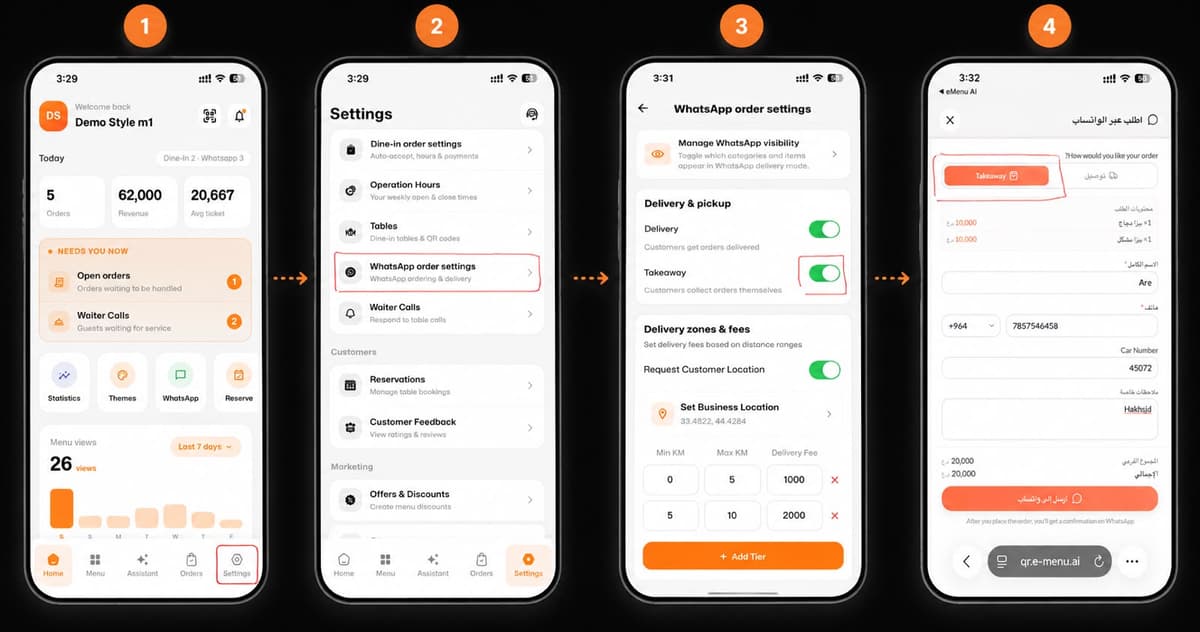
Welcome to the future of dining and business management! Activating the Takeaway feature on eMenu AI is quick, simple, and takes just a few taps. Follow these 4 easy steps as shown in image.png to get started:
*This smart link automatically redirects you to the Apple App Store, Google Play, or Web App based on your device
1 Step 1: Go to Settings
Open your app dashboard. Look at the bottom navigation menu and tap on the Settings icon (located in the bottom right corner).
2 Step 2: Access WhatsApp Settings
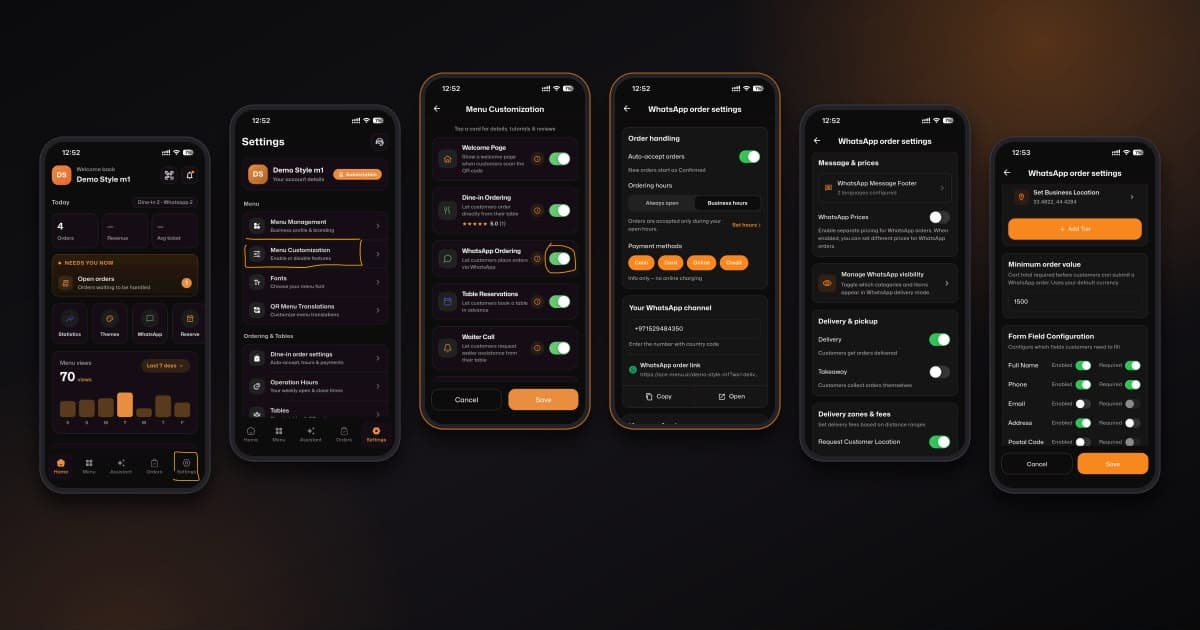
Inside the Settings menu, scroll down to find the Tables & Orders options. Tap on WhatsApp order settings to configure how you receive orders.
3 Step 3: Enable Takeaway
Under the "Delivery & pickup" section, find the Takeaway option (which allows customers to collect orders themselves). Simply switch the toggle to the ON position (it will turn green).
4 Step 4: Ready for Customers
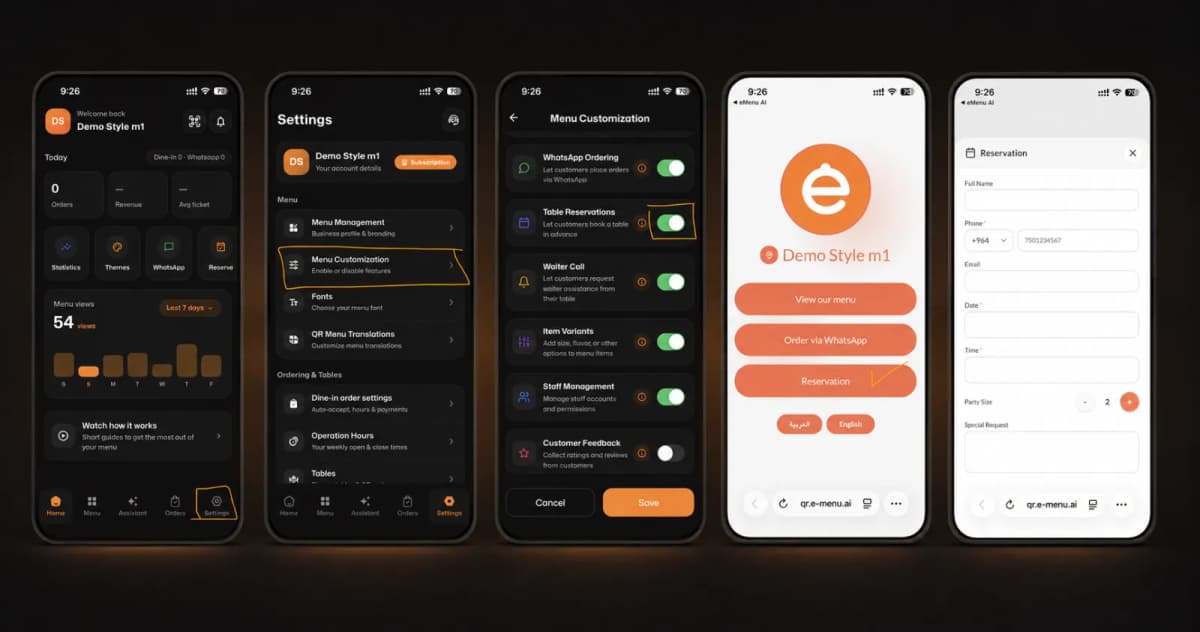
That's it! When your customers open your digital menu to order via WhatsApp, they will now successfully see and be able to select the Takeaway option.
🎉 Congratulations!
Your setup is complete, and the feature is successfully activated. You are now ready to offer a seamless pickup experience for your customers with eMenu AI!