If you are wondering how to take reservation in restaurant settings without dealing with endless phone calls and messy paper logbooks, it is time to upgrade your system. Managing table bookings manually often leads to double-booked tables, stressed staff, and frustrated guests. Today, the most efficient method is to let your customers book their own tables directly through a smart digital menu.
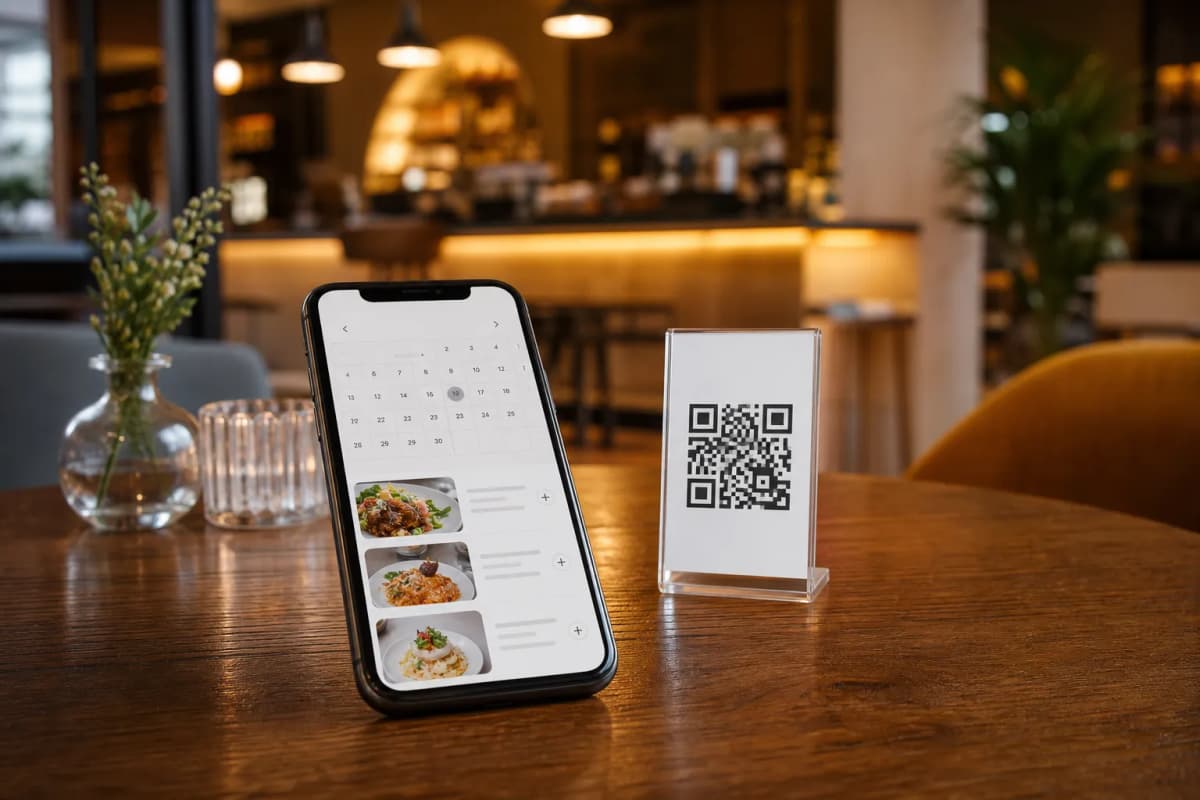
Using a comprehensive platform like eMenu AI transforms this process completely. Customers simply scan a professional QR code at the door, on your website, or from a social media link. From there, they can browse your dishes and reserve a table in seconds without downloading any external applications. The restaurant manages everything smoothly from the mobile app or web dashboard.
The Best Way on How to Take Reservation in Restaurant
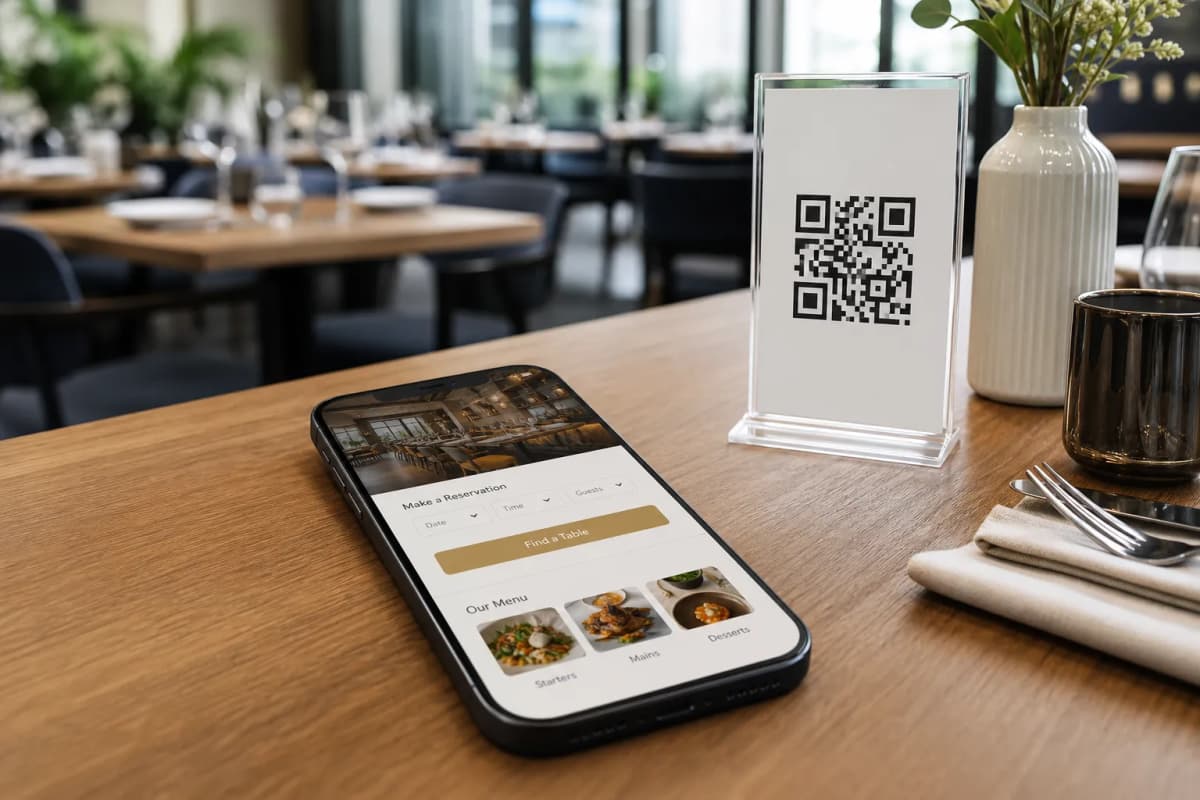
Learning how to take reservation in restaurant environments used to mean hiring a dedicated host to stand by the phone. Now, eMenu AI automates the entire flow. The platform includes a built-in Table Reservation System that lives right inside your digital menu.
When a guest opens your menu link, they can select their preferred time and party size. The request is sent straight to your staff via the web dashboard or mobile app, allowing you to confirm bookings instantly. This keeps your tables full and your staff focused on serving the guests who are already seated.
Step-by-Step Guide to Automating Your Bookings
Setting up your digital booking flow is incredibly simple. You can manage everything from your iPhone, Android device, or a computer browser.
- Get the system: Start by setting up your account. You can open eMenu AI here to download the app or access the web version instantly.
- Design your menu: Choose a design from the multiple ready templates available. You can view options at the templates gallery. Every template is fully customizable to match your brand colors and logo.
- Add your items: Build out your menu categories. You can even use the AI food image generation tool to create mouth-watering pictures for your dishes.
- Enable table reservations: Turn on the Table Reservation System in your settings. This adds a simple booking button directly into the customer view of your menu.
- Display your QR code: Generate a professional, custom QR code and place it on your website, social media pages, and physical storefront so guests can start booking.
Enhancing the Complete Dining Experience
Taking the reservation is only the beginning. Once your guests arrive, eMenu AI continues to streamline your operations. Since the platform supports over 100 world languages with automatic translation, international tourists can comfortably read your menu and order in their native language.
Start Taking Reservations Today
Modernizing your booking process does not have to be complicated or expensive. By switching to a smart digital system, you save time, reduce human error, and provide a seamless experience for every guest from the moment they decide to dine with you.
Ready to upgrade your restaurant operations? Check out our affordable plans on the pricing page (including a free tier), and start using eMenu AI to simplify your table reservations and orders today.