Why Your Coffee Shop Needs a Smart Digital Menu
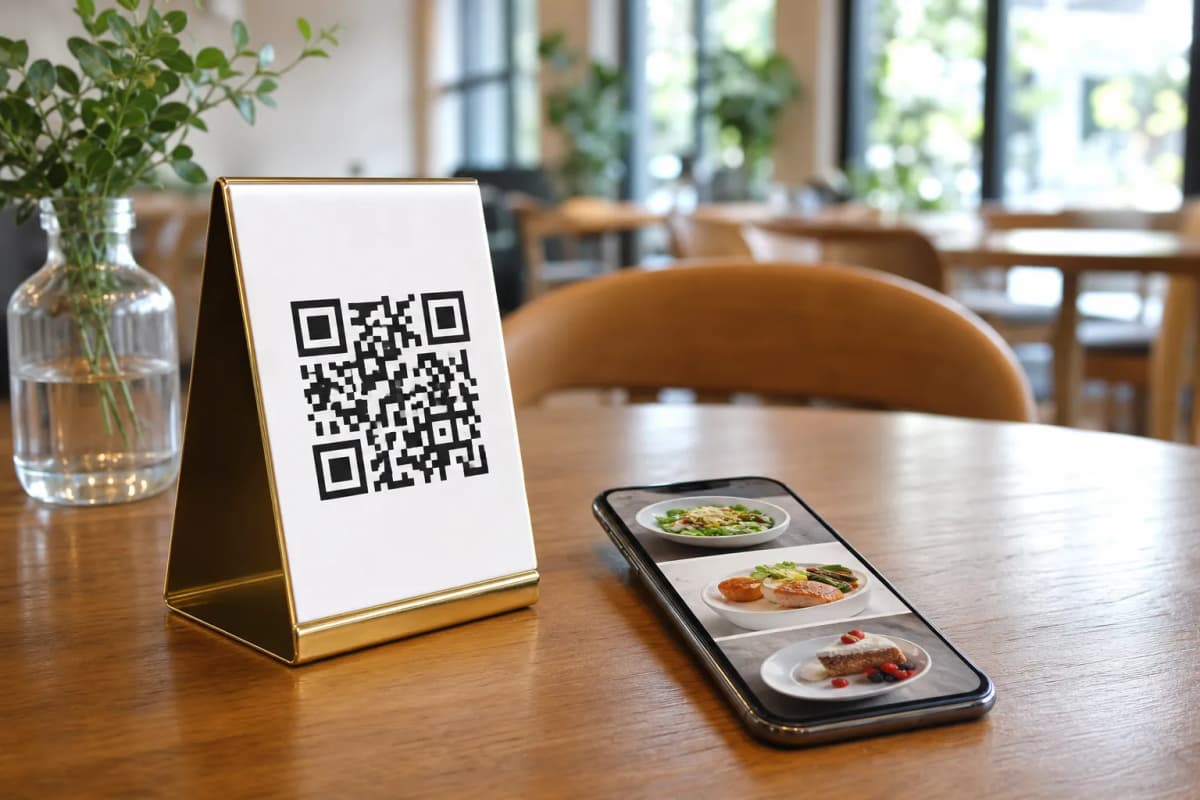
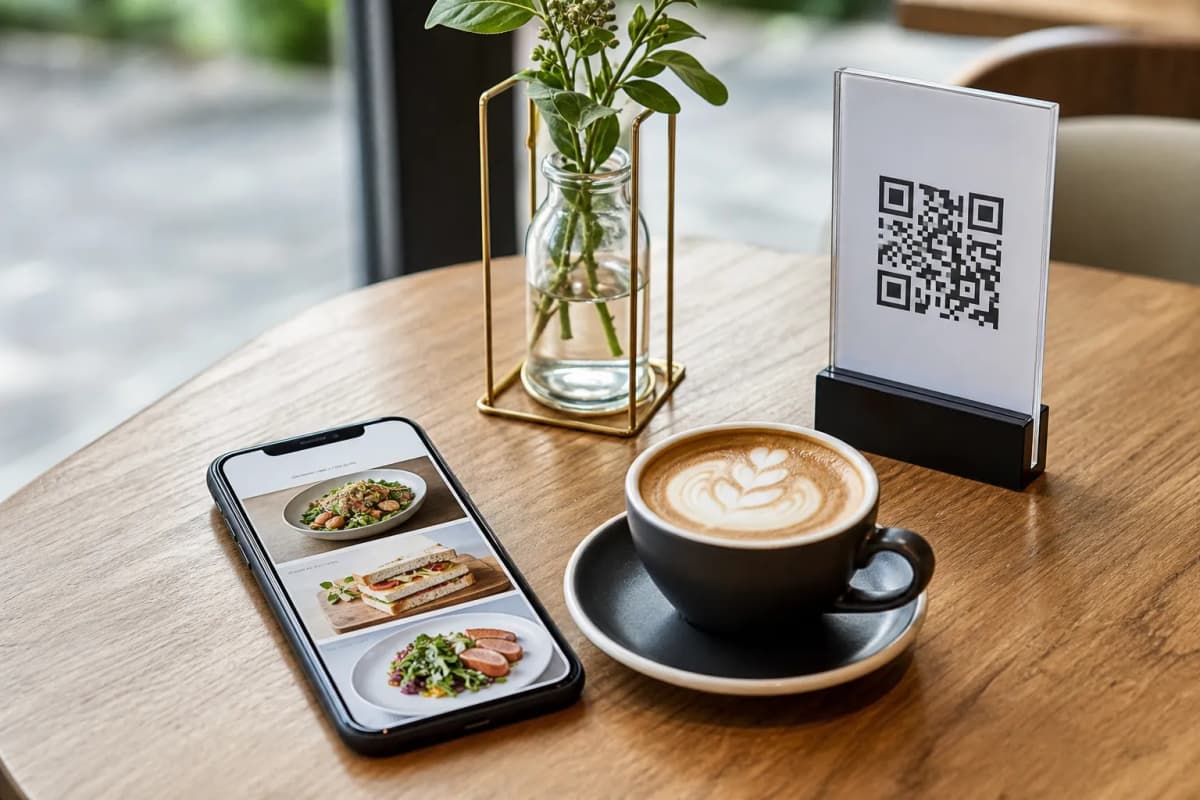
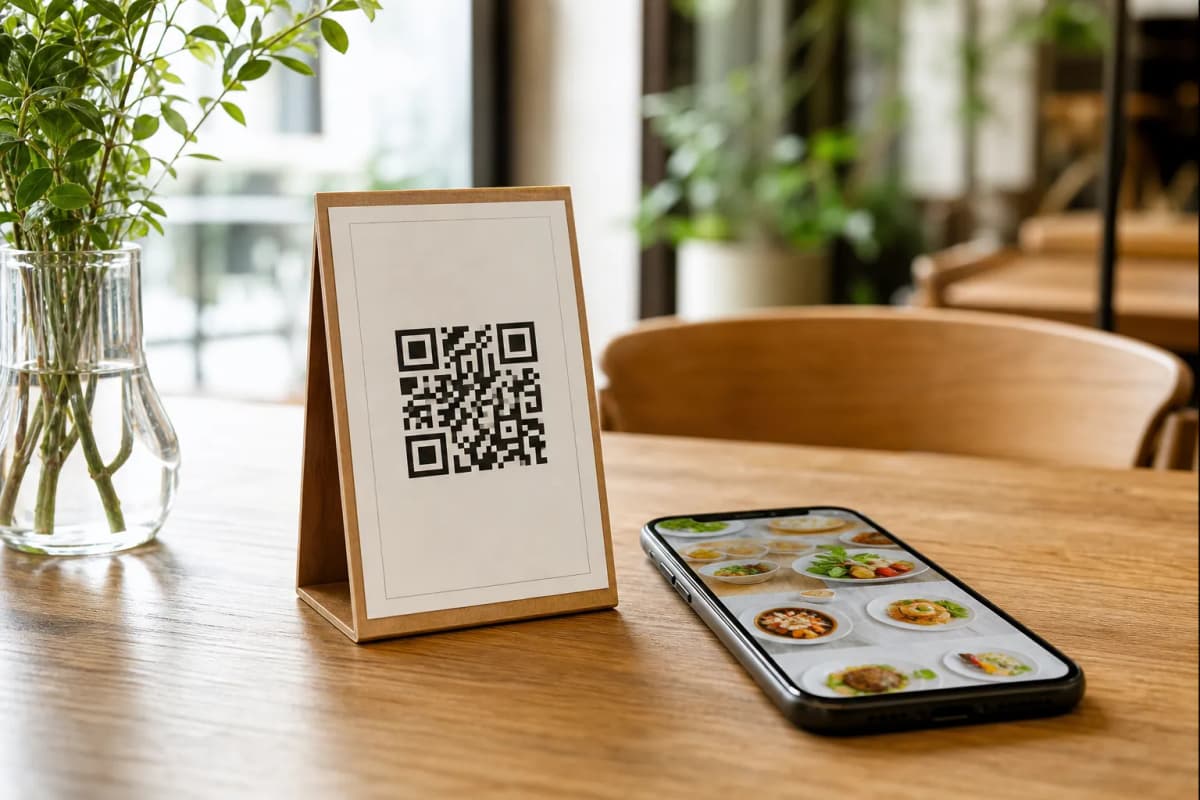
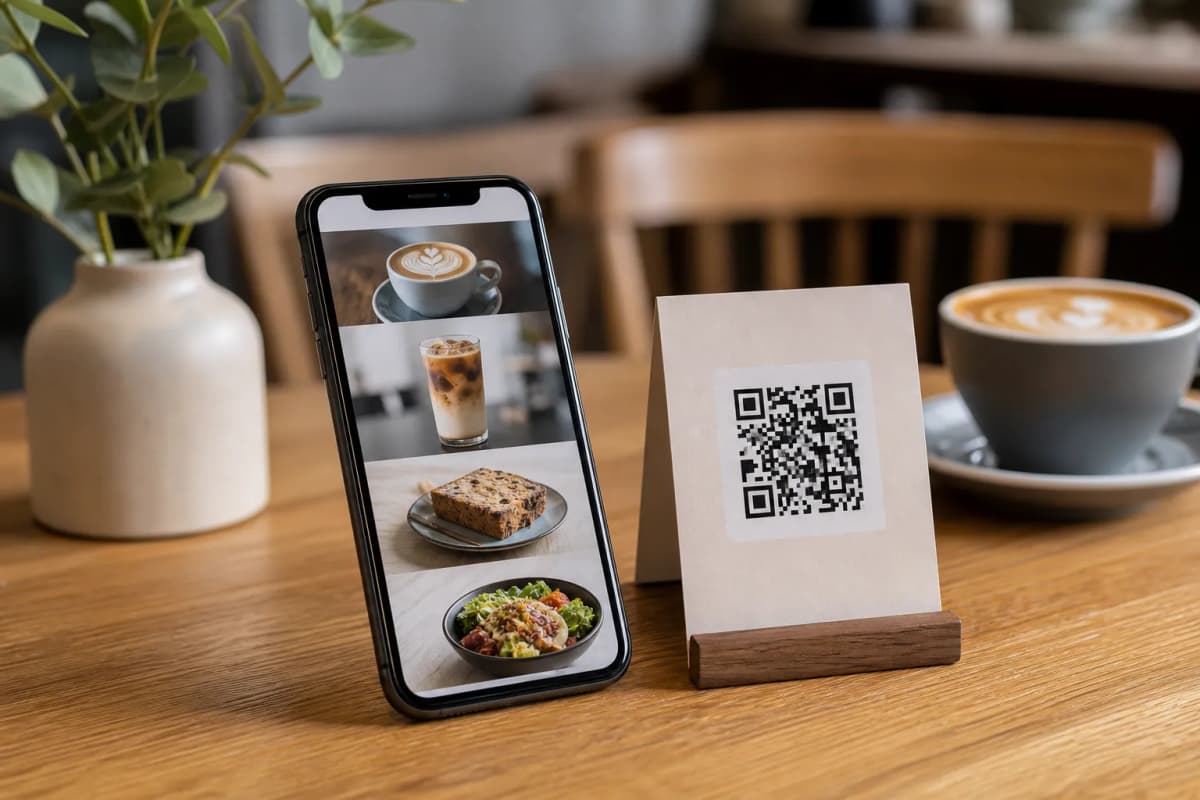
Upgrading to a digital qr code cafe system is one of the most practical steps you can take to speed up service and keep your customers happy during the busy morning rush. Instead of waiting for staff to bring a physical menu, guests simply scan a code on their table to browse drinks, pastries, and daily specials right on their personal phones. With eMenu AI, there are no apps for your customers to install, and you maintain complete control over your daily operations from anywhere in the world.
Step 1: Set Up Your eMenu AI Account
Getting started takes only a few minutes, and you do not need any technical skills. Whether you prefer working from a computer browser or a mobile device, the platform is ready for you. Simply open eMenu AI to create your free account. This smart link will automatically direct you to the App Store, Google Play, or the web dashboard depending on the device you are currently using. Once logged in, you will have access to a complete web dashboard where you can manage every single aspect of your cafe.
Step 2: Build a Multi-Language Menu
A great cafe menu needs to be attractive and easy to read. As you add your espresso drinks, teas, and baked goods, you can use the built-in AI food image generation to instantly create appetizing, high-quality photos for your items without hiring a professional photographer. If you serve tourists or an international crowd, you will absolutely love the automatic translation feature. eMenu AI supports over 100 world languages, allowing your customers to switch to their native language with just one click, ensuring no one ever struggles to understand your specialty roasts.
Step 3: Choose Your Design and Generate the QR Code
Your digital menu should match your coffee shop branding perfectly. You can browse through multiple professional designs in the templates gallery to find the perfect look. Every template is fully customizable, and custom designs can be requested for free to match your exact brand. Once your menu looks right, you can generate a professional QR code. You can customize this code with your specific brand colors and logo, making it perfect for printing and placing on your tables or at the entrance.
Step 5: Turn On Guest Experience Features
Beyond standard ordering, eMenu AI gives your customers a premium hospitality experience. Enable the "Call Waiter" function so guests can request water, napkins, or the bill with a single tap. Your staff will receive instant notifications showing the table number and the specific request type. You can also activate the table reservation system to let people book spots in advance, and turn on the in-menu rating system to collect valuable, comprehensive feedback before the customer even leaves the building.
Start Your Digital Transformation Today
Running a successful coffee shop is hard work, but managing your menu does not have to be. eMenu AI gives you an affordable, powerful tool to speed up your service, reduce wait times, and delight your guests. Check out the pricing plans to see how cost-effective it is (including a free tier), and launch your smart menu today to take your cafe to the next level.