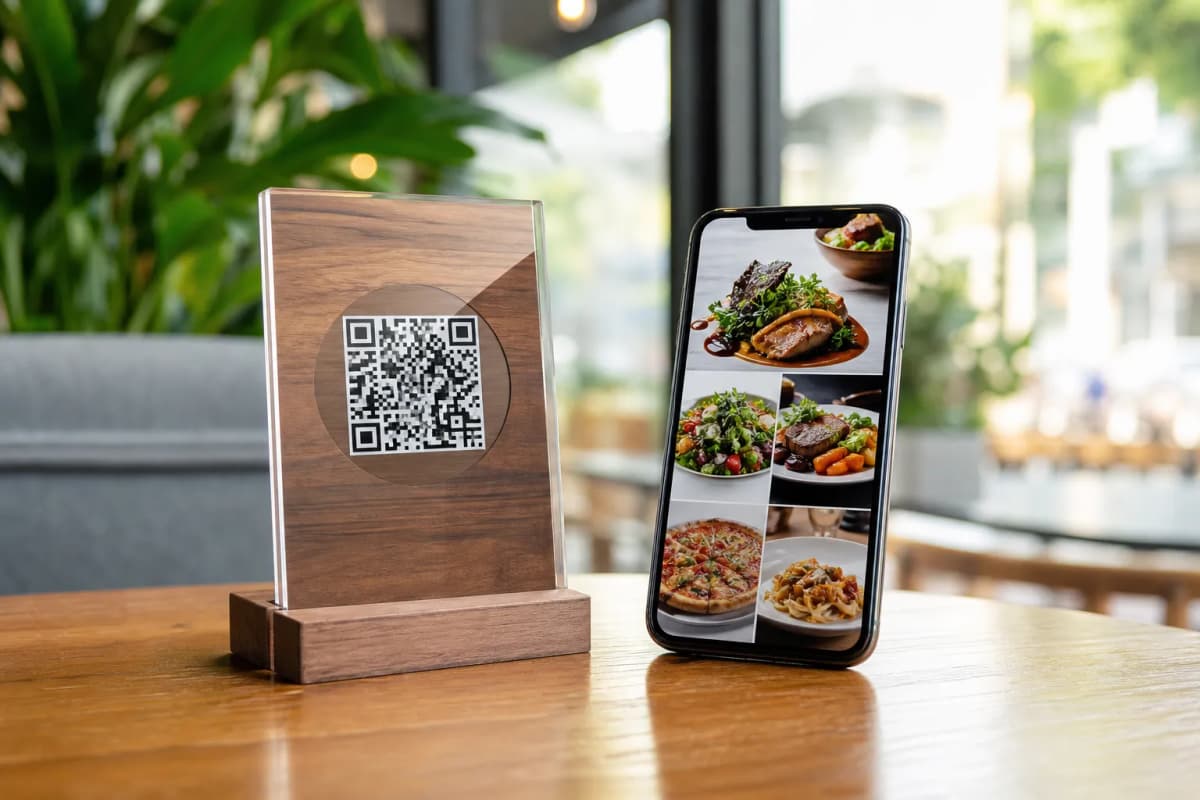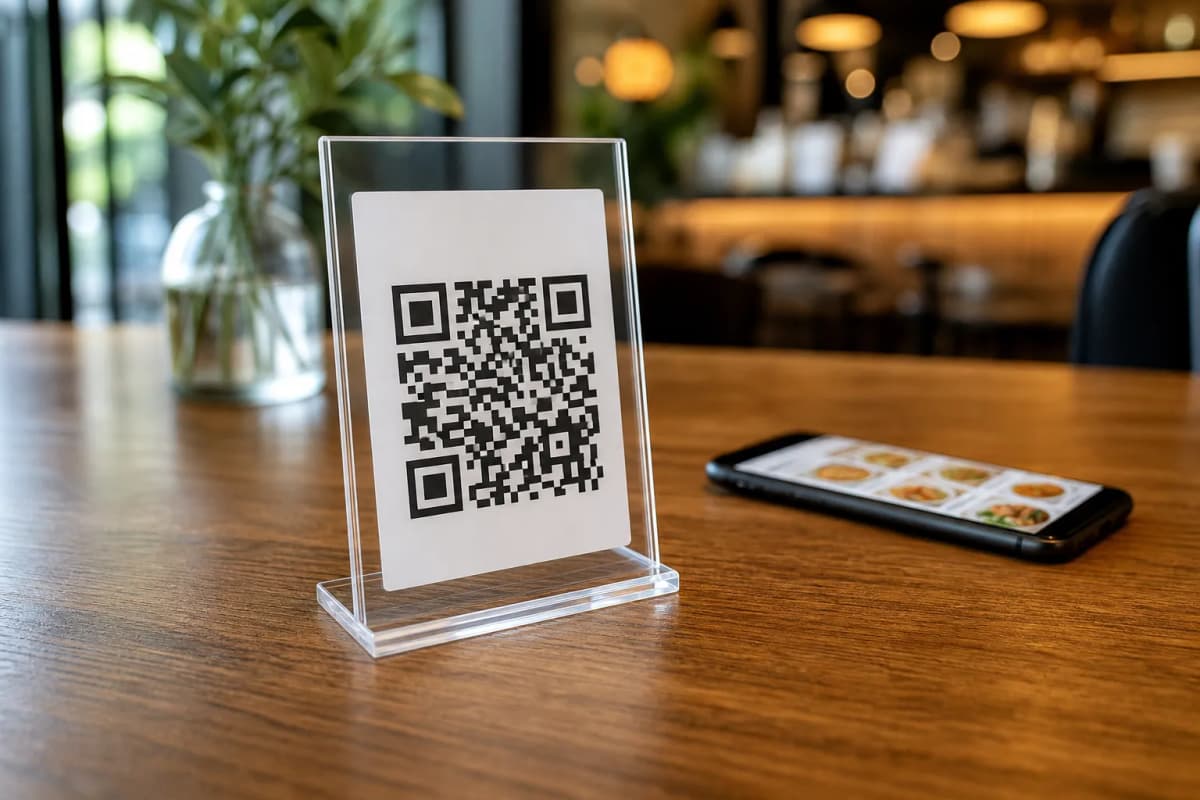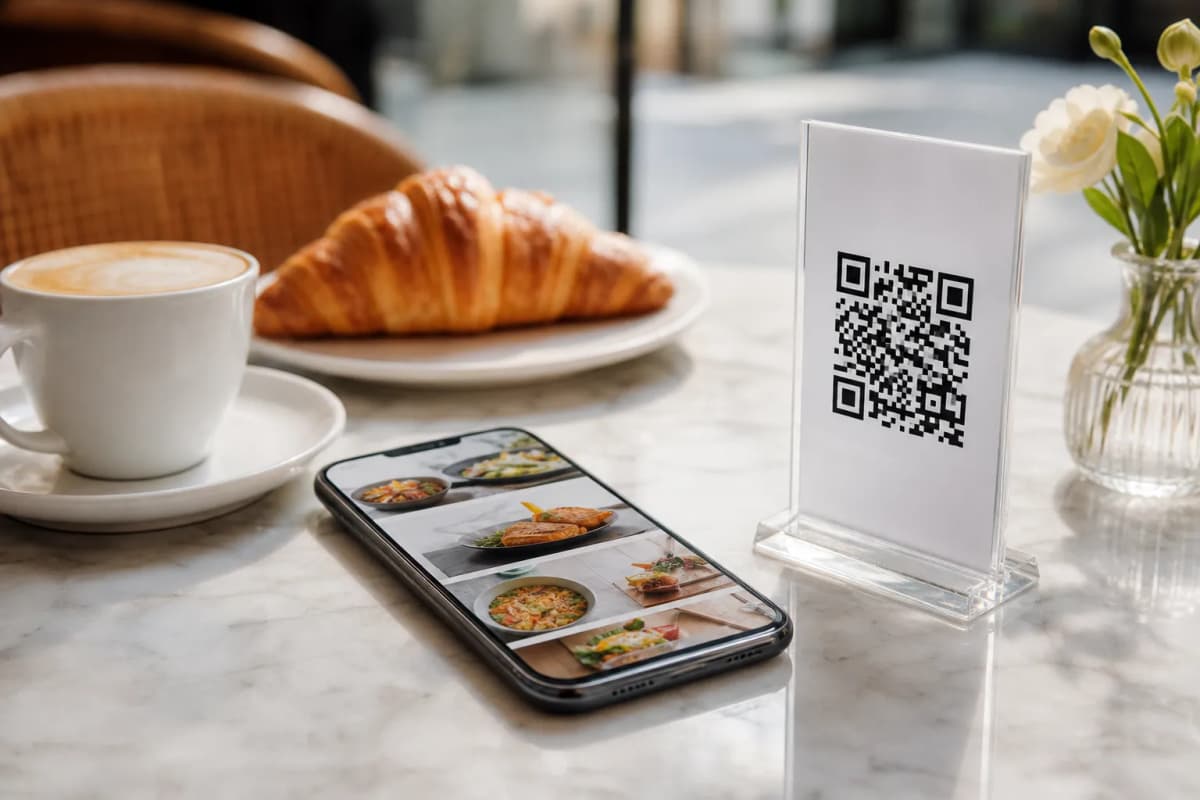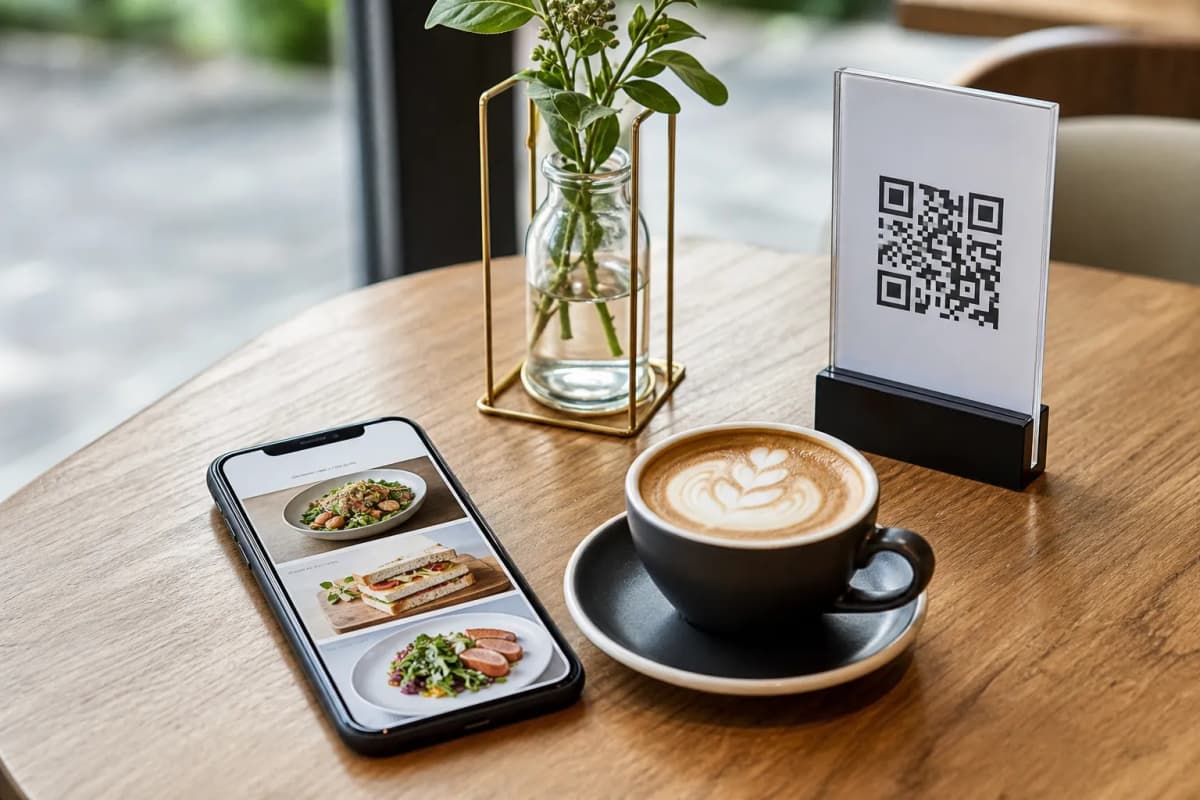
Setting up qr code menu ordering is one of the fastest ways to improve how your cafe or restaurant operates. When guests sit down, they want to see what you offer immediately. By giving them a simple code to scan, you eliminate waiting times, reduce heavy printing costs, and make the dining experience much smoother. With eMenu AI, launching this system takes only a few minutes.
Why QR Code Menu Ordering Works
Modern customers prefer speed and convenience. With eMenu AI, guests simply scan a code on their table to browse your digital menu directly on their own smartphones. There is absolutely no app for them to install. The moment they scan, they can switch between over 100 world languages with automatic translation, ensuring every tourist or local understands your dishes perfectly.
You can also create a visually stunning experience right out of the box. If you do not have professional photos of your food, eMenu AI features an AI food image generation tool that creates highly appetizing pictures for your items instantly. A great looking menu encourages guests to order more food and drinks.
Step-by-Step Setup Guide
You do not need advanced technical skills to get started. Just follow these practical steps to launch your digital menu today.
- Access the Platform: Start by getting your account ready. Open eMenu AI on your phone, tablet, or computer. This single smart link works for Apple, Android, and web browsers. You can manage everything from the web dashboard using a computer browser to add dishes, change prices, or organize sections.
- Add Your Dishes and Categories: Input your food and drink items. You can set prices in over 95 international currencies, and if you need a specific new currency, it can be added within seconds on request.
- Select a Design: Your menu should match your brand perfectly. Browse the multiple ready templates and pick one that fits your style. Every template is fully customizable, new ones are added regularly, and custom templates are made free on request.
- Print Your Professional QR Code: Generate your custom QR code inside the system. You can add your restaurant logo and colors, then print it to place on your tables or at the entrance.
Once your menu is live, you can turn on advanced tools that completely automate your floor service.
- Table Ordering: Customers browse the menu and send orders directly from their table to the kitchen.
- WhatsApp Orders: Let customers place pickup orders or request deliveries via WhatsApp with live order tracking. Customers place pickup takeaway orders straight through the menu, meaning no calls and no apps to install.
Improving the Guest Experience
Beyond ordering, eMenu AI acts as a digital assistant for your tables. Customers can use the table reservation system to book their next visit directly from within the menu. During their meal, they can use the Call Waiter feature: one tap from the menu to request assistance or the bill. Your staff get instant notifications with the table number and request type.
Before they leave, the in-menu rating system allows you to collect comprehensive customer feedback inside the menu, helping you maintain high service standards.
Ready to modernize your restaurant operations? Check out the very affordable plans on our pricing page (a free plan is available), and create your smart menu today.