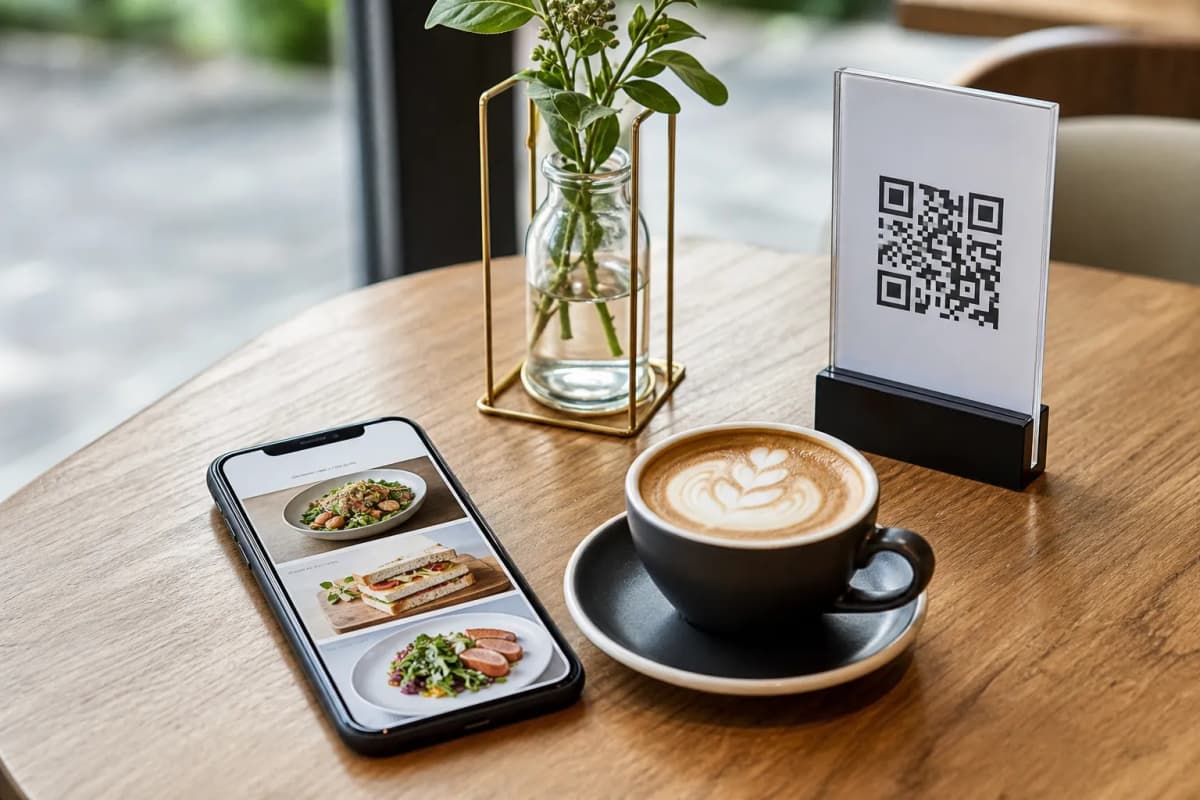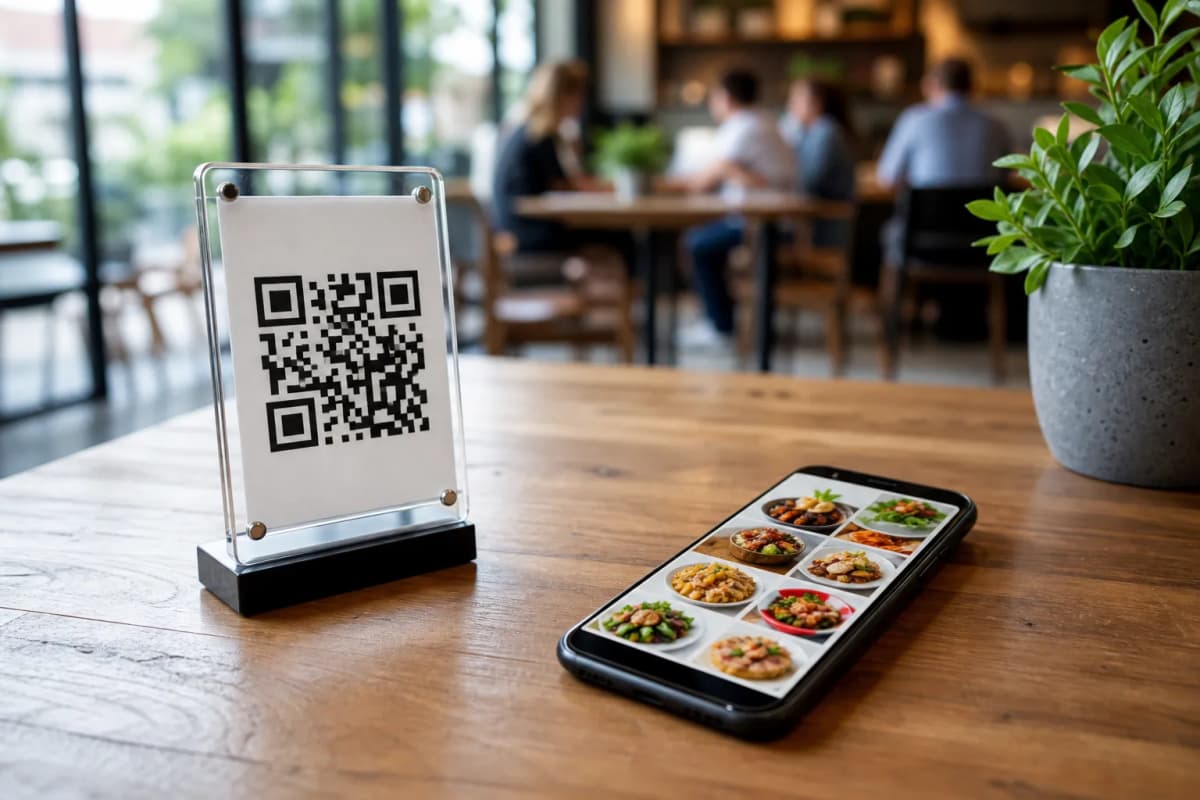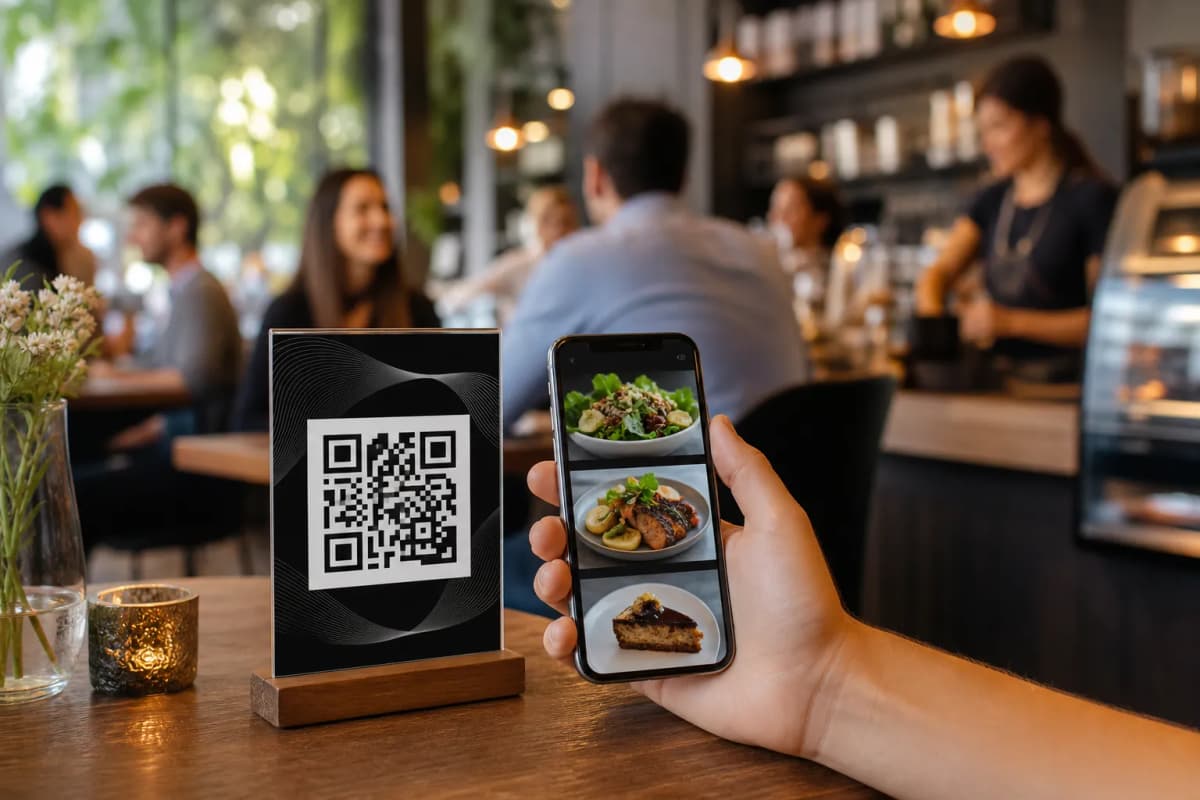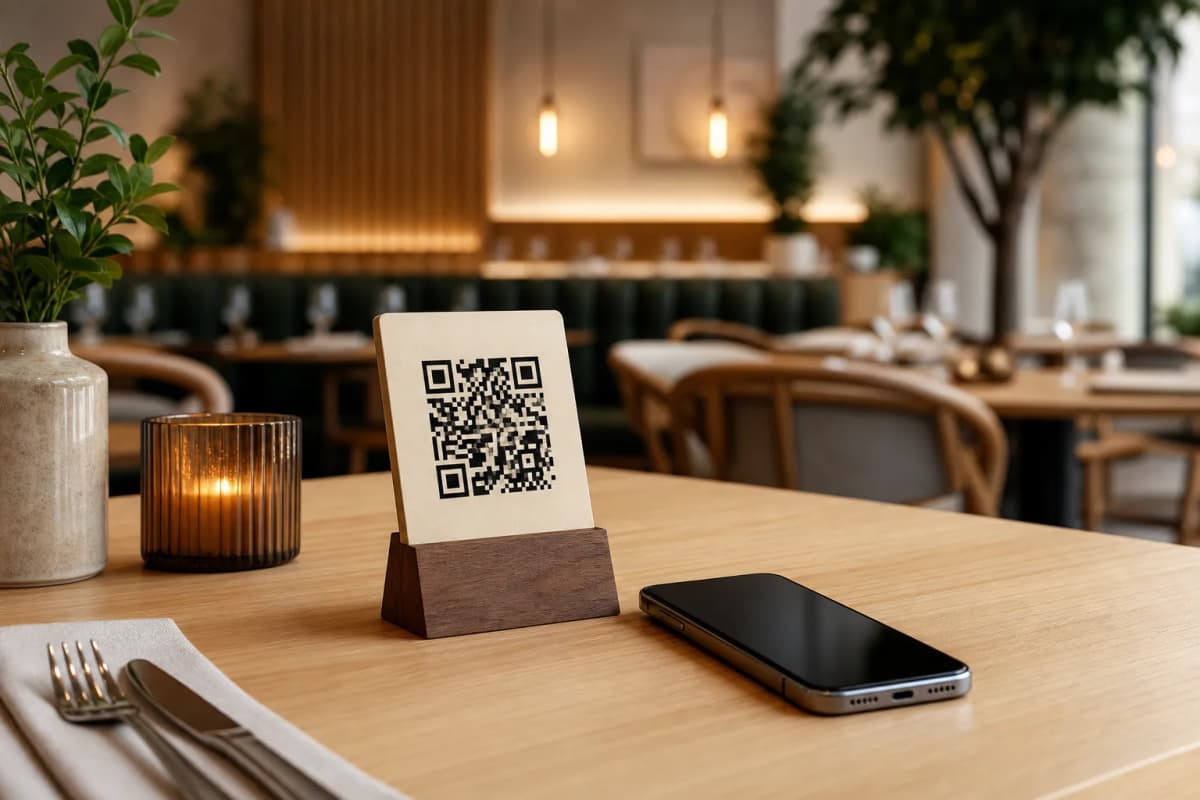
A modern dining experience is all about speed and convenience. Implementing a qr code menu for restaurants is one of the fastest ways to eliminate waiting times, increase table turnover, and simplify how your staff works. Instead of waiting for a physical paper menu, customers simply point their smartphone camera at a QR code on their table to browse and order. There is no app installation required, making it incredibly frictionless for guests.
Why Choose a QR Code Menu for Restaurants Today?
Using a digital qr code menu for restaurants does much more than replace paper. It acts as a complete digital ordering hub. With the eMenu AI platform, you get a system that supports table ordering, pickup requests, and even WhatsApp ordering with live tracking. Whether you run a small local cafe or a busy multi-location restaurant, this technology streamlines communication between your guests and the kitchen.
Furthermore, eMenu AI supports over 95 world currencies, with the ability to add any new currency in seconds on request. It also offers automatic translation into more than 100 world languages, allowing international tourists to view your menu items and order in their native language with a single click.
Step-by-Step Setup Plan for Your Restaurant
Setting up your digital menu does not require any technical experience. Follow these straightforward steps to get your system up and running:
- Get the platform: First, access the smart link at eMenu AI platform app to download the app on your iPhone, iPad, Android device, or access the web dashboard on your computer browser.
- Add your dishes and categories: Organize your menu into logical sections like starters, mains, and beverages. You can upload your own food photos or use the built-in AI food image generation tool to create stunning, professional visuals for your dishes.
- Select a design template: Visit the eMenu AI templates gallery to choose from multiple professional designs. Every template is fully customizable, and you can even request a custom template for free to perfectly match your brand's colors and logo.
- Generate and print your QR code: Create a professional QR code featuring your restaurant colors. Print these codes and place them on your tables, bar, entrance, or counter.
Start Serving Customers Smarter
Transitioning to a digital menu saves printing costs, increases average order value, and keeps your service running smoothly even during rush hours. With flexible plans, including a free plan option, you can explore all the features of eMenu AI risk-free. Check out the eMenu AI pricing options today to choose the best plan for your business and launch your QR code menu in minutes.