How to Launch Your Menus QR Code Fast
Step 1: Build Your Digital Menu Catalog
Start by organizing your food categories, descriptions, and dishes. You do not need any advanced technical skills to do this. Simply open the eMenu AI platform from any device by visiting our smart app link. Whether you prefer working on an iPad in the kitchen, an Android phone on the floor, or a desktop computer in your back office, you have full administrative control. Add your food items, update prices in real time, and organize your categories logically. If you are missing high quality professional photos for your dishes, you can use the built in AI food image generation tool to create appetizing, realistic pictures instantly.
Step 2: Customize Your Design and Enable Translations
A highly engaging digital menu must match your restaurant's unique brand identity. eMenu AI provides a wide variety of professional design layouts. You can easily browse these options in our templates gallery, and remember that every single layout is fully customizable. Our team even creates custom templates for free on request to perfectly match your brand. Once your visual design is set, you can rely on the system to automatically translate your entire menu into over 100 world languages. Customers can switch the text to their native language with a single tap, entirely removing frustrating language barriers for tourists and international guests.
Step 5: Generate and Print Your Custom QR Code
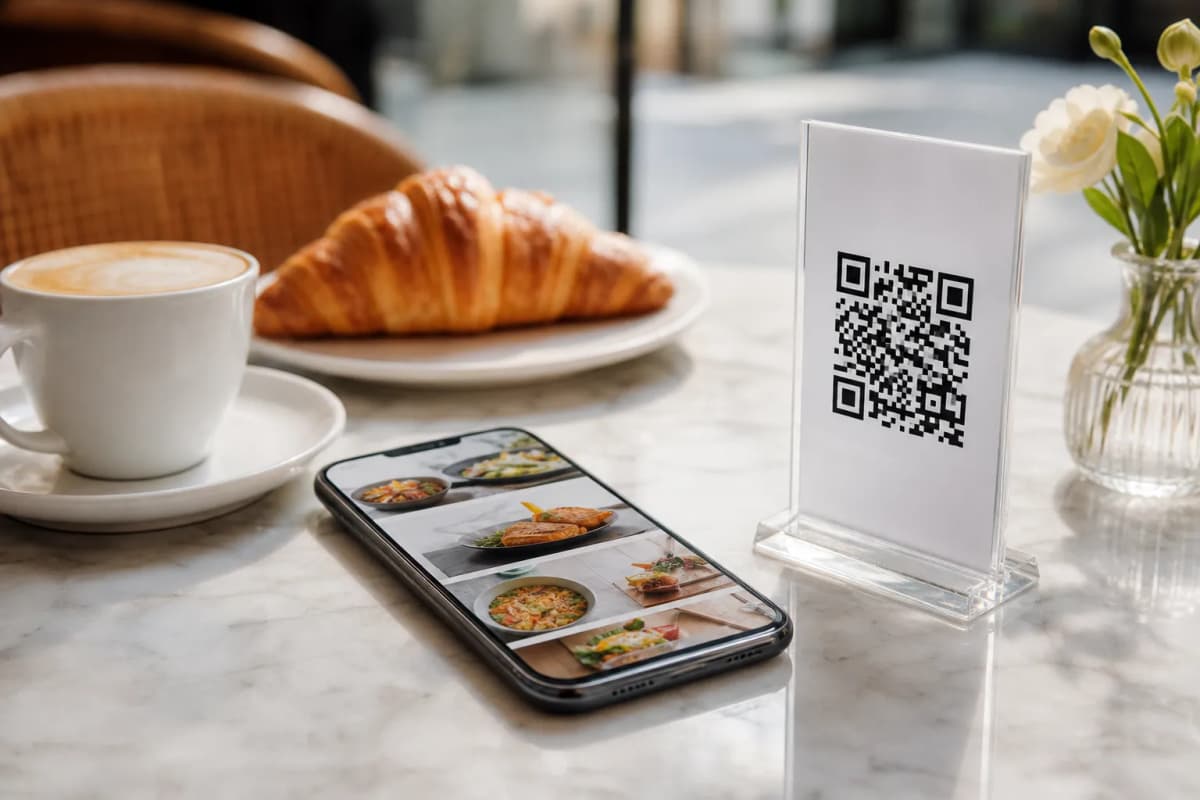
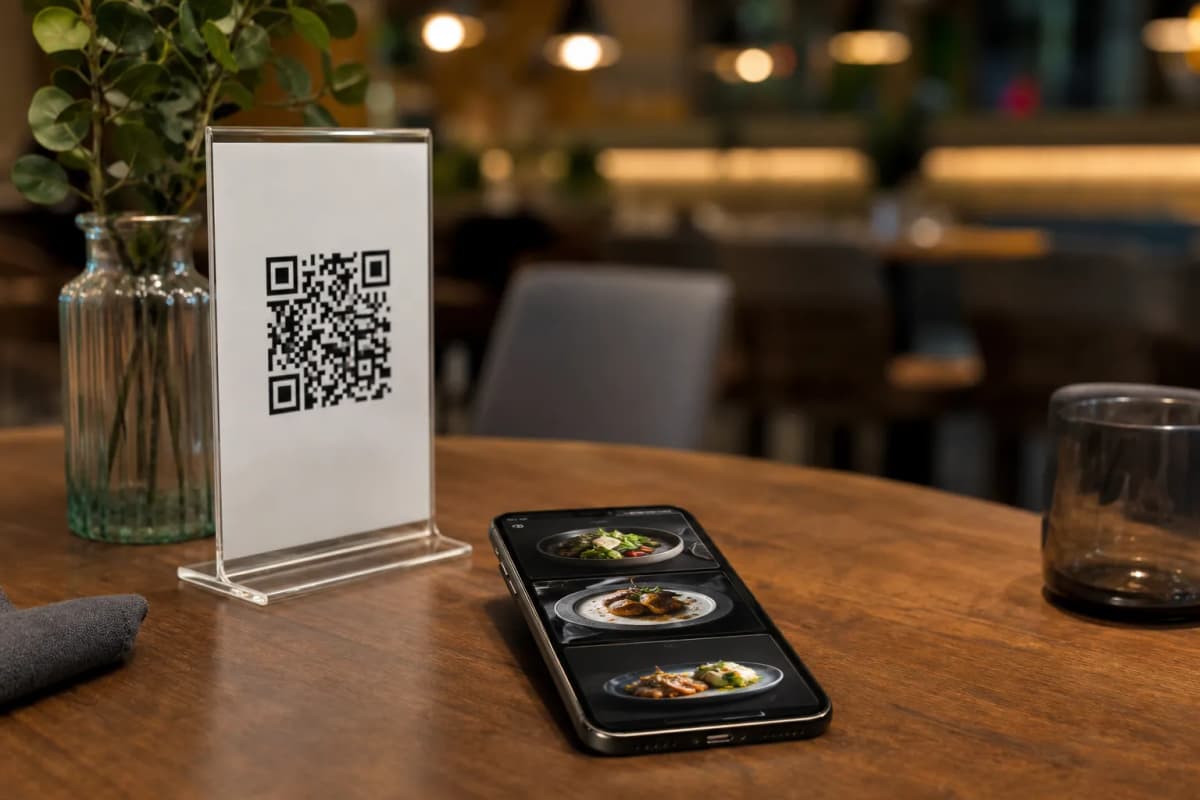
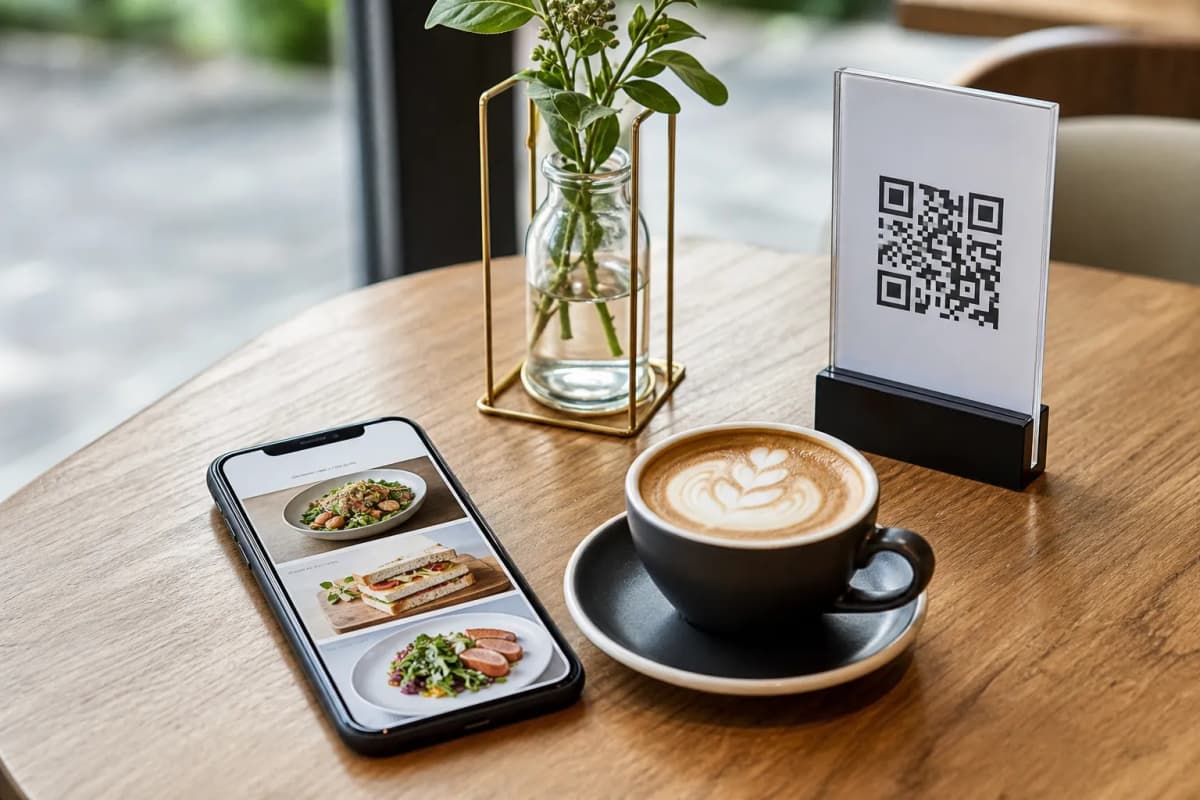
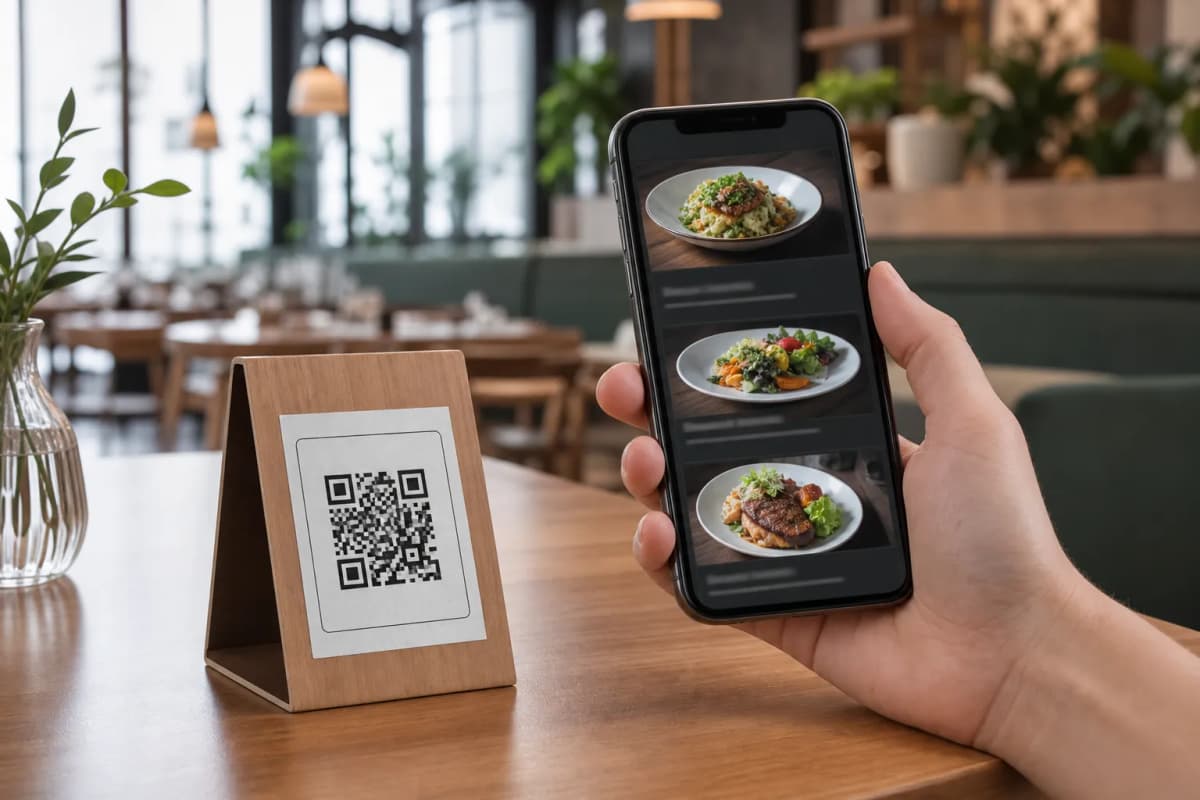
Now that your digital menu catalog is ready, it is time to place it on your dining tables. Use the eMenu AI dashboard to generate a professional QR code customized with your exact brand colors and restaurant logo. Print these high resolution codes for your table tents, display stands, or front entrance windows. When guests scan the code, they also get instant access to powerful hospitality tools. They can use the Call Waiter feature to request the bill or ask for immediate table assistance, leaving your staff instant notifications that display the exact table number. Furthermore, they can leave valuable feedback through the comprehensive in-menu rating system, or book future visits using the integrated table reservation system.
Ready to Upgrade Your Restaurant Operations?
Moving away from traditional paper menus and clunky PDFs saves valuable time, drastically reduces printing costs, and ultimately increases your daily sales volume. You can manage absolutely everything from one centralized dashboard. Get started today and create your smart digital ordering system by opening eMenu AI on your preferred device.