Getting Started with Digital Dining
Setting up qr codes restaurant menus is no longer a futuristic concept: it is a practical necessity. If you run a cafe or dining establishment, your guests expect a fast and smooth ordering process without waiting for physical menus. With eMenu AI, you can launch a fully functional digital system in a matter of minutes, giving you full control from a computer browser or a mobile device.
How QR Codes Restaurant Menus Improve Operations
Step-by-Step Guide to Setting Up Your Menu
Launching your digital platform is simple. Follow these practical steps to get your restaurant online immediately.
- Access the Platform: You can manage everything from your phone, tablet, or web dashboard. Start by visiting the smart app link to open the web version or download the iOS and Android app. No app installation is required for your customers, but you get full control from your preferred device.
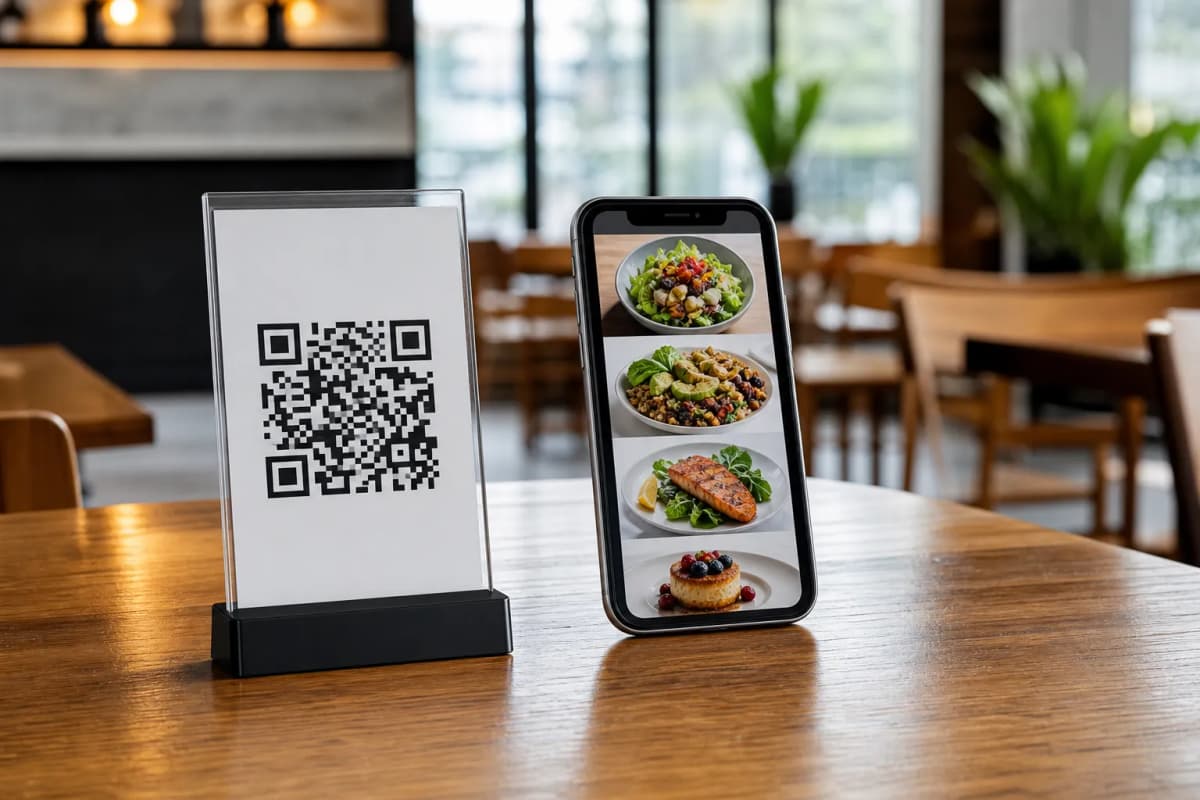
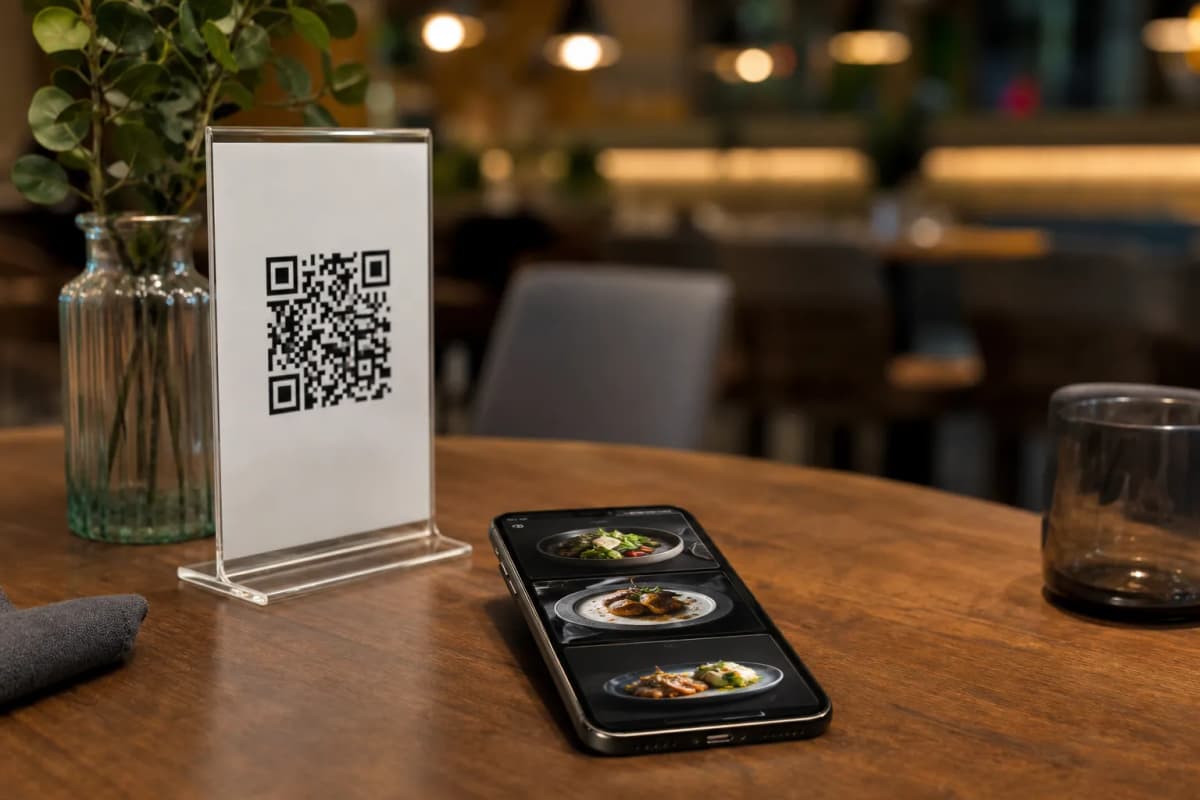
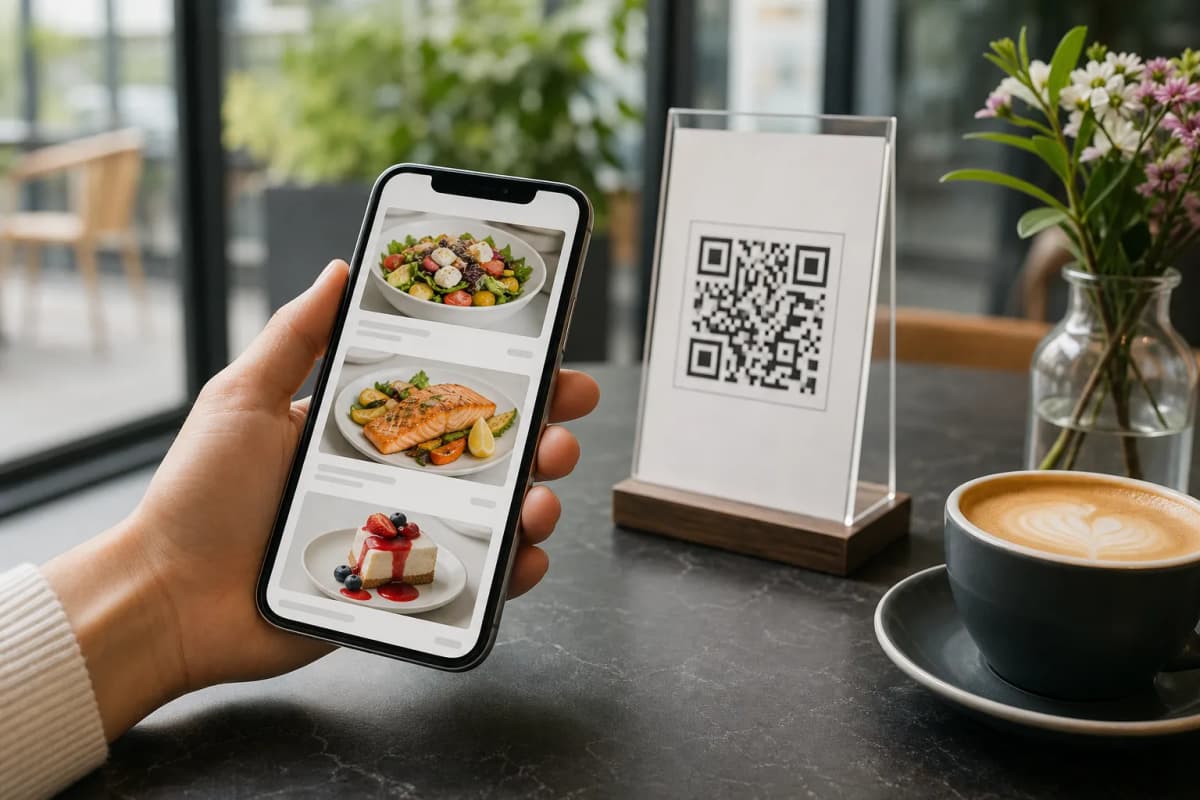
- Add Your Dishes and Categories: Build your menu sections directly in the app or via a computer browser using the web dashboard. If you lack professional photos, eMenu AI includes an AI food image generation feature to instantly create appetizing pictures for your menu items.
- Choose a Professional Design: Your menu should match your brand identity. Browse multiple ready templates to find the perfect look. Every template is fully customizable, and custom designs can be requested for free to perfectly align with your restaurant colors.
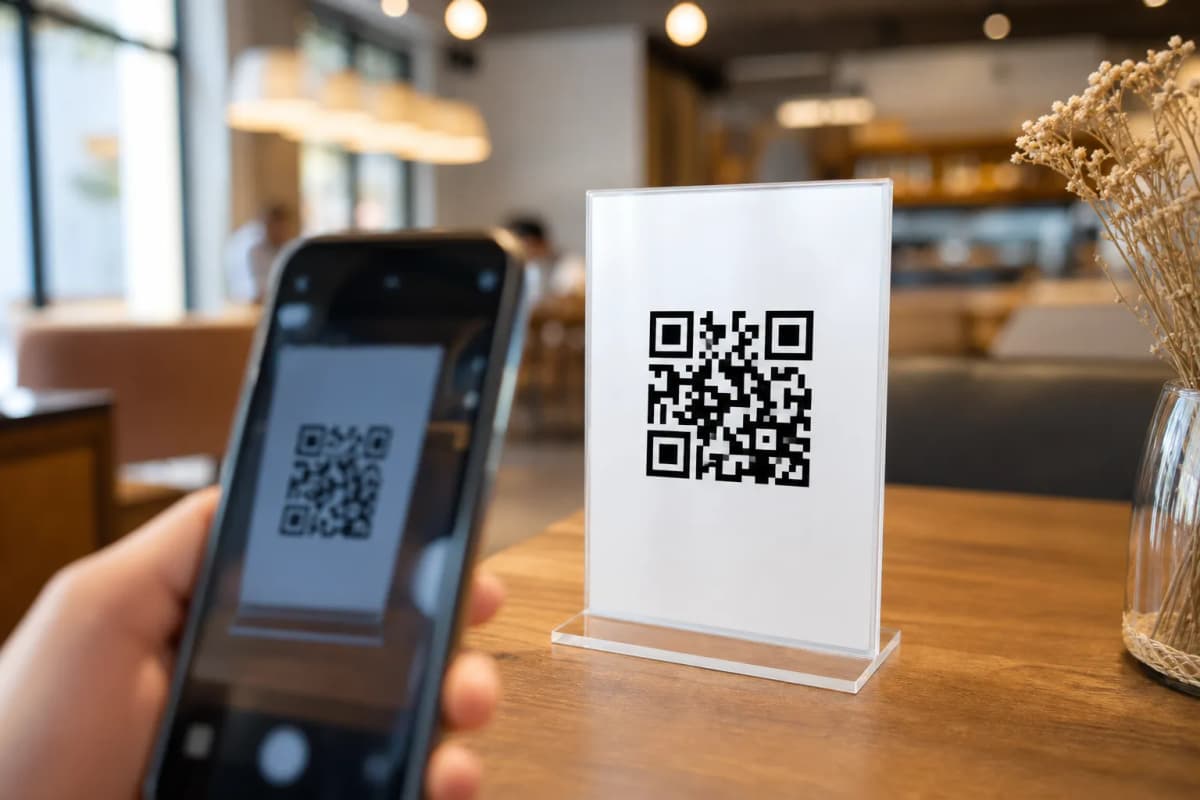
- Generate Your Professional QR Code: Once your dishes are ready, generate a custom QR code tailored with your logo and colors. Print these professional codes and place them on tables, at the entrance, or at the counter.
Elevating the Customer Experience
Beyond simple ordering, eMenu AI gives you tools to provide top-tier hospitality without increasing your staff workload.
- Call Waiter Feature: With one tap on the digital menu, customers can request assistance or ask for the bill. Your staff receives instant notifications indicating the table number and the specific request type.
- In-Menu Rating System: Collect comprehensive customer feedback directly inside the menu while their dining experience is still fresh.
- Table Reservation System: Allow future guests to book tables easily from within the digital menu interface.
Launch Your Digital Menu Today
Upgrading to smart technology does not have to be expensive or complicated. With highly affordable pricing plans (including a free tier), any restaurant can modernize its ordering system today. Get started now and give your customers the seamless, interactive dining experience they deserve.