Using eMenu AI, launching this system is incredibly fast. Whether you run a small cafe or a large restaurant chain, the platform gives you full control over your digital storefront. You manage everything directly from a web dashboard on your computer or through the mobile app.
Why a qr kódos digitális menü Changes Everything
A digital setup eliminates traditional bottlenecks in restaurant service. When guests sit down, they want to see what you offer immediately. A smart QR system bridges the gap between your kitchen and your customers. By utilizing eMenu AI, your menu becomes a dynamic tool that works for you in real time.
Powerful Features Designed for Restaurant Owners
Creating a beautiful menu is only the beginning. The eMenu AI platform includes a suite of powerful tools designed to speed up your service and improve the dining experience:
- Flexible Order Types: Accept orders via WhatsApp with live tracking, or let customers place pickup (takeaway) orders straight through the menu without making a phone call.
- Enhanced Customer Experience: Diners can use the Call Waiter feature to request assistance or ask for the bill with one tap. Your staff gets instant notifications showing the exact table number.
- Integrated Reservations and Feedback: A built-in table reservation system allows guests to book a table directly. After their meal, an in-menu rating system helps you collect comprehensive customer feedback quietly.
Concrete Steps to Launch Your Menu
You do not need technical skills to get started. Follow these practical steps to build and publish your digital menu quickly.
- Start Your Account: First, open eMenu AI on your phone, tablet, or computer browser. This smart link will automatically direct you to the right version for your device.
- Add Your Dishes: Enter your categories, item names, and descriptions. If you lack high-quality photos, you can use the AI food image generation tool to create appetizing pictures instantly.
- Select a Professional Design: Browse the multiple ready templates to find a look that suits your style. Every template is fully customizable to match your brand perfectly.
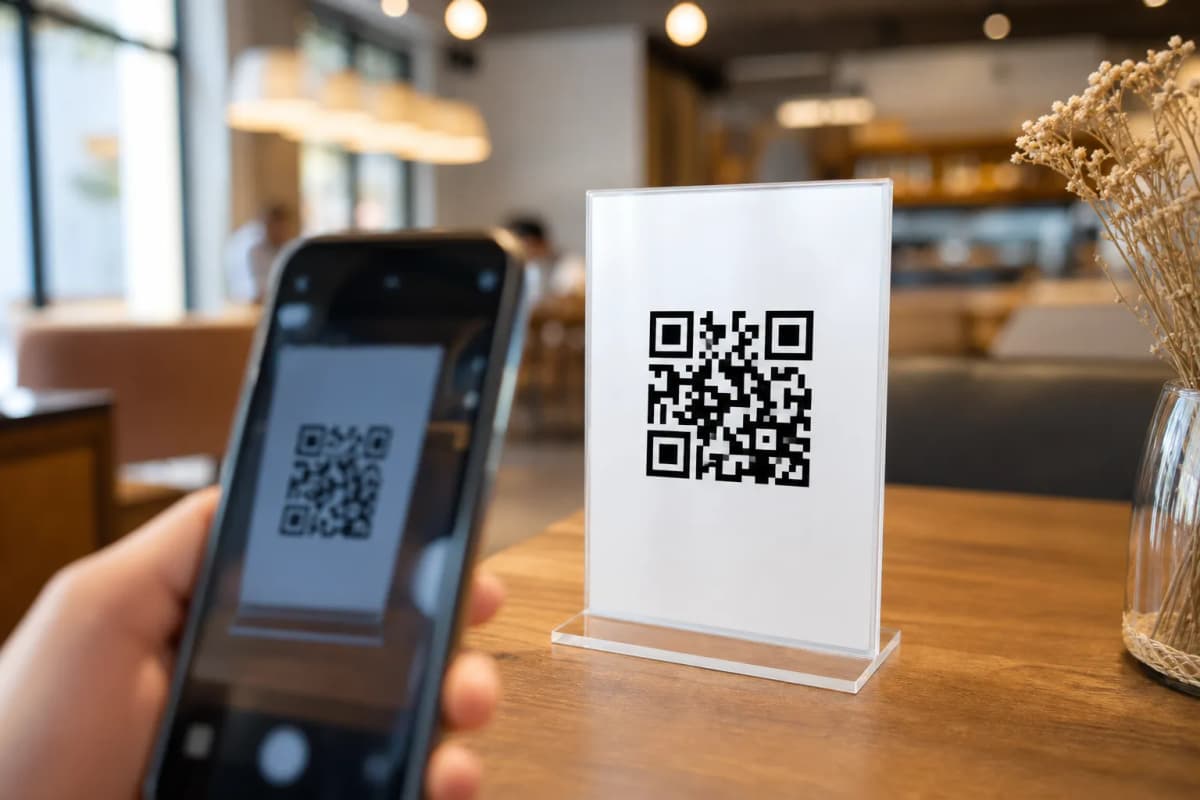
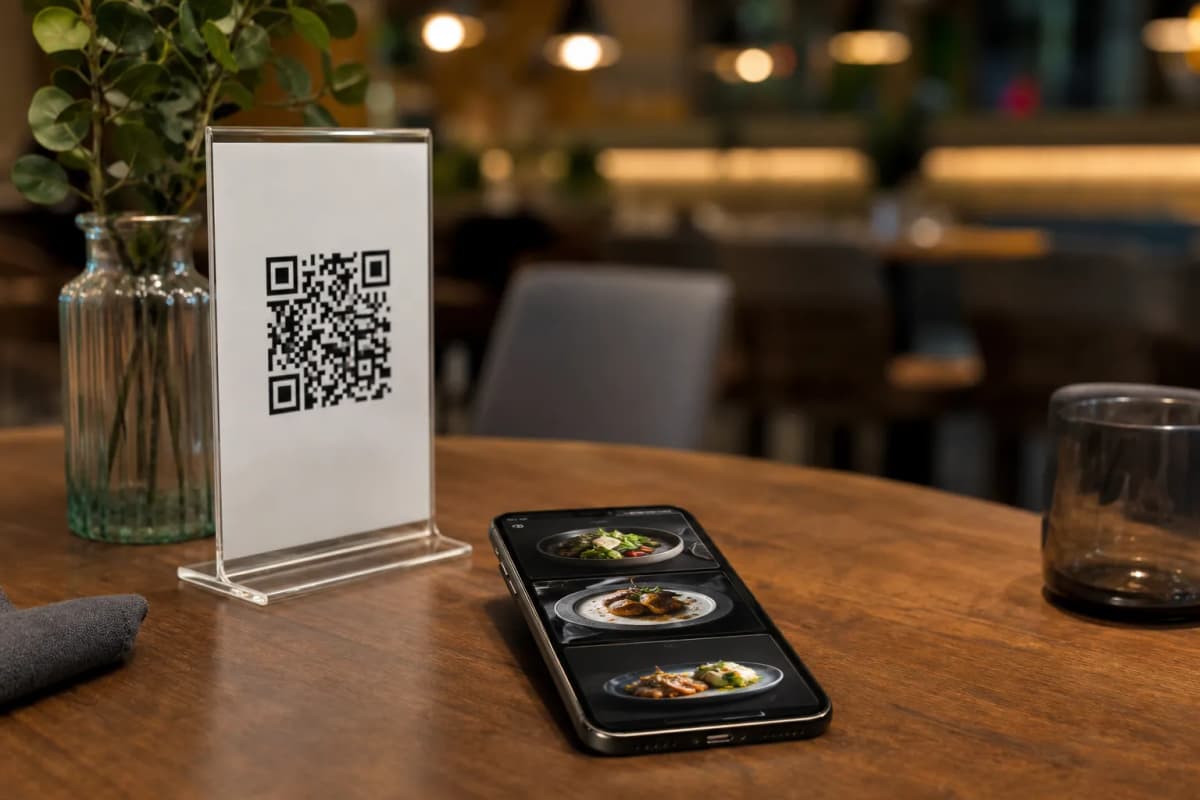
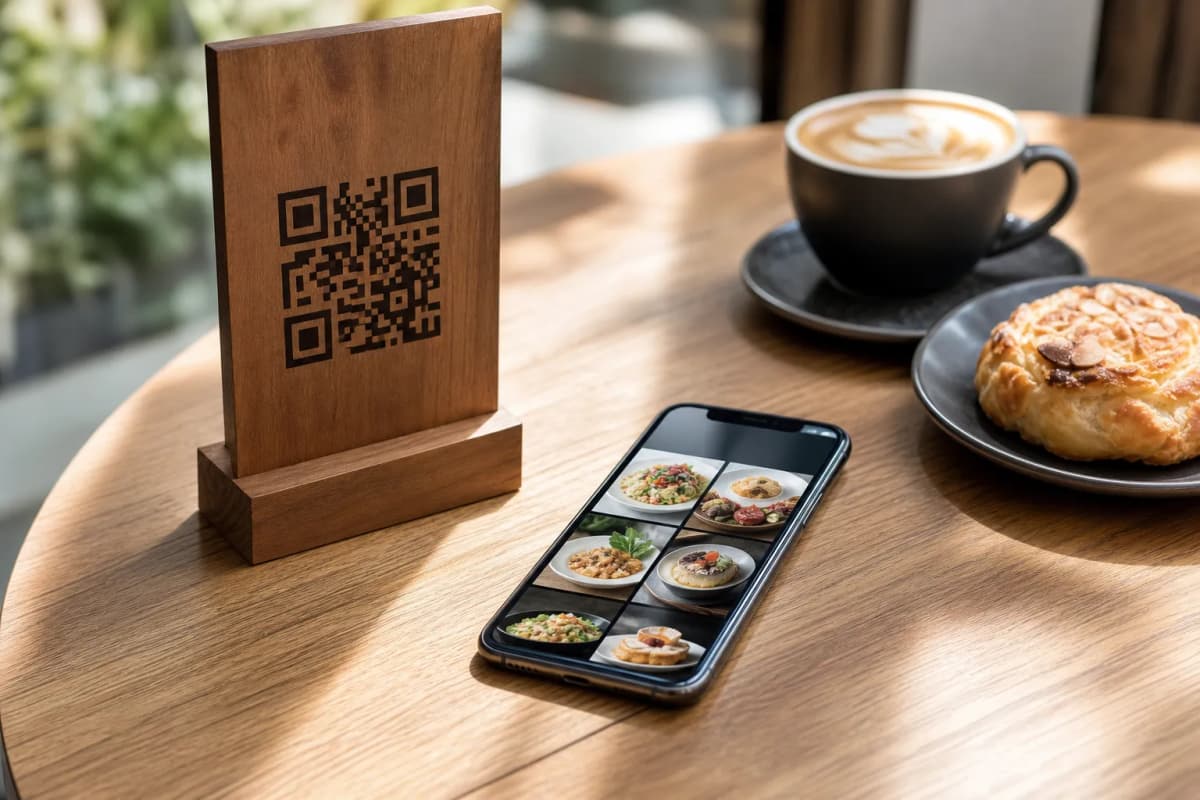
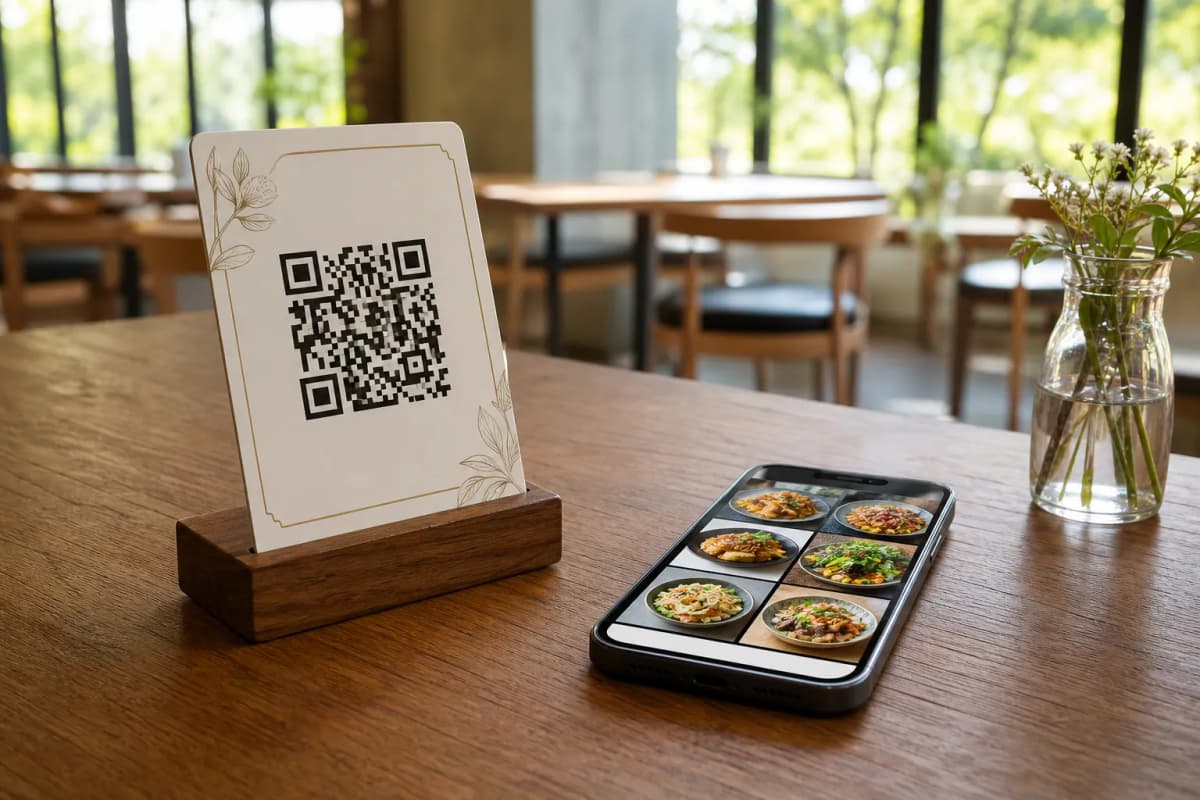
- Generate Your Professional QR Code: Create a customized QR code featuring your restaurant colors and logo. Print these codes and place them on your tables to start accepting orders.
Ready to Transform Your Service?
Upgrading to a modern ordering system saves time, cuts printing costs, and delights your guests. With incredibly affordable plans available, there is no reason to wait. Check out the pricing options and launch your smart digital menu today to experience smoother operations and happier customers.