Why Upgrade to a Modern QR Restaurant Menu?
Steps to Build and Deploy Your Digital Menu
Setting up your new system is incredibly straightforward and requires zero technical background. You can manage everything from a computer browser using the robust web dashboard, or you can manage your venue directly from your smartphone or tablet. Here is how to get started immediately:
- Create Your Account: To begin setting up your venue, open the eMenu AI platform. This smart link will automatically detect your device and direct you to the App Store, Google Play, or the web dashboard so you can start instantly.
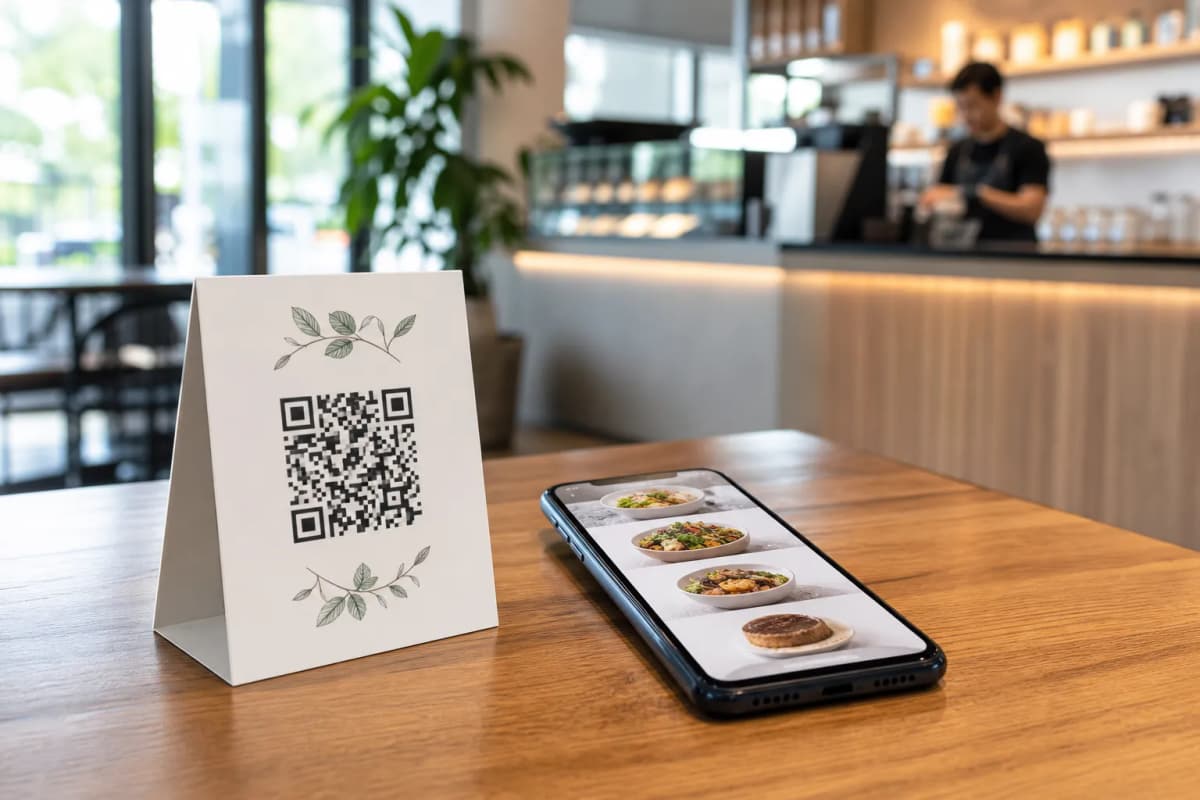
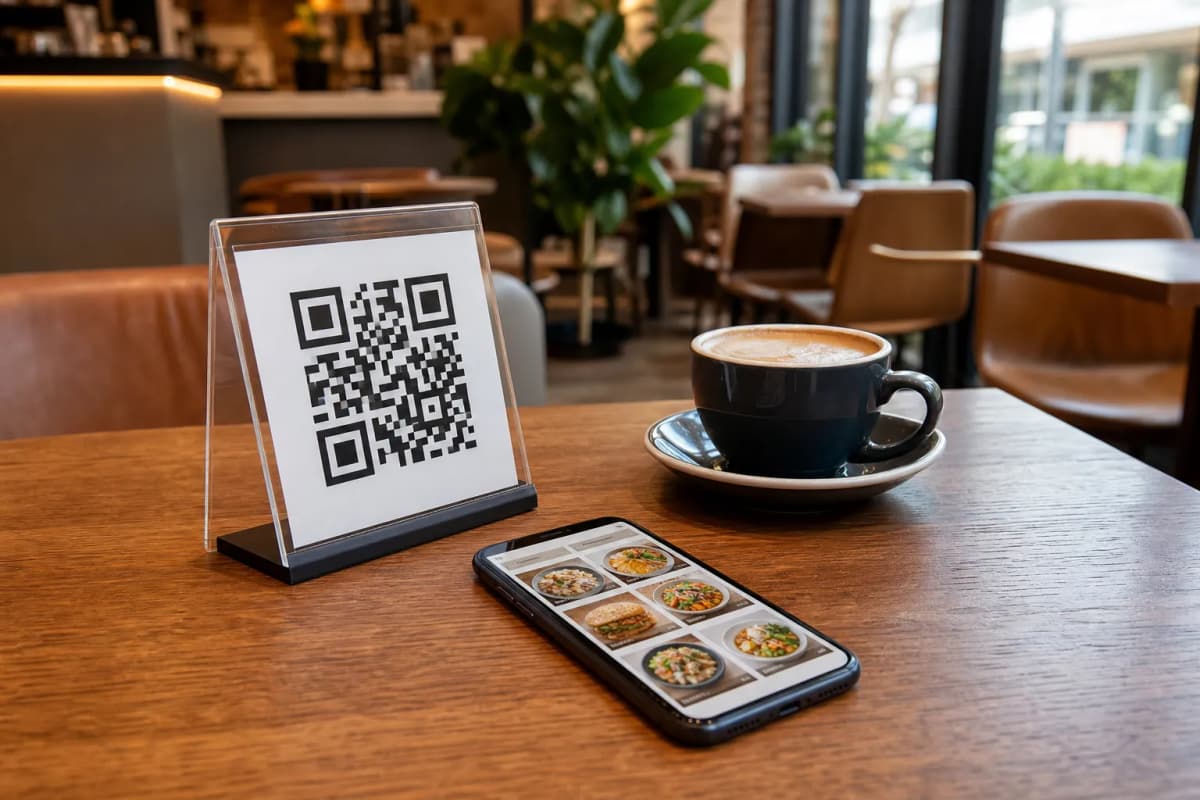
- Add Your Categories and Dishes: Build your digital catalog by adding your food items, organizing them into logical sections, and setting your prices. If you are missing professional photography for certain dishes, you can easily use the built-in AI food image generation tool to create stunning visuals for your menu items in seconds.
- Select a Professional Design: Your menu should reflect the unique personality of your brand. Browse the multiple ready layouts in the templates gallery. Every template is fully customizable, and if you need something completely unique, custom templates are made free on request to perfectly match your brand aesthetic.
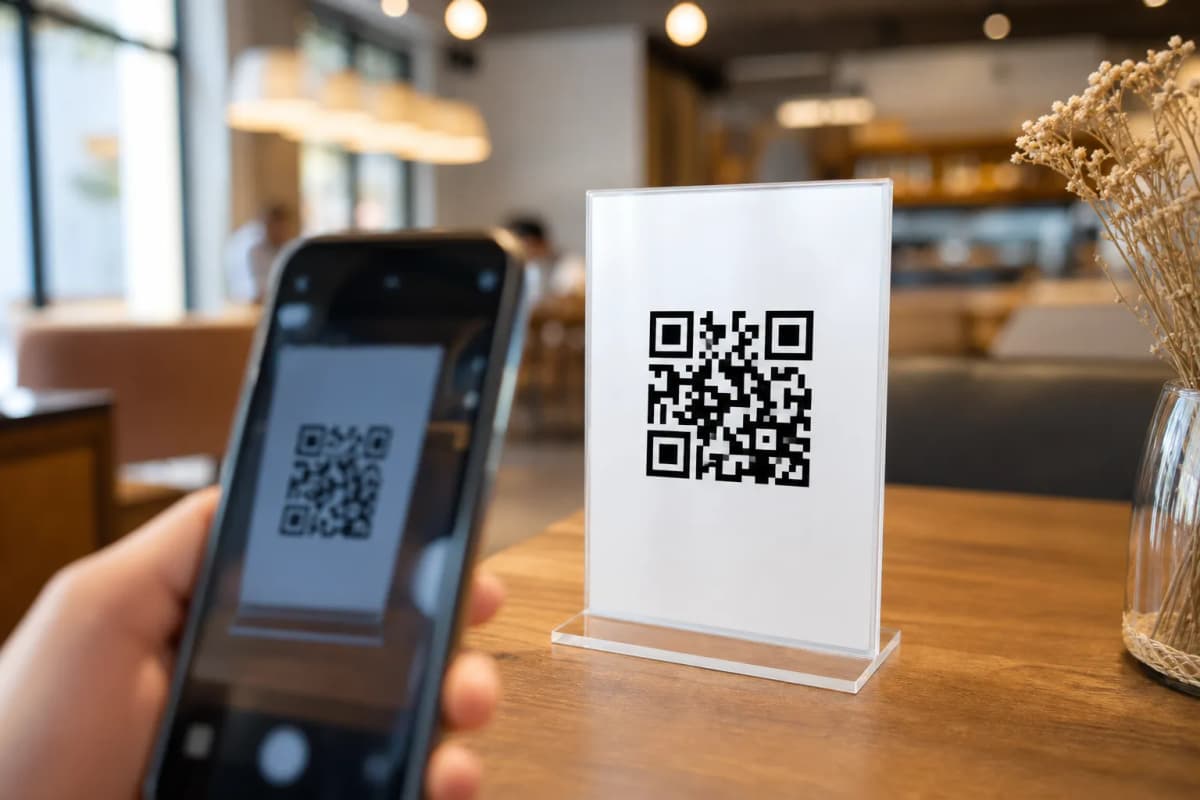
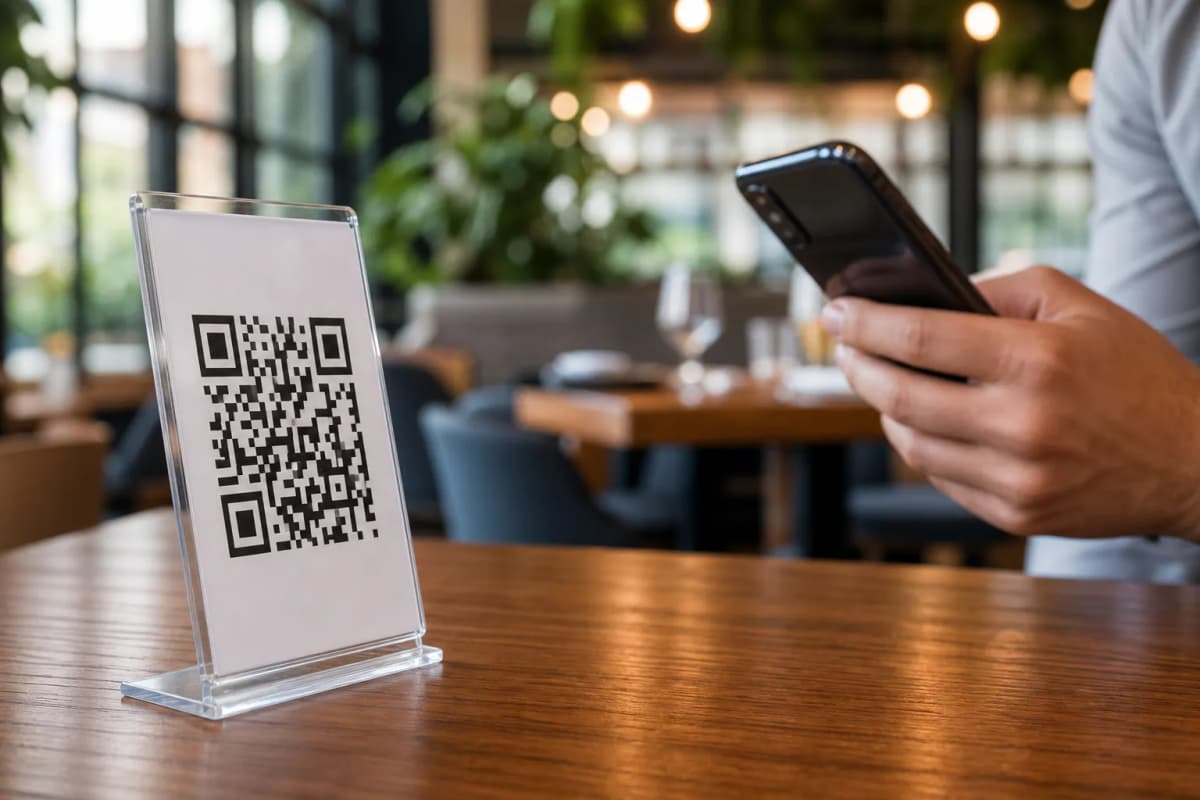
- Generate and Print Your Codes: Finally, create a professional QR code that incorporates your restaurant colors and logo. Print these codes for your tables, entrance, or drive-thru windows so your guests can start scanning them immediately.
Features That Maximize Your Daily Sales
When you launch your menu with eMenu AI, you unlock practical tools designed to improve menu clarity and serve a much wider audience effortlessly.
- Multilingual Support: Make every tourist and local feel equally welcome. The platform supports over 100 world languages with automatic translation. Your customers can switch to their preferred language with just one simple click.
- Versatile Ordering Options: Capture sales far beyond your physical dining room. Enable WhatsApp orders to receive customer requests with live order tracking. You can also allow customers to place pickup or takeaway orders straight through the menu without taking phone calls or requiring extra app downloads.
Elevating the Guest Experience
A smart menu does much more than just list food prices. It actively improves how guests interact with your staff. The built-in Call Waiter feature allows diners to request assistance or ask for the bill with one simple tap from the menu. Your staff instantly receives a notification detailing the specific table number and the exact request type.
Additionally, you can easily gather valuable feedback using the in-menu rating system. This practical tool collects comprehensive customer feedback inside the menu before the guest even leaves the building. If a happy customer wants to return, they can even book their next visit through the integrated table reservation system directly from their phone screen.
Ready to modernize your hospitality business and increase table turnover? Start building your customized digital experience today by opening eMenu AI and transform the way you serve your guests.