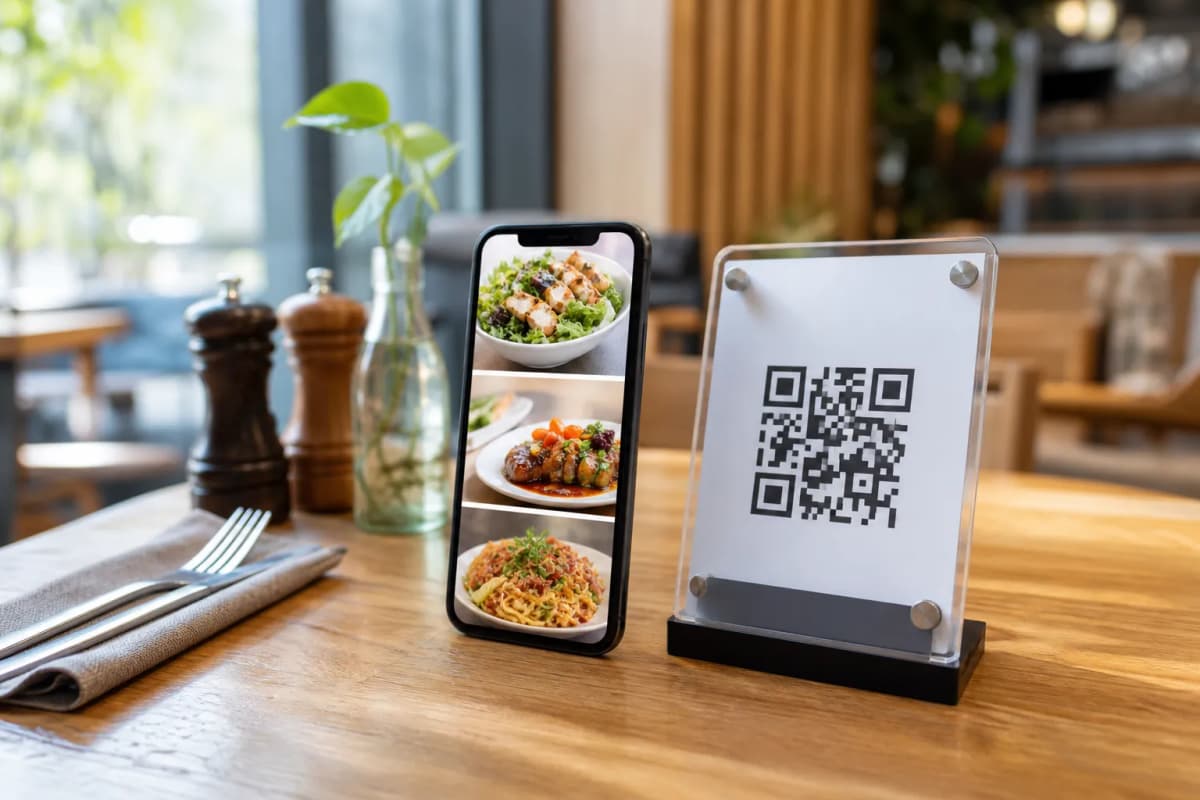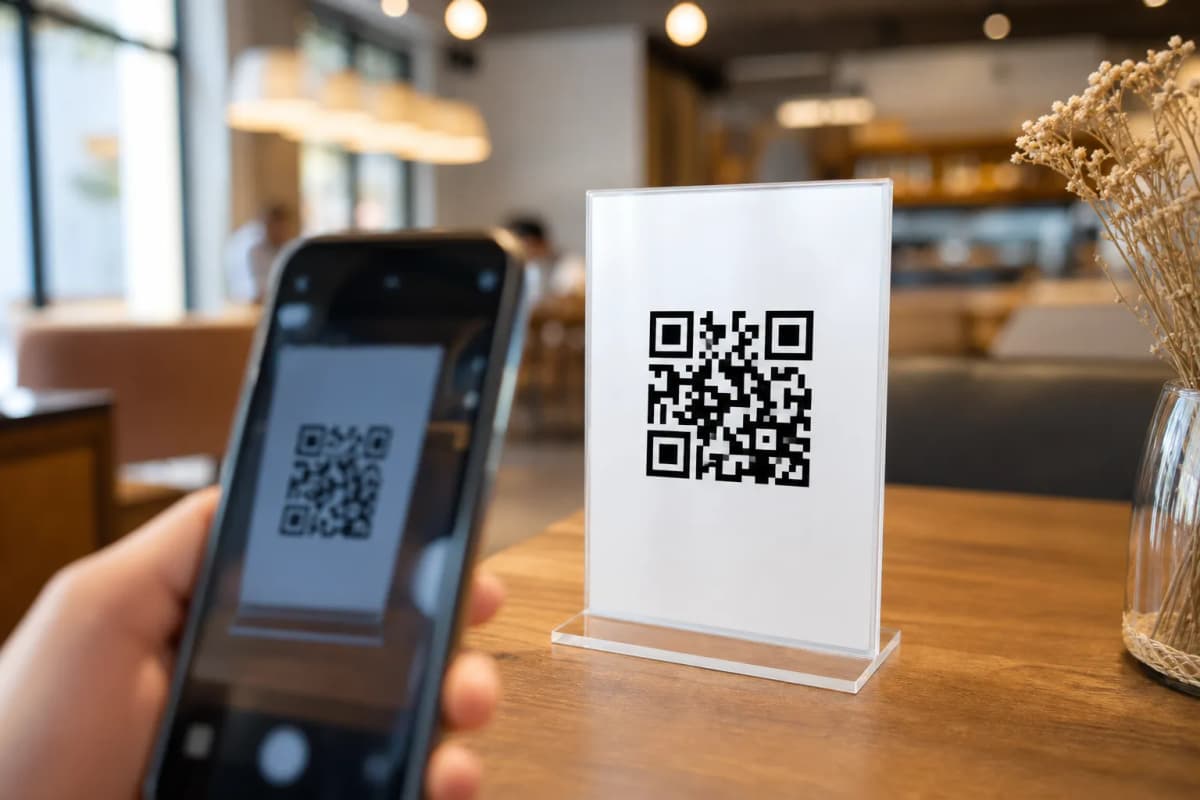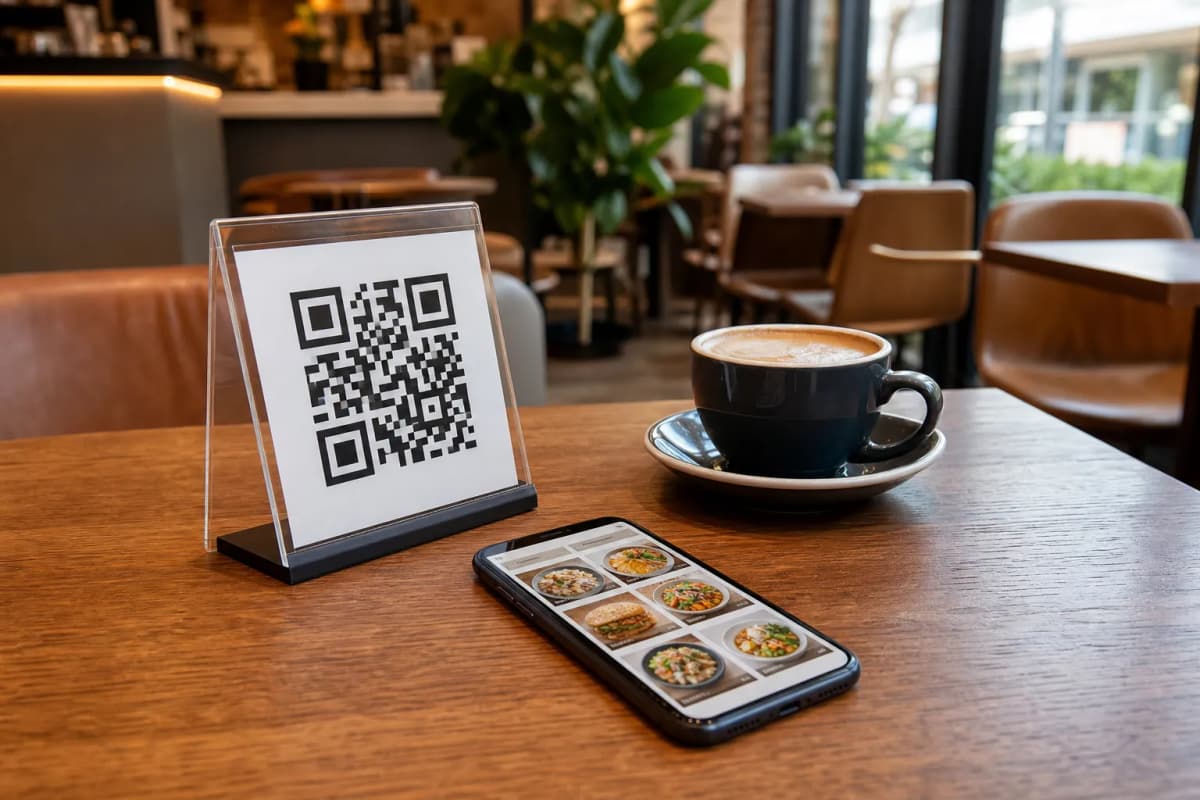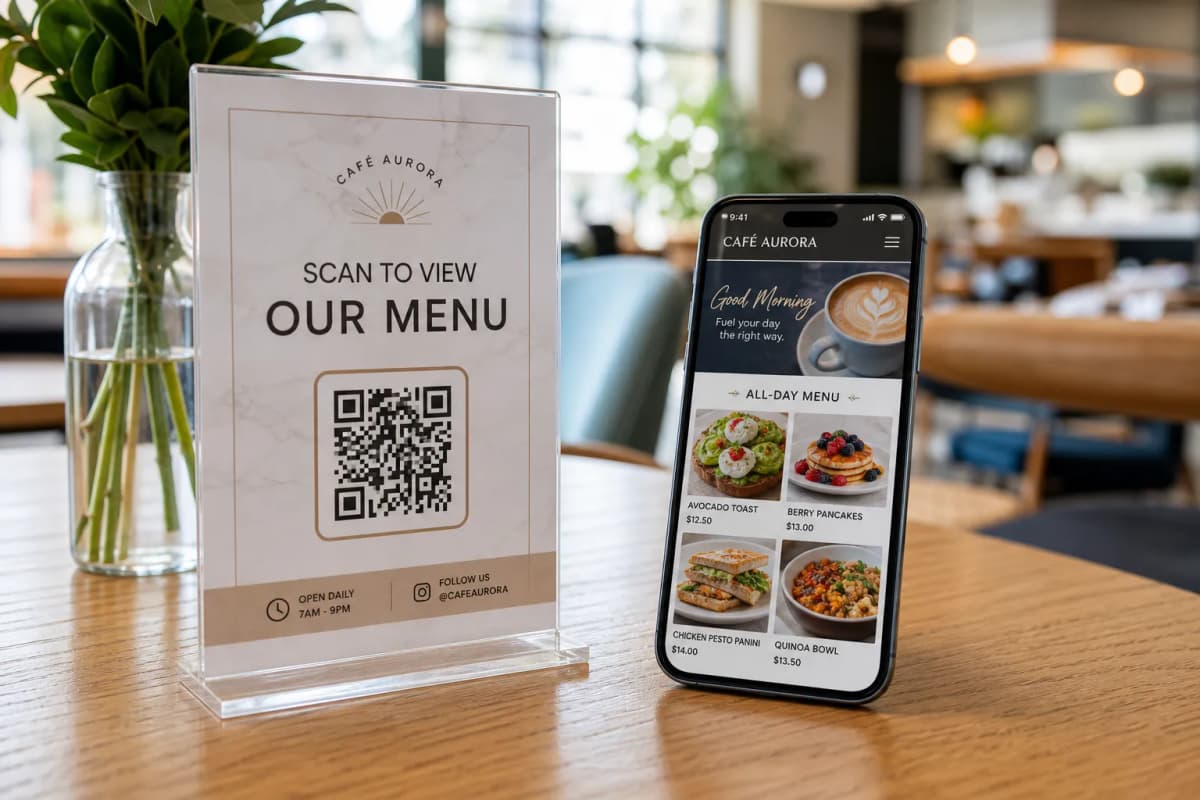
Upgrading your dining room with a restaurant qr code has become a standard expectation for modern diners. Instead of waiting for a physical menu to be wiped down and handed over, guests prefer to sit down, scan a code, and instantly see what you have to offer. However, simply uploading a static PDF is no longer enough. To keep the guest experience clear and current, you need a dynamic system that supports multilingual browsing and instant menu updates.
This is where eMenu AI comes into play. It is a comprehensive digital platform that allows cafe and restaurant owners to manage their entire ordering workflow. Customers do not need to download any apps. They simply scan the code on their phone to access a fast, interactive digital menu. Below is a practical guide on how to roll this out in your own venue.
Why a Dynamic Restaurant QR Code is Essential
When you implement a smart digital menu, you are doing much more than saving paper. A well-configured system acts as a digital waiter that is always available. Here is what a professional setup provides:
- Instant Accessibility: Guests scan and browse immediately on their iPhone, iPad, or Android device.
- Global Reach: The platform supports over 100 world languages with automatic translation. Customers can switch to their native language with a single click.
- Direct Table Ordering: Diners can send their requests straight from the table to your kitchen staff.
- Customer Feedback: An in-menu rating system allows you to collect valuable reviews privately before the customer leaves.
Step-by-Step Guide to Digitizing Your Menu
Moving your traditional printed menu to a digital format is a straightforward process. Follow these concrete steps to launch your interactive ordering system using eMenu AI.
Step 1: Access the Dashboard and Build Your Base
Your first task is to set up your restaurant profile. You can do this from any device. Simply open eMenu AI to access the smart link, which will automatically direct you to the web dashboard, the App Store, or Google Play depending on your device. Once logged in, you can start organizing your menu sections, adding dishes, and setting prices. If you are missing professional photography, you can utilize the AI food image generation tool to create appetizing pictures for your items instantly.
Step 2: Choose a Professional Template
Your digital menu should reflect your brand identity. Rather than a generic list, you can select from multiple professional designs. Explore the ready templates to find a layout that suits your aesthetic. Every template is fully customizable, and if you need something highly specific, custom templates can be requested for free to match your brand colors perfectly.
A smart menu does the heavy lifting for your front-of-house staff. You can enable several powerful ordering features:
- WhatsApp and Pickup Orders: If you offer takeout, customers can place pickup orders directly through the menu. You can also enable WhatsApp orders, giving customers live order tracking through a familiar chat interface.
Step 4: Enhance the Customer Experience
Beyond ordering food, your digital menu can handle hospitality tasks. Enable the table reservation system so future guests can book their spots directly from the menu interface. You should also activate the Call Waiter feature. With one tap, a customer can request assistance, ask for water, or ask for the bill. Your staff receives an instant notification detailing the exact table number and request type, eliminating confusion and reducing wait times.
Step 5: Generate and Print Your Codes
Once your menu is populated and your settings are configured, it is time to generate your professional QR code. The eMenu AI system allows you to customize the code with your specific brand colors and logo. Print these custom codes on table tents, stickers, or entrance signs. Because the code links to a dynamic web dashboard, you can change prices or add daily specials from your computer browser at any time without ever needing to reprint the physical codes.
See It in Action and Launch Today
Upgrading your ordering process is one of the most effective ways to improve customer satisfaction and reduce staff workload. You can explore exactly how the end result looks by checking out a live demo menu. When you are ready to modernize your operations, set up your account and transform the way you serve your guests today.